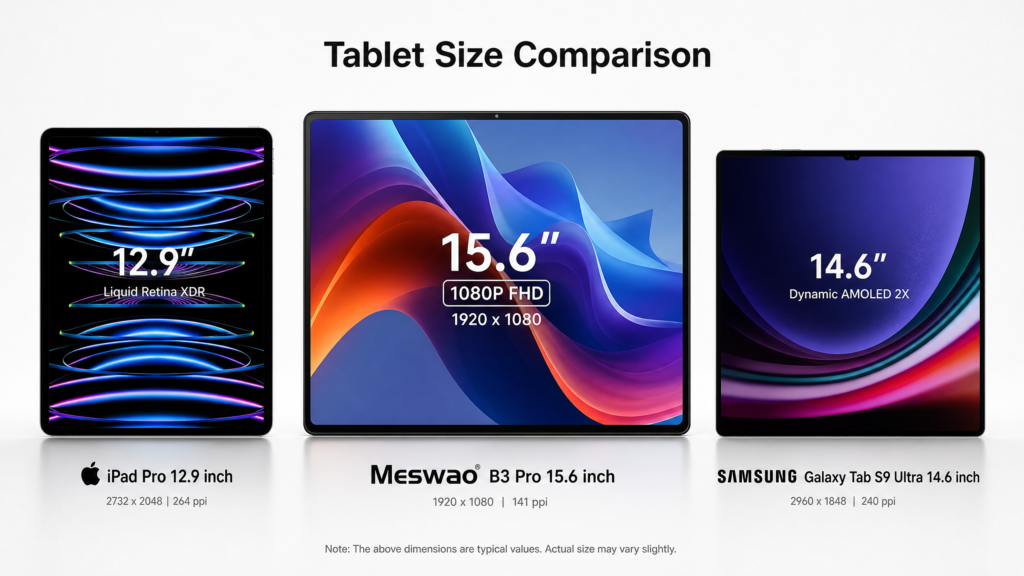





Meswao B3 Pro vs Microsoft Surface Pro: Which Tablet is Right for You?

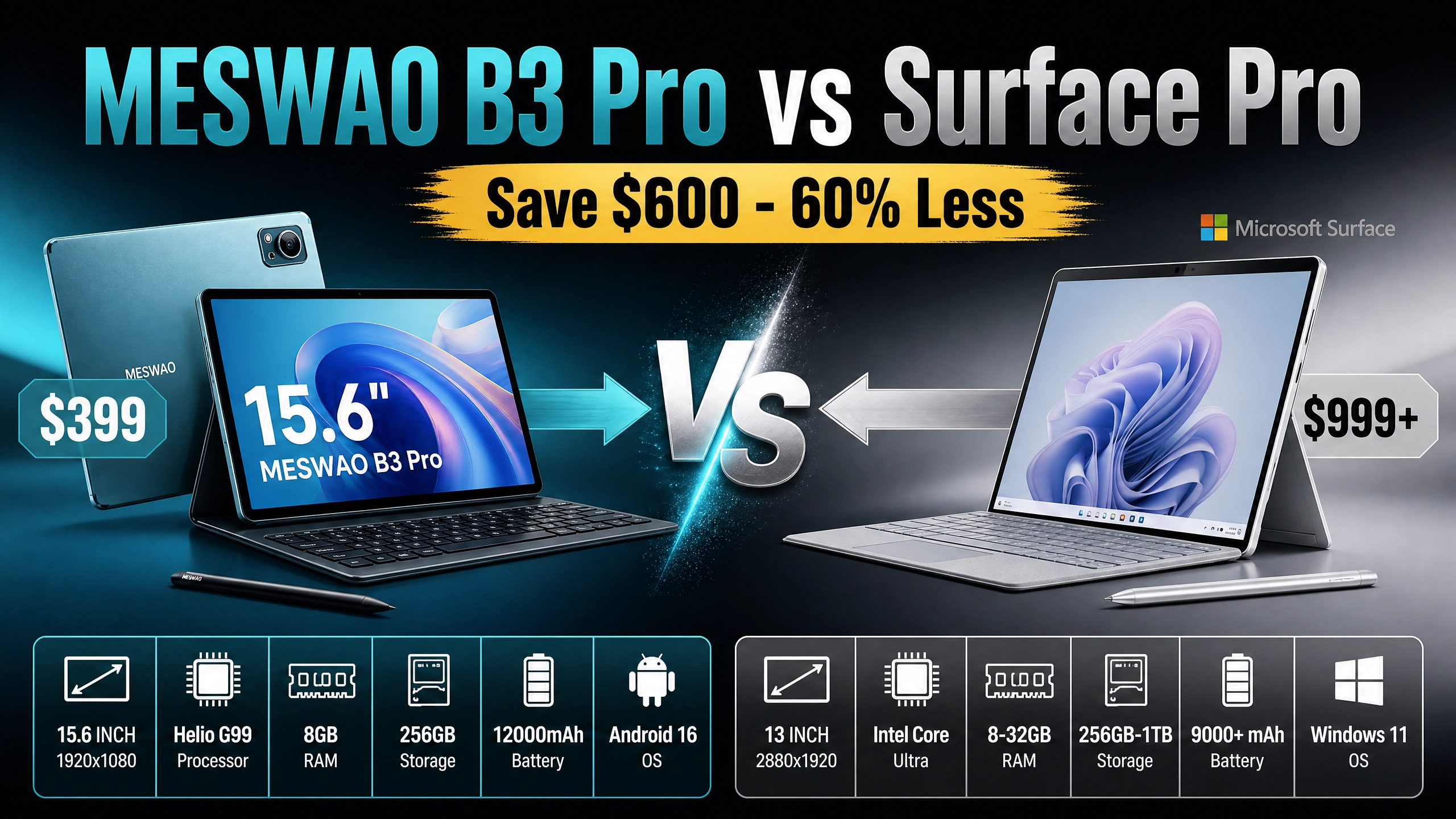
Quick Comparison Overview
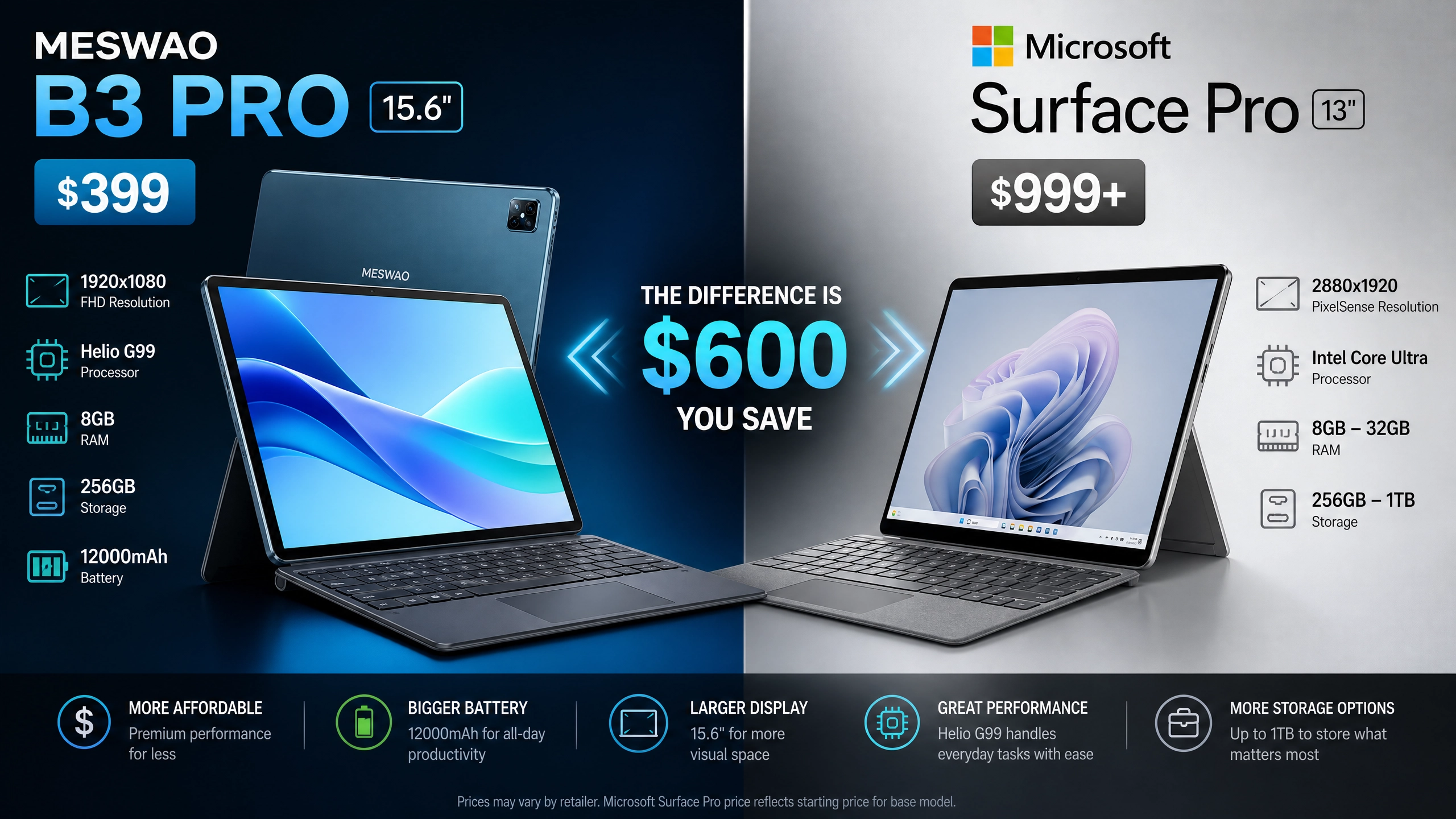
| Feature | Meswao B3 Pro | Microsoft Surface Pro |
|---|---|---|
| Price | $399 | $999+ |
| Screen Size | 15.6 inches | 13 inches |
| Resolution | 1920×1080 (FHD) | 2880×1920 (3:2) |
| Processor | MediaTek Helio G99 | Intel Core Ultra / Snapdragon X |
| RAM | 8GB | 8GB – 32GB |
| Storage | 256GB | 256GB – 1TB |
| Battery | 12000mAh | 9000+ mAh |
| OS | Android 16 | Windows 11 |
| Widevine | L1 (Full HD) | L1 (4K) |
| Weight | ~600g | ~879g |
What is Meswao B3 Pro?
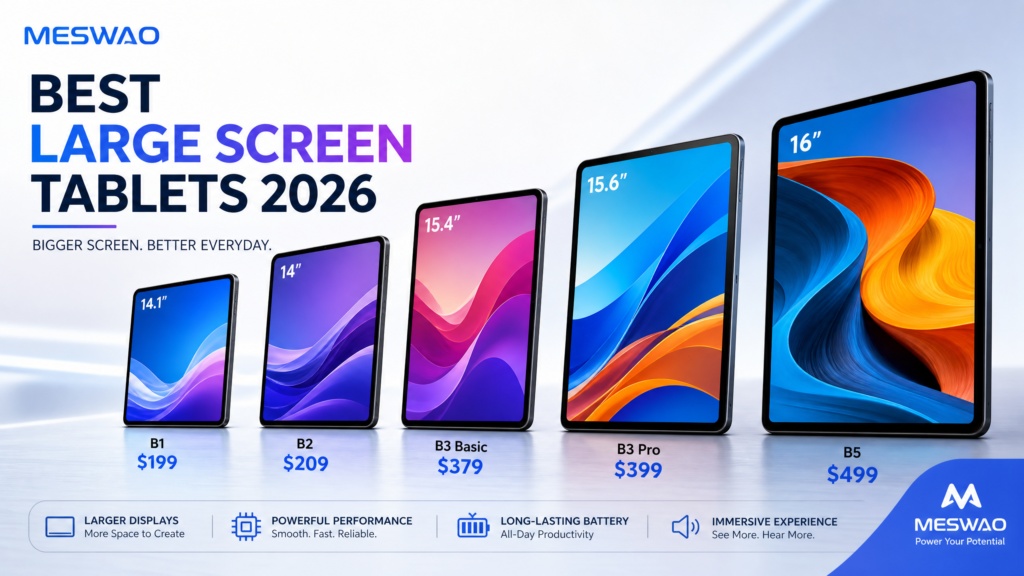
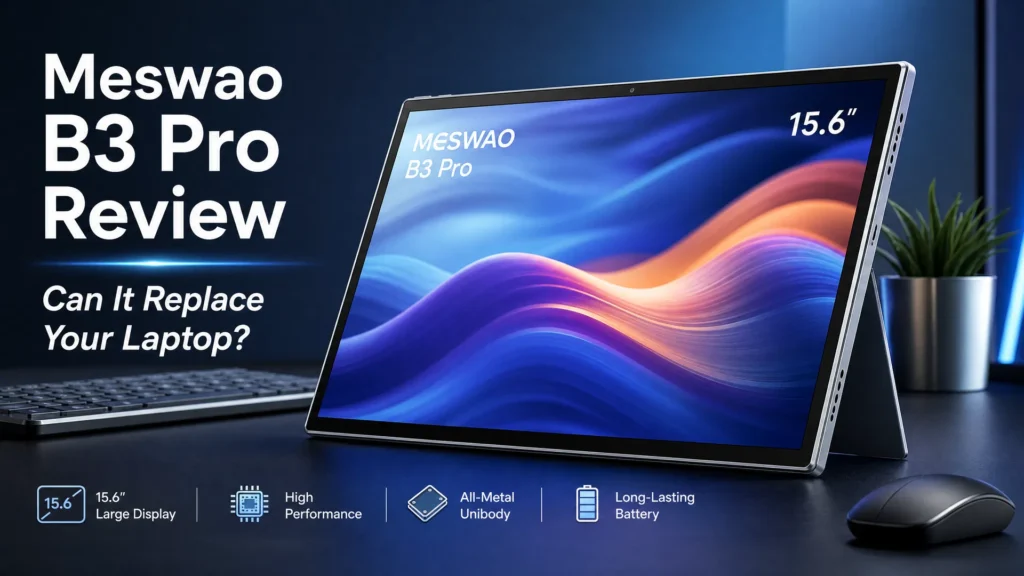
The Meswao B3 Pro is a powerful 15.6-inch Android tablet designed for users who need a large, affordable display with solid performance. Featuring the MediaTek Helio G99 processor, 8GB RAM, and 256GB storage, it delivers excellent value for entertainment, productivity, and everyday tasks. With Widevine L1 certification, you can stream Full HD content from Netflix, Prime Video, and other platforms.
Key Features
- Large 15.6″ Display: Perfect for watching movies, reading, and multitasking
- Android 16: Latest Android operating system with modern features
- Widevine L1: Full HD streaming support for premium content
- 12000mAh Battery: All-day battery life for extended use
- Affordable Price: Only $399 – 60% cheaper than Surface Pro
- Expandable Storage: 256GB base storage with microSD card support
What is Microsoft Surface Pro?
The Microsoft Surface Pro is a premium 2-in-1 tablet/laptop hybrid running Windows 11. It’s designed for professionals who need full desktop computing power in a portable form factor. With options for Intel Core Ultra or Snapdragon X processors, up to 32GB RAM, and 1TB storage, it’s a versatile device for work and creativity.
Key Features
- Windows 11 OS: Full desktop operating system for professional work
- 13″ High-Resolution Display: 2880×1920 resolution for sharp visuals
- Powerful Processors: Intel Core Ultra or Snapdragon X options
- Kickstand & Pen Support: Designed for productivity with stylus input
- Widevine L1: 4K streaming support
- Premium Build: Magnesium chassis, professional design
Price Comparison: $399 vs $999+
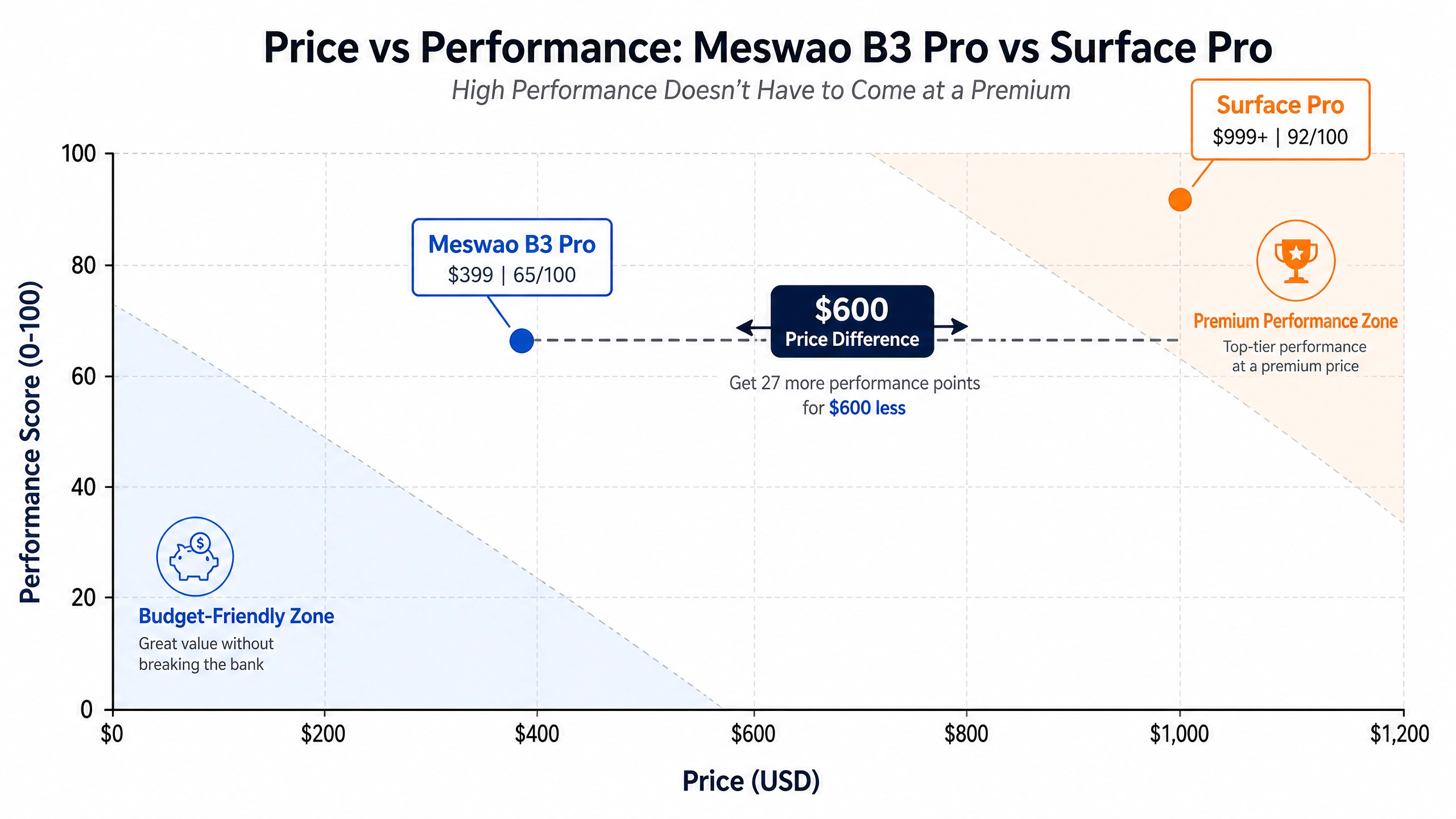
The most significant difference is price. The Meswao B3 Pro starts at $399, while the Microsoft Surface Pro begins at $999 for the base model. That’s a $600 difference—enough to buy two Meswao tablets. For users who don’t need Windows or professional software, the Meswao B3 Pro offers exceptional value.
Value Proposition
- Meswao B3 Pro: Best for budget-conscious users, entertainment, and casual productivity
- Surface Pro: Best for professionals needing Windows software and advanced computing
Operating System: Android 16 vs Windows 11
This is the fundamental difference between these devices. The Meswao B3 Pro runs Android 16, while the Surface Pro runs Windows 11.
Android 16 (Meswao B3 Pro)
- Optimized for mobile and tablet use
- Access to millions of apps via Google Play Store
- Lightweight and fast
- Great for entertainment, social media, and casual productivity
- Limited professional software support
Windows 11 (Surface Pro)
- Full desktop operating system
- Professional software: Adobe Creative Suite, Microsoft Office, AutoCAD, etc.
- File management similar to traditional computers
- Better for complex workflows and multitasking
- Larger resource footprint
Display & Screen Size Comparison
| Aspect | Meswao B3 Pro | Surface Pro |
|---|---|---|
| Screen Size | 15.6 inches | 13 inches |
| Resolution | 1920×1080 (FHD) | 2880×1920 (3:2) |
| Aspect Ratio | 16:9 (widescreen) | 3:2 (more square) |
| Pixel Density | ~142 PPI | ~267 PPI |
| Color Accuracy | Good | Excellent |
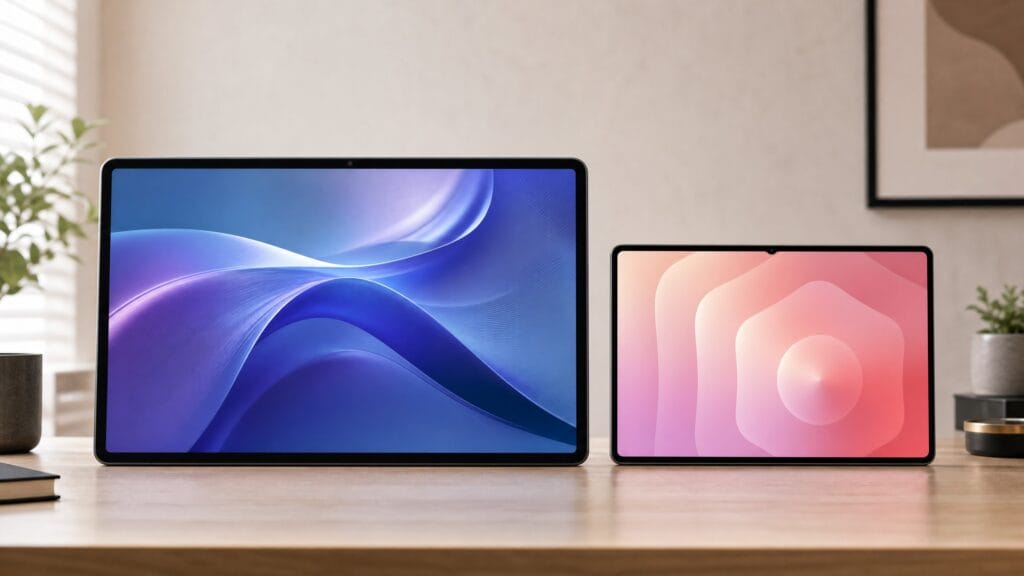
The Meswao B3 Pro has a larger screen (15.6″ vs 13″), making it better for watching movies and reading. However, the Surface Pro has a higher resolution and pixel density, making text and images appear sharper. The 3:2 aspect ratio of the Surface Pro is better for document work, while the 16:9 ratio of the Meswao is ideal for video content.
Performance & Processing Power
Meswao B3 Pro: MediaTek Helio G99
- Cores: Octa-core (2x Cortex-A76 + 6x Cortex-A55)
- Performance: Good for everyday tasks, gaming, and streaming
- Benchmark Score: ~450,000 (AnTuTu)
- Use Cases: Entertainment, social media, casual gaming
Surface Pro: Intel Core Ultra / Snapdragon X
- Performance: Professional-grade computing power
- Benchmark Score: 1,000,000+ (AnTuTu equivalent)
- Use Cases: Professional work, video editing, 3D rendering, programming
The Surface Pro is significantly more powerful, making it suitable for demanding professional tasks. The Meswao B3 Pro is adequate for everyday use but won’t handle intensive applications like video editing or 3D modeling.
Battery Life & Charging
| Feature | Meswao B3 Pro | Surface Pro |
|---|---|---|
| Battery Capacity | 12000mAh | 9000+ mAh |
| Typical Battery Life | 10-12 hours | 13-15 hours |
| Charging Speed | 30W fast charge | Proprietary charger |
| Charging Time | ~2 hours | ~2-3 hours |
The Meswao B3 Pro has a larger battery capacity (12000mAh vs 9000+ mAh), but the Surface Pro achieves longer battery life due to more efficient hardware. Both devices offer all-day battery life, making them suitable for travel and remote work.
Streaming Quality: Widevine L1 Comparison
Meswao B3 Pro: Widevine L1
- Netflix: Full HD (1080p) streaming
- Amazon Prime Video: Full HD (1080p) streaming
- Disney+: Full HD (1080p) streaming
- Max: Full HD (1080p) streaming
Surface Pro: Widevine L1
- Netflix: 4K streaming (with compatible display)
- Amazon Prime Video: 4K streaming
- Disney+: 4K streaming
- Max: 4K streaming
Both devices support Widevine L1, but the Surface Pro can stream 4K content due to its higher resolution display, while the Meswao B3 Pro is limited to Full HD (1080p) due to its 1920×1080 resolution.
Real-World Use Cases
Meswao B3 Pro is Better For:
- Entertainment: Watching movies, TV shows, and YouTube
- Reading: E-books, news, and articles
- Social Media: Browsing, posting, and messaging
- Gaming: Casual and mid-range mobile games
- Budget-Conscious Users: Maximum value for the money
- Students: Note-taking, research, and light productivity
Surface Pro is Better For:
- Professional Work: Office tasks, email, and document editing
- Creative Work: Photo editing, graphic design, video editing
- Programming: Code development and software testing
- Business Presentations: PowerPoint, Keynote, and business apps
- Multitasking: Running multiple desktop applications simultaneously
- Stylus Work: Digital drawing and note-taking with precision
Pros and Cons
Meswao B3 Pro
Pros:
- ✅ Affordable price ($399)
- ✅ Large 15.6″ display
- ✅ Excellent battery capacity (12000mAh)
- ✅ Widevine L1 for Full HD streaming
- ✅ Android 16 with latest features
- ✅ Lightweight and portable
- ✅ Expandable storage via microSD
Cons:
- ❌ Limited to Android ecosystem
- ❌ No Windows software support
- ❌ Lower resolution (1920×1080)
- ❌ Less powerful processor
- ❌ Not ideal for professional work
- ❌ Limited stylus support
Microsoft Surface Pro
Pros:
- ✅ Full Windows 11 operating system
- ✅ Professional software compatibility
- ✅ High-resolution display (2880×1920)
- ✅ Powerful processor options
- ✅ Excellent for creative work
- ✅ Stylus support for precision work
- ✅ 4K streaming capability
Cons:
- ❌ Expensive ($999+)
- ❌ Smaller 13″ display
- ❌ Shorter battery life than Meswao
- ❌ Heavier (879g vs 600g)
- ❌ Requires stylus/keyboard for full functionality
- ❌ Windows updates can be intrusive
Frequently Asked Questions
Can I use Microsoft Office on Meswao B3 Pro?
Yes, Microsoft Office is available on Android through the Microsoft Office app. However, functionality is limited compared to the desktop version. For serious document work, the Surface Pro is better.
Which tablet is better for streaming movies?
The Meswao B3 Pro is better for movie streaming due to its larger 15.6″ screen and excellent battery life. Both support Widevine L1, but Meswao’s larger display provides a better viewing experience.
Can I use a stylus with Meswao B3 Pro?
The Meswao B3 Pro doesn’t have native stylus support like the Surface Pro. However, you can use third-party styluses for basic drawing and note-taking.
Is Surface Pro worth $999?
If you need Windows software and professional capabilities, yes. If you primarily need entertainment and casual productivity, the Meswao B3 Pro at $399 offers better value.
Which has better battery life?
The Surface Pro has slightly better battery life (13-15 hours vs 10-12 hours), but both are excellent for all-day use.
Can I replace the battery in either device?
Both devices have non-removable batteries. Battery replacement requires professional service.
Final Verdict: Which Should You Buy?
Choose Meswao B3 Pro If You:
- Want an affordable tablet ($399)
- Prioritize entertainment and streaming
- Need a large display (15.6″)
- Don’t require Windows software
- Want excellent battery capacity
- Are on a tight budget
Choose Microsoft Surface Pro If You:
- Need professional computing power
- Use Windows-specific software
- Do creative work (design, video editing)
- Require stylus support
- Want a premium device
- Need maximum performance
Conclusion
The Meswao B3 Pro and Microsoft Surface Pro serve different audiences. The Meswao B3 Pro is the clear winner for budget-conscious users seeking entertainment and casual productivity. At just $399, it offers a large screen, solid performance, and excellent battery life. The Microsoft Surface Pro is the choice for professionals who need Windows computing power and are willing to invest $999 or more.
Your choice depends on your use case. For entertainment, reading, and casual productivity, choose the Meswao B3 Pro. For professional work and creative tasks, choose the Surface Pro. Both are excellent tablets in their respective categories.
References
[1] Microsoft Surface Pro Official Specs
[2] GSMArena – Microsoft Surface Pro
[3] NotebookCheck – Surface Pro Review
[4] Android Authority – Best Tablets
[5] TechRadar – Best Tablets 2026
[6] Widevine DRM Certification
[8] Intel Core Ultra Processor
[1] Microsoft Surface Pro Official Specs
[2] GSMArena – Microsoft Surface Pro Specifications
[3] NotebookCheck – Surface Pro Review
[4] Widevine DRM Certification Levels
[5] Android 16 Official Features
[6] TechRadar – Best Tablets 2026