




Best Tablet for Video Calls in 2026: Why a Large Screen Makes Family Calls Better

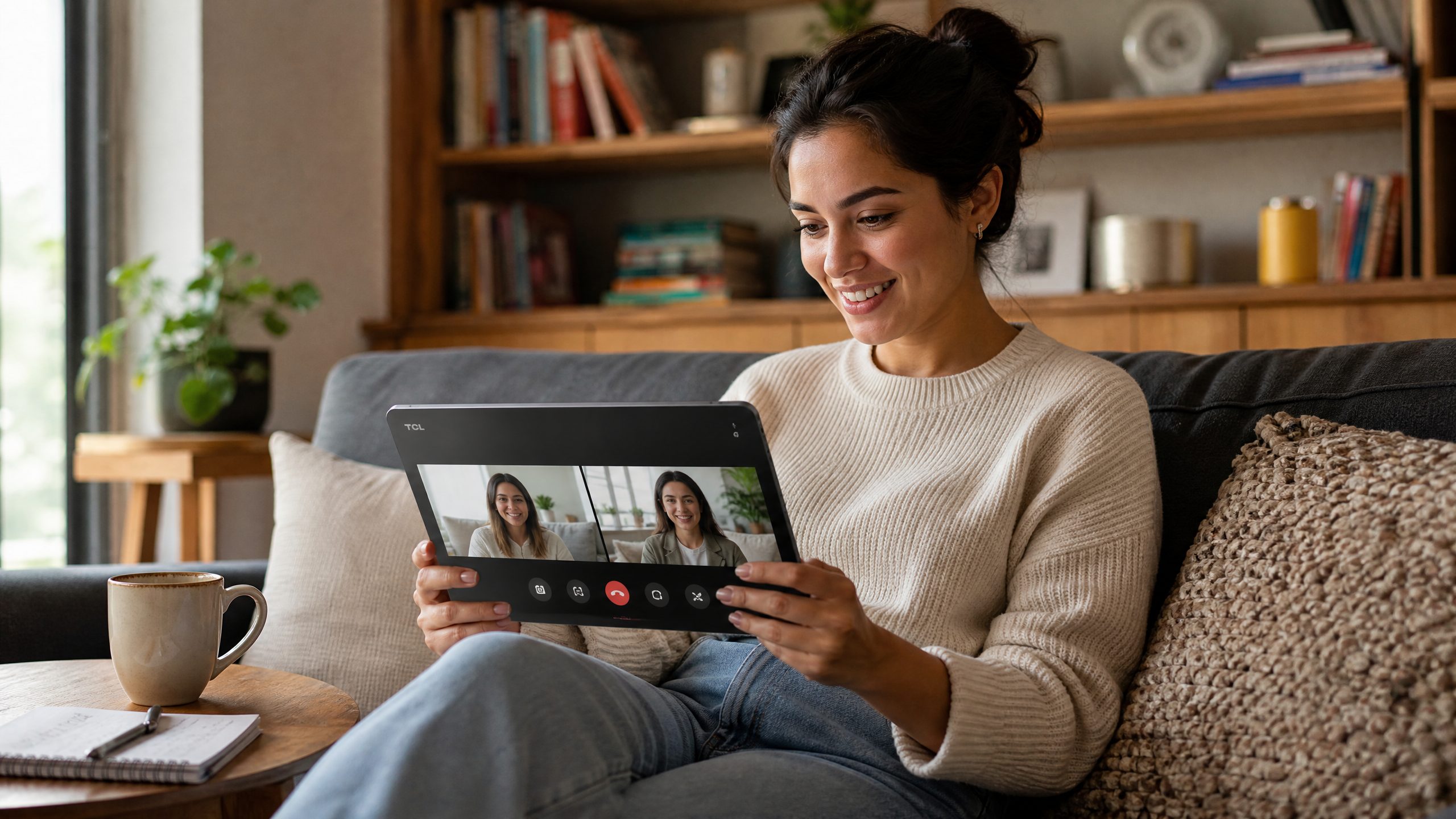
Video calls are no longer just quick check-ins. They are how families stay close, how remote workers join meetings from the kitchen table, how grandparents see the kids grow up, and how friends watch milestones from far away. That is why choosing the best tablet for video calls is less about chasing the highest spec sheet and more about picking a screen size, audio setup, battery life, and comfort level that make every call feel natural.
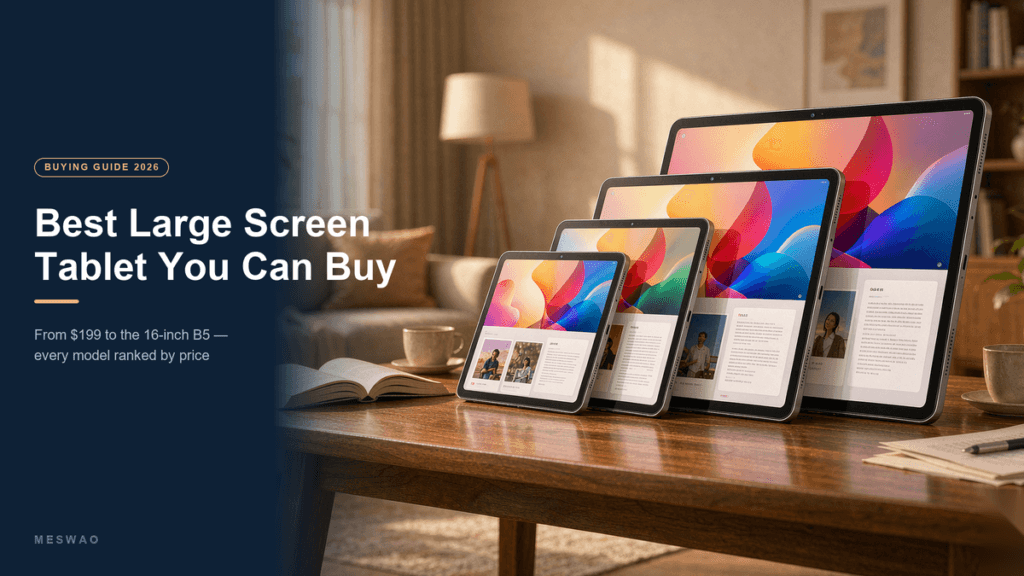
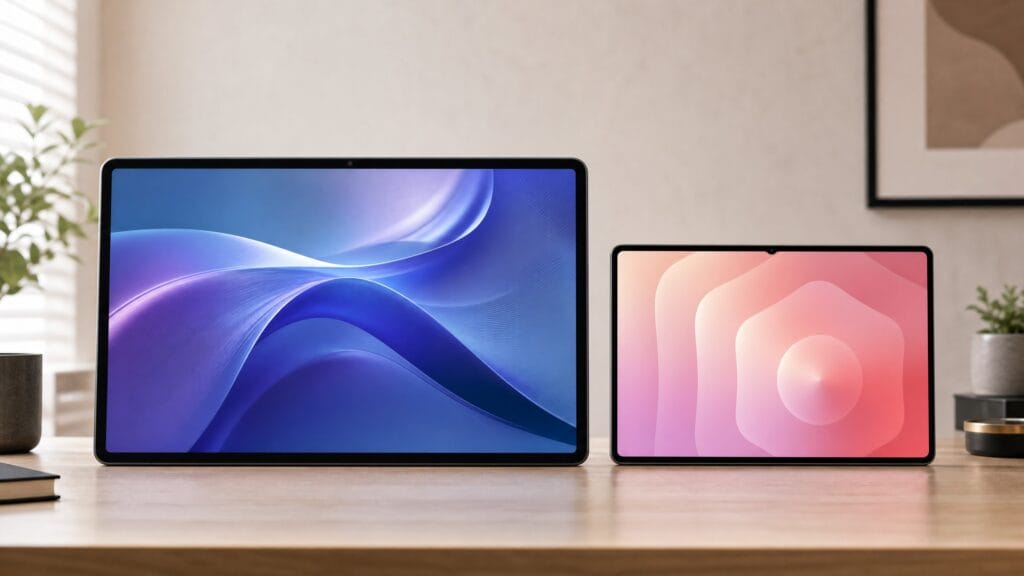
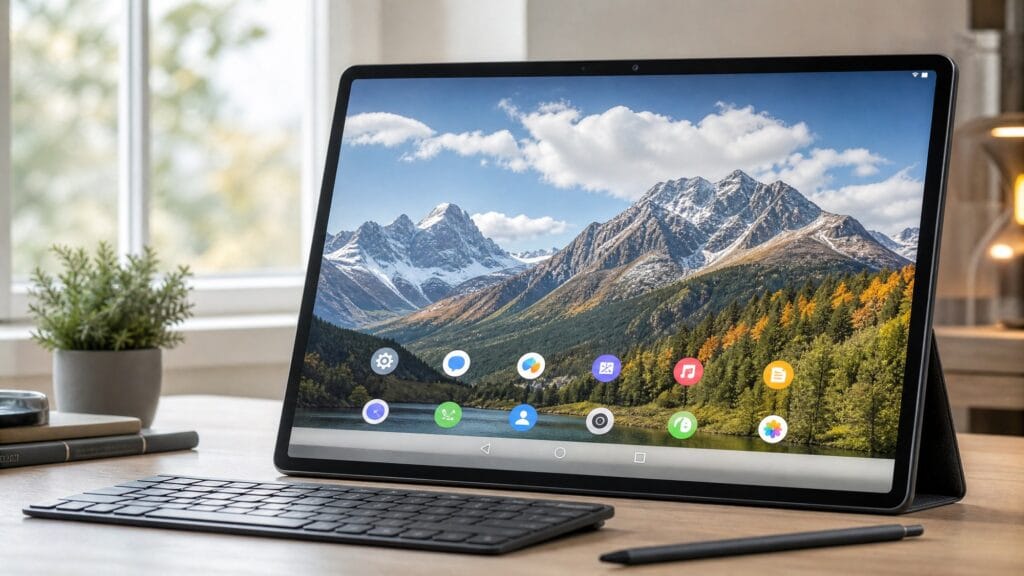
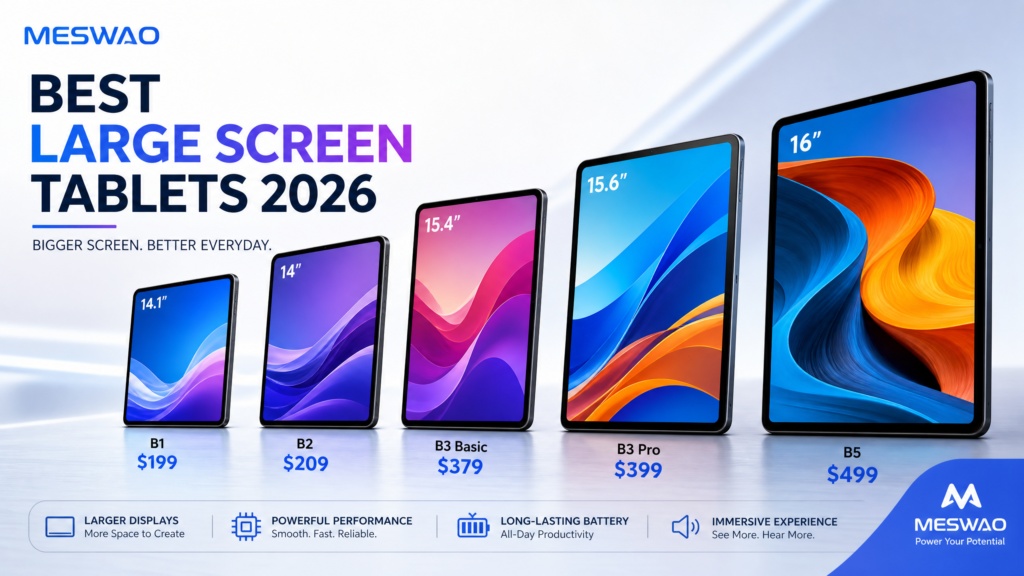
For many people, a regular 10-inch tablet works fine for quick calls. But if you often use Zoom, Google Meet, WhatsApp, Messenger, FaceTime alternatives, or browser-based video chat, a larger Android tablet can feel much closer to a small portable TV than a handheld phone. Meswao focuses on this bigger-screen experience with tablets such as the Meswao B3 Pro 15.6-inch large screen tablet and the Meswao B5 16-inch large screen tablet.
Quick Answer: What Makes a Tablet Good for Video Calls?
A great video call tablet should have a large, bright display, stable Wi-Fi, enough battery life for longer conversations, clear speakers, and a comfortable setup that does not force you to hold the device for an hour. A bigger tablet is especially useful when more than one person is on screen, when you want to see facial expressions clearly, or when the tablet is shared by a family in the living room, kitchen, or bedroom.
| Video call need | Why it matters | Best fit |
|---|---|---|
| Family calls | Everyone can see faces without crowding around a phone | 15.6-inch or 16-inch large screen tablet |
| Senior-friendly calls | Larger buttons, bigger faces, easier reading | Large Android tablet with simple app layout |
| Remote work | More space for meeting windows, notes, and chat | Large screen Android tablet with multitasking support |
| Kitchen or living room use | Hands-free viewing from a table or stand | Tablet plus a stable stand or case |
Why Screen Size Matters More Than You Think
The biggest upgrade from a phone to a tablet is not only size. It is distance. A phone works best when it is close to your face. A large tablet works from across a desk, counter, or coffee table. That changes the whole feeling of a call. You can sit back, keep your hands free, and share the screen with another person without constantly repositioning the device.
This is where a large screen tablet becomes practical. A 15.6-inch or 16-inch screen gives more space for faces, shared photos, captions, and meeting controls. It also makes a video call easier for children and older adults because they do not have to squint at tiny icons or hold the device perfectly still.
Best Use Cases for a Large Tablet Video Call Setup
1. Family Calls From the Living Room
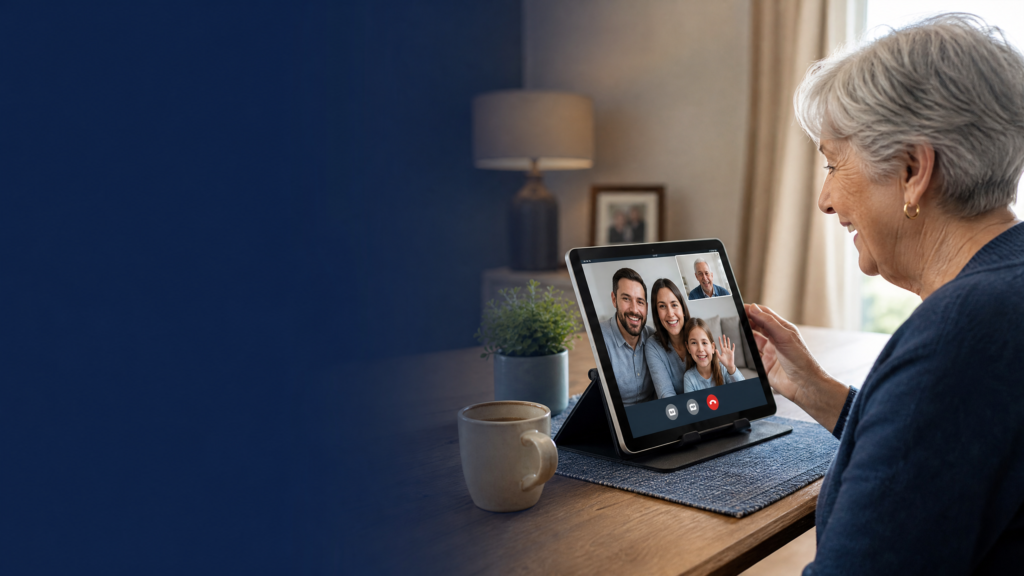
If two or three people are joining the same call, a phone quickly feels cramped. A larger tablet lets everyone sit naturally on a couch or around a table. The person on the other side also sees a more stable view because the device can stay in one place instead of being passed from hand to hand.
2. Grandparents and Senior Users
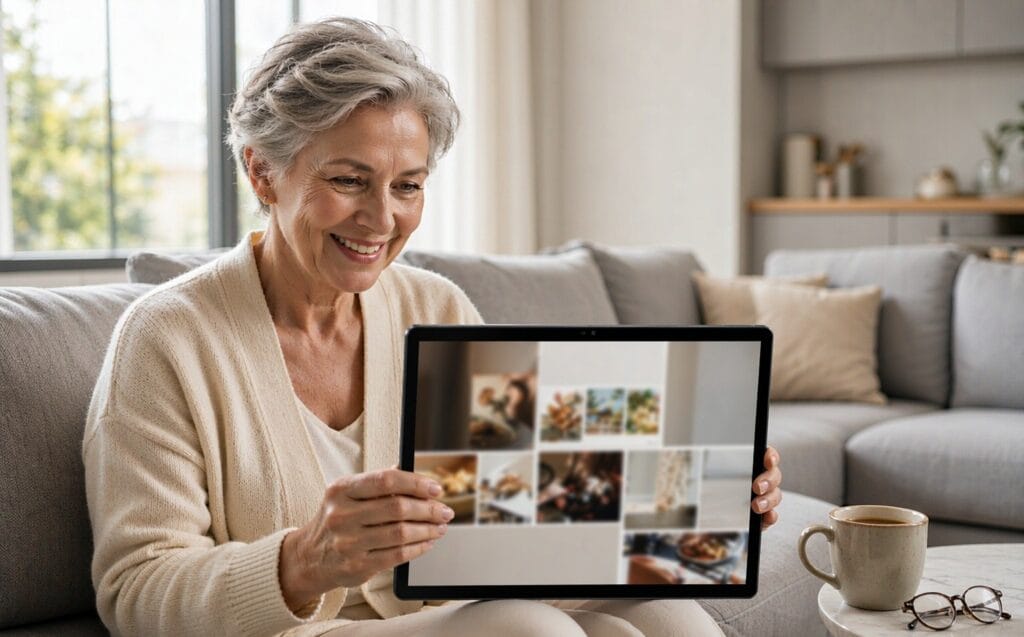
For seniors, the best tablet for video calls is usually the one that removes friction. A larger display makes contact names, app buttons, volume controls, and incoming call prompts easier to understand. If the tablet is set up with only the essential apps on the home screen, a large Android tablet can become a simple family communication hub.
3. Remote Work and Hybrid Meetings
A large screen also helps with professional calls. You can keep the meeting window visible while reviewing notes, checking a calendar, or following a shared document. It will not replace a full laptop for every workflow, but it is more comfortable than joining a long meeting from a small phone screen.
4. Kitchen, Craft Room, and Workshop Calls
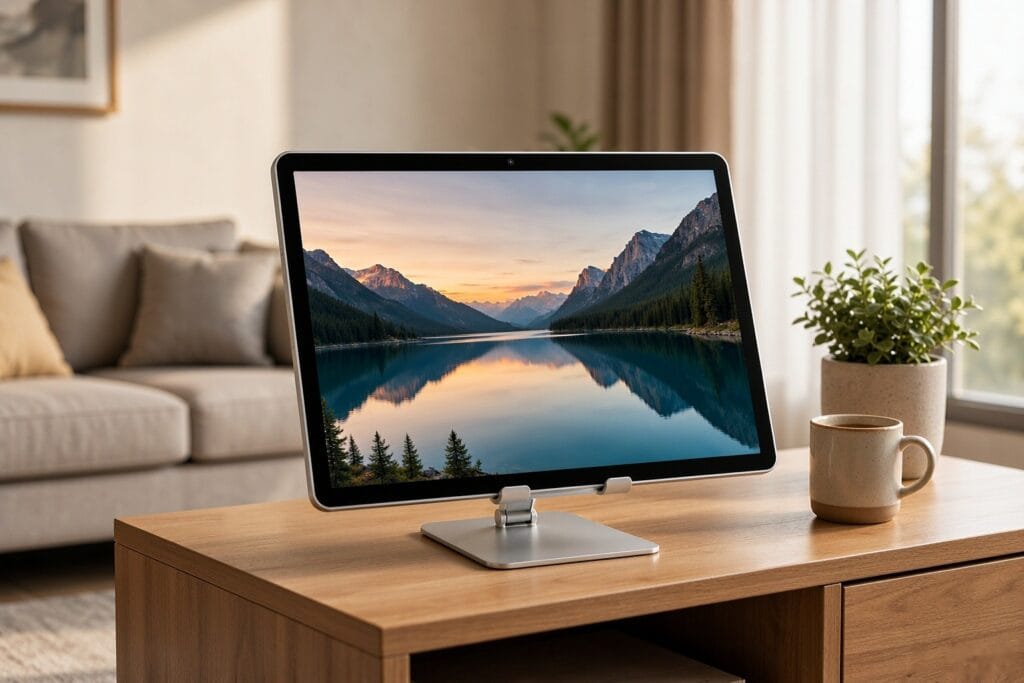
Video calls often happen while life is happening. A larger tablet can sit on a counter while you cook, help a child with homework, follow a tutorial, or call a friend during a project. For hands-free use, pair the tablet with a stable tabletop stand or the Meswao tablet floor stand with wheels.
15.6 Inches vs 16 Inches: Which Size Is Better for Calls?
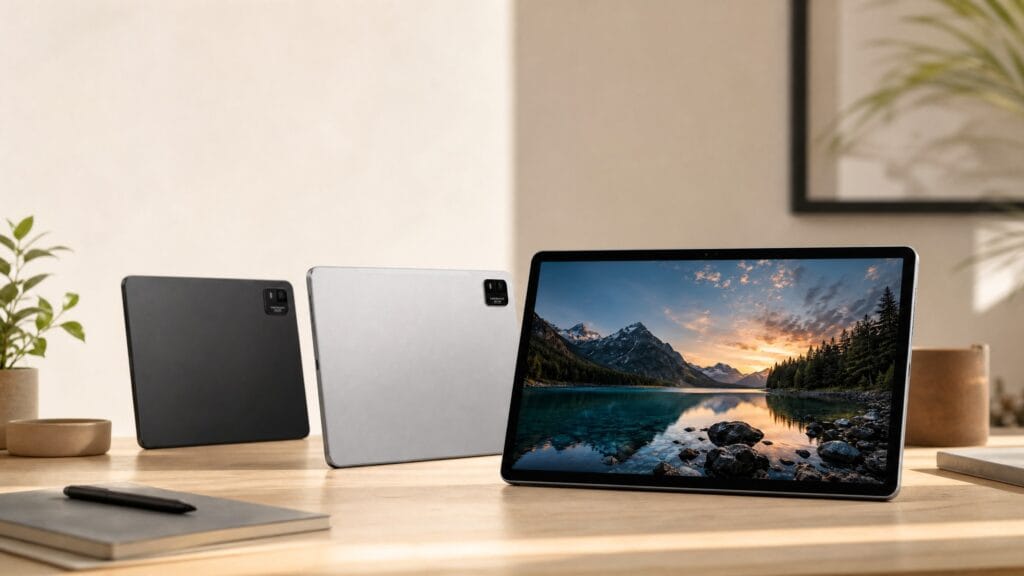
Both sizes are noticeably larger than a standard tablet. A 15.6-inch tablet such as the Meswao B3 Pro is a strong everyday choice for video calls, streaming, reading, and light productivity. A 16-inch tablet such as the Meswao B5 gives you a slightly more expansive viewing experience, which is helpful if the tablet often sits farther away or is shared by multiple people.
If you want a balanced video call tablet for personal use, the Meswao B3 Pro is the natural place to start. If you want the biggest screen in the Meswao tablet lineup for family calls, entertainment, and room-to-room viewing, compare it with the Meswao B5.
Video Call Tablet Buying Checklist
- Choose a screen you can see from a natural distance. If the tablet will sit on a table, bigger is usually better.
- Check the apps you use most. Make sure your preferred video call apps are available for Android or work well in the browser.
- Think about where the tablet will live. A living room, kitchen, or bedside setup may need a stand.
- Keep the home screen simple. For family or senior use, place the main calling apps on the first screen.
- Use good lighting. Even the best tablet looks better when faces are lit from the front, not behind.
- Test Wi-Fi placement. A stable connection matters more than raw hardware during calls.
FAQ
Is a tablet better than a phone for video calls?
For quick one-on-one calls, a phone is convenient. For family calls, long conversations, senior users, or hands-free calls from a table, a tablet is usually more comfortable because the screen is larger and easier to share.
Is a 15.6-inch tablet too big for video calls?
No. For handheld use, 15.6 inches may feel large, but for video calls from a desk, couch, kitchen counter, or stand, it is one of the most comfortable sizes because faces and controls are easy to see.
What is the best Meswao tablet for video calls?
The Meswao B3 Pro 15.6-inch tablet is a strong choice for everyday video calls and home entertainment. If you want an even larger display for shared family calls, the Meswao B5 16-inch tablet is also worth comparing.
Final Recommendation
The best tablet for video calls is the one that makes conversations feel easy. For most households, that means choosing a large enough screen, placing it at a comfortable distance, simplifying the app layout, and using a stable stand when needed. If your goal is clearer family calls, easier senior-friendly communication, and a more relaxed hands-free setup, start with Meswao’s large screen tablet collection.