




Best Tablet for Sheet Music in 2026: Why a 15.6 Inch Screen Makes Practice Easier

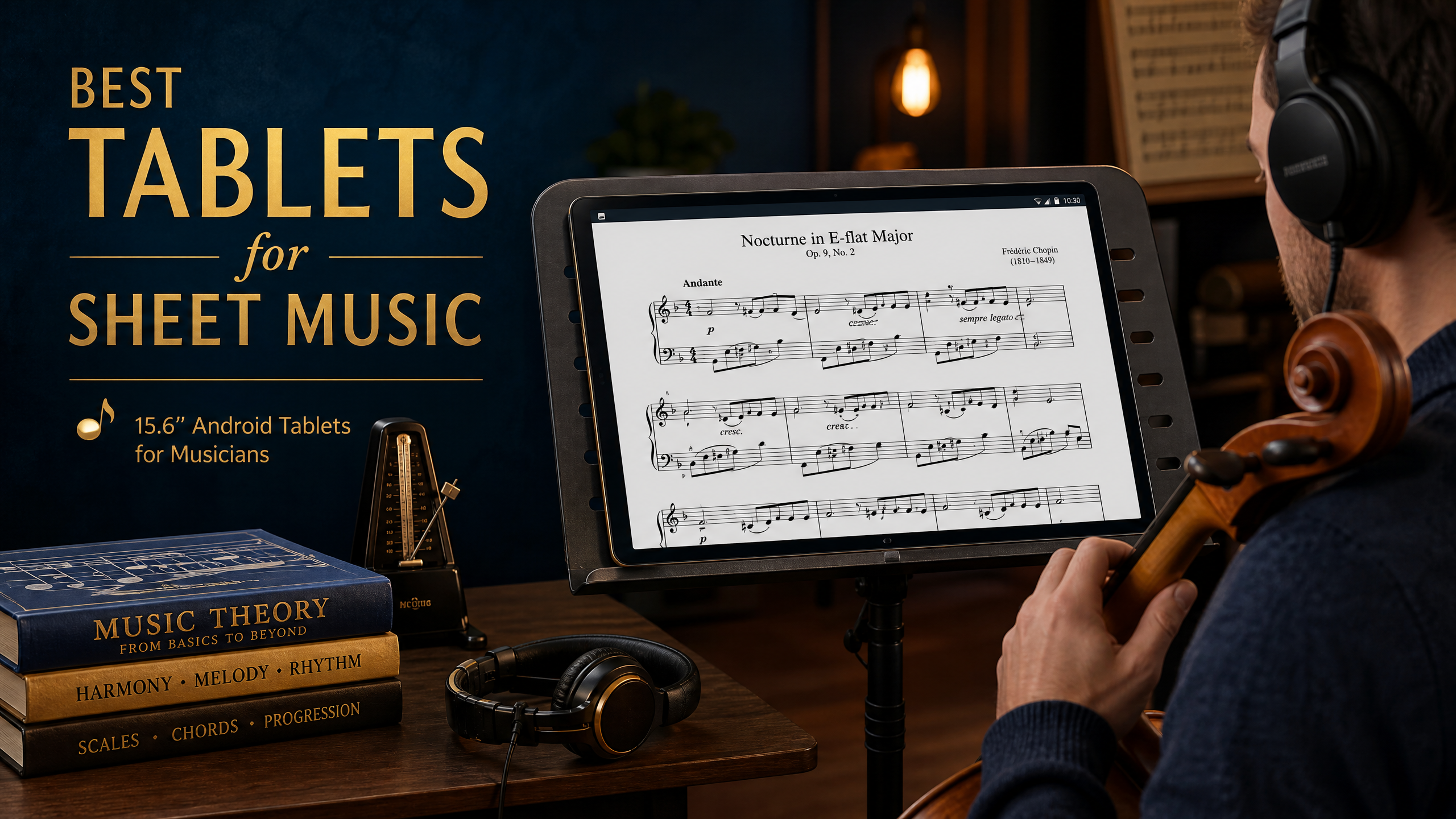
Best Tablet for Sheet Music 2026: 14″–16″ Big-Screen Picks for Hands-Free Performing
If you’ve ever lost your place mid-phrase because a page turned at the wrong moment, you already know the appeal of going digital. A tablet for sheet music keeps your whole repertoire on one device, lets you scroll or swipe hands-free, and spares you from a wind gust blowing your pages across the stage. The catch? Most tablets are built for streaming, not notation — and a 10-inch screen forces you to zoom and pan every few bars.
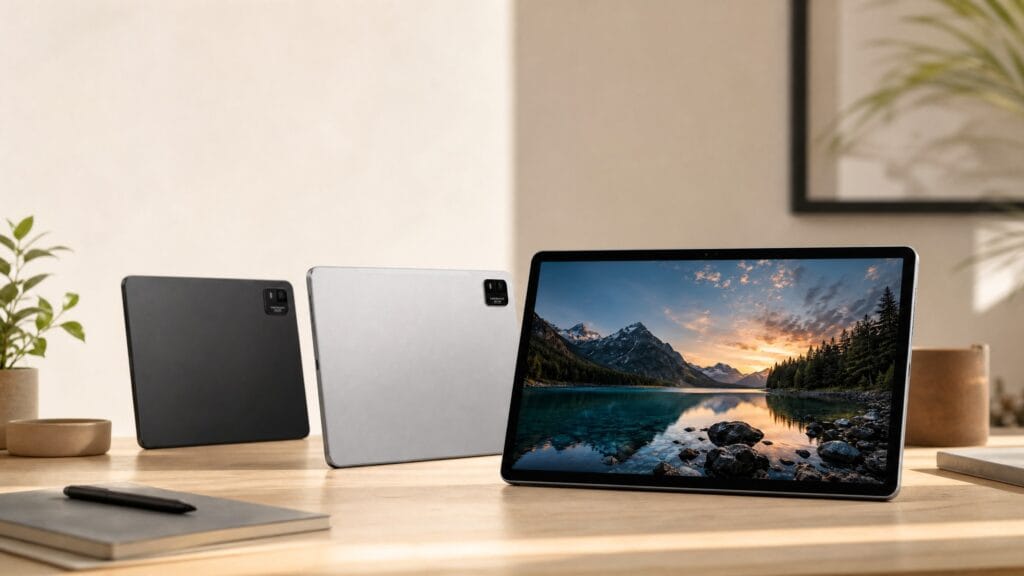
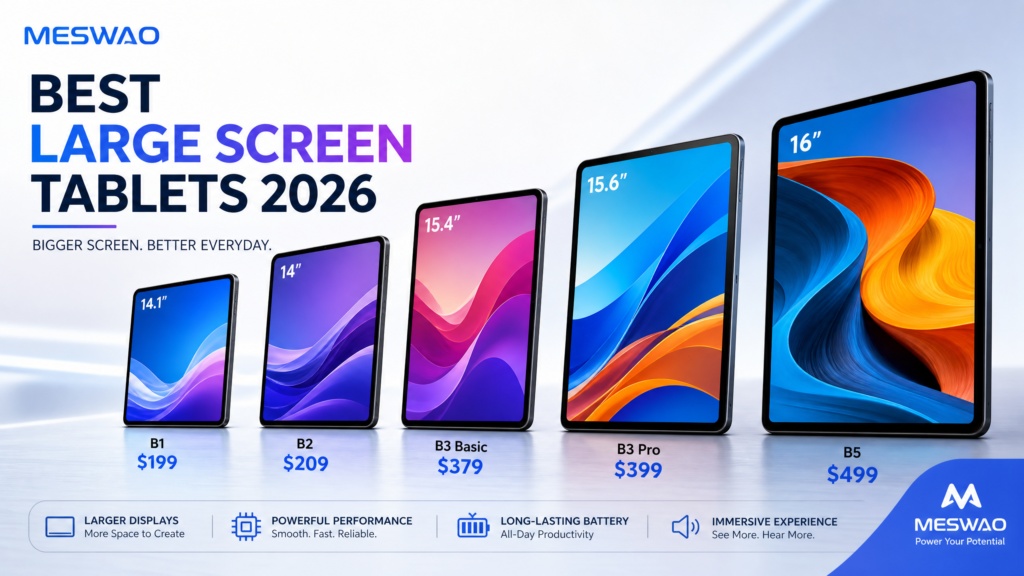
We compared the best tablets for sheet music available in 2026 with one non-negotiable rule: screen real estate. Below is the full size ladder, from an affordable 14-inch entry tablet to a 16-inch option that displays a complete page of score at near-print size.
Why Screen Size Matters for Sheet Music
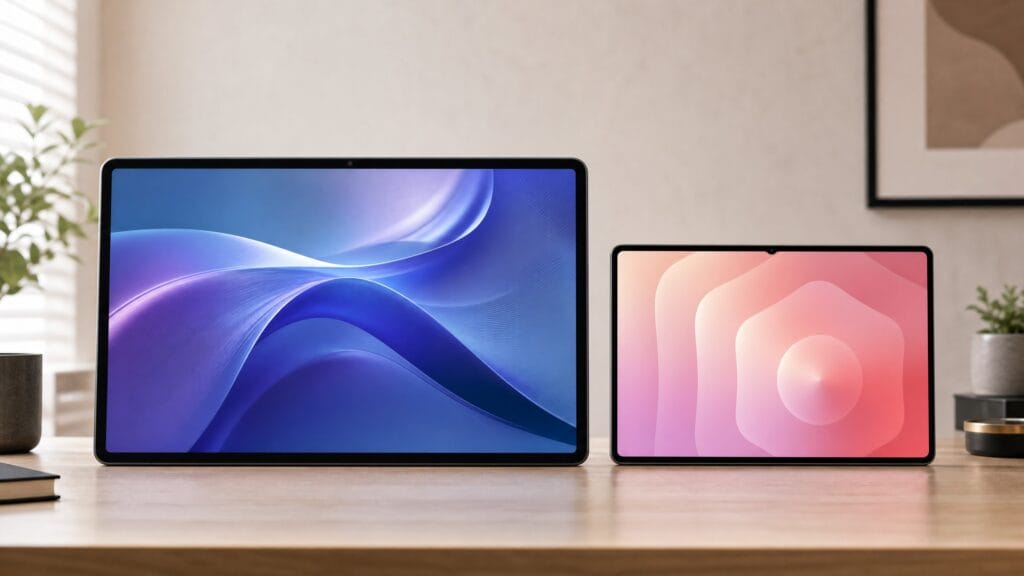
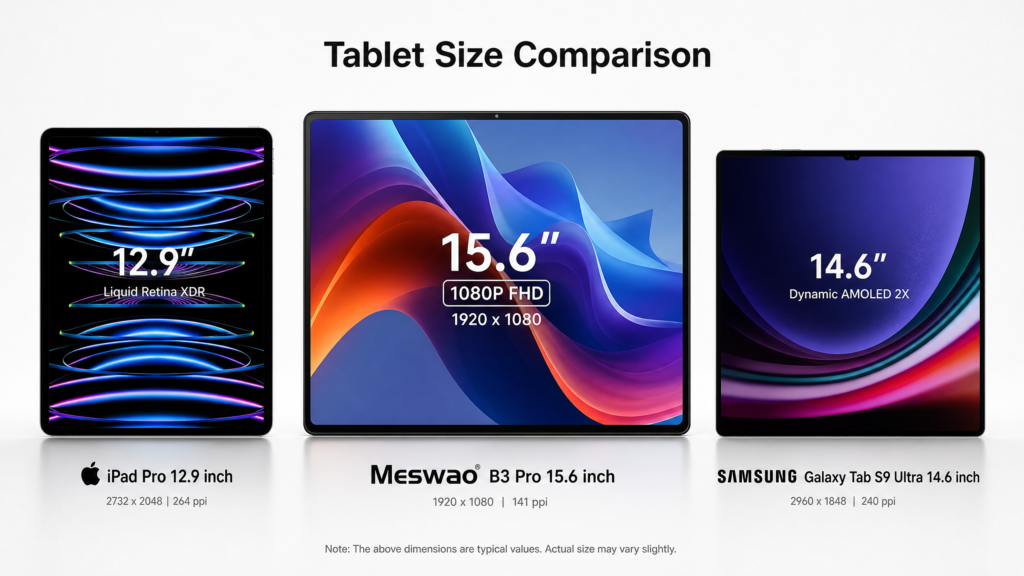
Standard sheet music is formatted for an 8.5×11″ (or A4) page. On a 10- or 11-inch tablet you’re constantly zooming and panning — which is exactly when you lose your place. A 15- to 16-inch tablet shows a full page at near-print size, so you can read an entire system at a glance.
Three problems a big screen solves:
- No more mid-bar zooming — see the whole line, not a cropped fragment.
- Less eye strain under stage lights — keep brightness lower and still read clearly.
- Room for annotations — mark cues and cuts without obscuring the notes.
Tablet Size Ladder for Musicians
| Screen | Best for | Trade-off |
|---|---|---|
| 10–11″ | Portable general use | Cramped for full-page scores; frequent scrolling |
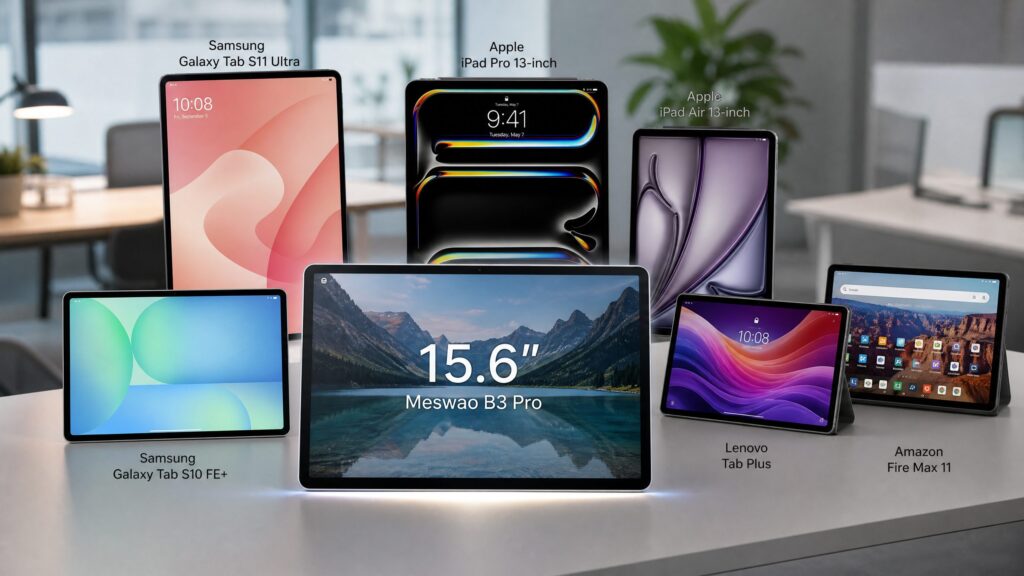
| 12–13″ (iPad Air) | Balanced portability | Still often smaller than one sheet; premium price |
| 14.1″ (Meswao B1) | Entry-level full-page reading | Slightly less portable than tiny tablets |
| 15.4″ (Meswao B4) | Big screen at lower price | A touch smaller than the top tier |
| 15.6″ (Meswao B3 Pro) | Performance + desktop dual use | Middle of the big-screen range |
| 16″ (Meswao B5) | Full score at print size | Largest in class; best readability |
A 14.1-inch screen already closely matches a standard physical sheet, giving you a full-page view with minimal scrolling. Step up to 15.6″ or 16″ and you get margin, annotations, and two-page spreads for complex scores.
What to Look for in a Sheet-Music Tablet
Before the picks, the five specs that matter most for performers:
1. Screen size — 11″ minimum, 15–16″ ideal. The single biggest factor for readability.
2. Brightness & anti-glare. Stage and rehearsal lighting is harsh; look for 400+ nits and a matte/anti-reflective option.
3. Battery life. A long recital day or outdoor gig shouldn’t end with a dead device. Target 8+ hours.
4. Stand compatibility & weight. You’ll mount it on a music stand, so a light body and a standard tripod/stand thread help.
5. Storage. Sheet-music PDFs are tiny — even 64 GB holds thousands of scores. Don’t overpay for storage.
Apps like MobileSheets, forScore, and Newzik run on both Android and iPad, so your library travels with you regardless of platform.
Our Top Picks for 2026
1. Meswao B5 16″ — Best Overall for Seeing a Full Score
The Meswao B5 16-inch large-screen tablet is our top pick for one simple reason: at 16 inches it’s the largest screen in its class, showing a full page of score at almost exactly print size. Built on Android, it runs every major sheet-music app, and its large battery easily covers a full day of rehearsals and performances. For pianists, conductors, and gigging musicians who want to stop zooming forever, this is the closest thing to a digital music stand that just works.
Best for: pianists, church musicians, and anyone reading dense scores.
👉 See the B5 16″ specs and pricing
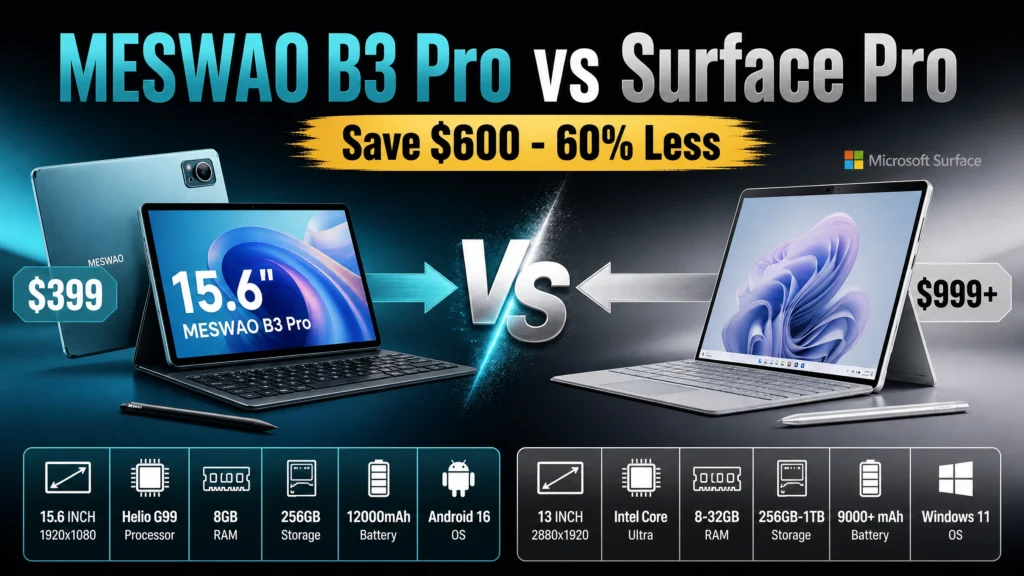
2. Meswao B3 Pro 15.6″ — Best If You Also Want a Desktop
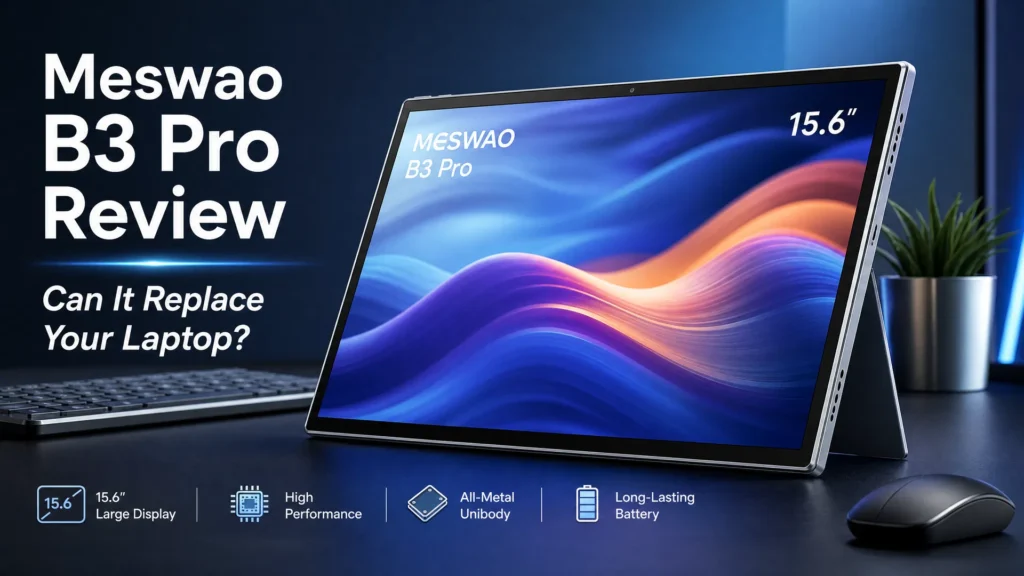
The Meswao B3 Pro 15.6″ splits the difference between a performance tablet and a small desktop. At 15.6 inches it reads scores comfortably, and if you double it as a practice-room display it earns its keep. Same Android ecosystem, same app support as the rest of the lineup.
Best for: multi-use players who practice and perform on the same device.
3. Meswao B4 15.4″ — Best Value Big Screen
If 16 inches is more than you need, the Meswao B4 15.4″ tablet delivers nearly the same reading area at a lower price. It’s a touch lighter too, which matters if you clamp it to a stand for hours. Same Android ecosystem, same app support — just a slightly smaller footprint.
Best for: students and casual performers on a budget.
4. Meswao B1 14.1″ — Best Entry-Level Full-Page Reader
The Meswao B1 14.1″ is where many musicians start. Its 14.1-inch screen already closely matches a standard physical sheet of music, giving a full-page view with minimal scrolling and a natural reading experience — at the most approachable price in the lineup. It’s slightly less portable than a 10-inch tablet, but for stand-mounted practice it’s the sweet spot between size and cost.
Best for: beginners and budget-conscious players wanting their first full-page tablet.
5. iPad Air (11″ / 13″) — The Familiar Alternative
Apple’s iPad remains the default for many musicians, largely because forScore is iPad-only and beloved. The 13-inch Air is a genuinely good sheet-music tablet. The trade-off is price: you pay a premium for less screen than the Meswao B5, and storage upgrades get expensive fast.
Best for: musicians already locked into the Apple ecosystem.
6. Samsung Galaxy Tab (Large Format) — Strong Android Rival
Samsung’s big-format Galaxy Tabs run MobileSheets well and offer excellent displays. They’re a solid Android alternative, though availability of the largest sizes varies by region and they rarely undercut Meswao on price-per-inch.
Best for: Android users who want a name-brand alternative.
Quick Comparison
| Model | Screen | OS | Why it fits sheet music |
|---|---|---|---|
| Meswao B5 16″ | 16″ | Android | Largest screen — full page at print size |
| Meswao B3 Pro 15.6″ | 15.6″ | Android | Performance + desktop dual use |
| Meswao B4 15.4″ | 15.4″ | Android | Nearly identical reading area, lower price |
| Meswao B1 14.1″ | 14.1″ | Android | Entry full-page reader at the best price |
| iPad Air 13″ | 13″ | iPadOS | Best if you live in forScore |
| Galaxy Tab (large) | 12.4–14.6″ | Android | Strong brand alternative |
👉 Browse the full large-screen tablet lineup.
How to Set Up & Use a Tablet for Sheet Music
Setup takes about ten minutes and pays off at every rehearsal after. Here is the workflow, from the mount to hands-free page turns. For the full walkthrough — screen size, PDF import, cropping and pedal pairing — see our step-by-step setup guide.

Step 1 – Mount the tablet at eye level. Use a tablet stand or a tablet-to-microphone-stand adapter rated for the weight of your device. Eye level protects your neck during long rehearsals and keeps the score inside your natural sightline while you play.
Step 2 – Pick your sheet-music app. MobileSheets (Android), forScore (iPad), and Newzik (both) let you organize scores into setlists, add annotations, and jump between pieces. Import your library as PDFs – even 64 GB holds thousands of scores, so spend your budget on screen size, not storage.
Step 3 – Set up hands-free page turns. Pair a Bluetooth page-turner pedal or use a foot/air tap gesture so your hands never leave the instrument. Run it through a full song in rehearsal before you rely on it on stage.
Step 4 – Kill the glare. Rehearsal-room and stage lighting is harsh. Drop the brightness a notch, switch on dark mode in dim venues, and add a matte screen protector for outdoor gigs and bright rehearsal rooms.
Android tablet vs iPad for sheet music: which should you buy?
If you are weighing an Android tablet against an iPad for sheet music, the decision comes down to screen size per dollar and the app you cannot live without:
| Android tablet (15-16″) | iPad (11-13″) | |
|---|---|---|
| Max screen size | Up to 16″ – a full page at print size | Up to 13″ – still smaller than one sheet |
| Sheet-music apps | MobileSheets, Newzik, Piascore | forScore (best in class), Newzik |
| Price per inch | Lower – big screens at mid-range prices | Higher – a premium for less screen |
| Best for | Readability-first players and dense scores | forScore loyalists and Apple users |
The short version: if you live in forScore, the iPad is the default choice; if you want the largest readable score at the lowest cost per inch, a big Android tablet wins.
Want the hardware side broken down model by model? Our MESWAO tablet for sheet music model guide compares all five current sizes, from the $199 14.1-inch B1 to the 16-inch B5, with the specs that matter on a music stand.
Final Thoughts
Going digital is the single biggest quality-of-life upgrade for a working musician — and the screen is what makes or breaks it. For most players, a 15–16 inch Android tablet delivers the best readability per dollar, and the Meswao B5 16″ leads our 2026 list for showing a full score without zooming. Start with the B1 14.1″ if you’re on a budget, or step up to the B3 Pro 15.6″ for dual performance-and-desktop use.
Ready to ditch the page turns? Explore the large-screen tablet lineup and pick the size that fits your stand.
—
FAQ
What size tablet is best for sheet music?
Aim for at least 11 inches, but 15–16 inches is ideal. A 16-inch tablet like the Meswao B5 shows a full page of score at near-print size, so you can read an entire line without zooming. A 14.1-inch tablet is a solid budget entry point that already fits a full page.
Can you use a regular tablet for sheet music?
Yes. Any tablet that runs MobileSheets, forScore, or Newzik can display and organize your scores. The main limitation of smaller tablets is readability — you’ll zoom and pan more often.
Is an iPad or Android tablet better for sheet music?
Both work. iPad has forScore, the most popular sheet-music app; Android offers larger screens (up to 16″) at lower prices. If screen size per dollar matters, a big Android tablet like the Meswao B5 is hard to beat.
How much storage do you need for sheet music?
Not much. Sheet-music PDFs are small, so even 64 GB holds thousands of scores. Spend your budget on screen size and battery, not storage.
Can you read sheet music on a tablet in bright light?
Yes, if the tablet is bright enough and you reduce glare. Look for 400+ nits and consider a matte screen protector for rehearsal rooms and outdoor gigs.
What’s the best way to turn pages hands-free?
Use a Bluetooth page-turner pedal or a foot/air-tap gesture, paired with a sturdy tablet stand. This keeps your hands on your instrument.
How do I use a tablet for sheet music at a live performance?
Set the tablet on a stand at eye level and load your setlist before soundcheck. Pair a Bluetooth page-turner pedal so your hands stay on the instrument, lower the brightness a notch and enable dark mode in dim venues, and keep a power bank handy for long gigs.