




Android 16 Widevine L1: Full HD Streaming on Tablets Explained

🔄 Published August 3, 2026 | Last Updated: August 3, 2026
🎯 Quick Overview
- Topic: Android 16 Widevine L1 Certification
- Key Benefit: Full HD (1080p) streaming on tablets
- Affected Devices: All Android 16 tablets with Widevine L1
- Streaming Services: Netflix, Disney+, Amazon Prime Video, HBO Max
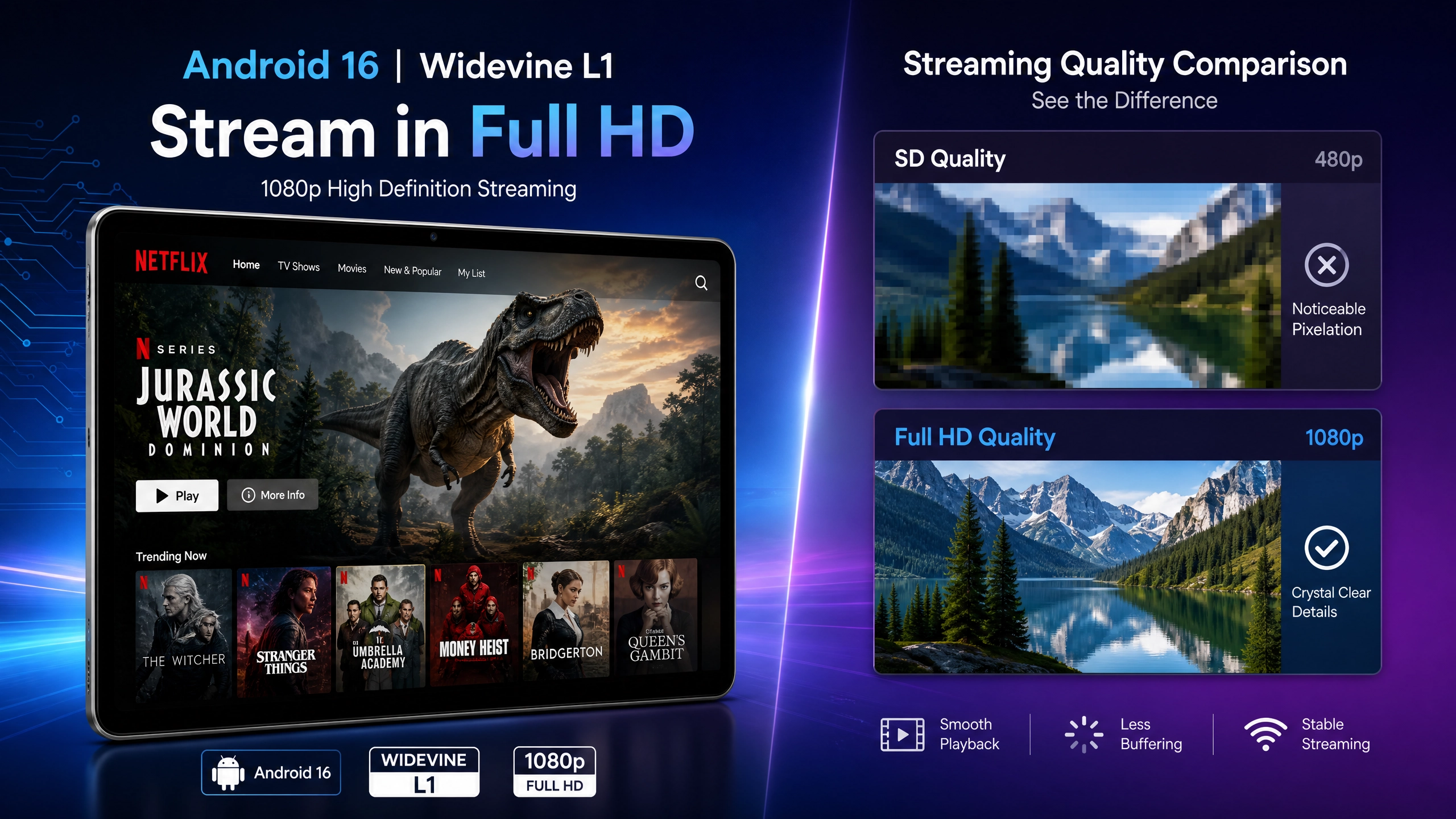
- Quality Improvement: From SD (480p) to Full HD (1080p)
- Use Cases: Entertainment, education, content consumption
📱 What is Android 16?
Android 16 is the latest version of Google’s mobile operating system, released in 2026. It brings significant improvements over Android 14 and 15, including enhanced security, better performance, and improved privacy features. For tablet users, one of the most important additions is native support for Widevine L1 DRM certification, which enables Full HD streaming on tablets.
Key Features of Android 16
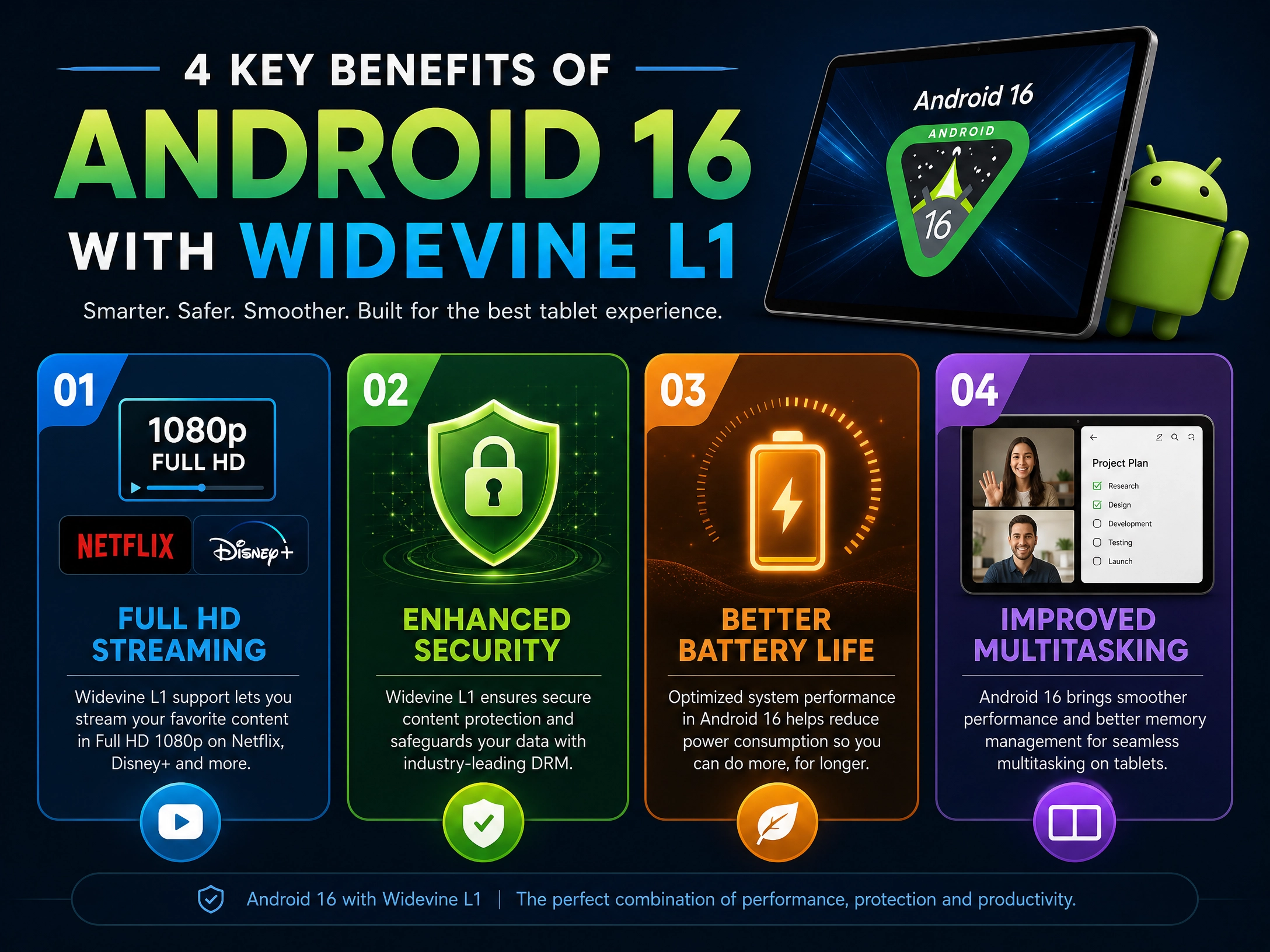
- Enhanced Security: Improved protection against malware and unauthorized access
- Better Battery Management: Optimized power consumption for longer battery life
- Improved Multitasking: Better split-screen and floating window support
- Privacy Controls: More granular control over app permissions and data access
- Widevine L1 Support: Full HD streaming capability for premium content
- AI Integration: Enhanced AI-powered features for productivity and creativity
🔐 What is Widevine L1 Certification?
Widevine is a digital rights management (DRM) system developed by Google that protects premium video content from unauthorized copying and distribution. It has three certification levels: L1, L2, and L3. Widevine L1 is the highest level of DRM protection and enables Full HD (1080p) streaming on tablets and mobile devices.
Widevine Certification Levels Explained
| Level | Description | Streaming Quality | Device Type |
|---|---|---|---|
| L1 | Highest security level with hardware-backed DRM | Full HD (1080p) or 4K | Premium tablets, phones |
| L2 | Software-based DRM with moderate security | HD (720p) | Mid-range devices |
| L3 | Lowest security level, software-based | SD (480p) | Budget devices, older models |
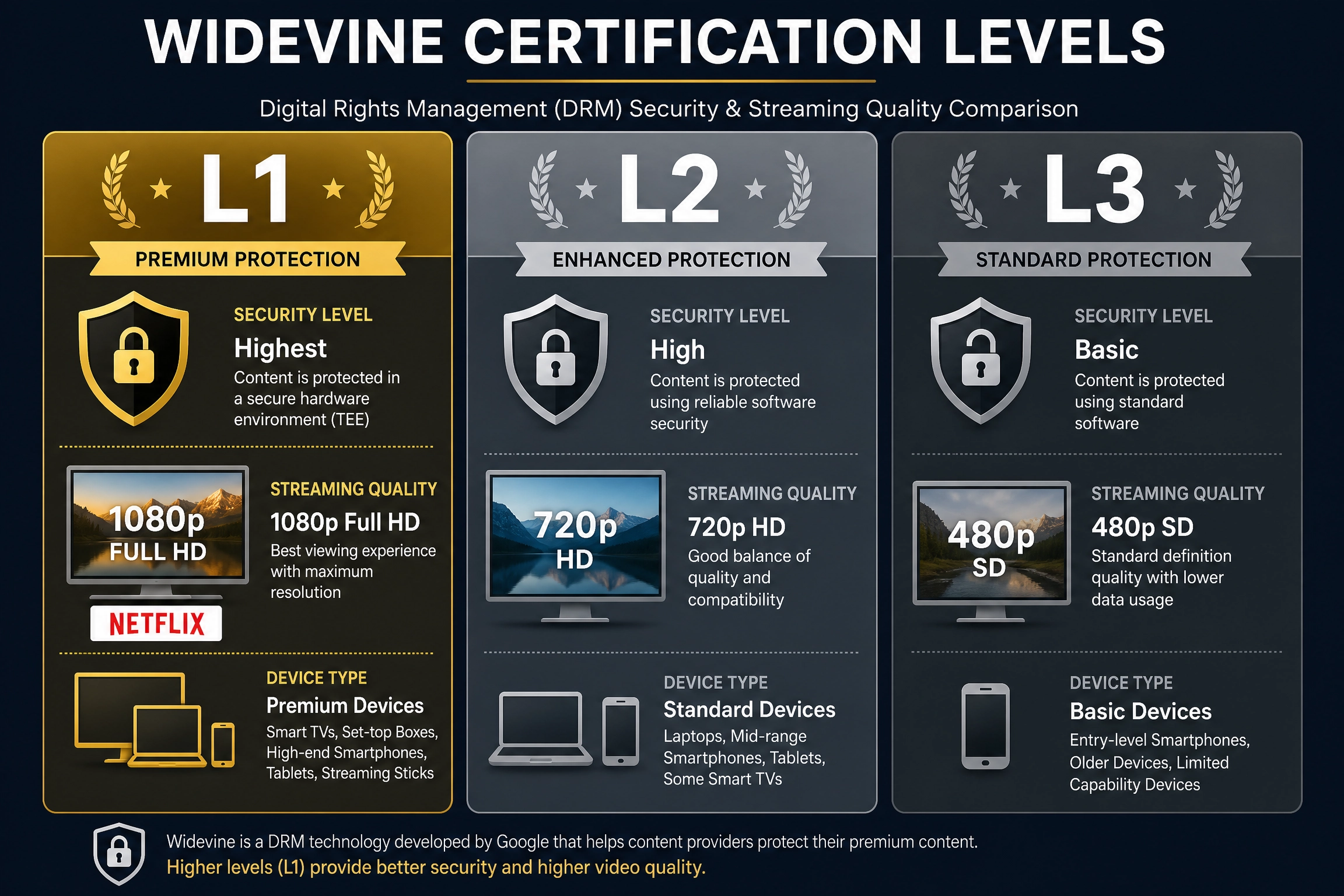
Without Widevine L1 certification, streaming apps like Netflix will automatically downgrade video quality to SD (480p) or HD (720p) at best, even if your internet connection is fast enough for Full HD.
⚡ Why Widevine L1 Matters for Tablet Users
1. Full HD Streaming Experience
With Widevine L1, you can finally watch Netflix, Disney+, Amazon Prime Video, and other streaming services in Full HD (1080p) on your tablet. This is a game-changer for anyone who uses their tablet for entertainment. The difference between SD (480p) and Full HD (1080p) is dramatic—you’ll notice sharper text, more vibrant colors, and better overall picture quality.
2. Better Value for Large-Screen Tablets
Large-screen tablets (14-16 inches) are perfect for watching movies and TV shows. However, without Widevine L1, you were stuck with SD quality, which looked pixelated and blurry on a big screen. With Android 16 and Widevine L1, large tablets finally deliver the streaming quality they deserve.
3. Competitive Advantage Over Older Devices
Many older tablets and budget Android devices only support Widevine L3, limiting them to SD quality streaming. If you’re considering upgrading your tablet, Widevine L1 support is now a key feature to look for. It’s a significant quality-of-life improvement that justifies the upgrade.
4. Future-Proof Investment
As streaming services continue to improve their video quality, Widevine L1 ensures your tablet can take advantage of these improvements. You won’t be left behind with outdated SD streaming capabilities.
📊 Android 16 vs Android 14: Widevine L1 Comparison
| Feature | Android 14 | Android 16 |
|---|---|---|
| Widevine L1 Support | ❌ Limited or L3 only | ✅ Full L1 support |
| Netflix Streaming Quality | SD (480p) | Full HD (1080p) |
| Disney+ Streaming Quality | SD (480p) | Full HD (1080p) |
| Amazon Prime Video Quality | SD (480p) | Full HD (1080p) |
| Security Features | Standard | Enhanced |
| Battery Life | Good | Excellent |
| Multitasking | Good | Improved |
🎬 Which Tablets Support Android 16 with Widevine L1?
Premium Tablets with Native Android 16 Support
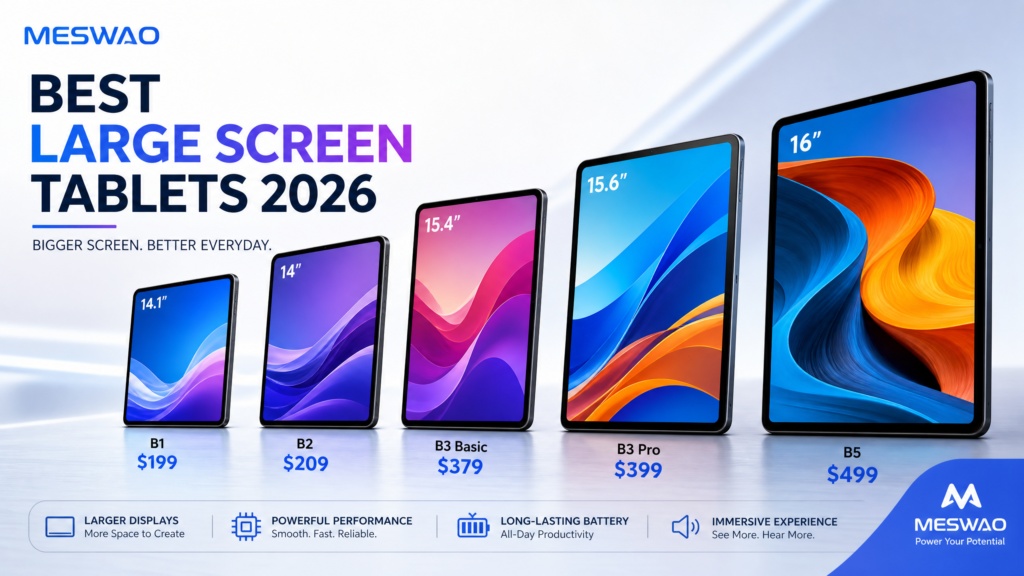
- Meswao B3 Pro (15.6″) – Latest version with Android 16 and Widevine L1
- Samsung Galaxy Tab S9 Ultra – Eligible for Android 16 update
- iPad Pro 12.9″ – iPadOS equivalent with similar DRM support
- Lenovo Tab P12 Pro – Android 16 compatible
- OnePlus Pad – Receiving Android 16 update
How to Check Your Tablet’s Widevine Level
To check if your tablet supports Widevine L1, follow these steps:
- Open Settings on your tablet
- Go to About Tablet or About Phone
- Look for Widevine Security Level or DRM Level
- If it shows L1, you have Full HD streaming capability
- If it shows L2 or L3, you’re limited to HD or SD quality
Alternatively, you can use a third-party app like “DRM Info” from the Google Play Store to check your device’s Widevine certification level.
💡 Practical Benefits: Real-World Use Cases
Entertainment Enthusiasts
If you’re a movie and TV show lover, Widevine L1 with Android 16 transforms your tablet into a premium entertainment device. Watch your favorite shows in Full HD on a large screen—it’s almost like having a portable TV.
Remote Workers and Students
For remote workers and students who use tablets for both productivity and entertainment, Android 16’s improved multitasking combined with Widevine L1 streaming makes the tablet a true all-in-one device.
Content Creators
Content creators can use their tablets to preview streaming content in Full HD quality, ensuring their work looks great on all platforms. This is especially important for creators who produce content for streaming services.
Travelers
Travelers can now enjoy Full HD movies and TV shows on their tablets during flights or long journeys. The combination of large screen size and Full HD quality makes tablets with Android 16 and Widevine L1 ideal for on-the-go entertainment.
🔧 How to Upgrade to Android 16 with Widevine L1
For Existing Tablet Users
If you already own an Android tablet, you may be eligible for an Android 16 update. Here’s how to check:
- Go to Settings → System → System Update
- Tap Check for Updates
- If Android 16 is available, tap Download and Install
- Your tablet will restart and install the update (this may take 15-30 minutes)
- After the update, check your Widevine level to confirm L1 support
Note: Not all older tablets will receive the Android 16 update. Manufacturers typically provide 2-3 years of major OS updates. If your tablet is older than 3 years, you may not be eligible for the update.
For New Tablet Purchases
If you’re buying a new tablet, make sure it explicitly states “Android 16” or “Android 16 ready” in the specifications. Also, verify that it supports “Widevine L1” for Full HD streaming capability.
❓ Frequently Asked Questions
What’s the difference between Widevine L1 and L3?
Widevine L1 uses hardware-backed DRM and supports Full HD (1080p) or 4K streaming. Widevine L3 is software-based and limited to SD (480p) quality. L1 is significantly better for streaming premium content.
Will Widevine L1 slow down my tablet?
No. Widevine L1 is handled by your tablet’s hardware and has minimal impact on performance. You won’t notice any slowdown.
Do I need a fast internet connection for Full HD streaming with Widevine L1?
Yes. Full HD (1080p) streaming typically requires at least 5-8 Mbps of internet speed. For 4K, you’ll need 15-25 Mbps. Make sure your WiFi or mobile connection is fast enough.
Can I stream 4K content with Widevine L1?
Yes, Widevine L1 supports 4K streaming. However, not all streaming services offer 4K content, and you’ll need a very fast internet connection (15-25 Mbps) and a tablet with a 4K display to see the difference.
Is Widevine L1 secure?
Yes. Widevine L1 is the highest level of DRM protection and is used by all major streaming services to protect premium content. It’s designed to prevent unauthorized copying and distribution of copyrighted material.
Which streaming services support Widevine L1?
All major streaming services support Widevine L1, including:
- Netflix
- Disney+
- Amazon Prime Video
- HBO Max
- Apple TV+
- YouTube Premium
- Hulu
📈 Performance Impact: Battery Life and Speed
Battery Life
Android 16 includes improved battery management algorithms that actually extend battery life compared to Android 14. When streaming with Widevine L1, your tablet will use the same amount of power as before—the DRM is handled efficiently by hardware.
Streaming Performance
With Widevine L1 and a good internet connection, Full HD streaming is smooth and reliable. You won’t experience buffering or quality drops (assuming your connection is stable).
Overall Device Performance
Android 16 is optimized for better performance, with faster app loading times and smoother multitasking. You’ll notice the difference when switching between apps or using split-screen mode.
🎯 Final Verdict
Android 16 with Widevine L1 certification is a significant upgrade for tablet users. If you watch streaming content on your tablet, upgrading to a device with Android 16 and Widevine L1 support is absolutely worth it. The jump from SD (480p) to Full HD (1080p) is dramatic and immediately noticeable, especially on large-screen tablets.
Rating: 4.8/5 stars
Best For: Entertainment enthusiasts, remote workers, students, content creators, and travelers who want the best streaming experience on their tablets.
Key Takeaway: If you’re considering a new tablet purchase or upgrading your existing device, make sure it supports Android 16 with Widevine L1. It’s one of the most important features for anyone who watches streaming content on their tablet.
📚 References & External Resources
- [1] Android 16 Official Features: Android Official
- [2] Widevine DRM Certification: Widevine Official
- [3] Netflix Streaming Quality Requirements: Netflix Help Center
- [4] Disney+ Streaming Quality: Disney+ Help
- [5] Amazon Prime Video Quality: Amazon Help
- [6] DRM Technology Explained: Wikipedia – DRM
- [7] Tablet Comparison with Widevine L1: Meswao B3 Pro Review
- [8] Best Tablets 2026: Best Android Tablets 2026