




Computer Tablet for the Elderly: Setup & Buying Guide (2026)

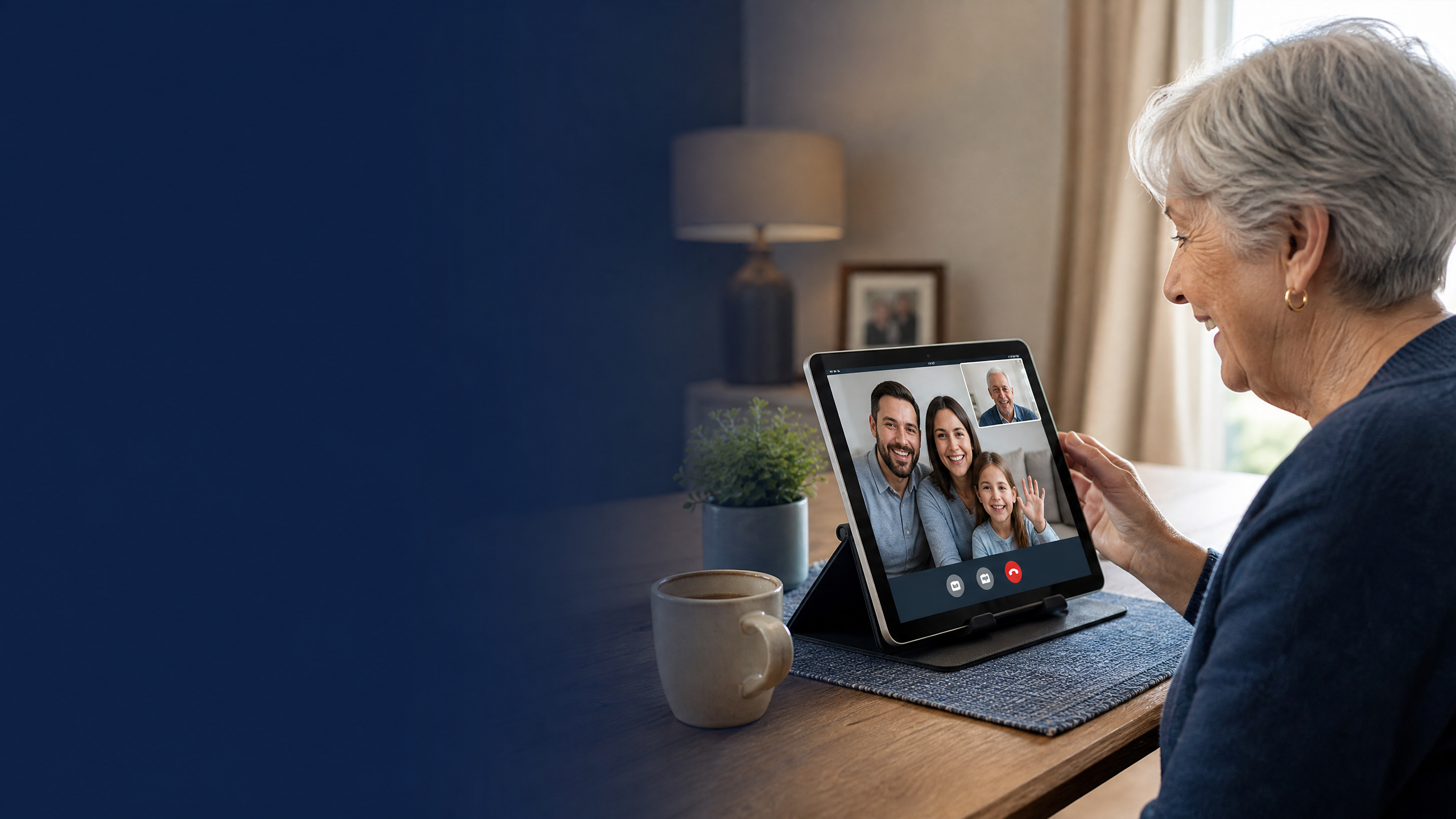
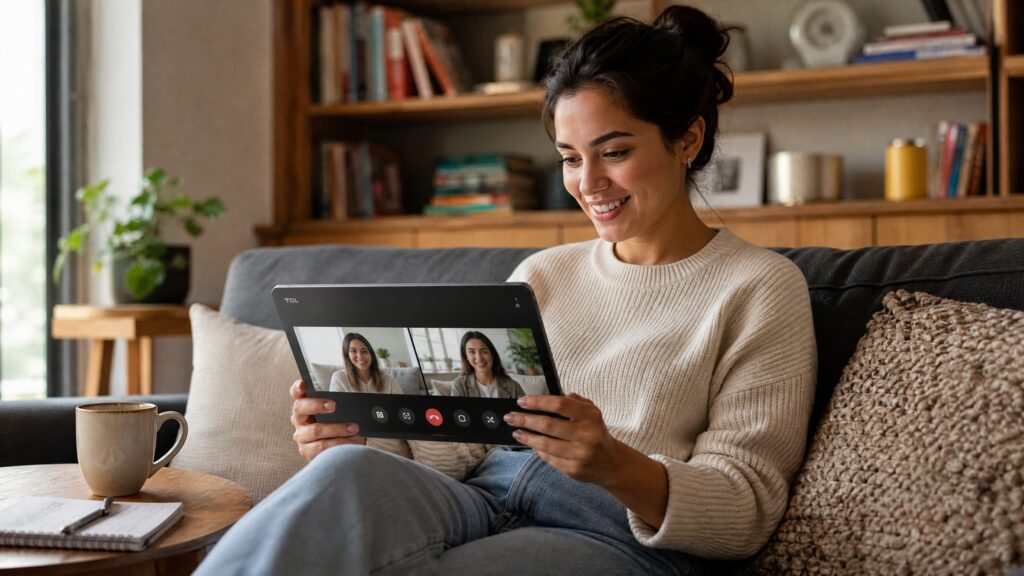
Finding the right computer tablet for the elderly can significantly improve their daily connection with family, entertainment, and digital life. Traditional small-screen tablets often lead to frustration due to tiny fonts, cluttered interfaces, and complex navigation. In 2026, large-screen tablets have emerged as the gold standard for seniors, offering expansive display real estate, high-contrast readability, and robust battery life.
This comprehensive guide explores everything you need to know about choosing and setting up a computer tablet for seniors, featuring real product specifications, ergonomic considerations, and essential accessibility configurations.
Why Large Screens Matter for Seniors
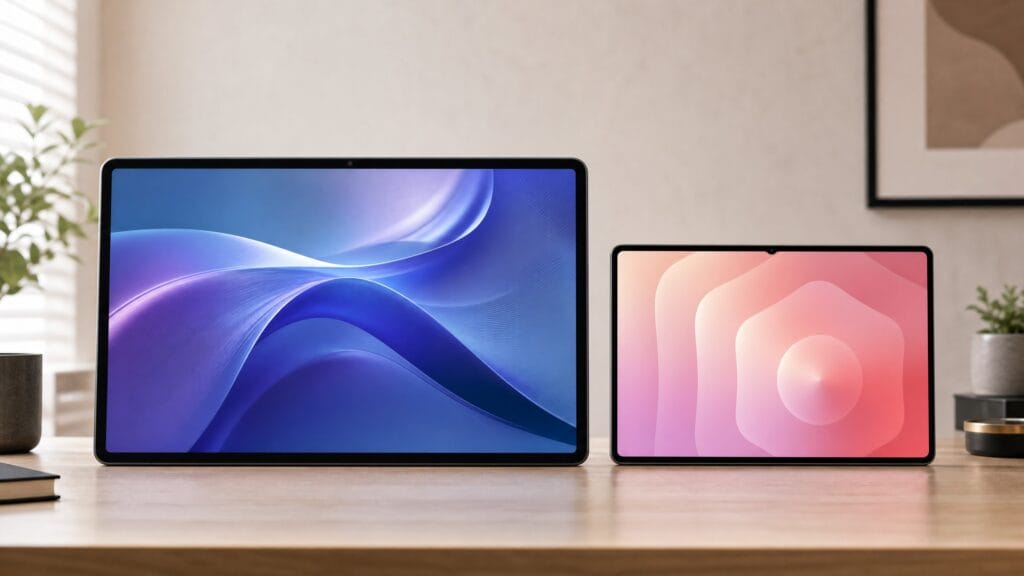
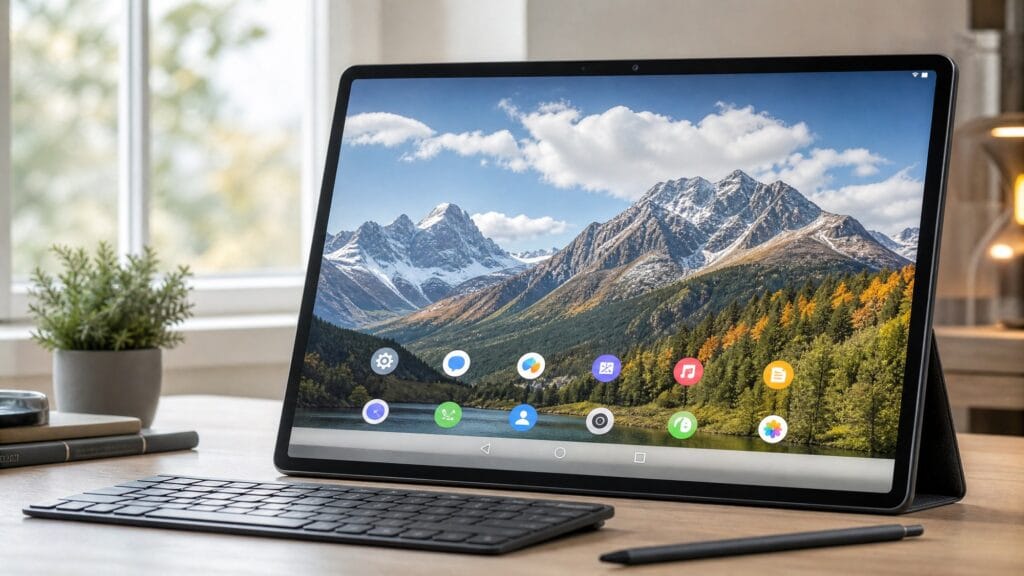
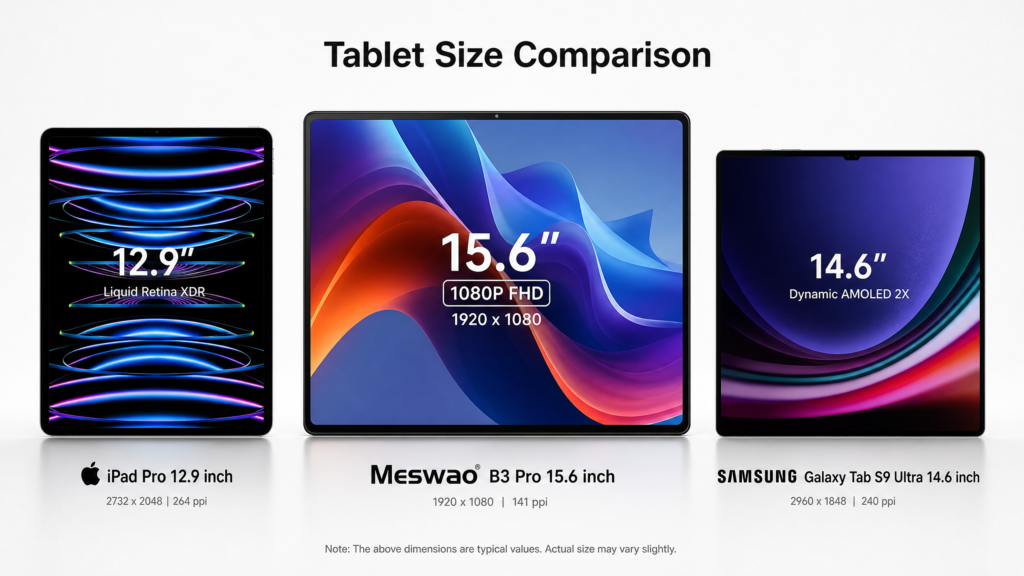
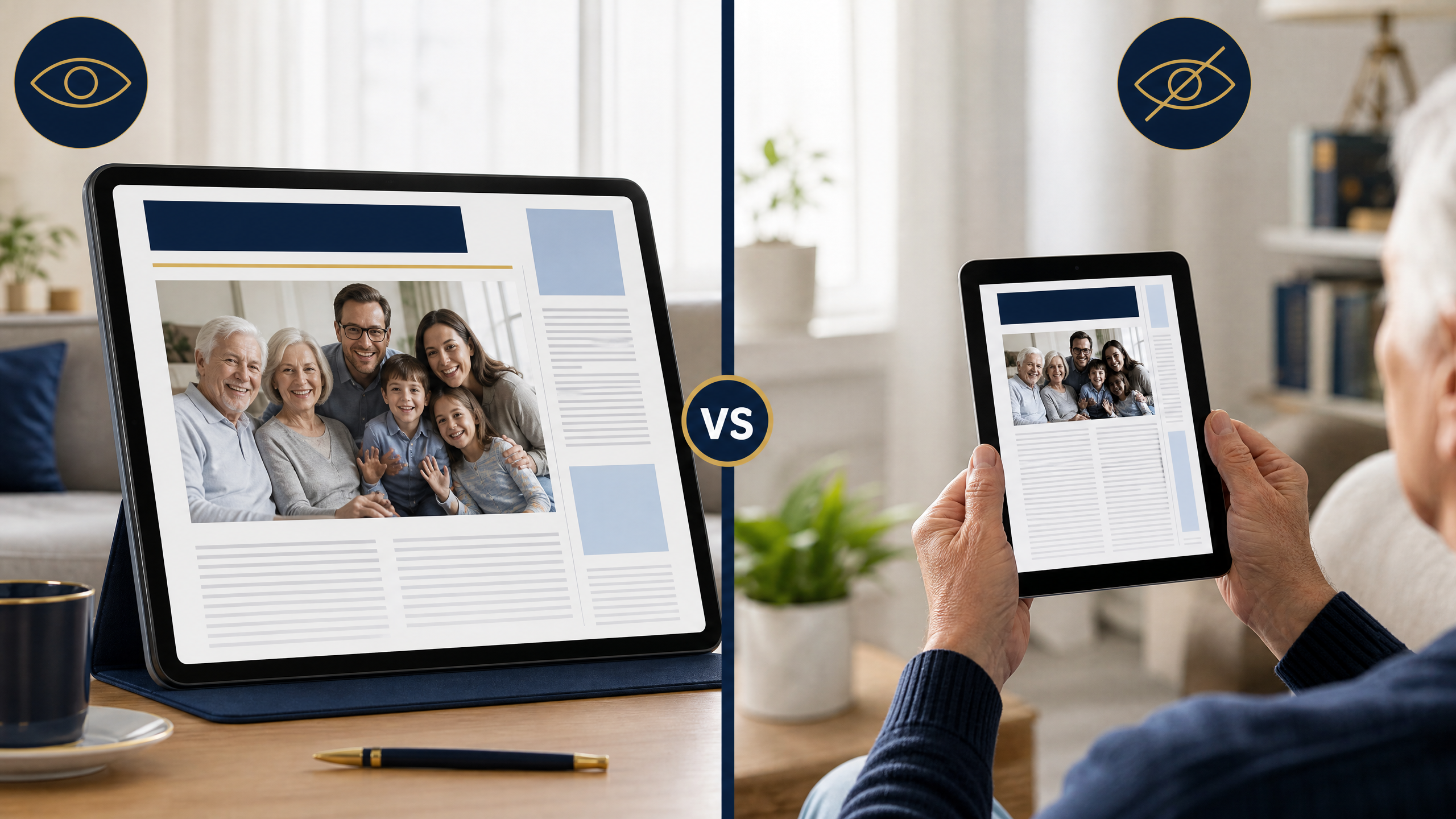
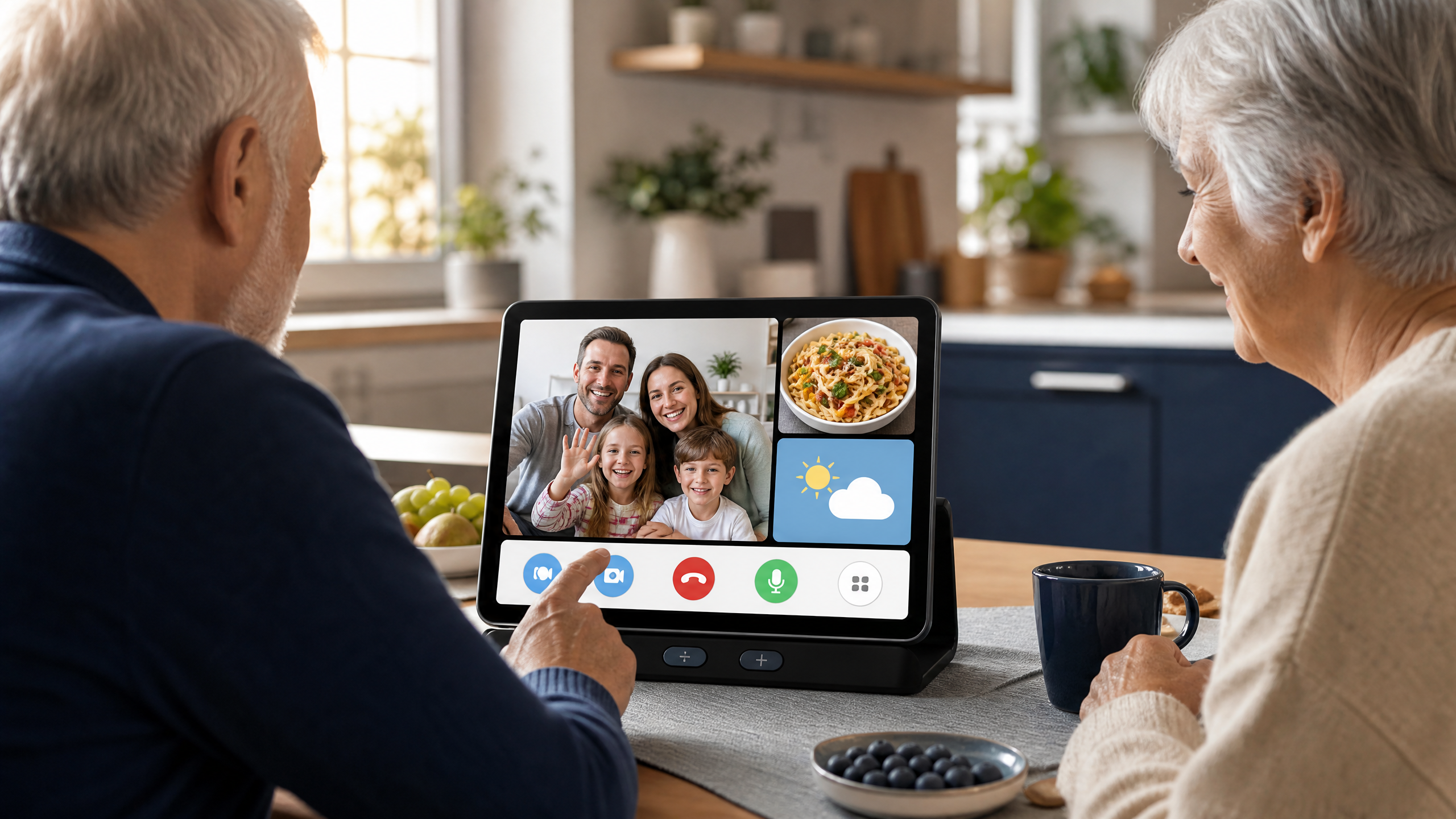
As we age, small text and dense interfaces can make a standard 10-inch tablet frustrating to use. A large-screen tablet—ranging from 14 inches to 15.6 inches—gives text, photos, and video-call interfaces more room and reduces the need for constant zooming. The ideal choice still depends on the senior’s eyesight, mobility, room setup, and whether the tablet will stay on a stand.
In practical use, larger controls and a more spacious layout can also reduce accidental taps. When seniors can see icons, read news articles, and view grandchildren’s video calls without squinting, the device feels less intimidating. For a detailed accessibility reference, see the National Institute on Aging guidance on older adults and technology [1].
Meswao Lineup for Seniors: Real Pricing & Specifications
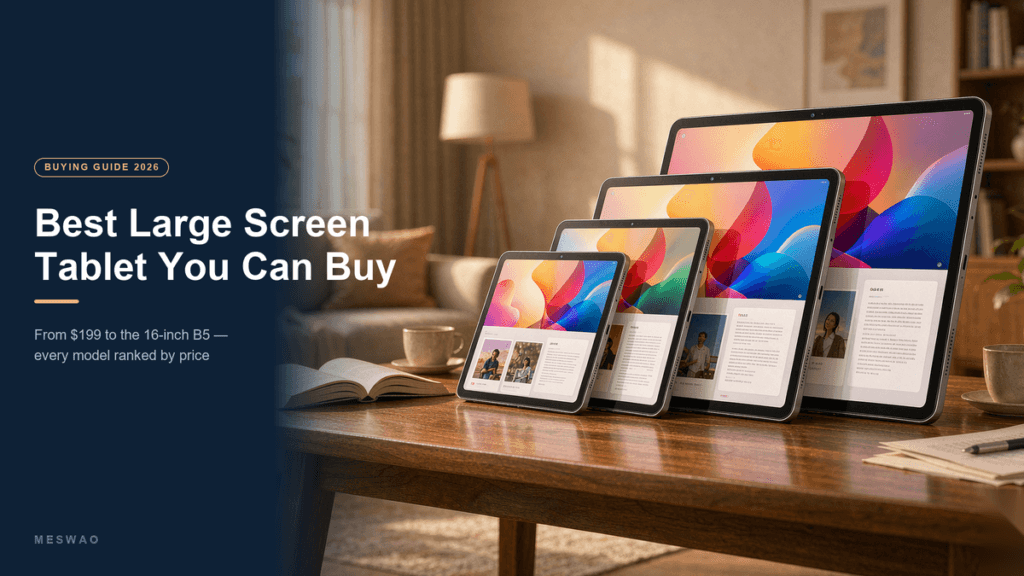
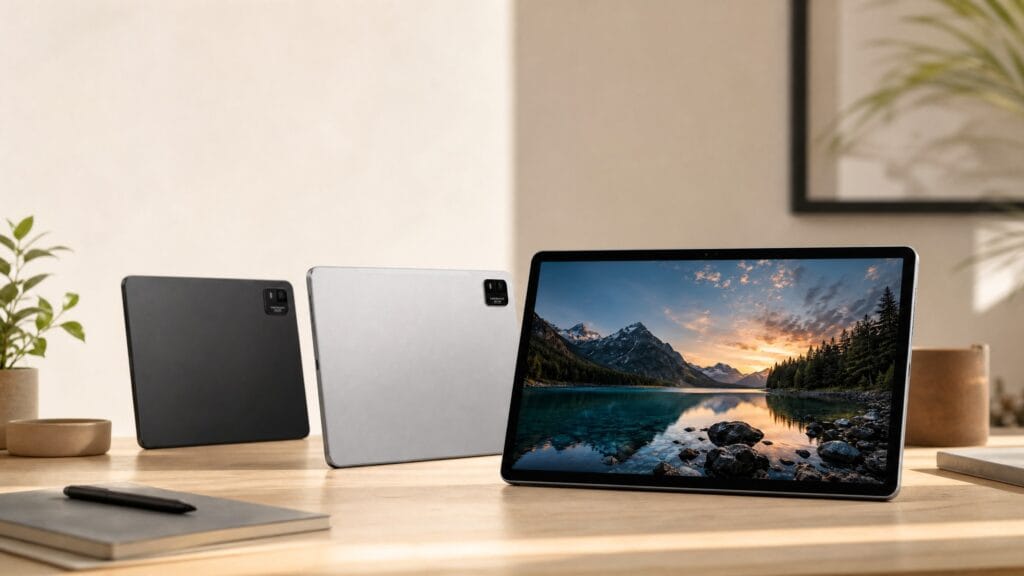
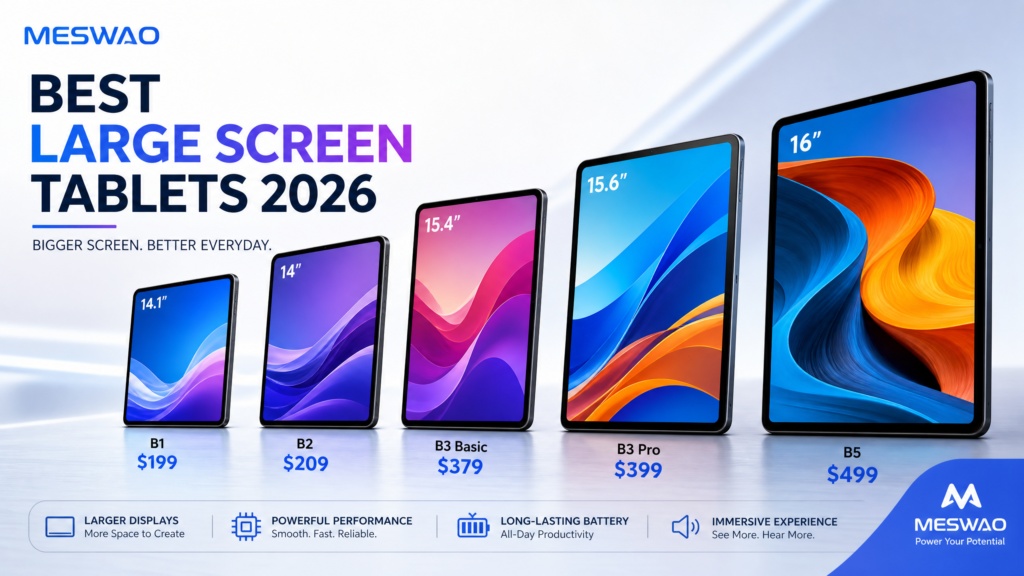
When selecting a computer tablet for elderly family members, matching device capabilities to their specific needs is crucial. The Meswao lineup offers purpose-built large-screen options tailored for senior use:
| Model | Screen Size | Key Specs | Price | Best For |
|---|---|---|---|---|
| Meswao B1 | 14.1 inch | 14.1-inch display; 10000mAh battery | $199 | Basic browsing & lightweight use |
| Meswao B2 | 14.0 inch | 14-inch display; official shop listing | $209 | Balanced portability & view |
| Meswao B3 Basic | 15.6 inch | Android 14; 6GB RAM; 128GB storage; 12000mAh battery | $379 | Extra-large senior viewing |
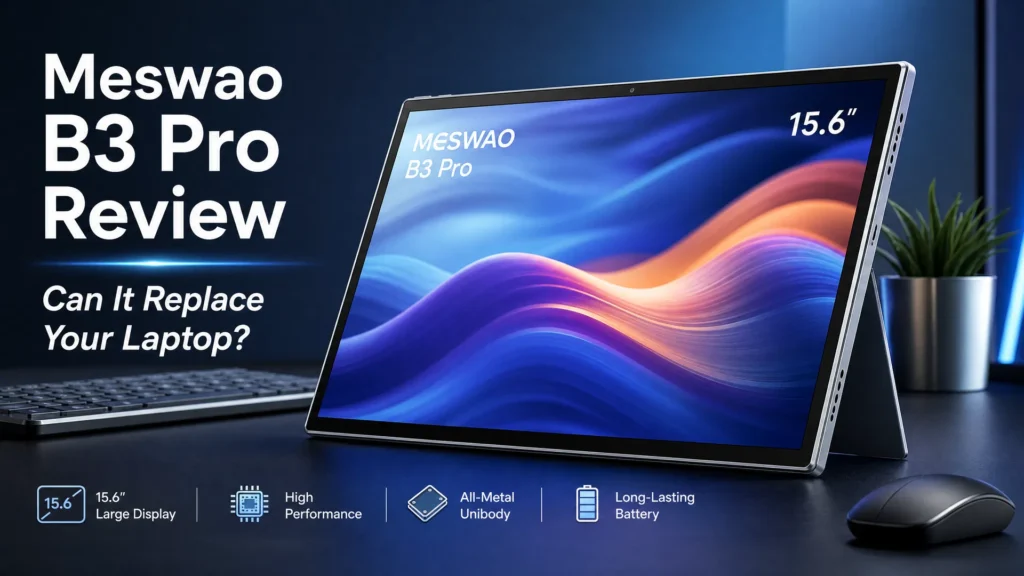
| Meswao B3 Pro | 15.6 inch | 12000mAh, Widevine L1, 8GB RAM | $399 | Streaming HD movies & video calls |
| Meswao B5 | 16 inch | 16-inch display; 12000mAh battery | $459 | Ultimate senior home entertainment |
Prices and the model-level specifications above should be checked against the live product listing before purchase, because promotions and availability can change. For more detailed options, explore our comprehensive guide on Best Large Screen Tablets for Seniors and browse the full collection on our Tablets Category Page.
Step-by-Step Setup Guide for Elderly Users
Setting up a computer tablet for an elderly parent or grandparent requires patience and a focus on simplification. Follow these proven steps to configure a stress-free environment:
- Enlarge Font and Display Scale: Navigate to Settings > Display > Font Size and Display Size, then set both to maximum. This instantly removes reading strain across apps.
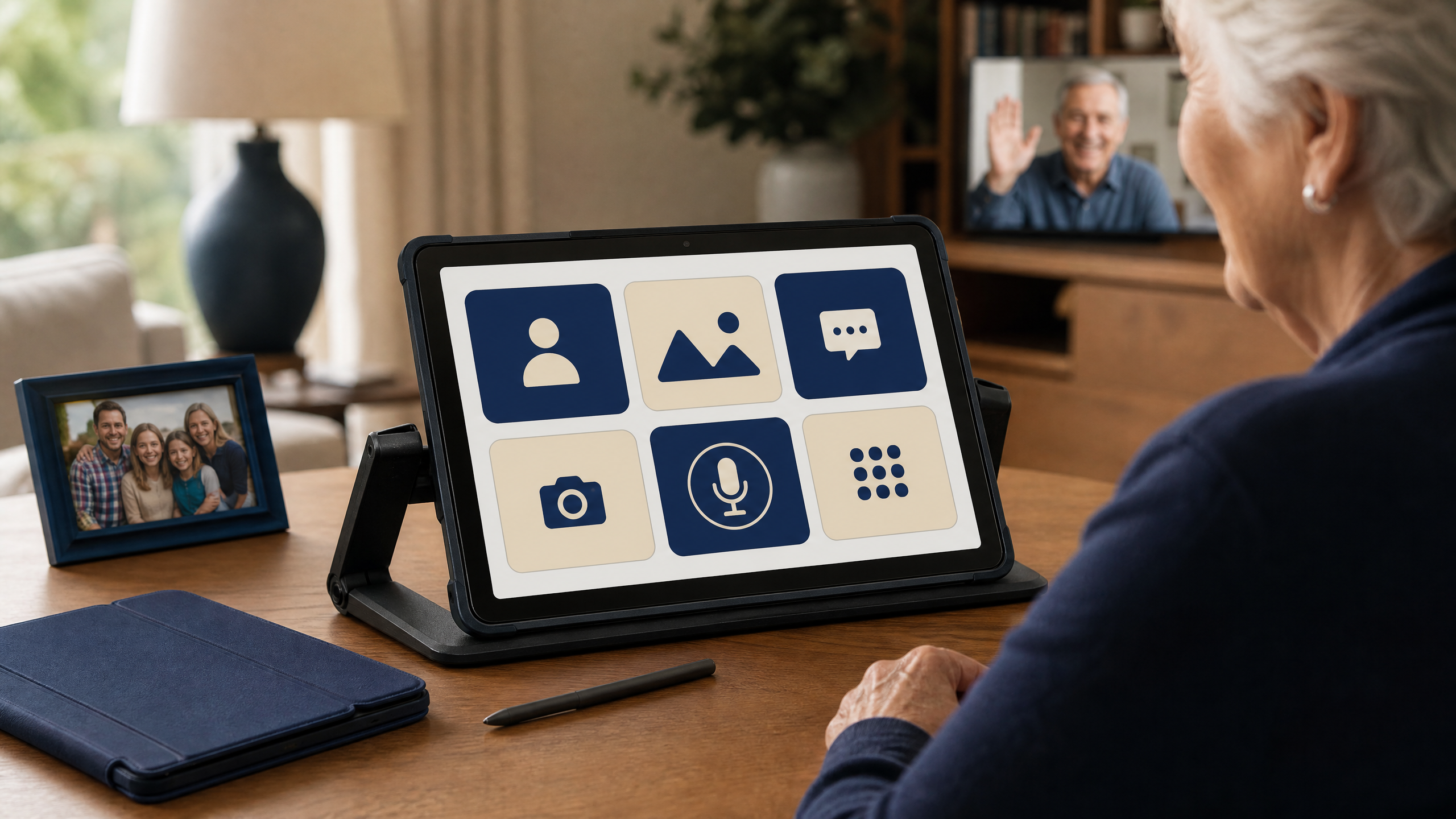
- Simplify the Home Screen: Remove unnecessary app shortcuts. Keep only essential icons on the main page: Phone/Video Call, Photos, Weather, and Browser. Consider installing a dedicated senior launcher app with large, high-contrast buttons.
- Enable Voice Assistant and Dictation: For seniors with arthritis or difficulty typing, Google Assistant voice typing allows them to search the web or dictate messages effortlessly.
- Configure Notification Controls: Mute non-essential app alerts to prevent confusion, leaving only family messaging and alarm notifications active.
Essential Accessories for Ease of Use
A tablet alone is often not enough; ergonomic accessories ensure comfort during extended use:
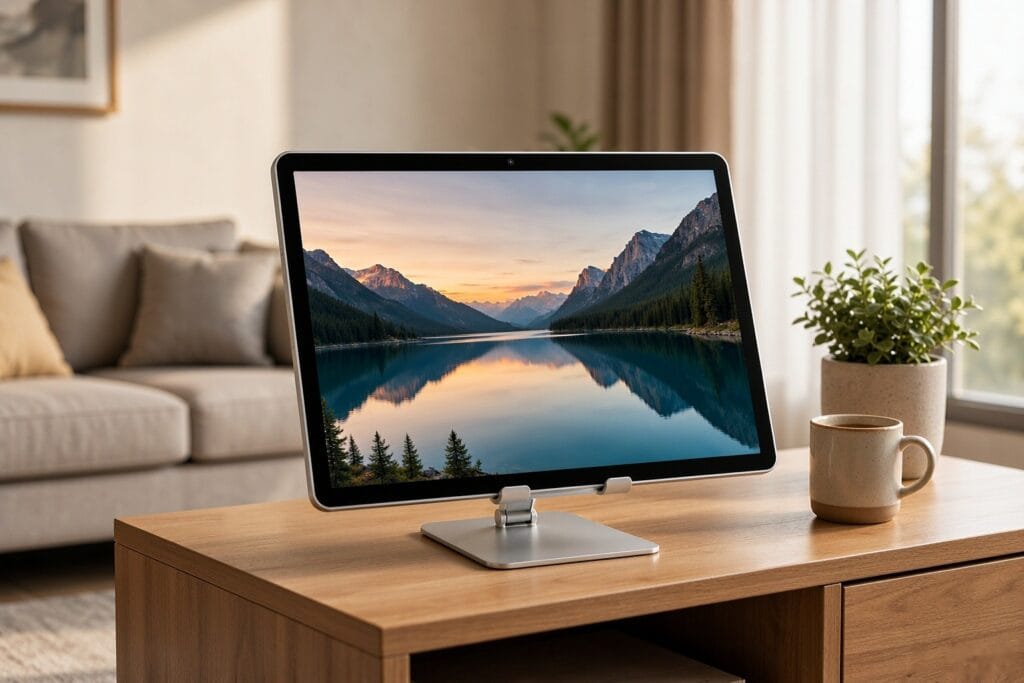
- Sturdy Tabletop Stand: Avoid wrist fatigue by mounting the tablet on an adjustable stand. Pair it with our recommended Tablet Stand for optimal viewing angles in the living room or kitchen.
- Physical Stylus Pen: For seniors who struggle with capacitive touch sensitivity, a weighted stylus provides greater precision.
- Protective Shockproof Case: Accidental drops happen. A ruggedized case protects your investment and provides a secure gripping surface.
Frequently Asked Questions (FAQ)
What is the best screen size tablet for an elderly person?
A 14-inch to 15.6-inch tablet, such as the Meswao B3 Pro or B5, is ideal for seniors. The larger screen provides significantly more text area, reducing eye strain and making video calls and reading much more comfortable than standard 10-inch models.
How can I make an Android tablet easier for a senior to use?
You can simplify an Android tablet by increasing system font and display sizes to maximum, removing clutter from the home screen, setting up direct-dial shortcuts for family members, and enabling voice assistants for hands-free searching.
Do Meswao large tablets support HD video streaming and calls?
Yes. The Meswao B3 Pro is listed at $399 and supports Widevine L1 certification, which is relevant for higher-quality protected streaming on compatible services. Actual playback quality can also depend on the service, app, connection, and account plan.
How long does the battery last on senior-friendly tablets?
Meswao large-screen tablets (B1, B3 Basic, B3 Pro, B5) are equipped with robust 10000mAh to 12000mAh batteries, providing all-day power for video chatting, reading, and entertainment without constant recharging.
For a deeper look at which screen sizes actually help failing eyesight, see our guide to the best tablets for older adults with bad eyesight – it compares 14, 15.6 and 16 inch models with real 2026 prices.
Conclusion
Choosing the right computer tablet for the elderly bridges the gap between digital isolation and joyful connection. By investing in a large-screen, senior-optimized device like the Meswao B3 Pro and pairing it with proper accessibility settings, you give your loved ones a powerful window to the world.
References
- [1] National Institute on Aging. “Technology and Older Adults: Accessibility and Ergonomic Guidelines.” NIA Research
- [2] Meswao. Official tablet category and live product listings.