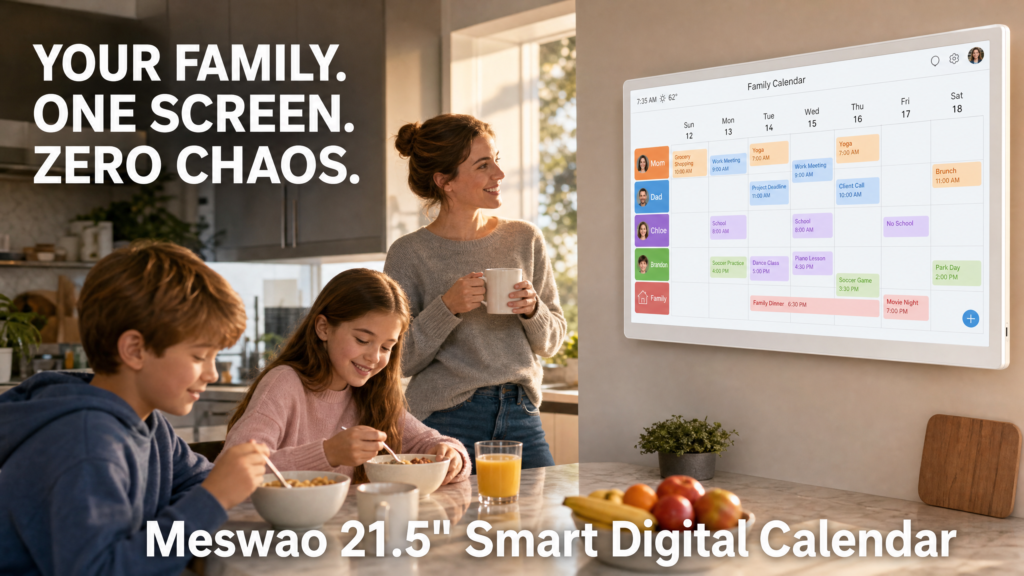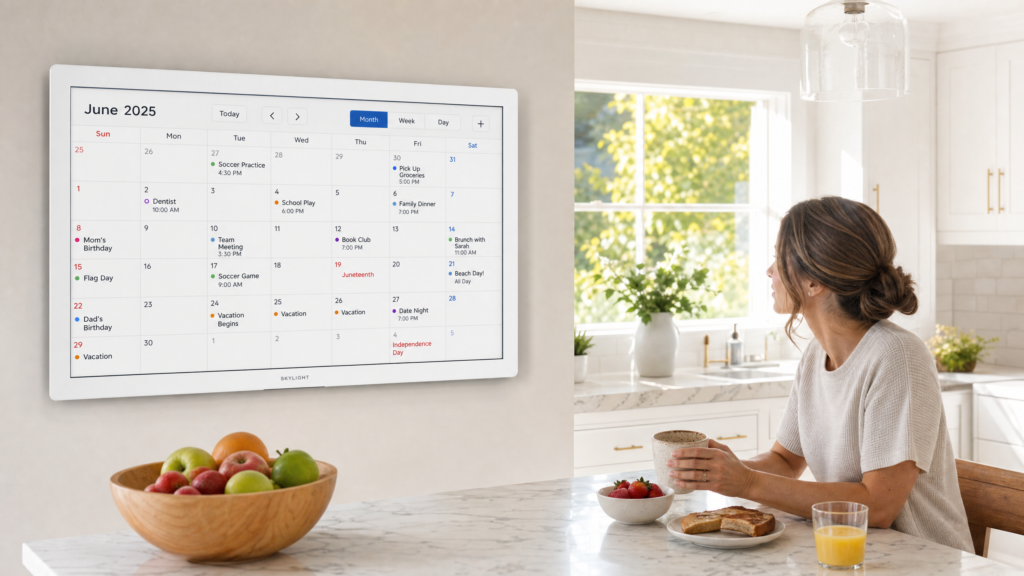





Best Digital Calendar Without Subscription in 2026

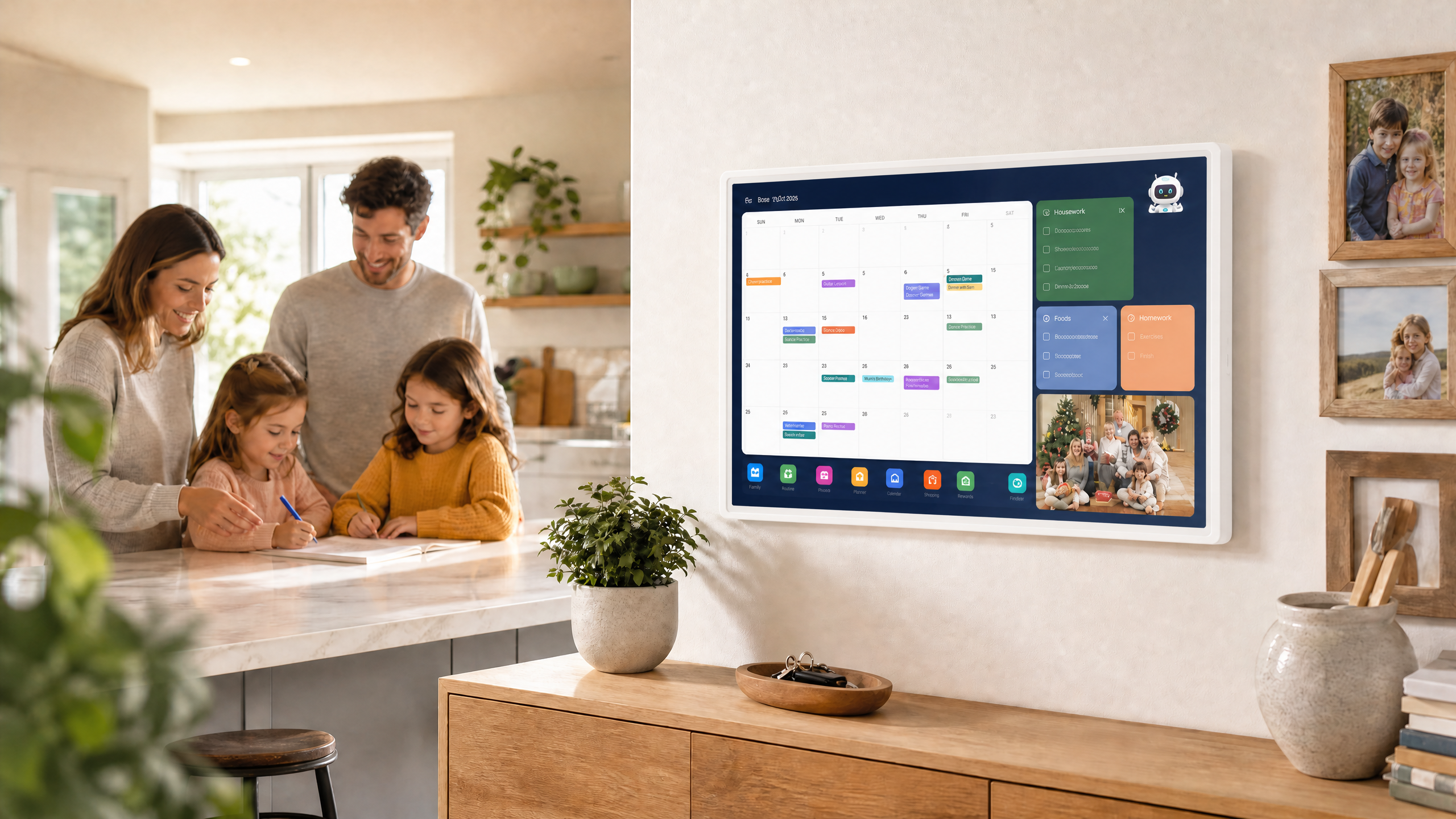
Busy households and multi-tasking families are increasingly looking for the best digital calendar without subscription to coordinate daily schedules, chore charts, and family meal plans without being locked into recurring monthly software fees. While many proprietary smart wall calendars charge monthly cloud dues just to keep multi-user sync and shared reminders active, dedicated touchscreen family calendar appliances offer a robust, standalone alternative.
This guide explores what makes a reliable no-subscription digital family wall calendar, compares practical 15.6-inch and 21.5-inch interactive calendar displays, and provides a clear setup framework for your home command center.
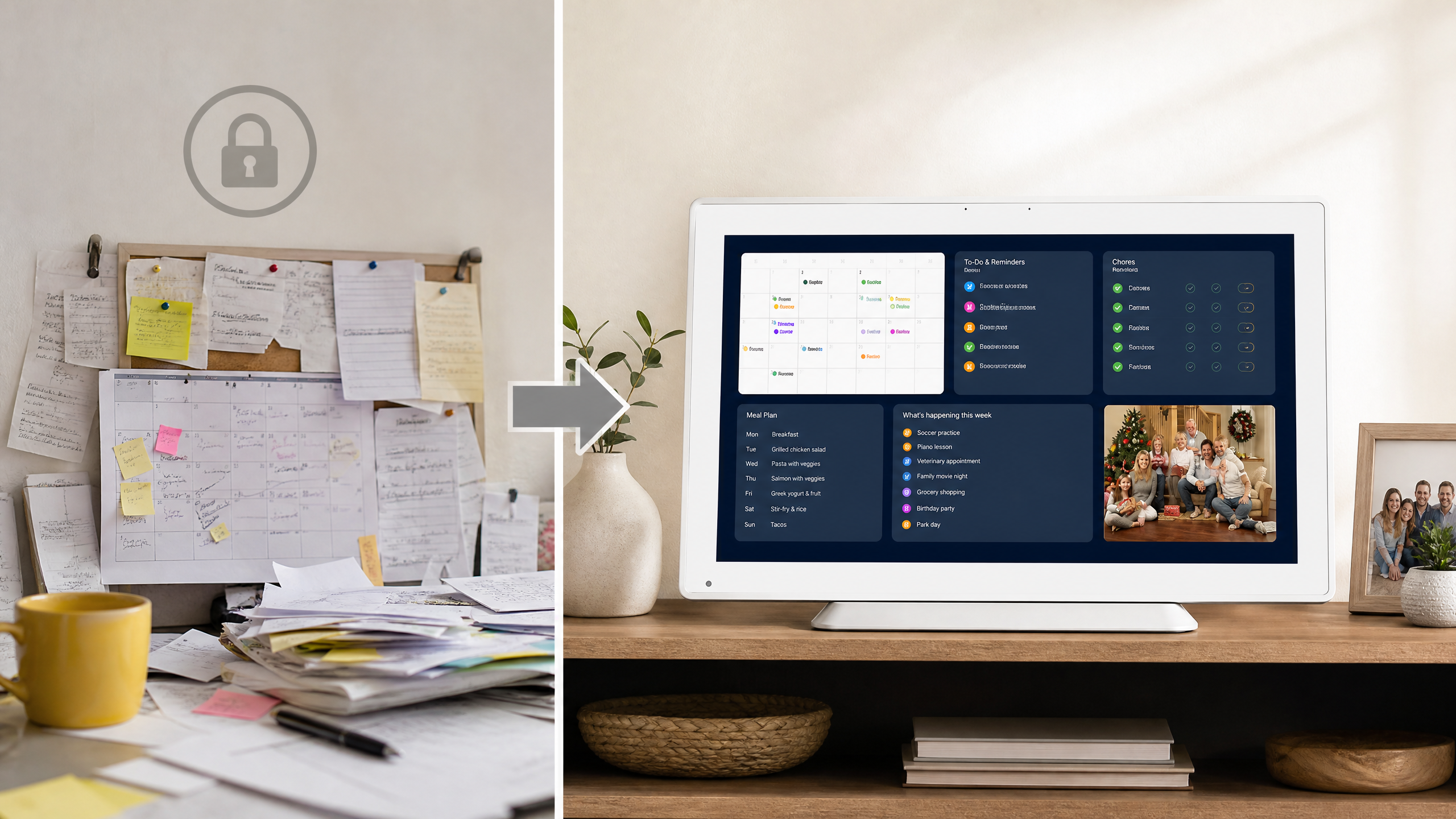
Why Choose a Dedicated Digital Family Calendar Without Subscription?
Coordinating a busy household requires a central information hub that everyone can see at a glance. Traditional paper wall calendars get messy quickly when schedules change, and small smartphone screens lack the shared visibility needed for family-wide coordination [1].
Many smart wall calendar brands utilize subscription models that require ongoing payments for premium cloud features or multi-user access. Choosing a dedicated touchscreen digital family calendar with local flexibility and standard account integration helps households avoid subscription fatigue while maintaining complete control over their daily schedules [2].
Meswao Lineup: 15.6-Inch and 21.5-Inch Touchscreen Family Planners
For households seeking a purpose-built digital calendar without recurring software dues, Meswao currently offers two flagship interactive touchscreen sizes built specifically for home wall organization and family coordination:
| MODEL | SCREEN SIZE | KEY HIGHLIGHTS | IDEAL CALENDAR ROLE |
|---|---|---|---|
| Meswao AI Smart Family Calendar (Standard) | 15.6 inch | High-sensitivity touch display, balanced daily schedule overview, clean wall mount | Versatile kitchen calendar & family planner |
| Meswao AI Smart Wall Calendar (Flagship) | 21.5 inch | Extra-large wall planner, immersive multi-user touch hub, chore board & meal planner | Ultimate interactive home command center |
For more home organization tips, read our guide on Smart Digital Family Planner for Home Routine and explore the full collection on our Calendar Displays Category Page. Using a stable Calendar Display Stand or secure wall mount ensures your calendar display is positioned at the perfect viewing angle.
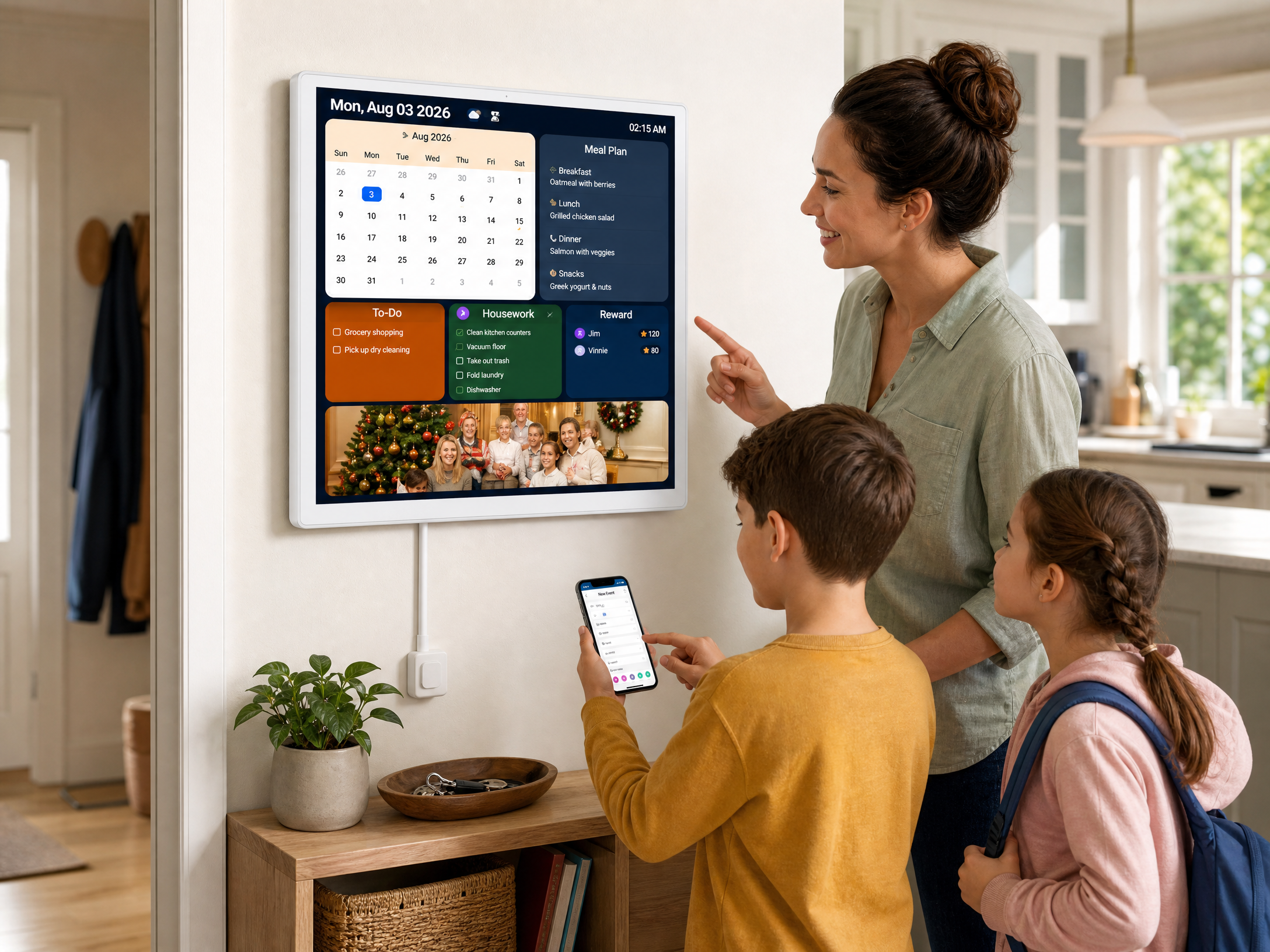
Key Features of a Reliable Touchscreen Family Planner
When selecting a digital calendar that does not demand monthly subscription fees, pay close attention to hardware build quality, screen clarity, and software flexibility:
- Touchscreen Responsiveness: A smooth, high-sensitivity touch display makes it effortless for family members to tap on dates, check tasks, and add quick notes without lag.
- Generous Display Dimensions: Choosing between the 15.6-inch and 21.5-inch screens ensures that monthly schedules, color-coded events, and daily chore lists are easily legible from across the room.
- Open Sync Capabilities: Ensure the device supports standard family calendar services such as Google Calendar or Outlook without forcing you into a proprietary walled garden.
- Flexible Placement Options: Whether mounted securely on a kitchen wall or placed on a countertop stand, the device should adapt easily to your household layout.
How to Set Up Your Digital Family Wall Calendar
Configuring a touchscreen calendar for maximum household benefit involves careful placement and straightforward software configuration:
- Choose a High-Traffic Location: Position the digital calendar in a central spot like the kitchen, entryway, or family room where everyone passes daily.
- Mount or Stand Securely: Use a robust tabletop stand or secure wall bracket with clean cable management to prevent tripping hazards.
- Connect Shared Family Accounts: Sign into the household Google or Outlook calendar accounts so that changes made on smartphones sync automatically to the wall display.
- Optimize Display Settings: Configure screen timeout and brightness so the calendar remains visible during the day without glaring in low-light evenings.
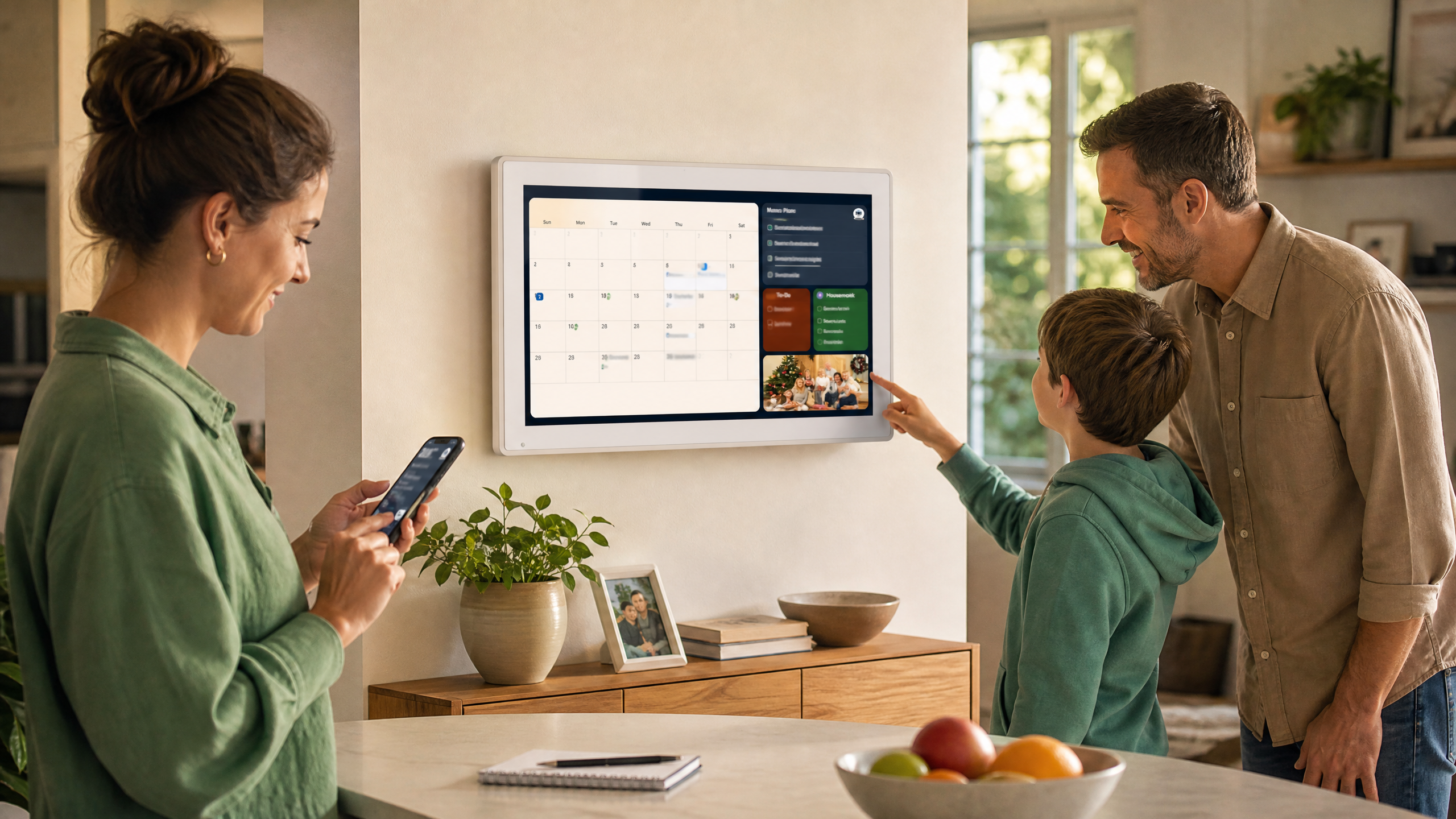
Best Practices for Household Coordination
A digital family planner works best when everyone participates. Assign distinct color codes for each family member (e.g., kids’ sports, parental work meetings, household chores), and keep daily reminders concise. By establishing a routine where evening reviews are checked on the central display, the whole household stays aligned without needing constant verbal reminders.
Frequently Asked Questions (FAQ)
What is the best digital calendar without a monthly subscription?
A dedicated touchscreen family planner, such as the 21.5-inch Meswao AI Smart Wall Calendar or the 15.6-inch standard model, serves as an exceptional no-subscription digital calendar because it lets you run free scheduling apps and local calendar views without recurring monthly fees.
Do smart wall calendars require ongoing subscription fees?
Many proprietary smart calendar brands charge monthly dues for cloud sync and multi-user features. Open-system touchscreen calendar appliances avoid separate device-subscription fees for standard calendar syncing.
What screen sizes are available for Meswao digital family calendars?
Meswao offers two primary in-demand display sizes: a versatile 15.6-inch model for balanced daily schedule overviews and an immersive 21.5-inch flagship model for ultimate interactive home command.
How do family members update the calendar remotely?
By signing into standard Google or Outlook accounts on the home display and on personal smartphones, any family member can add or update events remotely, and the wall display updates instantly.
Conclusion
Investing in the best digital calendar without subscription gives your household complete organization freedom, eliminating annoying monthly bills while keeping everyone aligned. By choosing a flexible interactive device like the Meswao AI Smart Wall Calendar, you secure a powerful, subscription-free family command center for years to come.
References
[1] Google Calendar Help. Official calendar support resources. https://support.google.com/calendar/
[2] Microsoft Support. Official Outlook support resources. https://support.microsoft.com/en-us/office/outlook
[3] Meswao. Official calendar display category and live product listings. https://meswao.com/product-category/digital-calendar/