
Is a 16-Inch Tablet Too Big? Honest Review of the Meswao B5

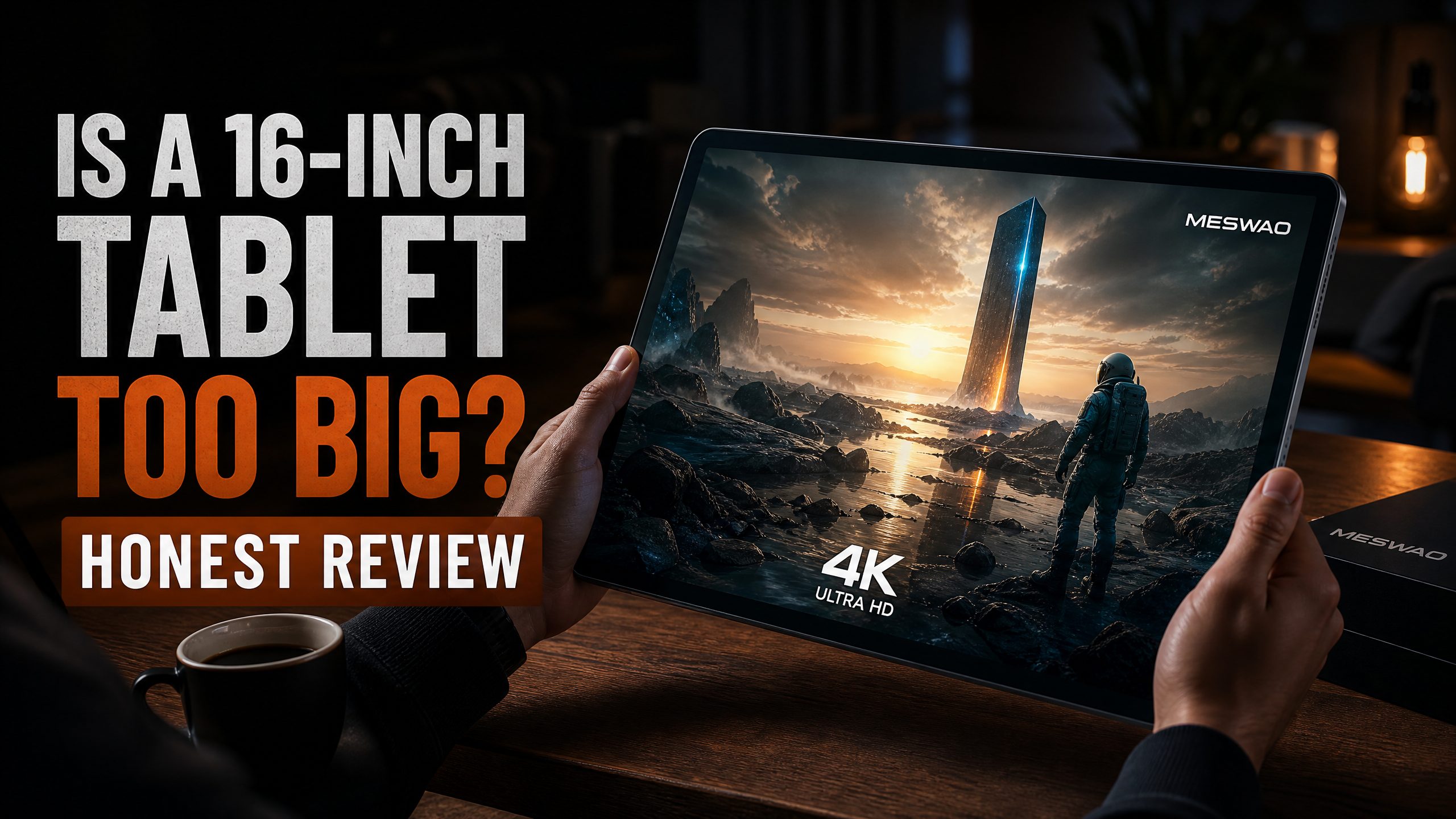
Is a 16-Inch Tablet Too Big? I Used One for a Month to Find Out
When I first heard about a 16-inch tablet, my immediate reaction was skepticism. My second reaction was: “Who is this actually for?” A 16-inch screen is the size of a standard laptop. Carrying that around as a “tablet” seems absurd on the surface.
But then I spent a month with the Meswao B5 16-inch tablet, and my perspective shifted considerably. The answer to “is a 16-inch tablet too big?” is nuanced—and it depends entirely on how you plan to use it.
First Impressions: Yes, It’s Big
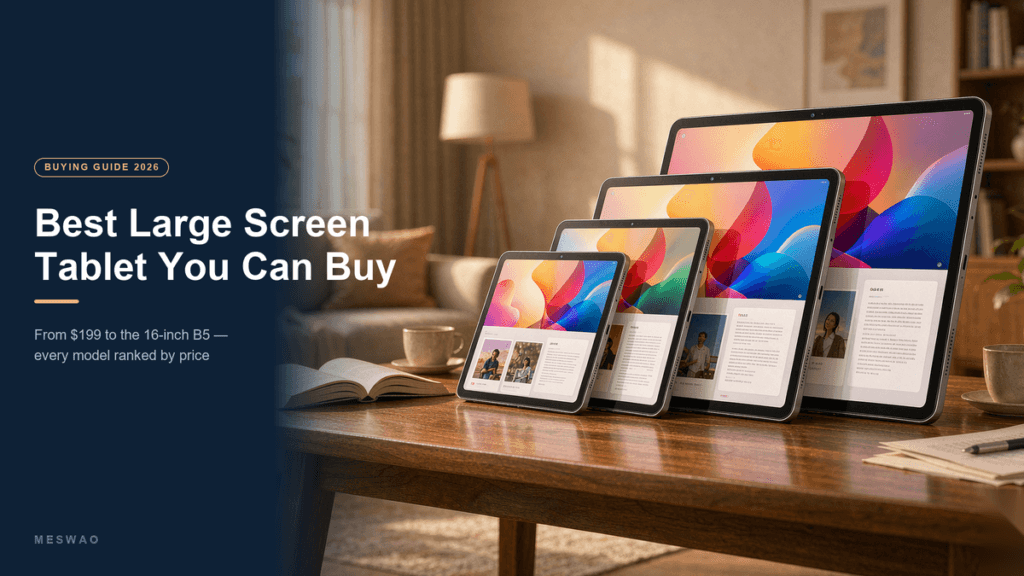
Let’s not sugarcoat it. The Meswao B5 is a large device. At 16 inches, it’s not something you’ll casually hold one-handed while standing on the subway. It’s a device designed for intentional use—sitting on a couch, propped up on a desk, or resting on your lap.
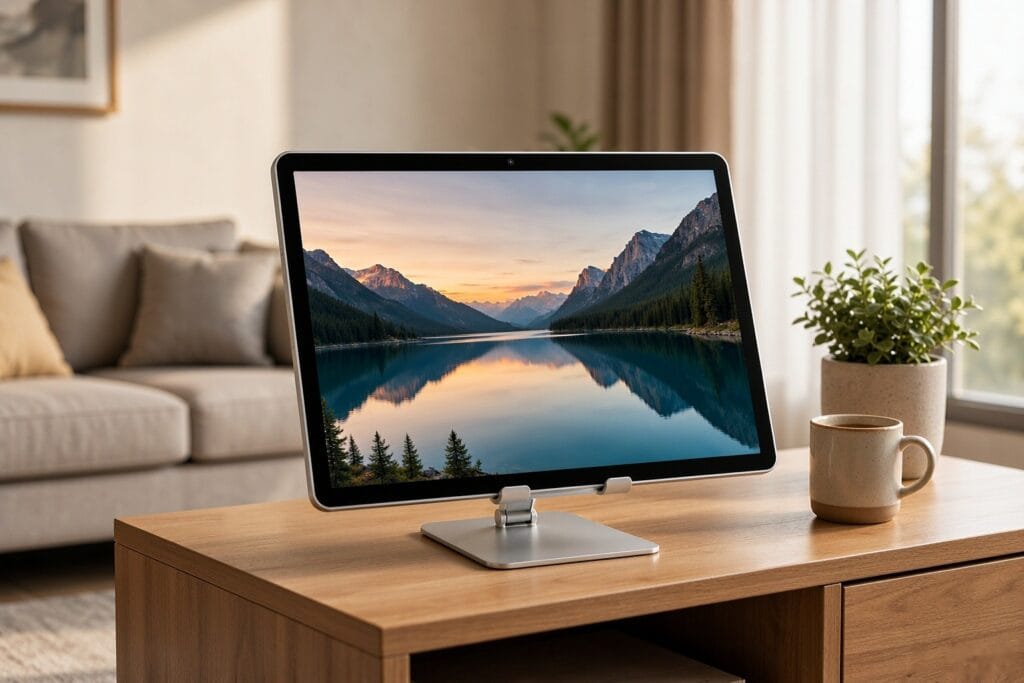
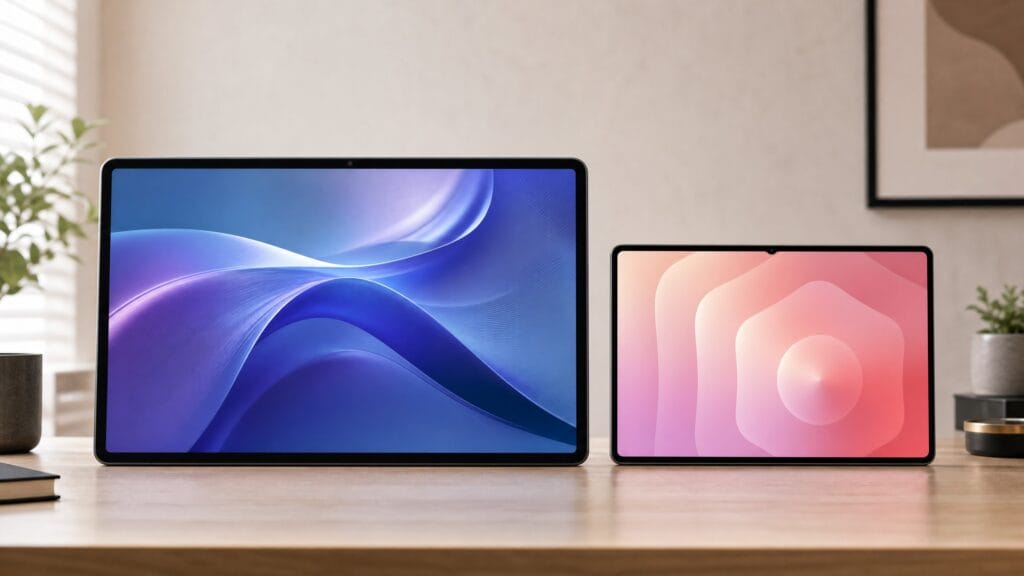
The first time I placed it on my coffee table and started watching a movie, though, I immediately understood the appeal. It felt like having a personal cinema screen. The 16-inch FHD IPS display, powered by the Helio G99 processor and 16GB of RAM, delivered a smooth, vivid picture that my 11-inch tablet simply couldn’t match.

What a 16-Inch Tablet Does Exceptionally Well
Home Entertainment
This is the killer use case. Watching movies, sports, or TV shows on a 16-inch screen is genuinely impressive. The wide IPS display ensures that even if someone is sitting next to you, the colors and brightness remain consistent. The 12,000mAh battery means you can watch a full movie trilogy without worrying about charging.
Productivity and Multitasking
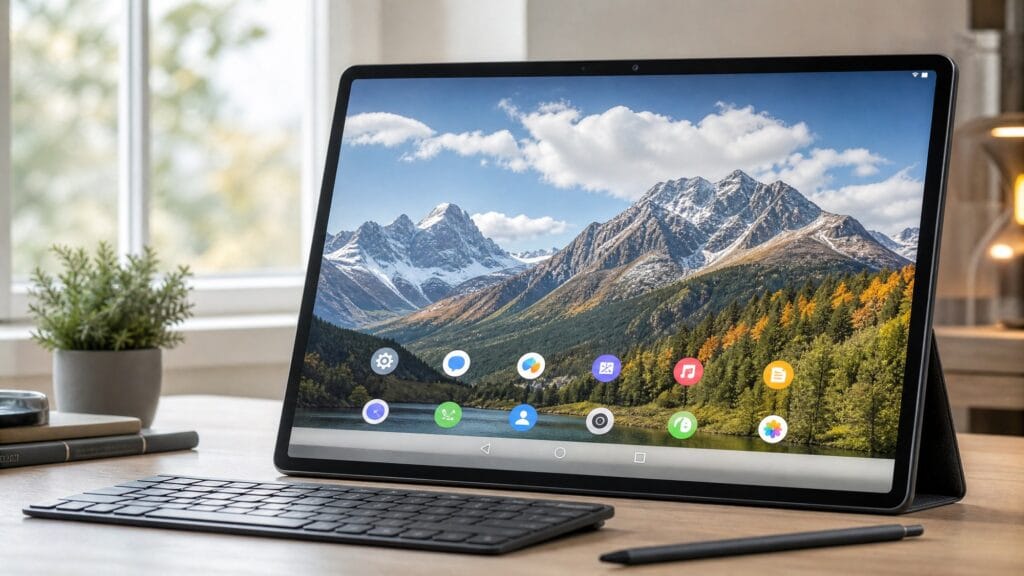
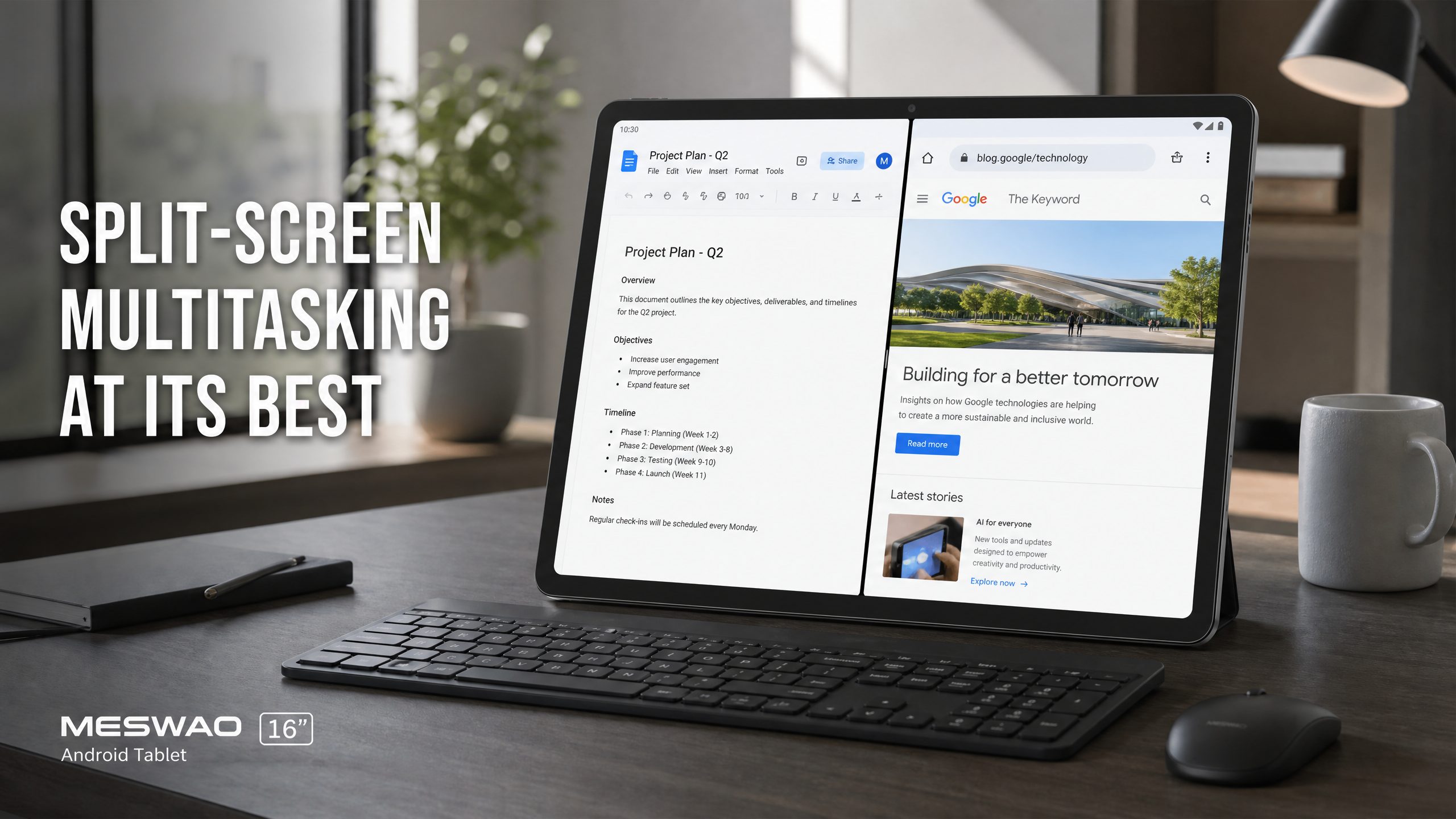
The real surprise was how useful the 16-inch screen is for work. Android’s split-screen mode on a 16-inch display gives each app roughly the equivalent of an 11-inch tablet’s worth of screen space. I ran Google Sheets on one side and a browser on the other—both at a completely comfortable reading size. This is something that feels genuinely cramped on smaller tablets.
Seniors and Accessibility
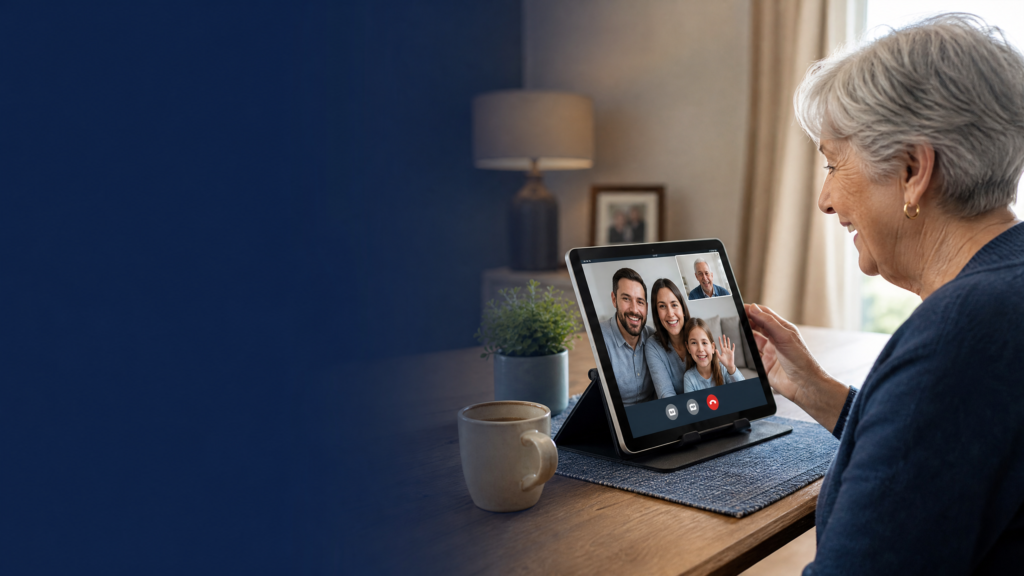
If you’re buying for a parent or grandparent with vision difficulties, a 16-inch tablet is a game-changer. The font can be scaled to maximum size, buttons are enormous and easy to tap, and video calls show faces at near life-size. Compare this to the Meswao B3 Basic 15.6-inch for a slightly smaller but similarly excellent option.
Where a 16-Inch Tablet Falls Short
Honesty requires acknowledging the limitations.
- Portability: It doesn’t fit in a standard backpack’s tablet sleeve. You need a 17-inch laptop bag or a dedicated sleeve. It’s a home device, not a commuting device.
- One-Handed Use: Forget it. This is a two-handed device, always. Treat it like a portable TV screen, not a phone.
- App Scaling: Some apps still aren’t optimized for screens this large. Most major apps (Netflix, YouTube, Chrome, Office) look great. Niche apps may have some scaling quirks.
If you have decided the size is right, the next step is choosing the model – our best 16 inch Android tablet guide compares the two 16-inch MESWAO tablets, the B5 and the B5 Basic, spec by spec.
Who Should Buy a 16-Inch Tablet?
A 16-inch tablet is the right choice for you if:
- You primarily use your tablet at home, not on the go
- You want the closest thing to a TV or laptop screen in tablet form
- You’re buying for a senior who needs maximum screen size for accessibility
- You want a large display for reading, studying, or watching content without buying a full laptop
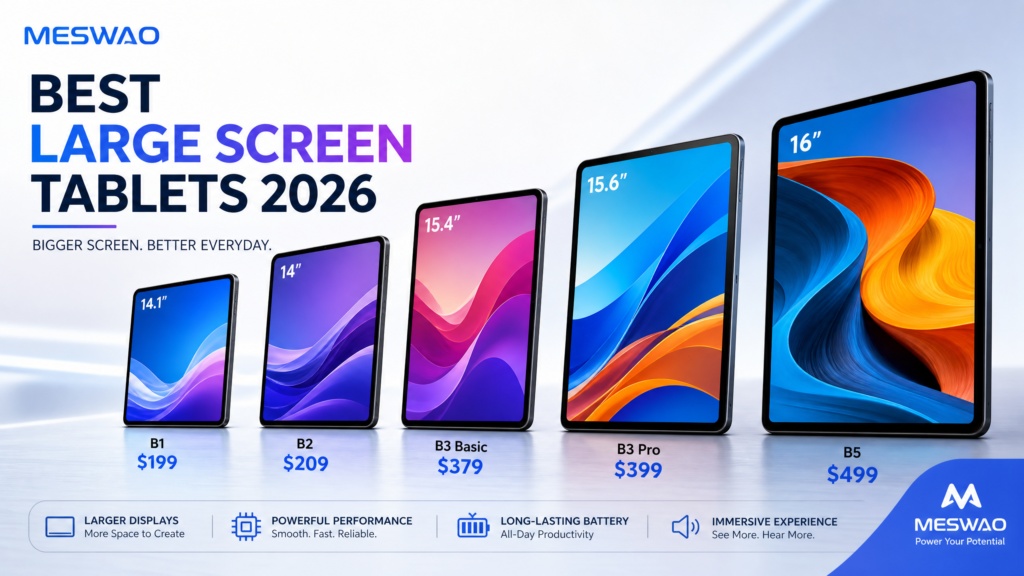
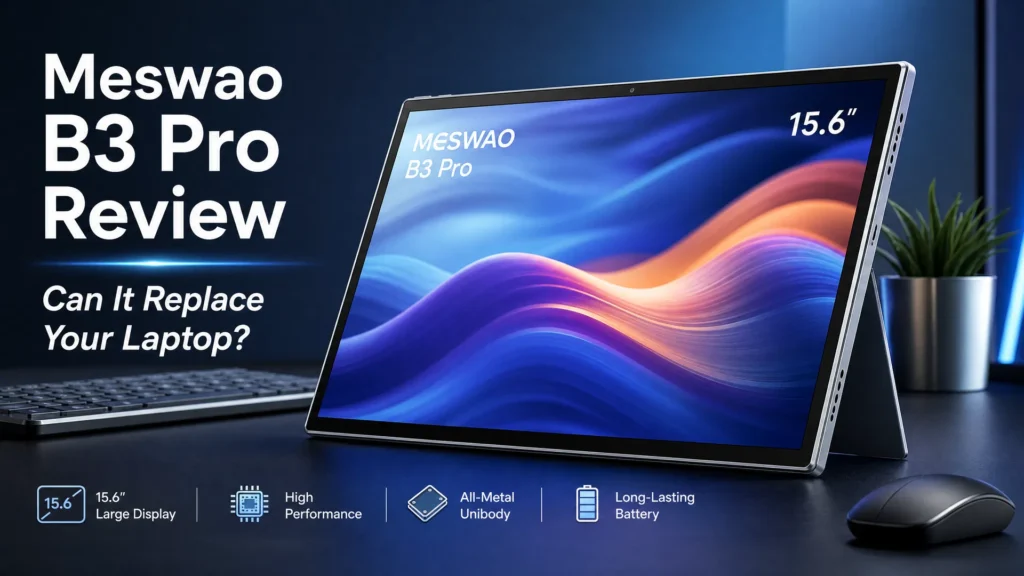
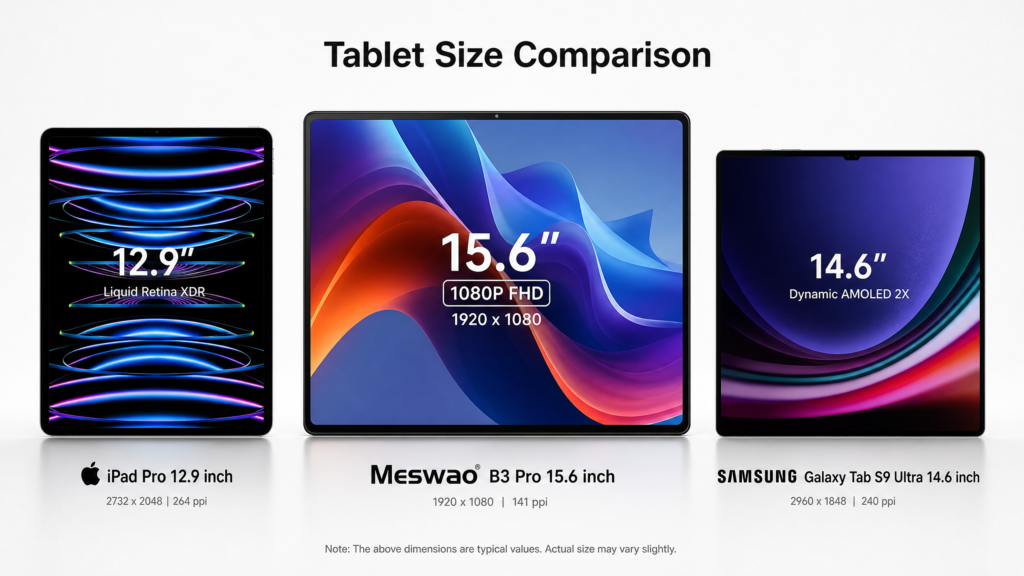
If you need something more portable, the Meswao B3 Pro 15.6-inch offers a very similar experience in a slightly more manageable size.
FAQ
Is a 16-inch tablet too big to use as a tablet?
It depends on your lifestyle. For home use—on a couch, desk, or bed—it’s fantastic. For commuting or one-handed use, it’s genuinely too large. Think of it as a portable screen rather than a traditional tablet.
How does the Meswao B5 16-inch compare to the B3 Pro 15.6-inch?
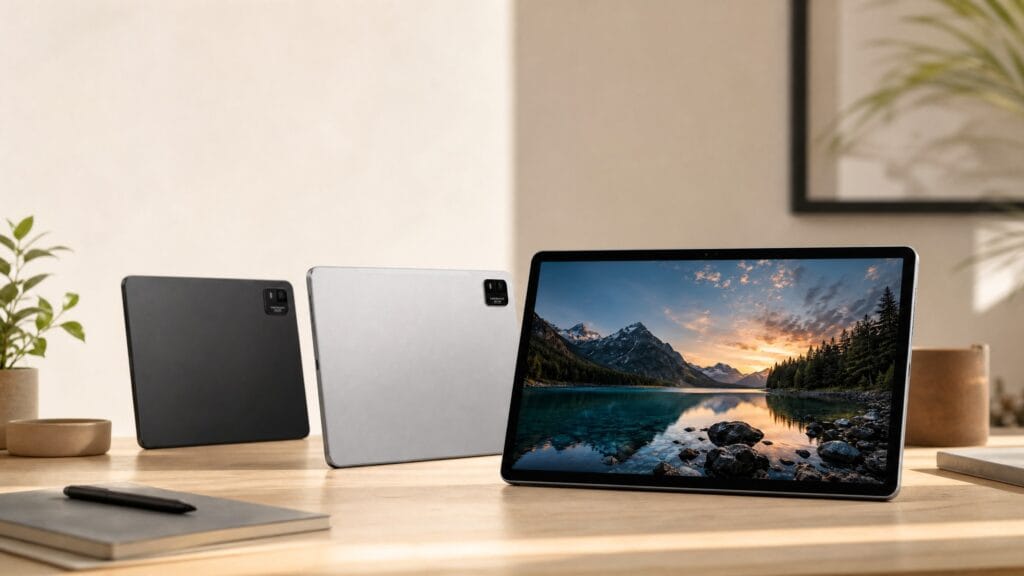
Both share the same Helio G99 processor; the B5 pairs it with 16GB RAM (the B3 Pro has 8GB), 256GB storage, and a 12,000mAh battery. The B5 offers a slightly larger 16-inch screen and runs Android 16. The B3 Pro is slightly more compact and may be easier to handle. Both are excellent choices depending on your preference for size.
Can I use a 16-inch tablet as a second monitor?
Yes, with third-party apps, you can use a large Android tablet as a wireless secondary display for your laptop or PC. At 16 inches, it’s actually a very usable second screen. For a dedicated external display, also consider the Meswao 23.8-inch portable monitor.