




Best Tablet for Students in 2026: Online Learning, Notes, and Bigger Screens

Best Tablet for Students in 2026: Online Learning, Notes, and Bigger Screens
Finding the best tablet for students is less about buying the most expensive model and more about matching the device to the way a student actually studies. A primary-school learner may need a simple touch interface and strong parental controls. A college student may care more about split-screen research, PDF storage, video calls, and a keyboard. A teacher may need a larger display for lesson planning, grading, and presenting material to a class.
That is why the usual “one tablet fits everyone” recommendation is not very helpful. A compact 10-inch tablet is easy to carry, but it can feel cramped when a video lesson, digital textbook, and notes are open together. A premium iPad or Windows 2-in-1 can be excellent, but the total cost rises quickly once you add storage, a keyboard, and a stylus. Meanwhile, a large Android tablet can offer more working space for online learning without forcing every student into a laptop-sized budget.
In this guide, I explain what matters when choosing a tablet for online classes, compare the main operating-system options, and show where a 15.6-inch model such as the Meswao B3 Pro makes sense. I also include the trade-offs. If you need full desktop software for engineering, advanced accounting, or specialist creative work, a tablet may complement your laptop rather than replace it.
Quick answer: what is the best tablet for students?
For most schoolwork, the best tablet is the one that offers a clear display, enough memory for several apps, dependable battery life, comfortable video calling, and access to the learning platforms a student already uses. That normally means looking beyond the processor name and checking the complete workflow.
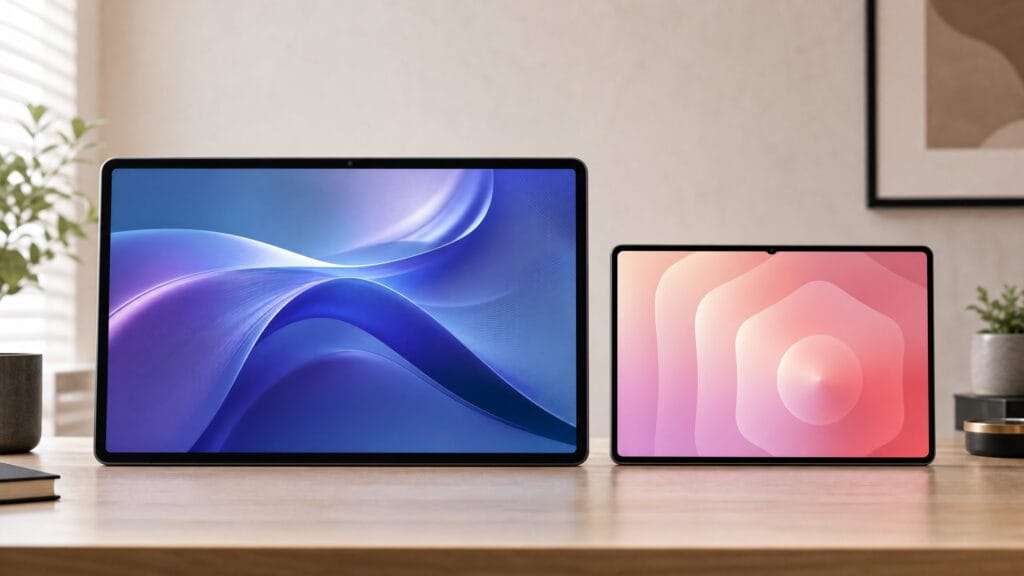
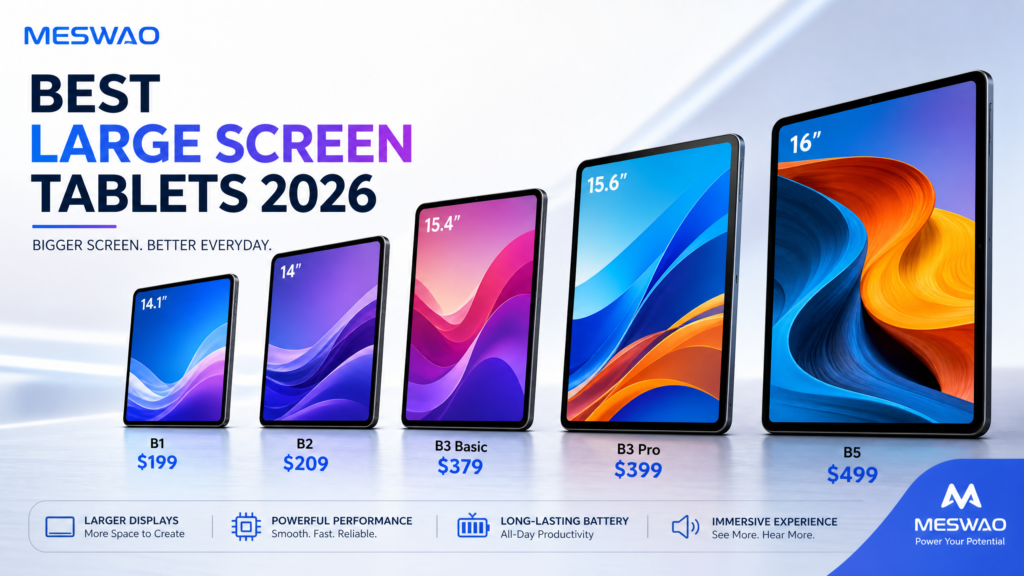
A 10- to 11-inch tablet is the most portable choice. It works well for reading, flashcards, web research, and note-taking in a classroom. If the note-taking workflow is your deciding factor, our guide to choosing a note-taking tablet by screen size compares every format against a sheet of A4. A 12- to 13-inch tablet creates more room for textbooks and handwriting. A 15.6-inch Android tablet for students is a different category: it is less convenient to carry every day, but much better for split-screen study, music scores, large diagrams, remote lessons, family learning spaces, and a student who wants a display that can be shared with another person.
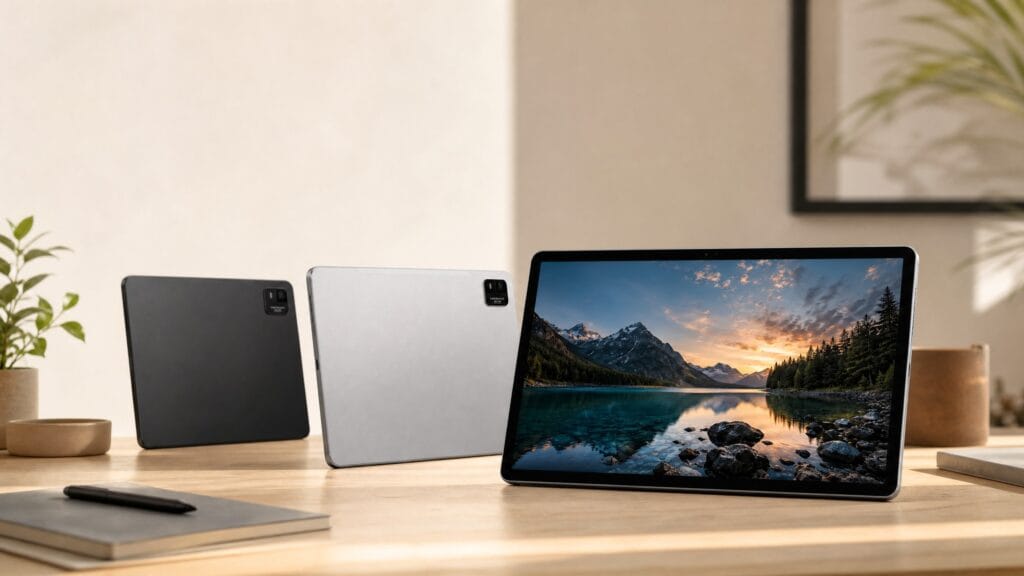
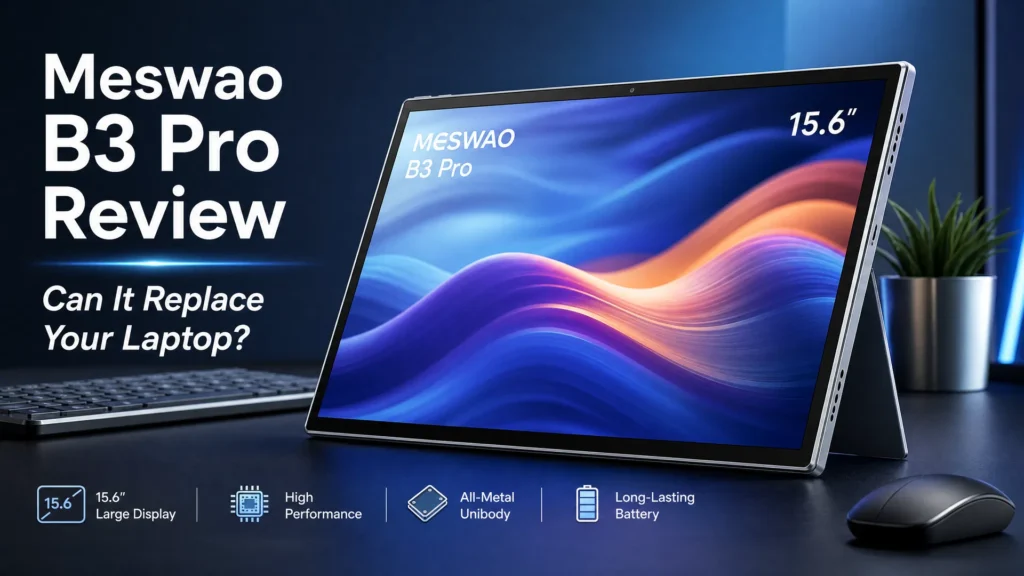
For a large-screen education setup, the Meswao B3 Pro is a practical option to consider. It combines a 15.6-inch Full HD display with Android 16, 16GB Memory, 256GB storage, a MediaTek Helio G99 processor, a 12,000mAh battery, and Widevine L1 certification. Its reference price is $409.98, although buyers should confirm the current live price before purchasing.
What should you look for in a student tablet?
1. Screen size and the way the student studies
Screen size is the first decision because it changes the entire experience. PCMag notes that tablet sizes are measured diagonally and that display resolution becomes especially important for reading and web browsing. It also recommends approximately 1,920 by 1,080 pixels or higher when shopping for a 10-inch tablet.1
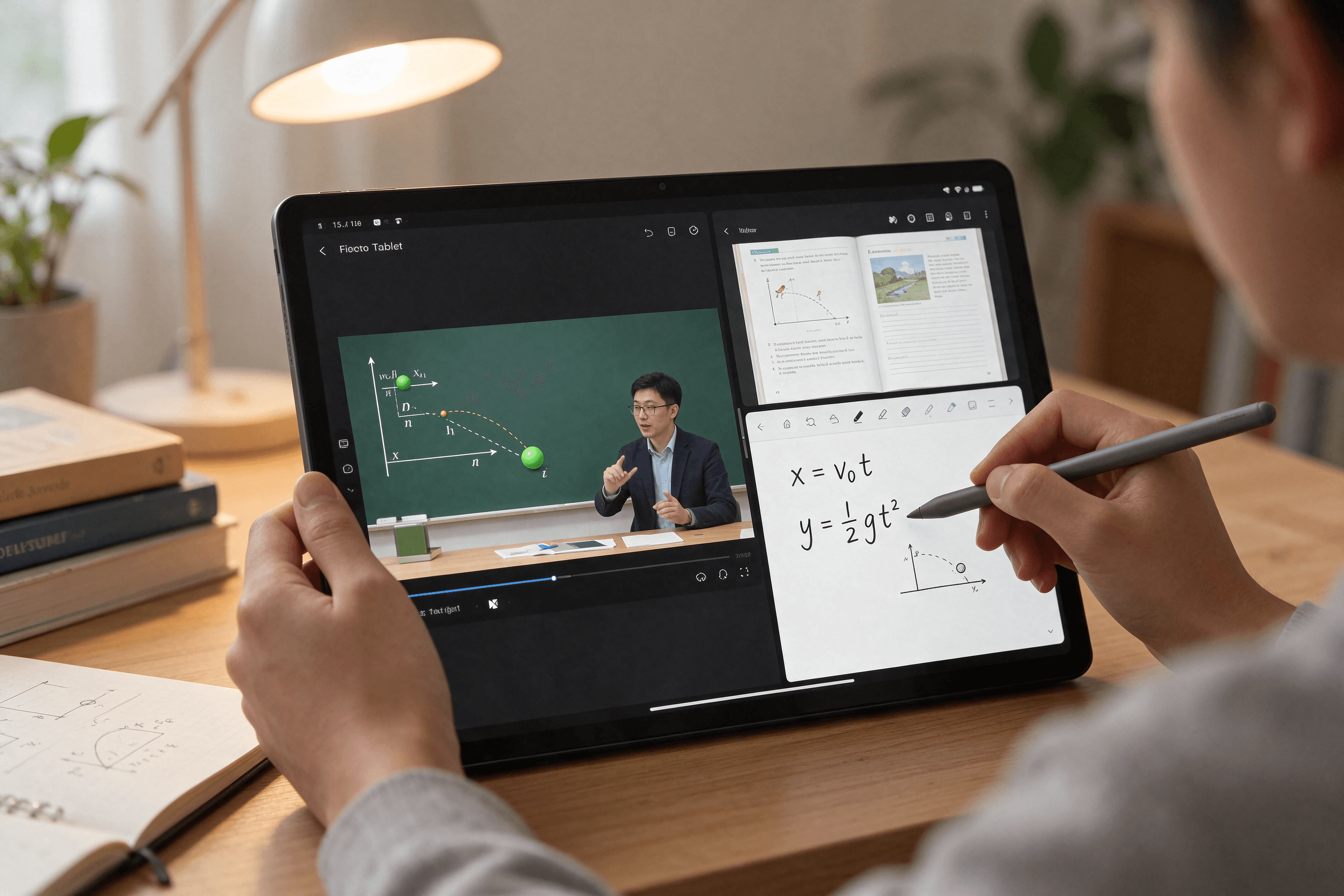
For a student, the practical question is not simply “How big is the screen?” It is “How much can I see without constantly switching views?” A small display is perfectly usable for one task at a time. It becomes less comfortable when the student needs a lecture video on one side, a PDF on the other, and a notes app underneath.
A 15.6-inch display is particularly useful for:
- reading a full page of a digital textbook or sheet music;
- comparing a teacher’s presentation with a set of notes;
- viewing science diagrams, maps, design references, or coding documentation;
- joining an online class while keeping a chat, worksheet, or browser tab visible;
- sharing a screen with a parent, tutor, or classmate.
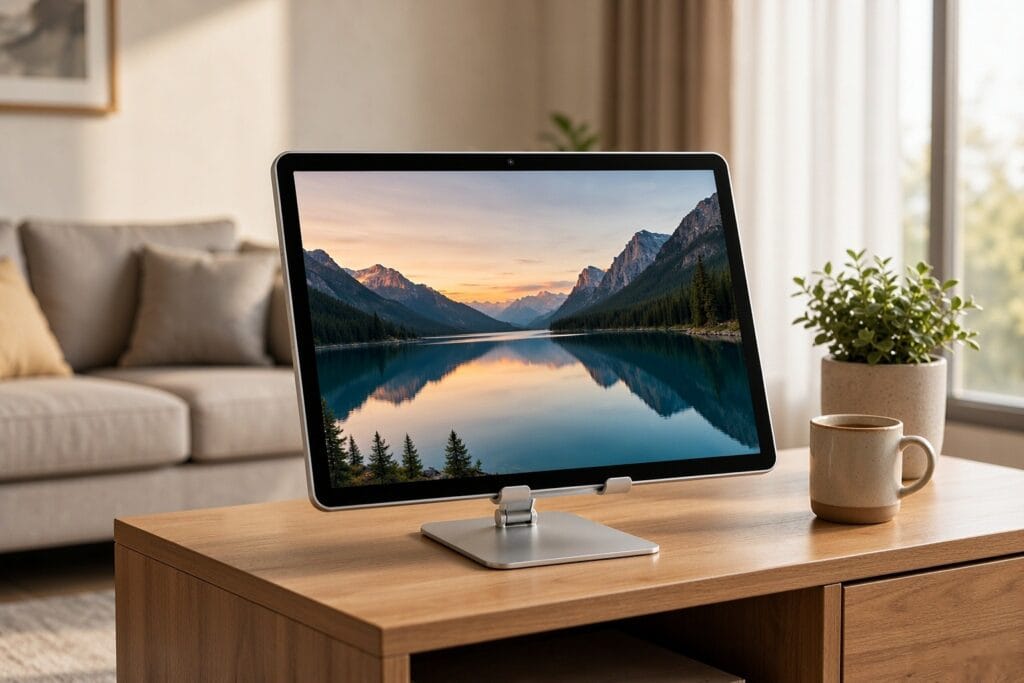
The compromise is weight and portability. A large-screen tablet should usually be used on a desk, stand, or lap rather than held in one hand for a full lesson.
2. Resolution and text clarity
Education is full of small text: PDF footnotes, formulas, browser tabs, subtitles, and assignment instructions. A 1920×1080 Full HD display gives the B3 Pro a clear, familiar target for these tasks. It is not a high-resolution premium tablet panel, and it should not be marketed as one. Its advantage is the combination of a large canvas and a straightforward Full HD format that keeps web pages, video lessons, and documents readable at normal study distance.
For a small 10-inch tablet, Full HD already looks relatively dense. On a 15.6-inch screen, viewing distance and font size matter more. Students should use the system’s display scaling and app text controls instead of sitting too close to the screen.
3. RAM and storage for schoolwork
RAM affects how comfortably a tablet moves between apps. Storage affects how many books, videos, documents, photos, and apps can remain on the device. Samsung’s education guidance recommends at least 4GB of RAM for students who need to work across several apps or windows, while also noting that more storage helps when students download large apps or create multimedia projects.3
The Meswao B3 Pro’s 16GB Memory and 256GB storage give it more headroom than an entry-level study tablet. That is useful for a college student with a browser, PDF reader, video call, cloud drive, and notes app open across the same study session. It also gives families more room for downloaded lessons and offline reading.
Storage is not a substitute for organization. Students should still use a sensible folder system and cloud backup. A tablet containing the only copy of a term’s assignments is a fragile setup, no matter how much storage it has.
4. Battery life and charging habits
Online learning is frustrating when a class ends because the device needs to be charged. Battery capacity is only one part of the story; screen brightness, video playback, Wi-Fi strength, and app behavior all affect real-world endurance. The B3 Pro uses a 12,000mAh battery, which is a substantial capacity for a large-screen Android tablet, but actual runtime will vary by workload.
For daily study, the best habit is to charge before a long class rather than waiting until the battery is nearly empty. Students who move between home and school should also check the charger size, cable length, and whether a protective case or stand makes charging difficult.
5. Learning apps and operating system compatibility
A good student tablet needs to run the tools used by the school. Common examples include Google Classroom, Google Meet, Microsoft 365, Zoom, browser-based learning platforms, PDF readers, ebook apps, and cloud storage. Android offers access to a broad Google Play ecosystem, but app quality and tablet optimization can differ between applications.
Google’s Kids Space shows how Android tablets can also be configured for younger learners. On supported devices, it recommends age-appropriate apps, books, and videos, while Family Link lets parents manage content settings and screen-time limits from another device.4 This is useful context for families, but parents should confirm device compatibility and regional availability rather than assuming every Android tablet includes Kids Space.
The B3 Pro’s Android 16 platform is a strong fit for users who prefer Google services and a flexible Android workflow. It is not an iPad, and it does not run iPad-only apps. That difference matters if a school requires a specific iPad application.
6. Video calls, cameras, and sound
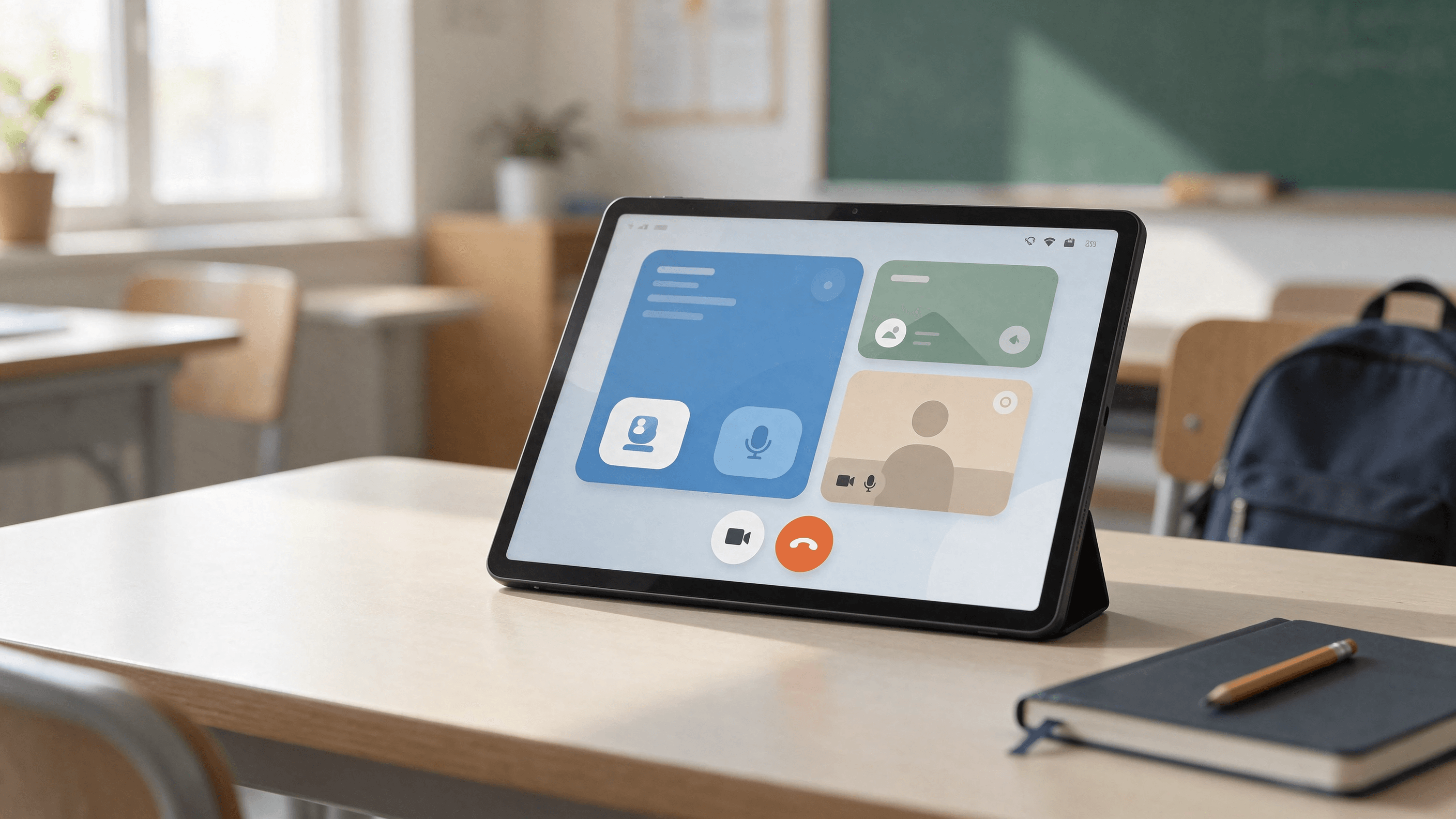
A tablet for online classes must handle more than a display. The front camera, microphone, speakers, and the position of the device on a desk all affect the quality of a class call. A large tablet placed flat on a table can point the camera at the student’s chest instead of their face, so a stand or adjustable case is usually worthwhile.
Teachers should also consider whether the tablet will be used to present content. A larger screen makes it easier to review a slide before sharing it, but a separate keyboard and mouse may still improve long lesson-planning sessions.
Best tablet for students by use case
Best for younger students: a simple 10- or 11-inch Android tablet
Younger students often benefit from a smaller device that is easy to carry and simple to supervise. A 10- or 11-inch screen is large enough for reading and video lessons without becoming awkward on a small desk. The priority should be durable protection, parent controls, a manageable app library, and a battery that can get through homework time.
The right choice is not necessarily the tablet with the fastest chip. For elementary learning, a clear interface and a family-friendly setup may matter more than premium multitasking.
Best for college students: a tablet with storage and split-screen room
College students typically have a wider mix of tasks: lecture recordings, PDFs, web research, shared documents, messaging, and presentations. A 10-inch model remains easier to carry between lectures, but a 12- to 15.6-inch display becomes more comfortable for long reading sessions.
The Meswao B3 Pro is most compelling for students who study at a desk or use a stand. Its 15.6-inch screen gives a full-page view of documents, while 16GB Memory and 256GB storage support a heavier academic workflow than basic tablets. Students who spend all day walking across campus should weigh that screen benefit against portability.
Best for online classes: a large display with reliable app access
A tablet for online classes should make it easy to see the instructor, the shared presentation, and the student’s own notes. This is where a larger Android tablet can feel less tiring than a compact screen. The student can increase text size without losing as much content and can place the device farther away while keeping the lesson visible.
The Gadgeteer’s 2026 student-and-teacher roundup frames the choice around the workflow: some devices are best as digital notebooks, while others are closer to laptop replacements. It highlights keyboard ergonomics, stylus precision, battery life, and operating-system needs rather than treating price as the only factor.2
Best for teachers: a larger workspace and optional accessories
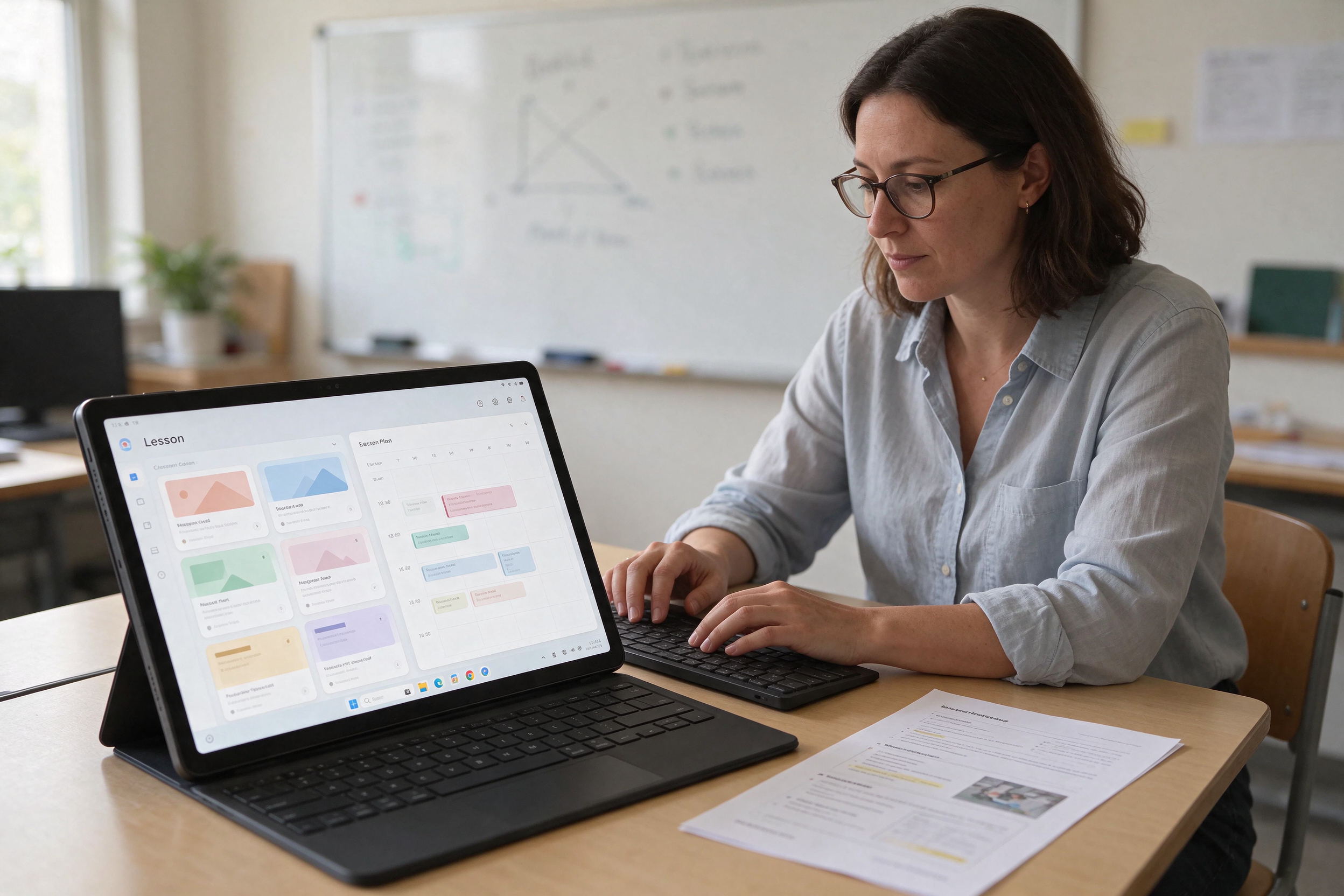
Teachers may use a tablet to annotate slides, review assignments, plan lessons, join meetings, and show content to students. A larger display is helpful when several reference materials are visible at once. A Bluetooth keyboard can make long-form typing more comfortable, while a stand can turn the tablet into a presentation or video-call screen.
A tablet is still not a perfect replacement for every teacher’s laptop. If the workflow depends on desktop-only grading software, complex spreadsheets, or school administration tools that require Windows, a Surface or traditional laptop may be a better primary machine. The tablet can still serve as a second screen or mobile planning device.
Best for visual subjects and music: the largest screen you can use comfortably
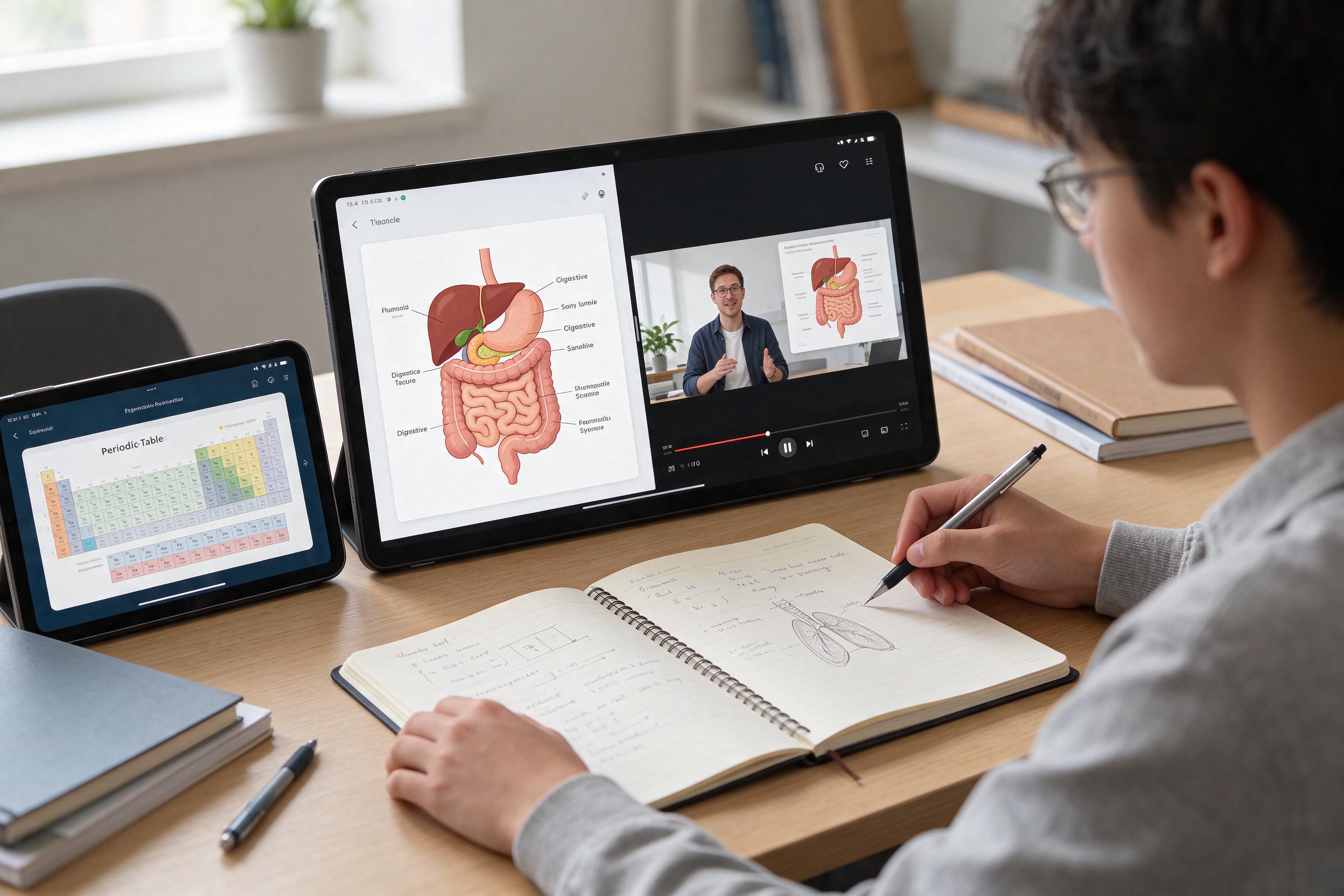
Students studying art, architecture, music, science, or languages often benefit from a larger canvas. A digital music score, an anatomy diagram, or a foreign-language textbook becomes easier to read when the page can be displayed at a useful size.
This is also where the idea of a “big tablet” needs a reality check. A 15.6-inch tablet is excellent on a desk or music stand, but it is not the right choice for every backpack. If the student needs to move between classrooms constantly, a smaller tablet plus an external monitor at home may be more practical.
Meswao B3 Pro: what it does well for education
The B3 Pro’s main educational advantage is its combination of scale and cost. At 15.6 inches, it gives students more room than mainstream 10- to 13-inch tablets. At $409.98 as a reference price, it sits below many premium tablet setups, especially when a buyer compares the cost of a keyboard, pen, and additional storage.
Its confirmed specification set is straightforward:
| Feature | Meswao B3 Pro |
|---|---|
| Display | 15.6-inch, 1920×1080 Full HD |
| Processor | MediaTek Helio G99 |
| Memory | 16GB Memory |
| Storage | 256GB |
| Battery | 12,000mAh |
| Operating system | Android 16 |
| Streaming certification | Widevine L1 |
| Reference price | $409.98; verify live price before publication |
The Widevine L1 certification is relevant to students who use the tablet for both school and entertainment. It supports the possibility of Full HD streaming on compatible services, although each service can apply its own device and account requirements. That means it should be described as a useful streaming credential, not a guarantee that every app will behave identically.
The tablet is also a good example of why education buying guides should include real trade-offs. The B3 Pro is not the smallest, lightest, or most specialized tablet. Its value appears when a student wants one large Android screen for online learning, documents, streaming, family calls, and reading.
B3 Pro vs iPad, Samsung, Surface, and Chromebook
Meswao B3 Pro vs iPad
The iPad remains a strong choice for students who need polished tablet apps, Apple Pencil support, long-term ecosystem continuity, or an app specifically required by a school. It is also easy to recommend because accessories, support, and classroom familiarity are well established.
The B3 Pro makes a different argument: more physical screen area, Android flexibility, generous storage, and a lower reference price. Buyers should choose the iPad when the Apple ecosystem or a specific iPadOS workflow matters more than screen size. They should consider Meswao when a large display and value are the priority.
For a deeper premium comparison, see the existing Meswao vs Apple iPad Pro guide.
Meswao B3 Pro vs Samsung Galaxy tablets
Samsung tablets often appeal to students who want a refined Android experience, a stylus-led note-taking workflow, and productivity features such as multi-window tools. Professional roundups also tend to praise Samsung’s display quality and software support on higher-end models.1
The B3 Pro is aimed at the buyer who values screen size and storage per dollar. Samsung may be the better fit for a student who prioritizes an included pen, a lighter body, water resistance, or a specific Samsung ecosystem feature. Meswao is more interesting when a 15.6-inch screen is the reason for buying a tablet in the first place.
Meswao B3 Pro vs Microsoft Surface Pro
The Surface Pro is closer to a laptop replacement. Windows software, a keyboard, and a desktop-style file system make it the stronger choice for advanced productivity and specialist academic programs. The disadvantage is price and the added cost of accessories.
The B3 Pro is better understood as a large Android learning and media tablet. It is simpler for Google Play apps, video lessons, PDFs, reading, and entertainment. It should not be presented as a one-for-one Windows replacement for every course.
The existing Meswao B3 Pro vs Microsoft Surface Pro comparison covers that productivity distinction in more detail.
Meswao B3 Pro vs Chromebook
A Chromebook is a good fit when the school is centered on browser apps, Google Workspace, ChromeOS management, and a physical keyboard. It can be easier for schools to administer at scale.
A large Android tablet is more flexible for touch interaction, reading, video calls, media, and apps that are designed for Android. For a student who writes long essays every day, a Chromebook may be more comfortable. For a student who reads PDFs, watches lessons, uses touch-based apps, and wants a large shared screen, the B3 Pro has a clearer advantage.
A practical student tablet setup
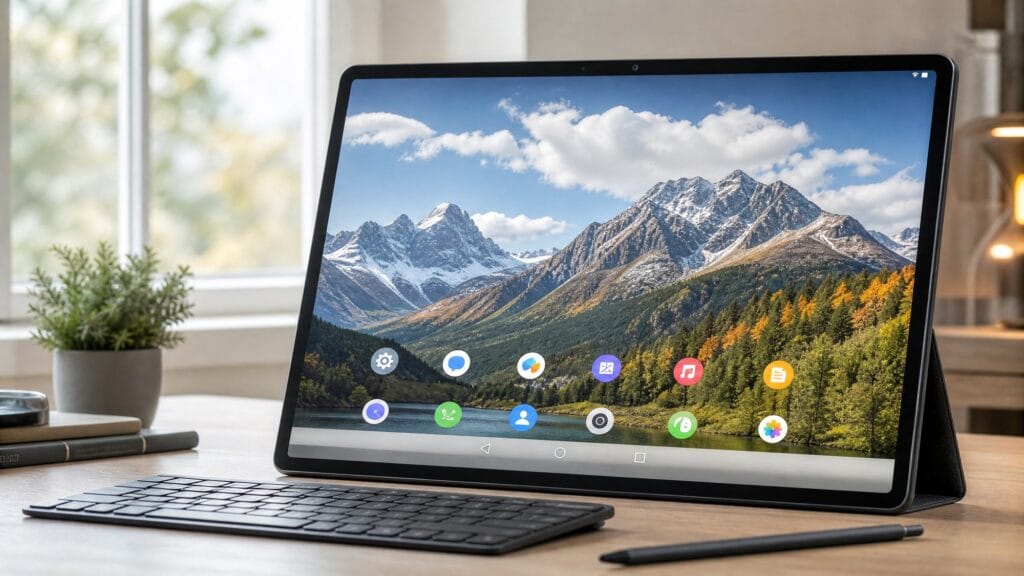
The tablet itself is only the beginning. A stable setup usually includes a protective case, a stand that keeps the camera at eye level, headphones or a quiet room, and cloud backup. Students who type often should add a Bluetooth keyboard. Students who annotate PDFs or write by hand should confirm stylus compatibility before ordering a pen.
For a 15.6-inch model, the stand matters more than it does for a compact tablet. The large screen is easier to enjoy when the device is raised slightly, especially during an online class. A desk setup also reduces the temptation to hold a heavy tablet for an entire lesson.
Families should create separate user habits even when the device is shared. Keep school files in a dedicated folder, turn on automatic backup, set a reasonable screen-time routine for younger children, and check notifications before a live class begins. These small details often improve the learning experience more than a small difference in processor speed.
Is a 15.6-inch tablet too big for school?
It is too big for some school routines and ideal for others. If the student walks between classrooms with a full backpack, a 10- or 11-inch tablet is easier. If the student studies mostly at home, attends remote classes, reads large PDFs, practices music, or shares the screen with a tutor, 15.6 inches can be much more comfortable.
The best way to decide is to picture the dominant use case. A compact tablet is a mobile notebook. A 15.6-inch tablet is closer to a portable study workstation. Neither is universally better.
Frequently asked questions
What is the best tablet size for students?
For general portability, 10 to 11 inches is a sensible starting point. For split-screen learning, long PDF reading, music scores, and shared viewing, 12 to 15.6 inches offers more comfort. The best tablet size depends on whether the student carries it all day or mainly uses it at a desk.
Is Android good for students?
Yes, Android is suitable for many students because it supports common Google, Microsoft, video-conferencing, reading, and productivity apps. Buyers should still check whether their school requires a specific iPadOS, Windows, or ChromeOS application.
What is the best tablet for online classes?
The best tablet for online classes has a clear screen, a usable front camera and microphone, dependable Wi-Fi, enough RAM for switching between the class and notes, and battery capacity for long sessions. A large-screen model is especially useful when the student needs to see the teacher, presentation, and notes together.
How much RAM does a student tablet need?
At least 4GB can support basic schoolwork, but 16GB Memory gives more room for multitasking. Students who keep a browser, video call, PDF reader, cloud drive, and notes app open will generally benefit from more memory.
Can a tablet replace a student laptop?
Sometimes. A tablet can replace a laptop for reading, research, video meetings, cloud documents, presentations, and many everyday assignments. It may not replace a Windows or macOS computer for specialist desktop applications, advanced spreadsheets, engineering software, or software development environments.
Is the Meswao B3 Pro suitable for college students?
It is a good fit for college students who want a large 15.6-inch screen, Android 16, 16GB Memory, 256GB storage, and a 12,000mAh battery for desk-based study, online classes, PDFs, video calls, and entertainment. Students should consider a smaller tablet or laptop if daily portability is the main priority.
Does the B3 Pro support Full HD streaming?
The B3 Pro has a 1920×1080 display and Widevine L1 certification. Compatible streaming services may use Full HD playback, but app, account, and service requirements can vary. Buyers should not treat Widevine L1 as a guarantee for every streaming platform.
Final verdict
The best tablet for students is not automatically the most expensive tablet or the one with the smallest body. It is the device that fits the student’s daily learning pattern. A compact tablet wins for commuting and quick notes. A premium iPad or Surface wins when a specific ecosystem or desktop workflow matters. A Chromebook wins when schoolwork is browser-first and keyboard-heavy.
The Meswao B3 Pro is most convincing for students, teachers, and families who want a large Android learning screen without moving all the way up to a laptop-replacement budget. Its 15.6-inch Full HD display, Android 16 software, 8GB RAM, 256GB storage, 12,000mAh battery, and Widevine L1 certification make it a practical tablet for online learning, especially when it will live on a desk or stand.
Before buying, confirm the current price, the exact accessories included, and the apps required by the student’s school. Then choose the screen size that matches real life, not just the number that looks best on a product page.
Related Meswao resources
- Meswao B3 Pro 15.6-inch tablet review
- Meswao vs Apple iPad Pro comparison
- Meswao B3 Pro vs Microsoft Surface Pro
- Best large-screen tablets 2026
- Note-taking tablet guide: screen size versus A4
- Computer tablet for the elderly setup guide