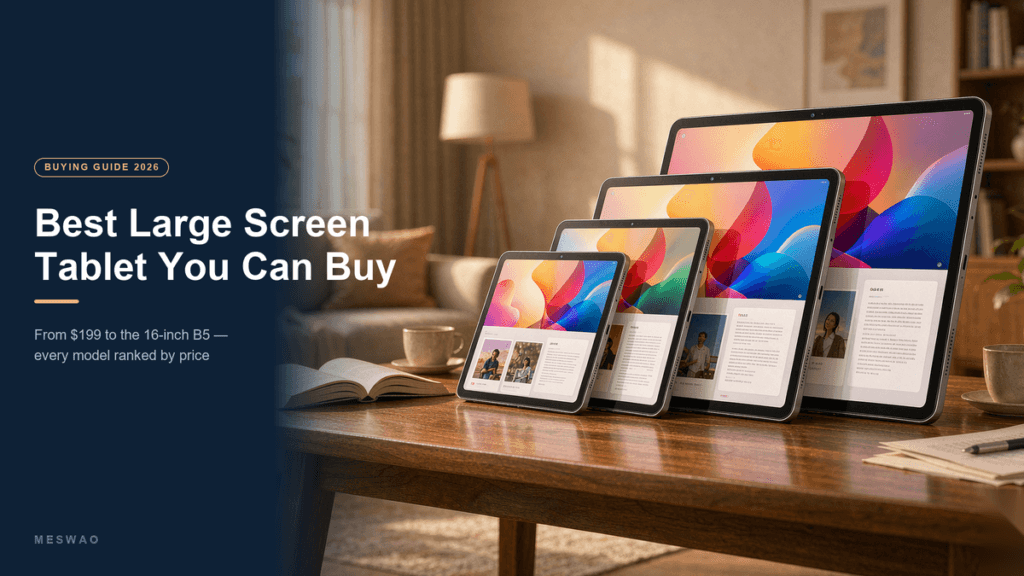





Best 16 Inch Android Tablet 2026: Tested & Compared

Best 16 Inch Android Tablet in 2026: The Short Answer
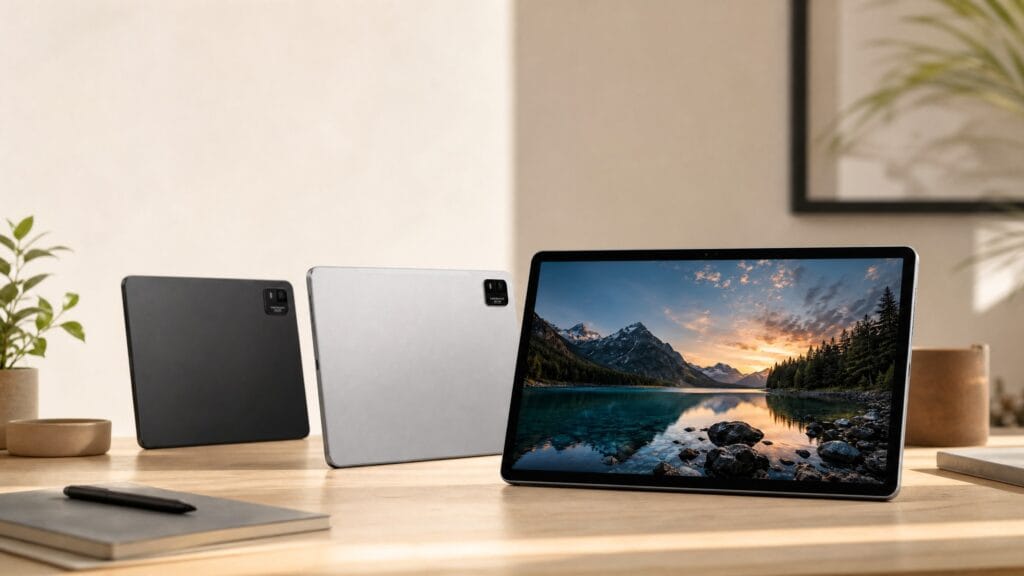
There are only two 16-inch Android tablets worth buying in 2026, and they come from the same range. The MESWAO B5 16″ at $459 is the one to pick if you want the most headroom: 16GB RAM, 256GB storage, a 1920 x 1200 IPS panel, Widevine L1 and quad speakers. The MESWAO B5 Basic 16″ at $429 uses the identical screen, chip and battery and only trims RAM to 12GB and storage to 128GB. Buy the Basic if the tablet will read, stream and browse; buy the B5 if you multitask hard or keep a very large media library on the device.
That is the whole decision. The rest of this page covers the three questions people actually ask before spending $400+ on a screen this big: how large a 16-inch tablet is in real numbers, whether it is too big to live with, and how it compares with the 15.6-inch model that costs $60 less.
How Big Is a 16-Inch Tablet, in Real Numbers?
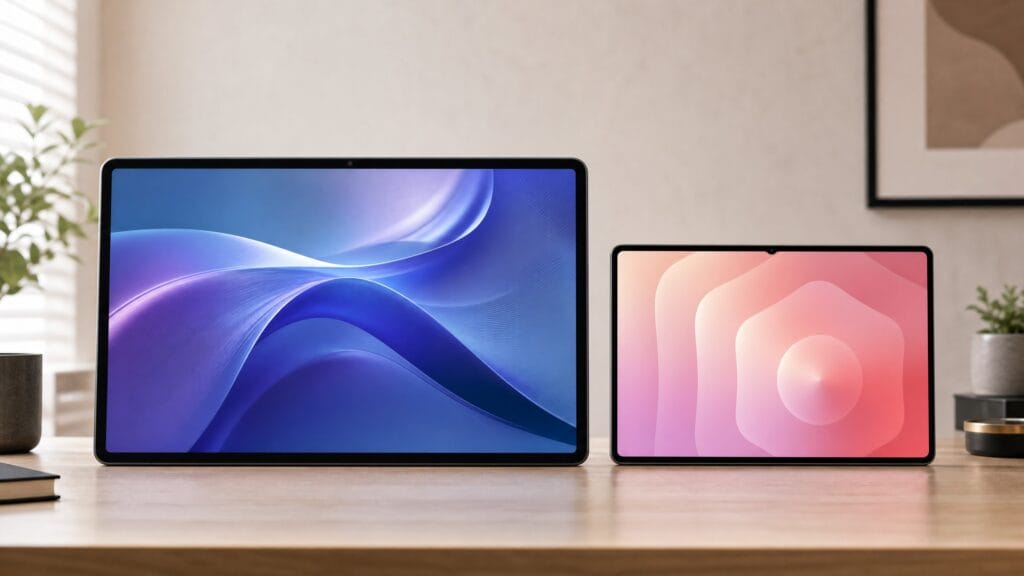
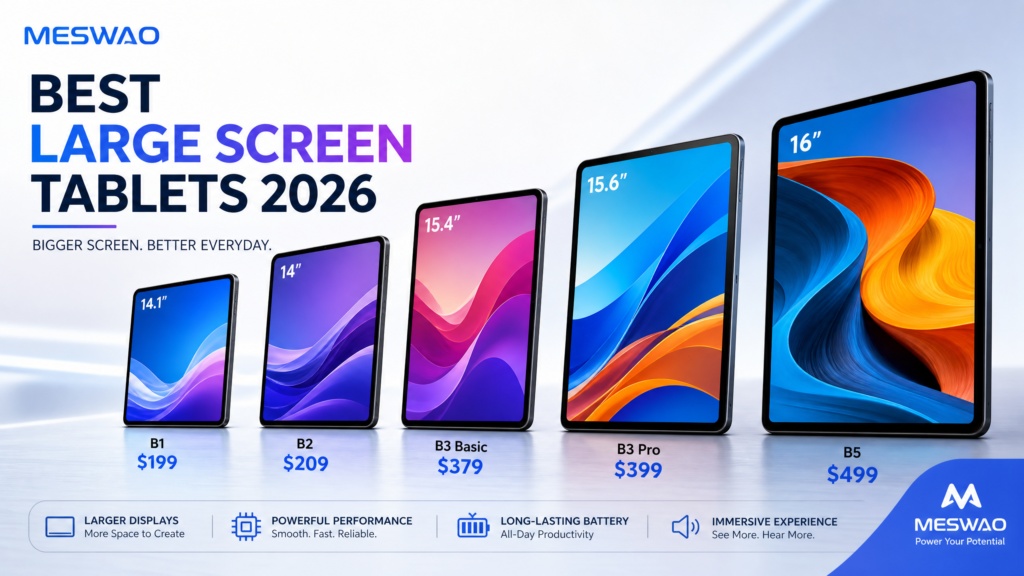
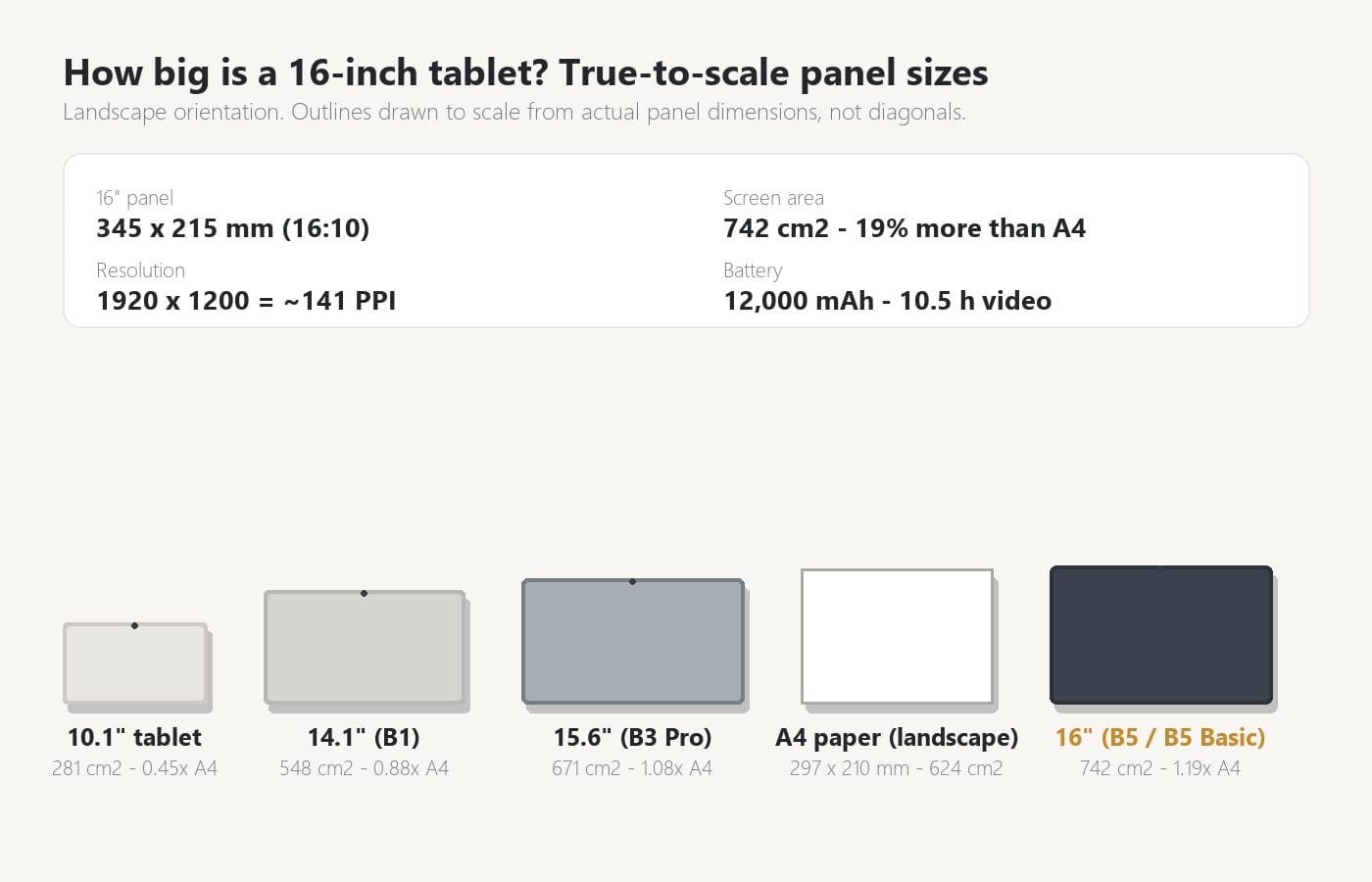
Screen sizes are quoted as a diagonal, which tells you almost nothing about how much you can fit on the display. Both MESWAO 16-inch models use a 16:10 panel, so the actual glass measures 345 x 215 mm and covers 742 cm2. That is 19% more area than a sheet of A4 paper, and it is the number that explains why a 16-inch tablet feels like a different category from a 10-inch one.
| Tablet screen | Panel (landscape) | Screen area | vs A4 paper | 1920-wide pixel density |
|---|---|---|---|---|
| 16″ (B5, B5 Basic) | 345 x 215 mm | 742 cm2 | 1.19x | ~141 PPI |
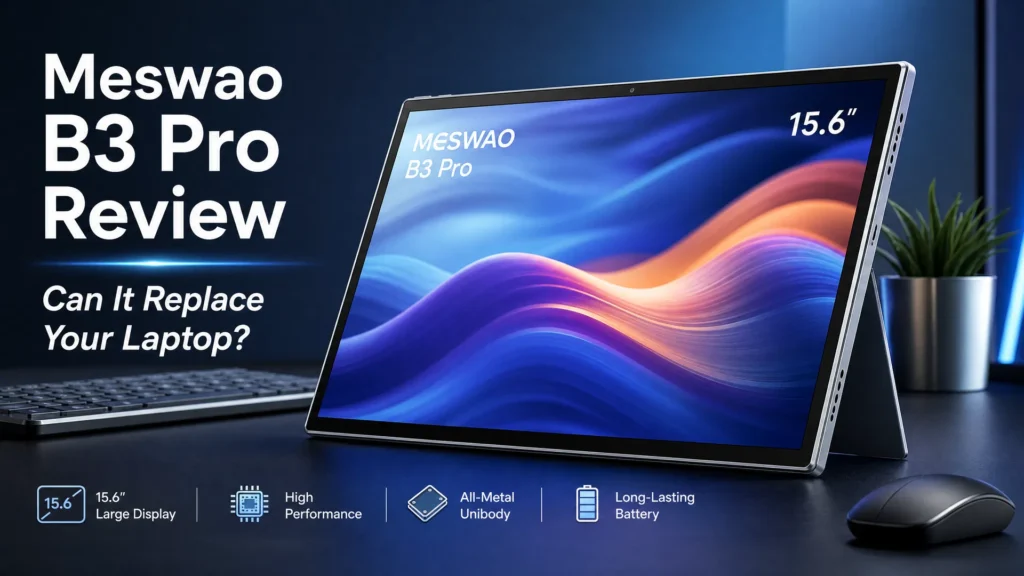
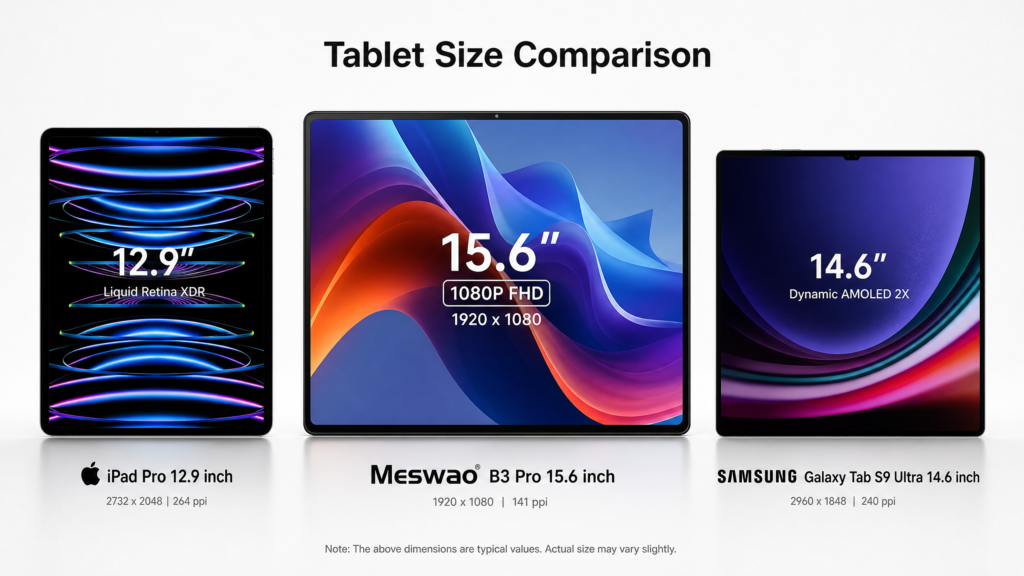
| 15.6″ (B3 Pro, B3 Basic) | 345 x 194 mm | 671 cm2 | 1.08x | ~141 PPI |
| 14.1″ (B1) | 312 x 176 mm | 548 cm2 | 0.88x | ~156 PPI |
| 10.1″ reference | 224 x 126 mm | 281 cm2 | 0.45x | ~224 PPI |
Two consequences follow. First, a 16-inch tablet in portrait can display a full A4 page at slightly over 100% of print size, so PDFs, sheet music and magazines are shown at or above their original scale rather than squeezed to fit. Second, the extra width means true side-by-side reading: two pages of a score, a manual and a document, or a video with a second app open.
What it does not mean is more sharpness. At 1920 x 1200 across a 16-inch panel the density works out at roughly 141 pixels per inch – the same as the 15.6-inch models and noticeably lower than a 10-inch tablet. If you read small text at arm’s length and nothing else, the bigger screen wins on sheer size rather than pixel count. If that trade-off matters to you, our ranking of large screen tablets compares the whole range side by side.
Is a 16-Inch Tablet Too Big?
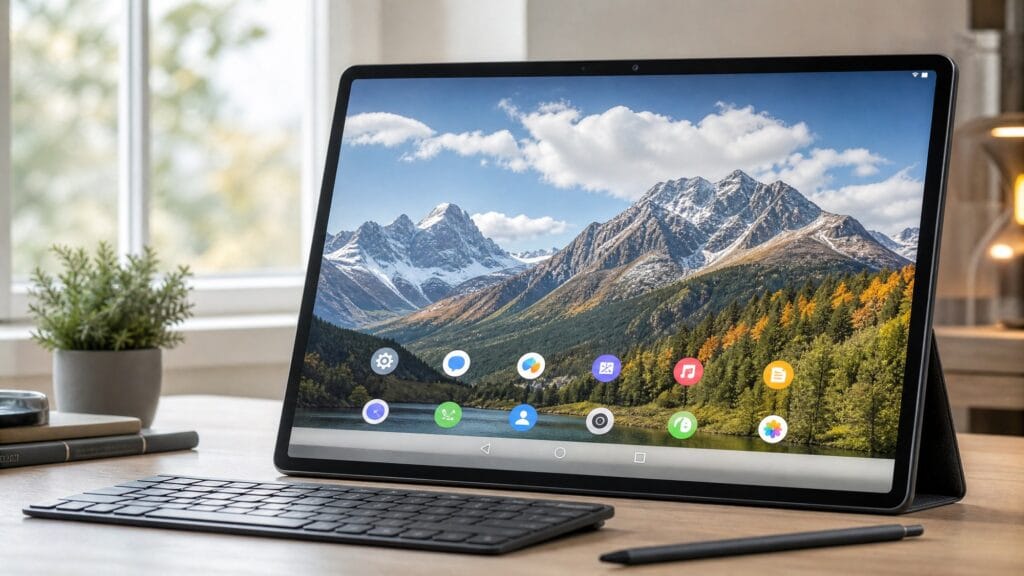
Too big for what, is the honest answer. A 16-inch tablet is too big to hold in one hand for an hour in bed, and it is too big for a flimsy folding music stand. It is not too big for a desk, a kitchen counter, a wall mount, a music stand with a proper clamp, or a lap with a cushion under it.
- Held in two hands: fine for 20-30 minutes, tiring beyond that. This is a two-hand or propped-up device.
- On a desk or table: ideal. The 345 mm width is close to a 15-inch laptop, so a normal laptop stand or tablet arm holds it comfortably.
- On a wall or cabinet door: the sweet spot for a shared kitchen or family display – the 215 mm height is roughly the same as a paperback spine.
- On a music stand: works, but the holder needs a real clamp and a metal arm rather than a flexible gooseneck.
If you are weighing this size against a smaller one, we published a longer honest review of the same question in is a 16 inch tablet too big, written from several weeks of daily use rather than a spec sheet.
B5 16″ vs B5 Basic 16″: The Only Comparison That Matters
Because both models use the same display, processor, battery and Android build, the comparison is unusually short. The screen, the speakers and the software experience are identical; the difference is memory and storage.
| Spec | MESWAO B5 16″ | MESWAO B5 Basic 16″ |
|---|---|---|
| Price | $459 | $429 |
| Screen | 16″ IPS LCD, 1920 x 1200, 16:10 (345 x 215 mm / 742 cm2) | |
| Processor | MediaTek Helio G99, 64-bit 8-core (2x A76 @ 2.2GHz + 6x A55) | |
| RAM / Storage | 16GB / 256GB | 12GB / 128GB |
| Battery | 12,000 mAh – about 10.5 h video, up to 24 h web browsing | |
| Streaming | Widevine L1 (full-HD Netflix, Disney+ and Prime Video) | |
| Audio | Quad speakers | |
| Expansion | microSD up to 2TB | |
| Android version | Android 16 preinstalled | |
So which one? Two honest rules:
- Choose the B5 Basic ($429) if the tablet reads PDFs, streams video, browses and shows photos. A score library or a reading library is measured in megabytes, 128GB holds roughly a lifetime of documents, and 12GB of RAM is far more than a PDF renderer needs.
- Choose the B5 ($459) if you keep a large offline video or photo library on the device, run several apps in split-screen daily, or want the extra RAM headroom for updates over the next few years. The $30 buys double the storage and four more gigabytes of memory.
Both ship with Android 16 preinstalled, which is worth noting: in this price bracket most large tablets still arrive on Android 13 or 14, and an older base version is what usually ends support early. See how they stack up against the biggest-name alternative in our B5 vs Galaxy Tab S11 Ultra comparison and against a budget rival in B5 vs Dragon Touch.
What a 16-Inch Tablet Is Actually Good For
The screen size only pays off in a few specific jobs. If none of these describe you, a 15.6-inch or 14.1-inch model will feel identical in daily use for less money.
1. Sheet music and PDF scores
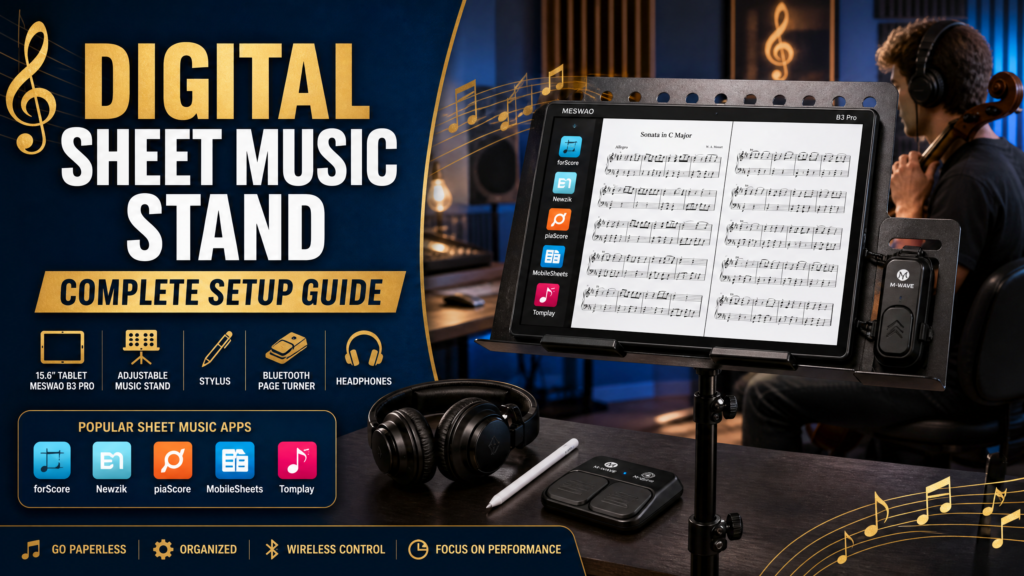
A single A4 page fits at slightly over print size, and a two-page spread at around 73% – readable for lead sheets and most solo repertoire, though dense orchestral parts still reward a single portrait page. For the deeper version of this decision, including which model suits which instrument, see our guide to picking a MESWAO tablet for sheet music.
2. Video, streaming and a portable TV
Widevine L1 means full-HD playback from Netflix, Disney+ and Prime Video, and four speakers fill a room without a Bluetooth speaker. At 10.5 hours of video playback on a 12,000 mAh battery, this is the use case where a 16-inch tablet beats a laptop for casual viewing.
3. Large-print reading for older users
Bigger glass and bigger type go together: on a 16-inch screen, enlarged Android text is genuinely large rather than merely bigger, and the tablet can sit on a stand at eye level instead of being held. We cover the setup in detail in our tablets for older adults with bad eyesight guide.
4. Comics, magazines and two-page layouts
Two-page spreads are the format this size was made for. A 16:10 panel at 345 mm wide shows most comic spreads at full width with nothing cropped, which is why large-format reading is one of the most common reasons people buy at this size in the first place.
16-Inch vs 15.6-Inch: Is the Extra $60 Worth It?
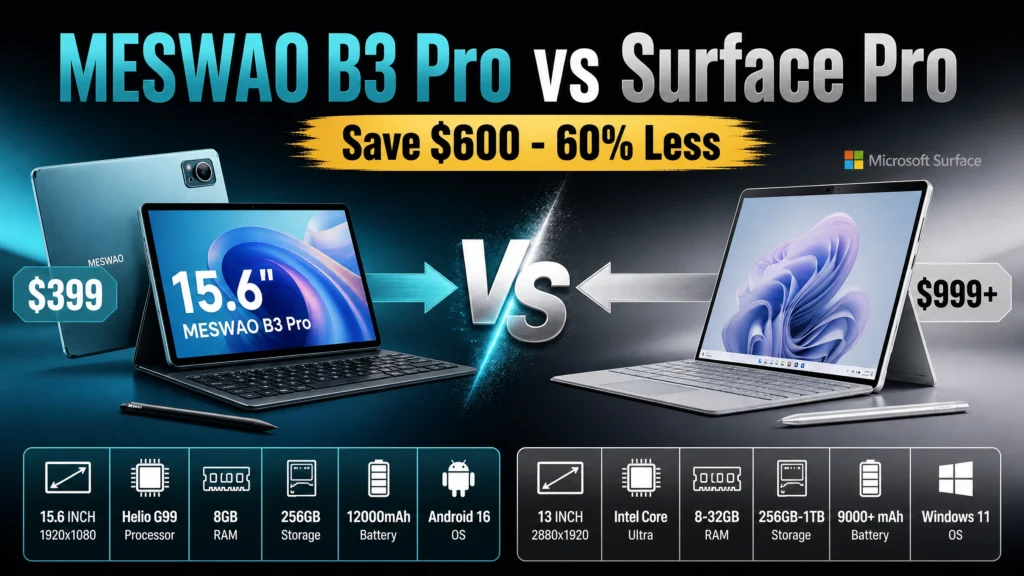
This is the real alternative, because the B3 Pro 15.6″ costs $399 and shares the same processor family, the same 12,000 mAh battery and the same Widevine L1 support. The differences are the aspect ratio and the area:
| B5 / B5 Basic 16″ | B3 Pro 15.6″ | |
|---|---|---|
| Panel | 345 x 215 mm (16:10) | 345 x 194 mm (16:9) |
| Area | 742 cm2 | 671 cm2 |
| Portrait page fit (A4) | ~103% | ~93% |
| Width | Identical (345 mm) | |
| Height difference | 21 mm taller on the 16″ models | |
| Price | $429 / $459 | $399 |
The interesting detail is that the panels are exactly the same width. The 16-inch screen is 21 mm taller and 11% larger in area, which is what pushes it past full-size page display. If you mostly read one page at a time and want to save $30-60, the 15.6-inch B3 Pro is the smarter buy; if you want the largest display in the range and true two-page viewing, pay for the 16-inch.
For the wider market view – including models from other brands and how the whole category is ranked – see our large screen tablet ranking, the biggest Android tablet breakdown and the wider question of what the largest tablet actually is.
Frequently Asked Questions
The MESWAO B5 16-inch at $459 if you want the most memory and storage (16GB / 256GB), or the MESWAO B5 Basic 16-inch at $429 if you mainly read, stream and browse – both use the same 16-inch 1920 x 1200 IPS screen, the same Helio G99 processor, the same 12,000 mAh battery and Widevine L1.
For long handheld sessions, yes – it is a two-hand or propped-up device. It is comfortable on a desk, kitchen counter, wall mount, lap cushion or a music stand with a proper clamp. The panel measures 345 x 215 mm, close to a 15-inch laptop screen.
Yes, but mainly in height. Both panels are 345 mm wide; the 16-inch model is 215 mm tall against 194 mm, which is 742 cm2 versus 671 cm2 – about 11% more area. That extra height lets a full A4 page display at roughly 103% of print size instead of 93%.
Yes. Both the B5 and B5 Basic carry Widevine L1 certification, which is what Netflix, Disney+ and Prime Video require for full-HD playback on Android. Without it, those apps cap playback at standard definition.
The B5 and B5 Basic both use a 12,000 mAh battery, rated by the manufacturer at about 10.5 hours of video playback and up to 24 hours of web browsing. Reading PDFs sits between the two, and turning Wi-Fi off and setting brightness manually extends it further.
Among tablets you can actually order, 16-inch models like the MESWAO B5 sit at the top of the consumer range – larger than any mainstream Galaxy Tab or iPad. Anything bigger is a commercial display rather than a tablet. We compare the largest available models in our large screen tablet ranking.
Buying the Right 16-Inch Tablet
To summarise: buy the B5 16″ at $459 for maximum memory and storage, the B5 Basic 16″ at $429 if a big screen is the point and you do not need 256GB, or step down to the B3 Pro 15.6″ at $399 if you read one page at a time. Every model ships with Android 16 and a 12,000 mAh battery, and all are covered by the same returns and warranty terms as the rest of the large screen tablet range.