





Embrace the Digital Age: Why Tablets Are the Ideal Companion for Seniors


Do you struggle with tiny text, confusing menus, or the fear of tapping the wrong button? For many seniors, technology feels like a barrier rather than a bridge. But what if there was a large-screen tablet designed specifically for you—one that’s simple, intuitive, and empowers you to stay independent and connected?

Understanding Seniors’ Real Needs: Beyond “Just Making Calls”
When we talk about technology for older adults, we’re addressing deeper human needs:
- Independence & Autonomy The ability to check news, book doctor’s appointments, or manage photos without relying on others.
- Meaningful Social Connections Not just calls, but quality time: seeing grandchildren’s smiles on a big-screen tablet or sharing memories with friends.
- Mental Stimulation & Learning From exploring new recipes to playing brain games, technology can keep minds active and engaged.
- Convenience & Safety Online shopping, weather updates, medication reminders—tech should simplify life and offer peace of mind.
Why a Tablet Is the Perfect Fit for Seniors
Seniors have unique needs when it comes to technology:
- Declining eyesight requires larger text and icons.
- Complex menus and multi-step processes cause frustration.
- Preferences lean toward “static” activities: reading, watching videos, or video calls.
- Concerns about security, stability, and accidental costs.
- A focus on practicality and value.
Here’s how tablets compare to other devices:
- Vs. Smartphones: A large-screen tablet offers a comfortable canvas for reading and watching, eliminating the strain of squinting at small screens.
- Vs. Laptops: Touchscreen interactions feel natural—no intimidating keyboards or complex OS.
- Vs. Smart TVs: Tablets provide a personal space for entertainment, whether on the couch or in bed, without disturbing others.
What to Look for in a Senior-Friendly Tablet
Not all tablets are created equal. Here are the non-negotiable features:
- Clarity & Display
- Screen Size: A 10-inch or larger screen is ideal for readability.
- Quality: Sharp text, bright display, and anti-glare coating.
- Accessibility: Easy-to-adjust font size and brightness settings.
- Simplicity & Intuitive Interaction
- A clean interface with minimal pre-installed apps.
- Straightforward navigation—tap, swipe, and go.
- Long Battery Life & Portability
- All-day battery life (10+ hours) to avoid frequent charging.
- Lightweight design for easy carrying around the house.
- Practical Features & Value
- Smooth performance for video calls and browsing.
- Loud, clear speakers for better audio.
- Affordable pricing without unnecessary frills.
Conclusion: Technology That Serves, Not Struggles
Choosing tech for seniors isn’t about specs—it’s about empathy. The right large-screen tablet should answer “yes” to these questions:
- Is the screen clear and comfortable?
- Is it easy to use within minutes?
- Does the battery last all day?
- Is it fairly priced for what it offers?
At its best, technology becomes a window to the world, a photo album of memories, and a patient companion. It’s not about flashy features—it’s about warmth, connection, and simplicity.
Ready to put this into practice? A 14.1″, 15.4″, 15.6″, or 16″ B5 Meswao tablet can be exactly the companion described above — and our computer tablet for the elderly setup guide makes getting started simple. Browse the large-screen tablet lineup to choose.
Related Posts

Best Tablets for Older Adults With Bad Eyesight in 2026
A data-backed 2026 guide to the best large-screen Android tablets for older adults with bad eyesight - real specs, real prices, and the exact settings that make text readable.
Best iPad Alternative in 2026: Why the Meswao B-Series Wins for Big Screens
Why people look for an iPad alternative
The iPad — especially the 13-inch iPad Air (M3) — is a great tablet, ...
Meswao B5 vs Dragon Touch: Which Large Android Tablet Should You Buy?
Meswao B5 vs Dragon Touch: the quick answer
Dragon Touch is a budget tablet brand whose general-purpose tablet...
Meswao B5 vs Samsung Galaxy Tab S11 Ultra: Which Big Tablet Wins?
Meswao B5 vs Samsung Galaxy Tab S11 Ultra: the quick answer
Meswao B5 and Samsung Galaxy Tab S11 Ultra side-b...
Biggest Android Tablet 2026: The 16″ Champion & Screen-Size Ladder
What is the biggest Android tablet in 2026? Meswao B5 16″ leads. Compare the largest screens, specs, and use cases before you buy.
Computer Tablet for the Elderly: Setup & Buying Guide (2026)
A simple, large-screen computer tablet helps seniors video call family, read the news, and stay independent. Here is how to choose and set one up, plus the easiest big-screen picks for 2026.
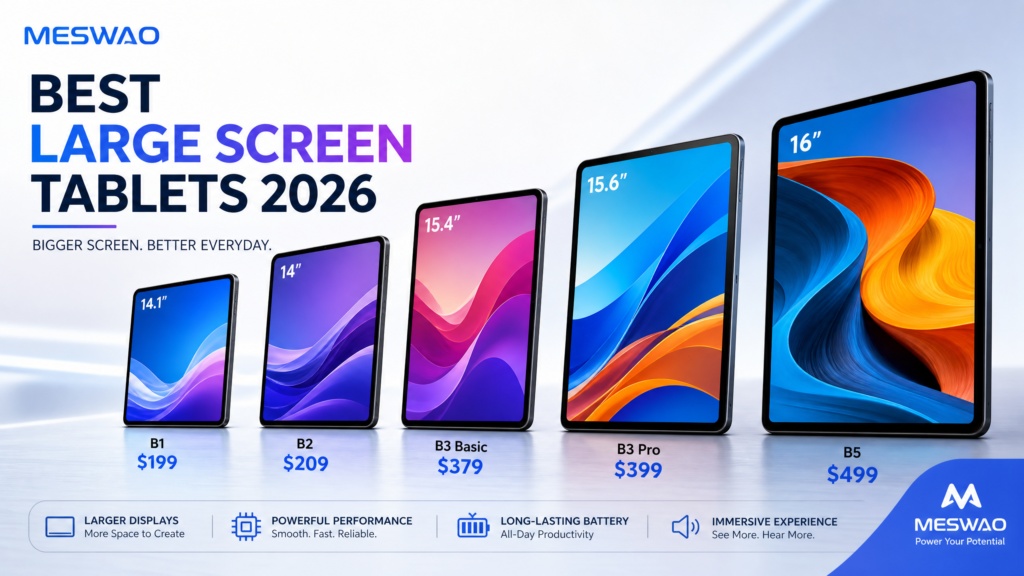
Best Large Screen Tablets 2026 — Tested & Ranked
This article is part of a larger comparison — see our complete 2026 large-screen tablet ranking here.Best ...
Meswao B3 Pro 15.6″ Tablet In-Depth Review: Can It Replace Your Laptop?
🔄 Updated August 3, 2026: Meswao B3 Pro now supports Android 16 with Widevine L1 certification for premium str...
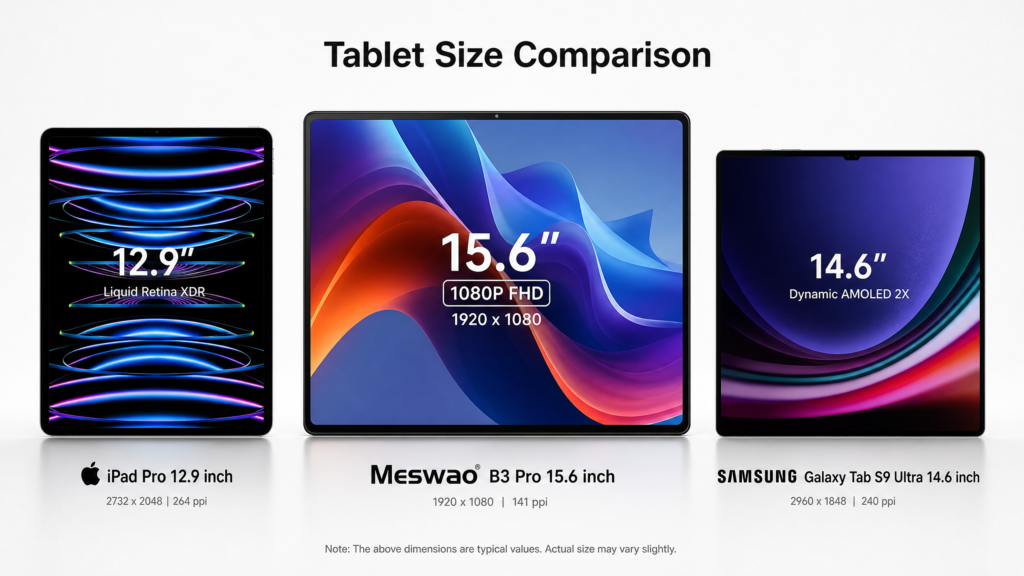
Largest Tablet in the World: How Big Can an Android Tablet Get in 2026?
Discover the largest tablets 2026: Meswao B3 Pro 15.6", iPad Pro 12.9", Samsung Galaxy Tab S9 Ultra. Compare specs, features, and find the perfect large-screen tablet.
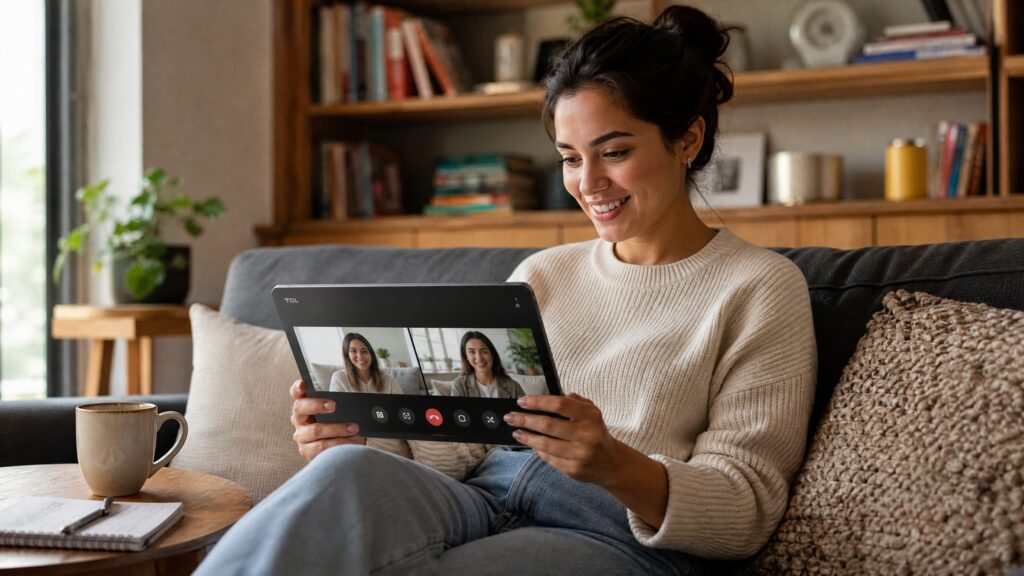
Best Tablet for Video Calls in 2026: Why a Large Screen Makes Family Calls Better
Looking for the best tablet for video calls in 2026? Learn why a large screen Android tablet can make family calls, senior-friendly calls, and remote meetings feel clearer and more comfortable.

Tablet for Sheet Music — Why Musicians Love 15″ Android Tablets
Discover why 15-inch Android tablets, especially the Meswao B3 Pro, are becoming the go-to digital music stand for musicians. Featuring pianist Gosse's review and top sheet music apps.
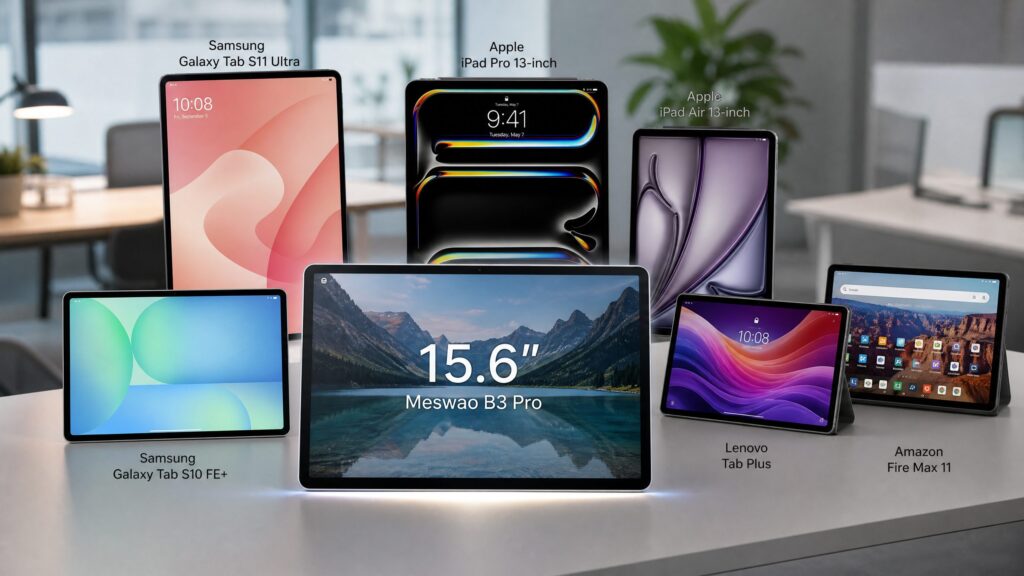
The 7 Best Large Screen Tablets of 2026 — 14″ to 16″ Tested & Compared
Looking for the best large screen tablet in 2026? We tested 7 top models from 14 to 16 inches, including Meswao B3 Pro, Samsung, and Apple, for productivity, entertainment, and value.