



Tablet Screen Size Comparison — 10″ vs 14″ vs 15.6″ (With Visuals)

Choosing the right tablet screen size can feel like Goldilocks searching for the perfect porridge – not too big, not too small, but just right. In today’s market, tablets range from compact 7-inch models to massive 16-inch powerhouses. But for many, the real debate boils down to the sweet spot between portability and productivity: 10-inch, 14-inch, or the increasingly popular 15.6-inch. Which one truly fits your digital lifestyle?
In this comprehensive guide, we’ll dive deep into the pros and cons of each size, explore their ideal use cases, and provide visual comparisons to help you make an informed decision. Whether you’re a student, a creative professional, a casual media consumer, or a business user, understanding these differences is key to unlocking your tablet’s full potential. Let’s find your perfect match!
Why Tablet Screen Size Matters More Than You Think
The size of your tablet screen isn’t just about how much real estate you get; it fundamentally changes how you interact with your device. A larger screen can transform a tablet from a simple content consumption device into a powerful productivity tool, a digital canvas, or even a portable entertainment hub. Conversely, a smaller screen prioritizes portability and ease of handling. Understanding this balance is crucial for a satisfying user experience.
Tablet Screen Size Chart: Exact Width and Height in cm
A tablet’s size is quoted as a diagonal measurement — which tells you surprisingly little about how it actually feels in your hands. The table below converts every mainstream tablet size into real screen width and height in centimetres, so you can compare them against something you already own. Figures are viewable display area, excluding the bezel.
| Diagonal | Aspect ratio | Screen width | Screen height | Screen area vs A4 |
|---|---|---|---|---|
| 10.1″ | 16:10 | 21.8 cm | 13.6 cm | 0.48× |
| 10.9″ | 4:3 | 22.1 cm | 16.6 cm | 0.59× |
| 11″ | 16:10 | 23.7 cm | 14.8 cm | 0.56× |
| 12.9″ | 4:3 | 26.2 cm | 19.7 cm | 0.83× |
| 13″ | 16:10 | 28.0 cm | 17.5 cm | 0.79× |
| 14″ | 16:9 | 31.0 cm | 17.4 cm | 0.86× |
| 14.1″ | 16:10 | 30.4 cm | 19.0 cm | 0.93× |
| 15.4″ | 16:9 | 34.1 cm | 19.2 cm | 1.05× |
| 15.6″ | 16:9 | 34.5 cm | 19.4 cm | 1.07× |
| 16″ | 16:10 | 34.5 cm | 21.5 cm | 1.19× |
Aspect ratio matters as much as the diagonal number. The 15.6″ and 16″ rows are the same width — 34.5 cm — but the 16″ panel is 2.1 cm taller (+11%), because it uses a 16:10 panel instead of 16:9. For documents, PDFs, sheet music and split-screen work, that extra vertical space is the part you actually feel. Read more on the 14 to 16 inch models we tested, or browse the full large screen tablet range.
How Big Is a 10-Inch Tablet Compared to A4 Paper?
A4 paper (21.0 × 29.7 cm) is the size reference most people already have on their desk, so it makes a useful yardstick. Here is how each tablet class measures up:
| Tablet size | Screen (W × H) | Width vs A4 | Height vs A4 | In plain terms |
|---|---|---|---|---|
| 10.1″ | 21.8 × 13.6 cm | 1.04× | 0.46× | About one A4 sheet folded in half, landscape |
| 11″ | 23.7 × 14.8 cm | 1.13× | 0.50× | Half an A4 sheet, slightly wider |
| 13″ | 28.0 × 17.5 cm | 1.33× | 0.59× | About two-thirds of an A4 sheet |
| 14″ | 31.0 × 17.4 cm | 1.48× | 0.59× | A little under one full A4 sheet |
| 15.6″ | 34.5 × 19.4 cm | 1.64× | 0.65× | Just over one full A4 sheet |
| 16″ | 34.5 × 21.5 cm | 1.64× | 0.72× | Noticeably more than one A4 sheet |
Two numbers worth remembering: a 10-inch tablet offers roughly half an A4 sheet of screen area, while a 16-inch tablet gives you about 1.2 A4 sheets. That gap — a factor of 2.5 — is the real difference between a device you read on and a device you work on.
Short answer, if you only want the numbers: a 10-inch tablet screen size is 21.8 × 13.6 cm — about 297 cm² of usable area, or roughly half a sheet of A4. A 16-inch screen size is 34.5 × 21.5 cm, about 2.5 times the area. Most Android tablet sizes in circulation fall into the 10-inch, 13-inch and 15.6-inch classes covered below, so those three rows are the ones worth memorising.
Width is the number that decides whether a document or PDF fits without horizontal scrolling. A 10-inch screen is almost exactly A4 width, so a full page of A4 does fit — but only in landscape, and the text becomes small. From 15.6 inches upward, A4 or Letter pages remain readable at 100% zoom in portrait, which is why musicians, students and anyone who works from PDFs keeps moving to larger screens.
The Compact & Convenient: 10-inch Tablets
10-inch tablets have long been the standard, offering a balanced blend of portability and usability. They are often the go-to choice for casual users and those on a budget.
Pros of 10-inch Tablets:
- Portability: Lightweight and easy to hold with one hand, fitting comfortably in most bags.
- Affordability: Generally the most budget-friendly option, making them accessible to a wider audience.
- Comfortable for Reading: Ideal for e-books, articles, and casual browsing.
- Good for Basic Tasks: Perfect for social media, email, and light gaming.
Cons of 10-inch Tablets:
- Limited Productivity: Screen can feel cramped for multitasking, complex document editing, or spreadsheet work.
- Less Immersive Media: While good for casual viewing, the smaller screen offers a less cinematic experience.
- Smaller Keyboard: On-screen keyboards can be difficult for fast typing, and external keyboards feel less natural.
Best Use Cases for 10-inch Tablets:
- Students for note-taking and light research.
- Casual users for web browsing, social media, and reading.
- Kids for educational apps and games.
- Travelers who prioritize lightweight devices.
The Overlooked Middle: 13-inch Tablets
13-inch sits between the portable 10–11 inch class and the workstation 14–16 inch class, and it is the most common size for premium 4:3 tablets. Two ratios exist, and they behave very differently:
- 13″ at 16:10 → 28.0 × 17.5 cm (0.79× A4). Video-friendly: wide and short.
- 13″ at 4:3 → 26.4 × 19.8 cm (0.84× A4). 2.3 cm taller for the same diagonal — better for reading, note-taking and documents.
Is 13 inches enough? For reading, browsing, note-taking and single-app work, yes. For split-screen multitasking with two windows at readable text sizes, no — that is exactly where 15.6 inches and above start to make sense. If your work involves two documents open side by side, skip 13 and go straight to our 15.6 inch Android tablet guide.
The Productive Powerhouse: 14-inch Tablets
Stepping up to the 14-inch category, we enter the realm of serious productivity and immersive entertainment. These tablets blur the lines between tablets and laptops, offering expansive displays for demanding tasks.
Pros of 14-inch Tablets:
- Enhanced Productivity: Ample screen space for split-screen multitasking, detailed document work, and creative applications.
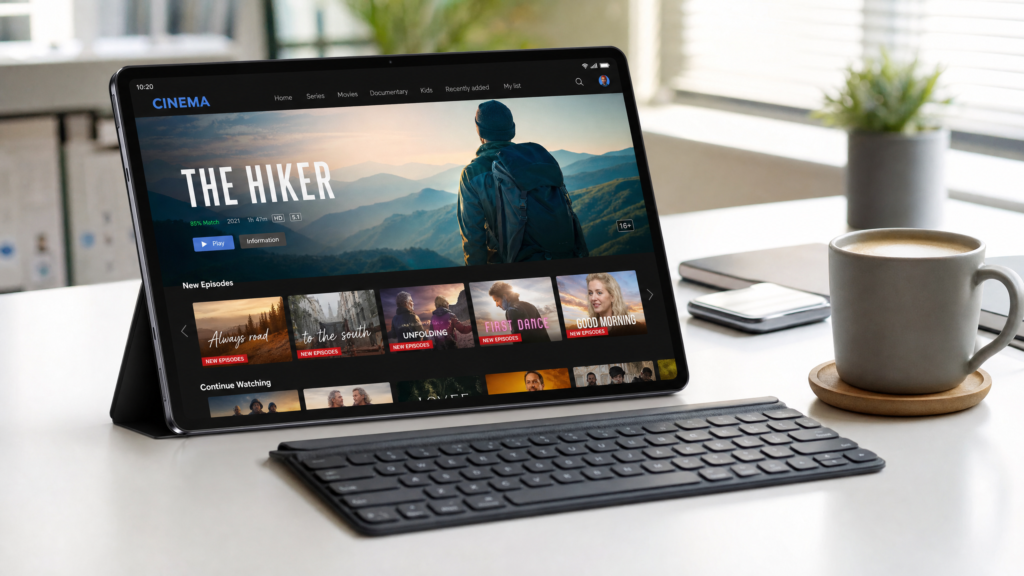
- Immersive Media Consumption: Excellent for watching movies, editing photos/videos, and graphic design.
- Better External Keyboard Experience: More comfortable to use with full-sized external keyboards, mimicking a laptop setup.
- Digital Canvas: Ideal for artists and designers who need a large surface for drawing and sketching.
Cons of 14-inch Tablets:
- Less Portable: Heavier and larger, making one-handed use difficult and requiring a larger bag.
- Higher Price Point: Generally more expensive than their smaller counterparts.
- Battery Life: Larger screens can sometimes lead to shorter battery life, depending on optimization.
Best Use Cases for 14-inch Tablets:
- Graphic designers and digital artists.
- Professionals needing a portable workstation for presentations or detailed work.
- Users who frequently consume high-quality media.
- Anyone looking for a laptop replacement with touch capabilities.
The Ultimate Vision: 15.6-inch Tablets
The 15.6-inch tablet is a relatively new but rapidly growing segment, pushing the boundaries of what a tablet can be. These devices offer an unparalleled visual experience and desktop-like productivity, making them a compelling choice for specific users.
Pros of 15.6-inch Tablets:
- Unmatched Immersion: The largest screen size provides the most cinematic viewing experience and expansive workspace.
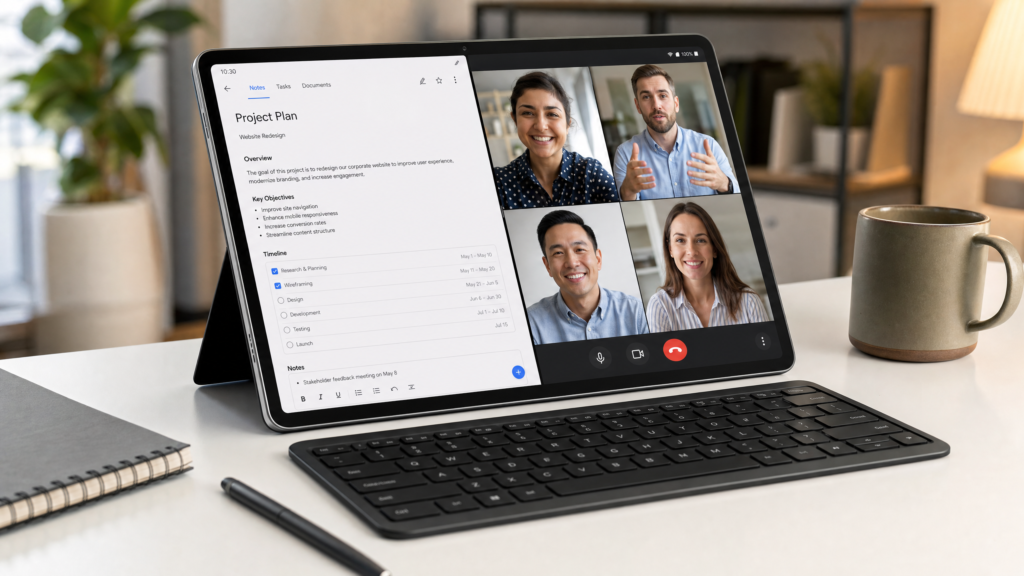
- Superior Multitasking: Easily handle multiple apps side-by-side, making it a true laptop alternative.
- Ideal for Digital Art & Design: Offers the largest digital canvas for intricate creative work.
- Excellent for Presentations & Collaboration: Perfect for sharing content with groups without an external monitor.
Cons of 15.6-inch Tablets:
- Least Portable: Requires a dedicated bag and is not suitable for one-handed use.
- Highest Price Point: Often comes with premium pricing due to the large, high-quality display.
- Weight: Can be heavier, impacting long-term handheld comfort.
Best Use Cases for 15.6-inch Tablets:
- Professionals who need a large, portable display for detailed work (e.g., architects, engineers, video editors).
- Digital artists and animators requiring maximum screen real estate.
- Users who prioritize an immersive media experience above all else.
- Anyone seeking a primary computing device that offers both tablet flexibility and laptop-level screen size.
The Largest Screen You Can Practically Use: 16-inch Tablets
16 inches is currently the practical ceiling for a handheld tablet. At 34.5 × 21.5 cm the display is wider than a sheet of A4, and because it uses a 16:10 panel it stands 2.1 cm taller than a 15.6-inch 16:9 screen of the same width. Yet the whole device stays around 1.1 kg and under 10 mm thick — light enough for a lap, a stand or a music stand.
What a 16-inch screen actually changes in daily use:
- Two real windows side by side. At 34.5 cm wide you can run a document and a reference page at comfortable font sizes instead of thumbnails.
- Sheet music without scrolling. A full A4 score fits on screen at close to 1:1 scale — see our sheet music tablet guide.
- Spreadsheets with columns to spare. 1920 × 1200 gives you roughly 20 more visible rows than a standard 1080p panel of the same physical width.
- Less wasted space on video. 16:10 is a closer match to most streaming content than 16:9 at an identical width.
The trade-off is weight and one-handed handling. At roughly 1.1 kg you will want a stand or a lap for long sessions, and it will not fit a small bag. If you need something you can hold in one hand for an hour, stop at 14 inches. If you want the biggest screen that still behaves like a tablet, 16 inches is the top of the range — see how 14, 15.6 and 16 inch models compare in testing.
Meswao B3 Pro 15.6-inch: The XXL Vision for Productivity & Entertainment
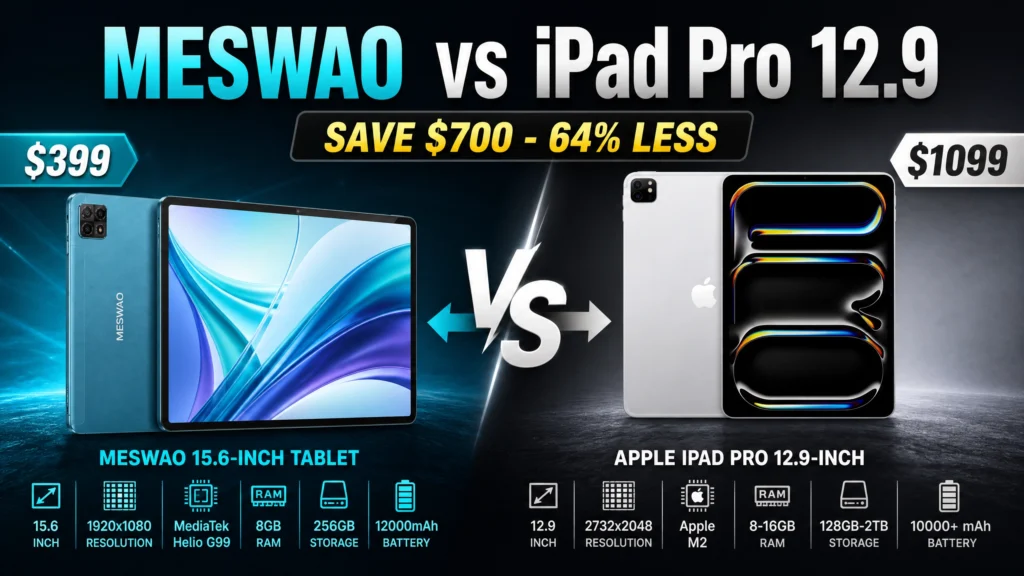
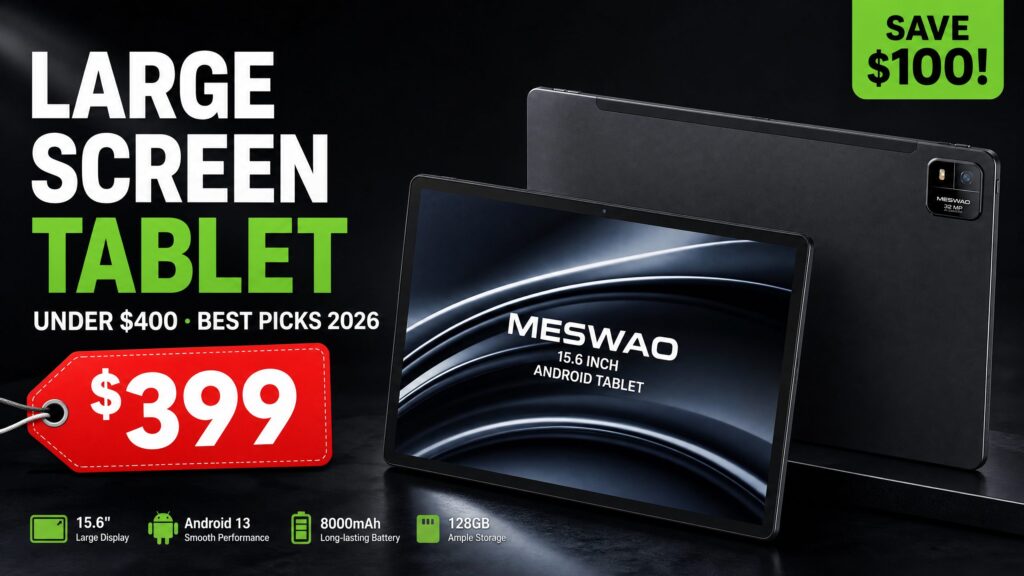
When it comes to the 15.6-inch category, the Meswao B3 Pro stands out as a prime example of what a large Android tablet can achieve. It’s designed for users who demand an expansive display without compromising on performance or value.
With its vibrant 15.6-inch FHD IPS display, the Meswao B3 Pro offers an incredible canvas for everything from detailed spreadsheets and creative design projects to cinematic video streaming. The powerful MediaTek Helio G99 processor ensures smooth multitasking, while the massive 12,000mAh battery provides extended usage, making it a reliable companion for long work sessions or cross-country flights.
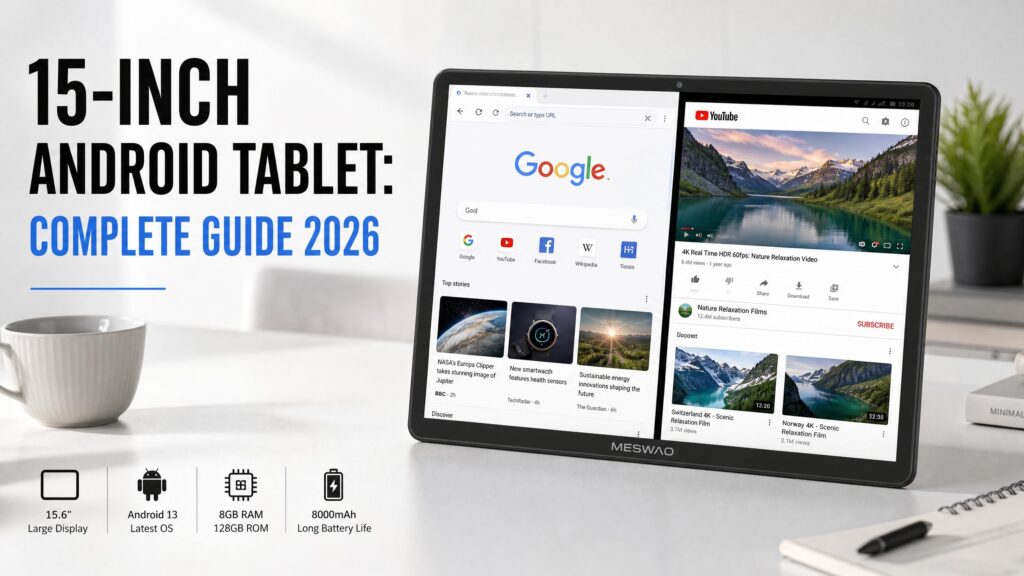
Compared to smaller tablets, the Meswao B3 Pro’s generous screen size significantly enhances productivity. You can comfortably run two apps side-by-side, making research, note-taking, and content creation a breeze. For entertainment, the immersive display combined with rich audio transforms your viewing experience, bringing movies and games to life.
Meswao Tablet Size Lineup: 14″ to 16″ Side by Side
Here is how Meswao’s current line-up maps onto the sizes above. These are actual body dimensions and weights, not marketing figures:
| Model | Screen | Aspect | Body (W × H × D) | Weight | Best for |
|---|---|---|---|---|---|
| B2 14″ | 14″ IPS FHD | 16:9 | 325 × 215 × 9.1 mm | 1,025 g | The most portable 14″ — travel, bedside, one-hand use |
| B4 15.4″ | 15.4″ IPS FHD | 16:9 | 352.6 × 237.8 × 9.3 mm | 1,035 g | The middle step between 14″ and 15.6″ |
| B3 Basic 15.6″ | 15.6″ IPS FHD | 16:9 | 369 × 223 × 11 mm | 1,065 g | Best value 15.6″ — streaming, reading, video calls |
| B3 Pro 15.6″ | 15.6″ IPS FHD | 16:9 | 369 × 223 × 11 mm | 1,085 g | 15.6″ with more RAM and storage — multitasking |
| B5 16″ | 16″ IPS 1920×1200 | 16:10 | 368.3 × 239 × 9 mm | 1,120 g | The largest screen — sheet music, split-screen, wall use |
How to read this table: the B3 Basic, B3 Pro and B5 are all within 9 mm of each other in width — so the choice is not really about “how big” but about shape and power. The 16-inch B5 is the only 16:10 panel in the range, which is exactly what gives it the extra height for documents and scores; the 15.6-inch models use 16:9 and stay marginally lighter. For the full spec breakdown, see the large screen tablet category.
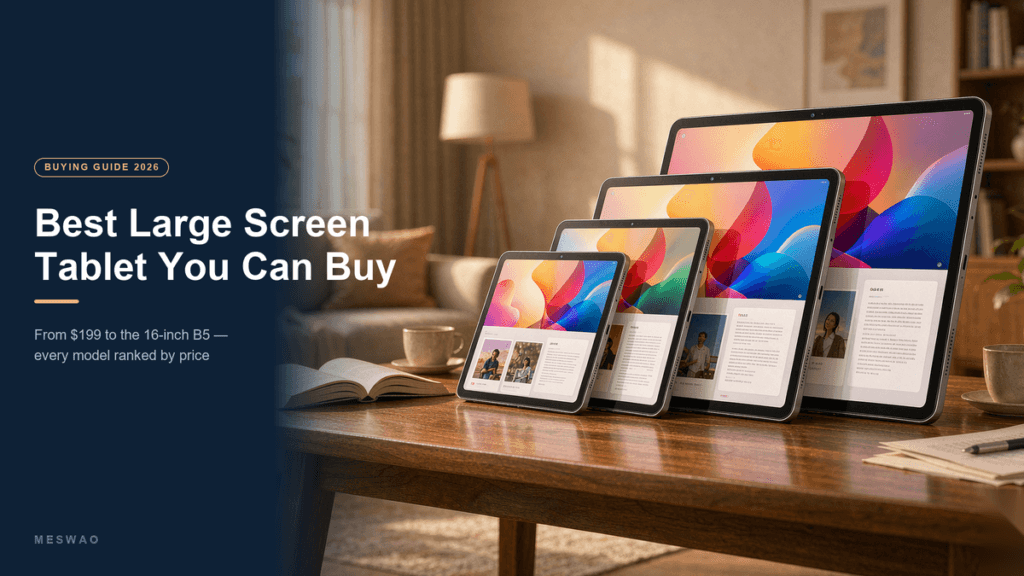
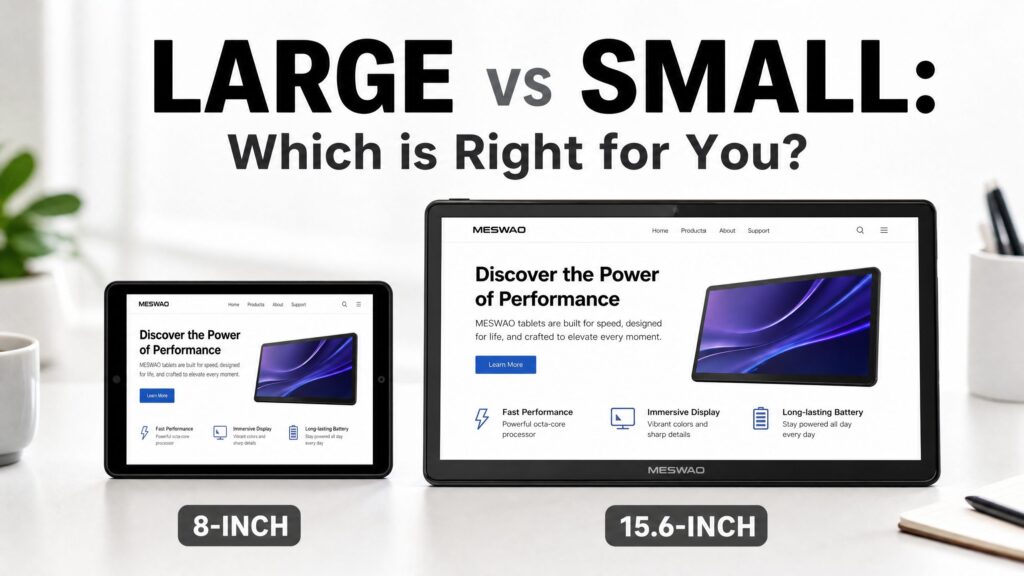
Visual Comparison: 10″ vs 14″ vs 15.6″ Tablets Side-by-Side
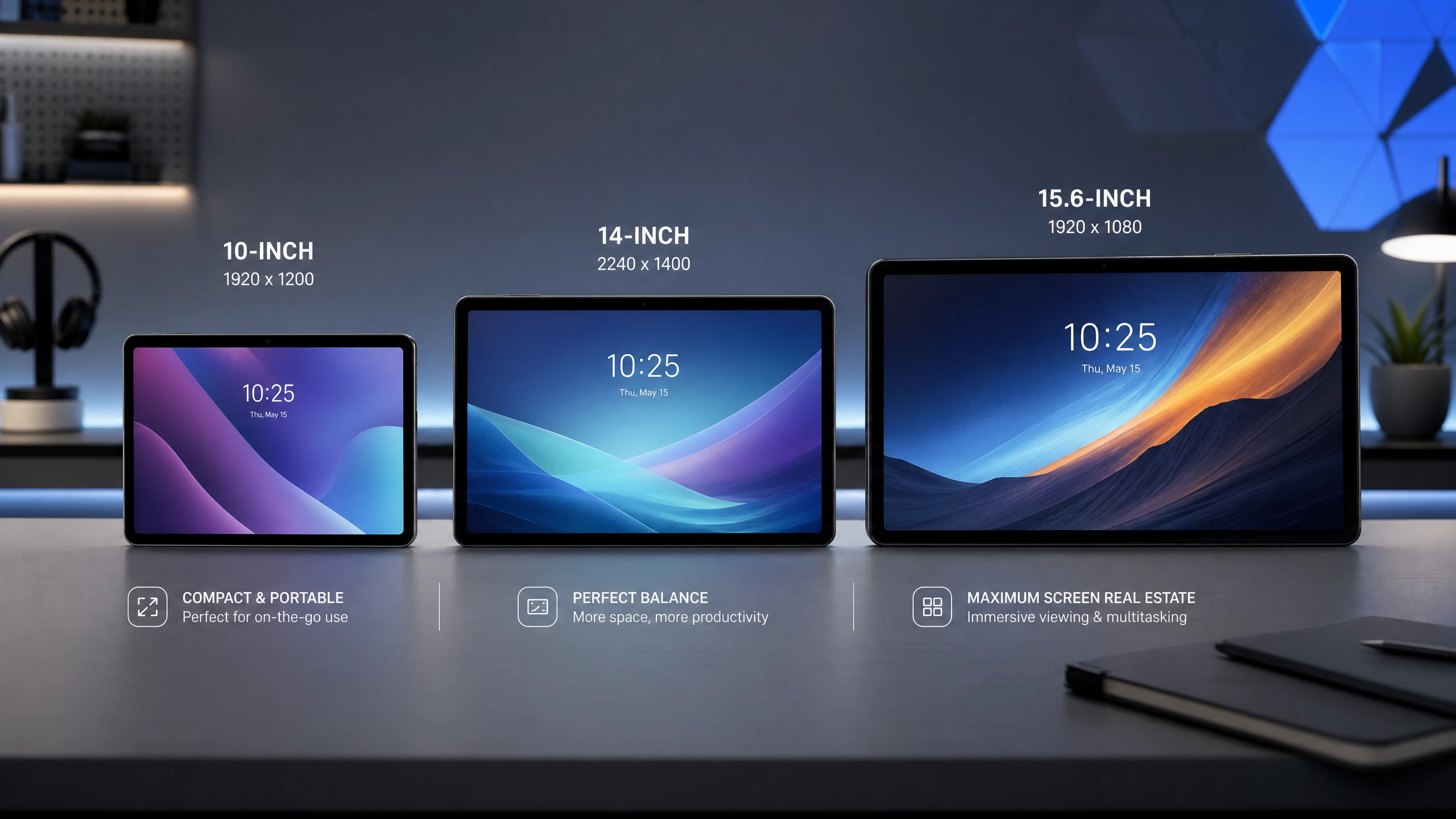
Words can only do so much. To truly grasp the difference in screen sizes, let’s look at a visual comparison. Imagine these tablets side-by-side, and consider how each would fit into your daily routine.
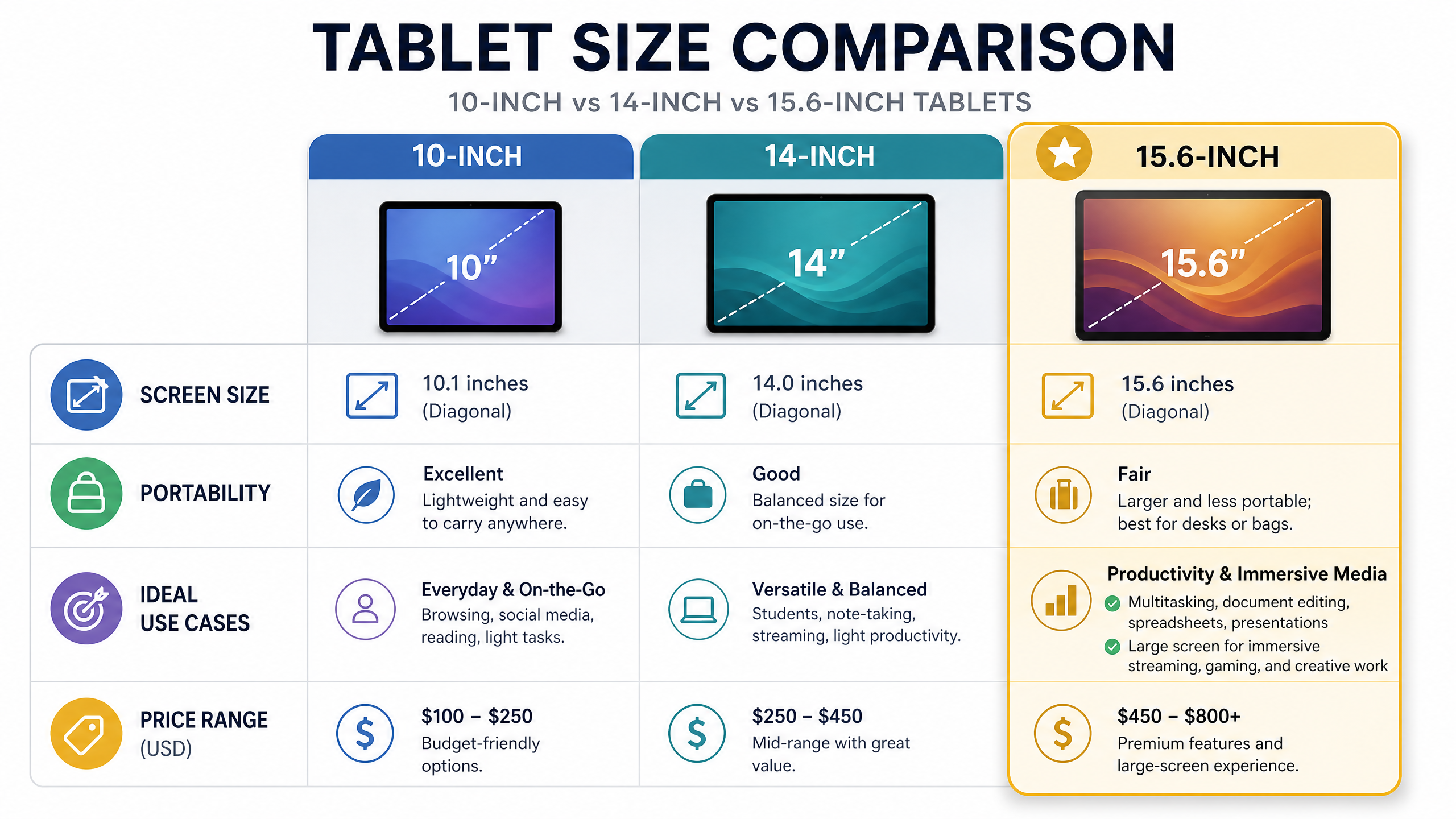
As you can see, the jump from 10 inches to 14 inches, and then to 15.6 inches, is substantial. This extra space directly translates to more comfortable viewing, more efficient multitasking, and a more immersive overall experience.
How to Choose the Right Tablet Screen Size for You
With a clearer understanding of each size, let’s break down how to pick the perfect tablet based on your specific needs.
Consider Your Primary Use:
- Portability & Casual Use: If you need a device for light browsing, reading, and easy portability, a 10-inch tablet is ideal.
- Productivity & Creativity: For serious work, multitasking, digital art, or a laptop replacement, a 14-inch or 15.6-inch tablet will offer the best experience.
- Immersive Entertainment: If movies, gaming, and high-quality media consumption are your priority, a 15.6-inch tablet provides an unparalleled viewing experience.
Budget vs. Features:
Generally, larger screens come with a higher price tag. Balance your budget with the features and screen size you truly need. The Meswao B3 Pro, for example, offers a premium 15.6-inch experience at a competitive price point, making it an excellent value proposition for those seeking a large display without breaking the bank.
Frequently Asked Questions (FAQ)
Q1: Is a 15.6-inch tablet too big for everyday use?
A: While a 15.6-inch tablet is not designed for one-handed use, it excels as a portable workstation or entertainment hub. For tasks like document editing, graphic design, or watching movies, the larger screen significantly enhances the experience. Its portability depends on your definition of “everyday use” – it’s perfect for carrying in a backpack or briefcase, but less so for a small purse.
Q2: Can a large-screen tablet replace my laptop?
A: For many users, especially with the right accessories (like an external keyboard and mouse), a 14-inch or 15.6-inch tablet can effectively replace a laptop for most daily tasks, including email, web browsing, document creation, and even some creative work. The key is to choose a tablet with sufficient processing power and a robust operating system like Android, which offers a wide range of productivity apps.
Q3: What are the best accessories for a large-screen tablet?
A: Essential accessories include a protective case, a high-quality screen protector, and a comfortable external keyboard. For creative professionals, a stylus is a must-have. A portable stand can also greatly enhance the viewing and working experience, especially for larger tablets like the Meswao B3 Pro.
Q4: Do larger tablets have better battery life?
A: Not necessarily. While larger tablets often have larger batteries, the larger screen also consumes more power. Battery life depends heavily on the tablet’s processor efficiency, screen technology, and software optimization. Always check specific battery life ratings and user reviews for the model you’re considering.
Q5: Are large Android tablets as good as large iPads?
A: Both large Android tablets and iPads offer excellent experiences, but they cater to slightly different ecosystems and user preferences. Android tablets, especially those in the 14-inch and 15.6-inch range like the Meswao B3 Pro, often provide greater flexibility in terms of file management, customization, and connectivity options. iPads are known for their robust app ecosystem and seamless integration with other Apple devices. The “best” choice depends on your existing tech ecosystem and specific needs.
Q6: How big is a 10-inch tablet compared to A4 paper?
A: A 10.1-inch tablet at 16:10 measures 21.8 × 13.6 cm of viewable screen. That is almost exactly the width of an A4 sheet (21.0 cm), but only 46% of its height — so in terms of usable area, a 10-inch screen is roughly half a sheet of A4. A full A4 page will fit in landscape, but the text will be small. For comfortable full-page reading at 100% zoom, 15.6 inches is the practical minimum.
Q7: Is a 13-inch tablet big enough for work?
A: For single-app work — email, documents, reading, note-taking — yes, comfortably. For genuine split-screen multitasking with two windows at readable font sizes, a 13-inch screen becomes cramped: at 28.0 × 17.5 cm (16:10) each half-window is only 14 cm wide. If your workflow involves two documents side by side, a 15.6-inch or 16-inch tablet gives you roughly 17 cm per window, which is the difference between comfortable and squinting.
Q8: What is the biggest tablet screen size available?
A: 16 inches is currently the largest practical tablet size, with a viewable area of 34.5 × 21.5 cm — about 1.2 sheets of A4, and wider than most laptop screens in the same class. Anything larger stops being a handheld device. At 16 inches you get roughly 11% more screen height than a 15.6-inch 16:9 panel of identical width, because 16-inch tablets use a 16:10 ratio. See the B5 16-inch for a real example, or our tested 14–16 inch ranking for how the sizes behave in daily use.
Conclusion: The Right Size Transforms Your Experience
Choosing between a 10-inch, 14-inch, or 15.6-inch tablet ultimately comes down to your priorities. If portability and budget are paramount, a 10-inch device might suffice. If you crave a balance of productivity and entertainment, a 14-inch tablet offers a compelling middle ground. But for those who demand the most expansive workspace, the most immersive media, and a true laptop-replacement experience, the 15.6-inch tablet stands unmatched.
The Meswao B3 Pro, with its stunning 15.6-inch display and powerful performance, exemplifies the pinnacle of large Android tablet innovation. It’s not just a tablet; it’s a versatile computing companion that redefines what’s possible on the go. Consider your needs, explore the options, and embrace the screen size that truly elevates your digital life.
References
- [ZDNet: The best large-screen tablets](https://www.zdnet.com/article/best-large-tablet/)
- [MyNextTablet: Top 7 Best Large Screen Tablets Tested](https://mynexttablet.com/tablets-with-large-screens/)
- [Techno-Senior: 15.6″ Cala Szoku! Ten tablet zastępuje monitor, telewizor i laptop – Meswao B3 Pro](https://techno-senior.com/2026/05/24/156-cala-szoku-%f0%9f%a4%af-ten-tablet-zastepuje-monitor-telewizor-i-laptop-meswao-b3-pro/)