




Best Tablets for Older Adults 2026: 3 Tested Big-Screen Picks

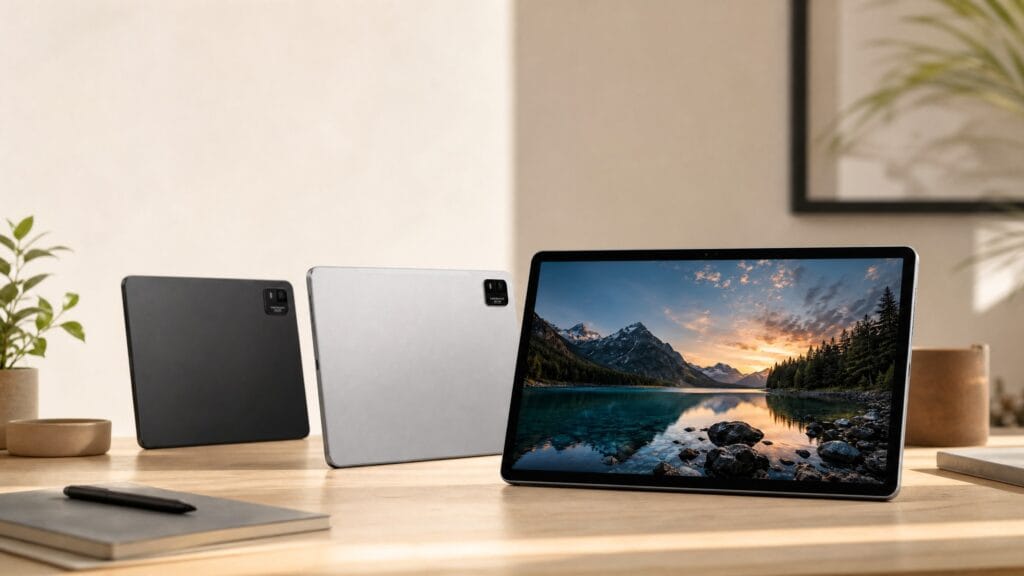
If you need a big, easy-to-read tablet for an older adult, the Meswao B3 Basic 15.6″ is the best all-round pick: a 34.5 cm-wide screen with room for enlarged text, a 12,000 mAh battery, and no monthly subscription. Our full guide to the best tablets for older adults with bad eyesight compares all three sizes, with prices and the exact accessibility settings to set up first.
Are you struggling to find a tablet that is easy to read, simple to use, and reliable? Discover why a large screen Android tablet might be the perfect solution for older adults.
Finding the right technology for older adults can be a challenge. With so many options on the market, it is easy to feel overwhelmed. However, when it comes to staying connected, reading, and enjoying entertainment, a large screen tablet is often the best choice. In this comprehensive guide, we will explore what makes the best large screen tablet for seniors, why size matters, and how to choose a device that perfectly balances functionality and simplicity.
Why Seniors Need a Big Screen Android Tablet
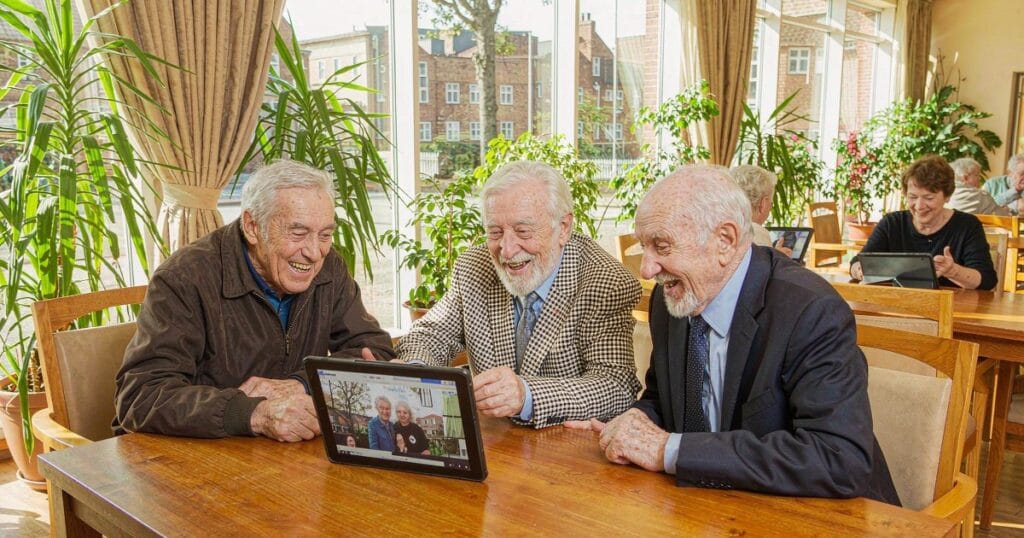
As we age, our vision naturally changes, making small screens on smartphones increasingly difficult to read. A big screen Android tablet for the elderly provides a significant upgrade in visibility and ease of use.
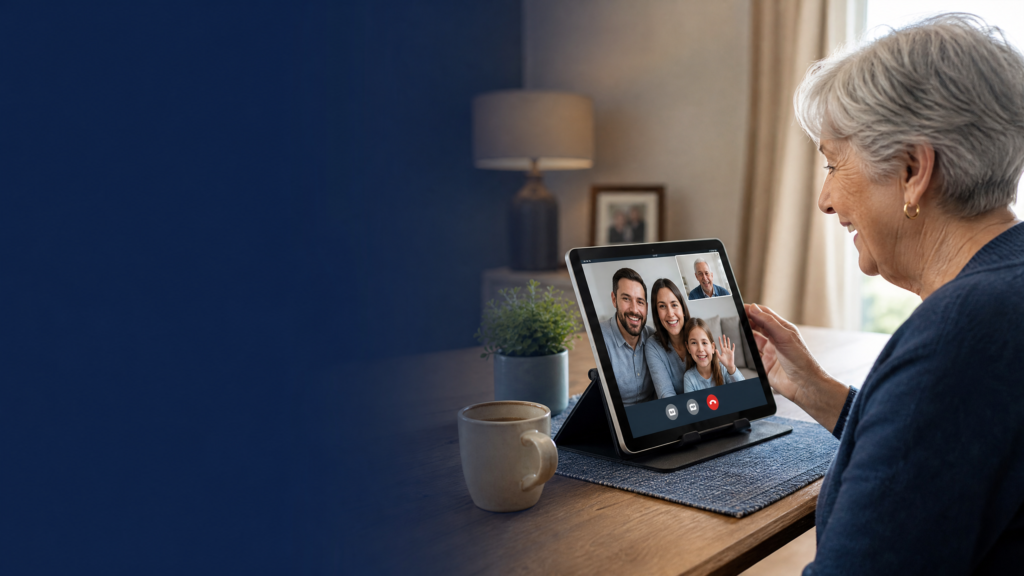
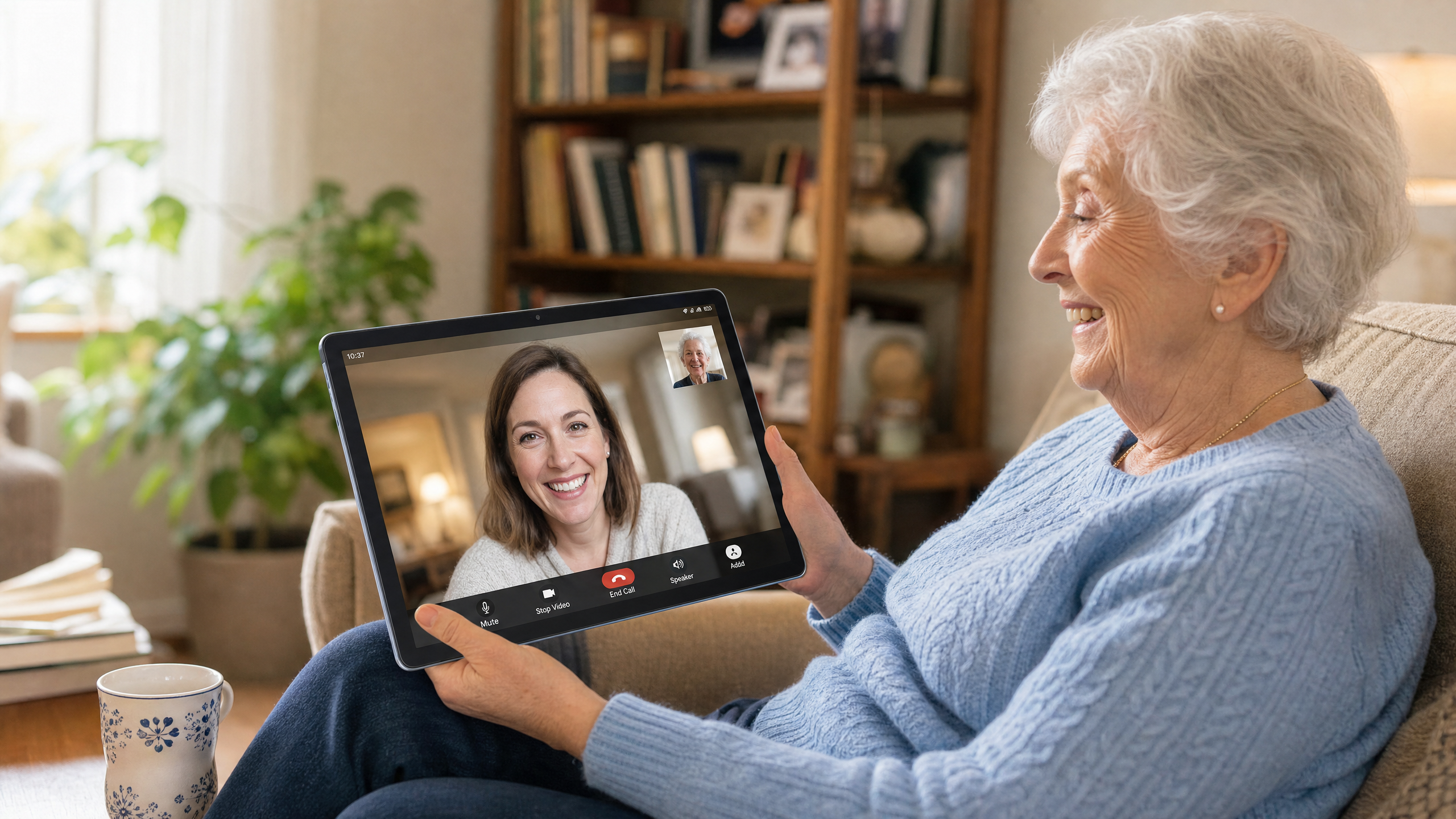
The primary advantage of a larger display, typically 14 inches or more, is the ability to increase font sizes and icon dimensions without cluttering the screen. This means less squinting and a more comfortable viewing experience when reading emails, browsing the news, or video chatting with grandchildren. Furthermore, larger tablets offer more screen real estate for virtual keyboards, reducing typing errors and frustration.
Beyond visibility, a larger device is often easier to hold and interact with. For seniors dealing with arthritis or reduced fine motor skills, the precise tapping required on a 6-inch phone can be painful. A 14-inch or 15-inch tablet allows for broader gestures and easier navigation.
Key Features to Look for in an Easy to Use Tablet for Older Adults
When shopping for the best large screen tablet for seniors, several crucial features should guide your decision. It is not just about the screen size; the overall user experience must be tailored to their needs.
1. Display Quality and Size
A screen size of at least 14 inches is highly recommended. Look for an IPS FHD (Full High Definition) display, which ensures that text is crisp and images are clear from any viewing angle. High brightness levels (around 350 nits) are also important for comfortable reading in various lighting conditions.
2. Long Battery Life
Seniors should not have to worry about constantly recharging their devices. A tablet with a high-capacity battery—such as 10,000mAh or 12,000mAh—can provide days of standby time and hours of continuous video playback. This reliability is essential for peace of mind.
3. Loud and Clear Audio
Hearing loss is another common age-related challenge. The best tablets for older adults feature multiple independent sound chamber speakers that deliver loud, clear audio for video calls, movies, and audiobooks.
4. Simplified User Interface
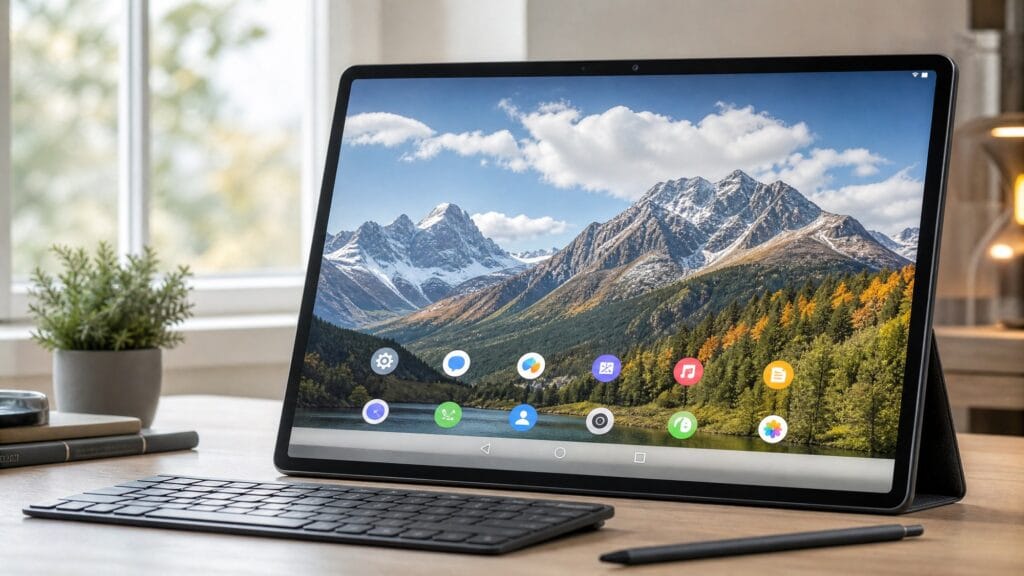
While Android offers immense flexibility, it can be customized for simplicity. Look for tablets running modern Android versions (like Android 13 or 14) that allow for easy home screen customization, enabling you to place the most used apps front and center.
Screen Size Comparison: Which Meswao Fits an Older Adult?
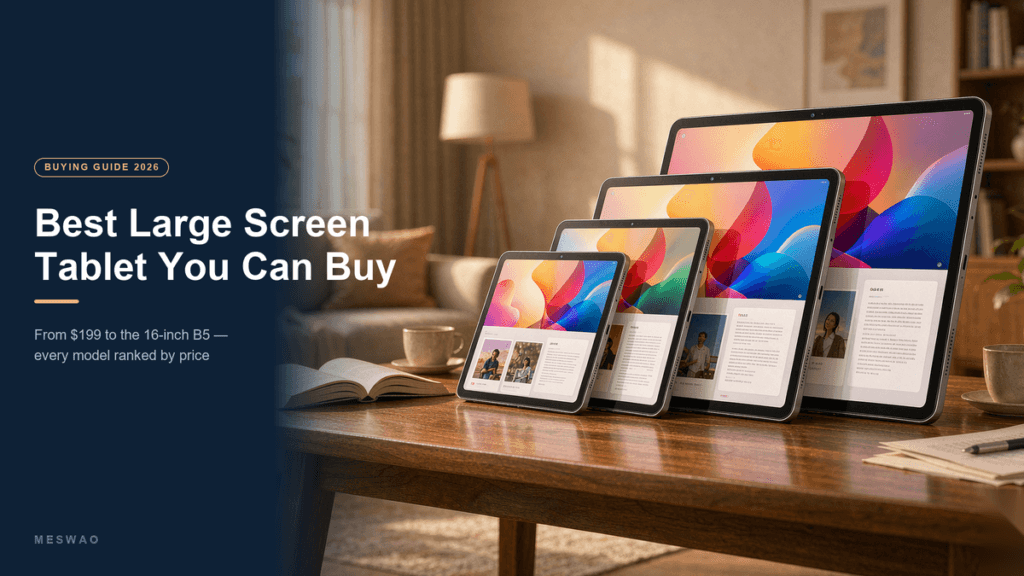
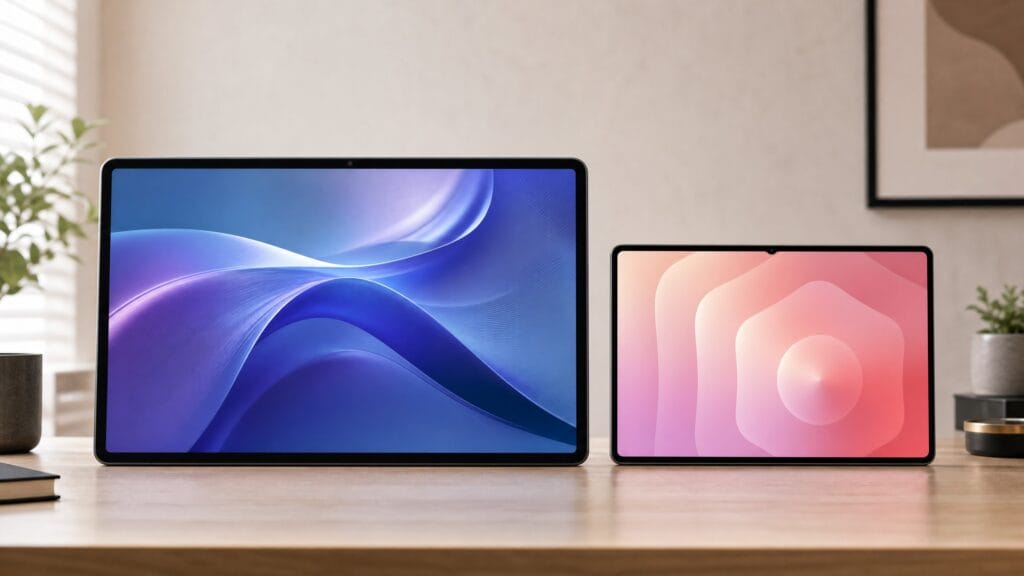
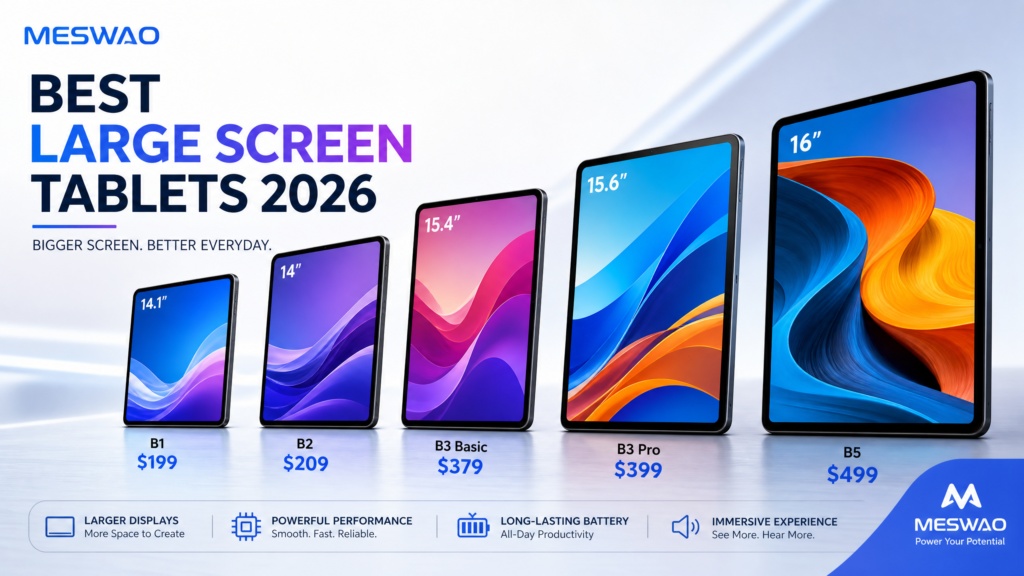
Screen size is the single biggest factor in readability. Here is how the three Meswao models compare on physical screen area — the number that actually determines how large text and icons appear.
| Model | Screen | Screen Area | Price | Best For |
|---|---|---|---|---|
| B1 14.1″ | 14.1″ (16:9) | 540 cm² | $199 | Best value; lightest to hold |
| B3 Pro 15.6″ | 15.6″ (16:9) | 671 cm² | $399 | Largest screen under $400 |
| B5 16″ | 16.0″ (16:10) | 742 cm² | $459 | Maximum text size |
For most older adults, the 14.1″ B1 is enough: at 540 cm² it is already larger than an iPad 10.9″ (approximately 400 cm²) and costs $199 with no subscription. If eyesight is the primary concern, step up to the 15.6″ B3 Pro or the 16″ B5 — the extra area means you can enlarge text to the largest setting and still fit a full page.
Top Recommendation: Meswao B1 14.1″ Large Screen Tablet
If you are searching for a device that checks all these boxes, the Meswao B1 14.1″ Large Screen Tablet is an outstanding choice. Designed with clarity and power in mind, it is arguably the best large screen tablet for seniors available today.
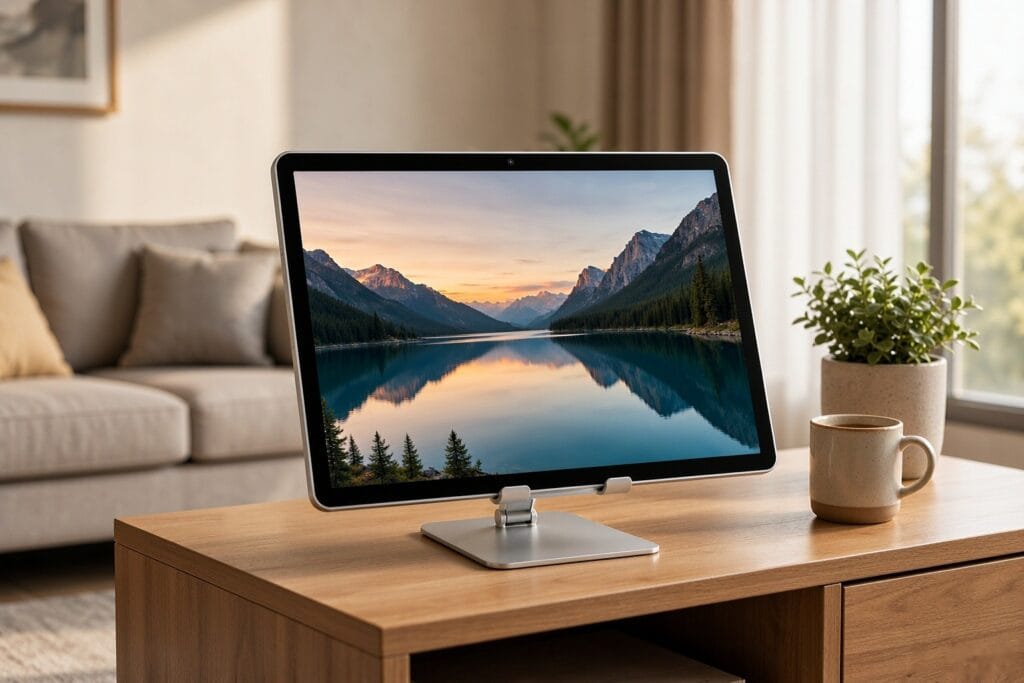
The Meswao B1 features a massive 14.1-inch FHD IPS display, providing an expansive canvas that makes reading and watching videos a joy. Powered by an 8-core processor and 6GB of RAM, it delivers smooth performance for everyday tasks without overwhelming the user with unnecessary complexity.
One of its standout features is the massive 10,000mAh battery, which ensures the tablet is always ready when needed. Coupled with four independent sound chamber speakers, it provides an immersive audio-visual experience perfect for staying in touch with family or enjoying digital entertainment. Priced at just $199.00, it offers exceptional value.
“The large 14.1-inch display makes watching videos, browsing the web, and reading so much more comfortable… Overall, this is a great tablet for casual use, entertainment, and basic work.” – Wendy, Verified Customer
Premium Large-Screen Picks: 15.6″ B3 Pro & 16″ B5
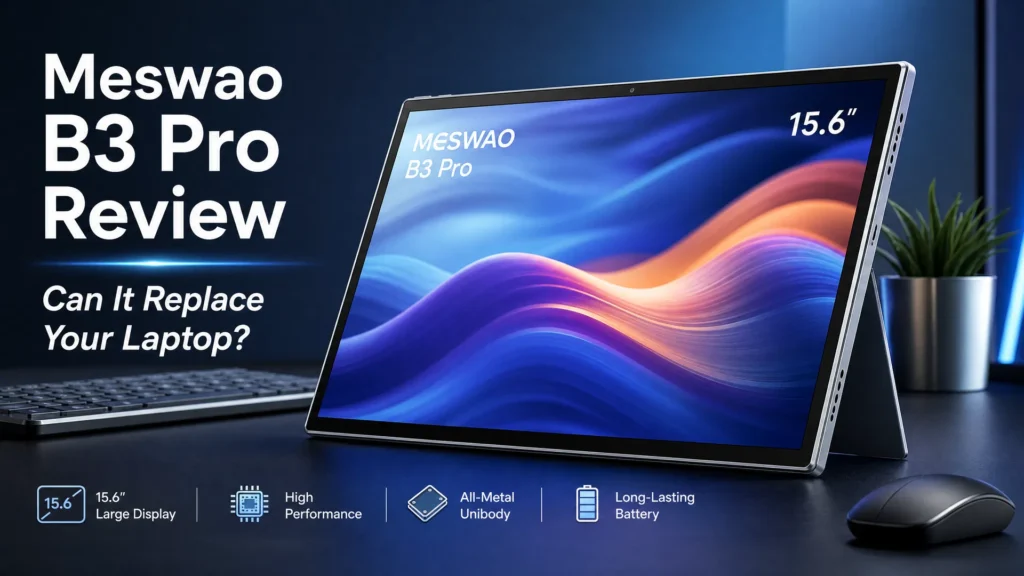
If you want more screen than the 14.1″ B1, two Meswao models stand out for seniors. The 15.6″ B3 Pro pairs a full-HD large display with a faster processor and loud speakers — ideal when family photos, video calls, and reading need to stay crisp. For maximum visibility, the 16″ B5 is the biggest screen in the lineup, giving the most room for text and icons. See the whole large-screen tablet lineup to compare sizes side by side.
How to Set Up a Tablet for an Elderly User
Purchasing the tablet is only the first step; proper setup is crucial for a smooth experience.
First, adjust the display settings. Go to the accessibility menu and increase the font size and display size to the maximum comfortable level. Enable high-contrast text if it improves readability.
Next, simplify the home screen. Remove unnecessary widgets and apps. Place only the essential applications—such as the camera, photo gallery, video calling app (like Zoom or Skype), web browser, and email—on the main screen.
Finally, ensure the volume is set to an appropriate level and consider setting up a digital calendar to help them keep track of appointments and family events.
Conclusion
Choosing the best large screen tablet for seniors involves prioritizing visibility, audio clarity, and ease of use. A big screen Android tablet like the Meswao B1 not only bridges the digital divide but also enhances the daily lives of older adults by providing a comfortable, reliable, and engaging way to stay connected with the world.
By investing in the right technology, you can empower your loved ones to enjoy the benefits of the digital age without the frustration of small screens and complex interfaces.
Q: What is the best tablet size for macular degeneration or poor vision?
A: Bigger is better. We recommend moving past 12 inches — a 14.1″ or 15.6″ tablet allows for maximum font scaling so reading is possible again without a magnifying glass, and the 16″ B5 offers the largest, easiest-to-read display in the lineup.
FAQ: Tablets for Seniors
Q: What is the best tablet size for a senior citizen?
A: While 10-inch tablets are common, a 14-inch or 15-inch tablet is often better for seniors. The larger screen allows for significantly bigger text and icons, reducing eye strain and making touch navigation much easier.
Q: Are Android tablets easy for older adults to use?
A: Yes, Android tablets can be very easy to use, especially when customized. You can enlarge fonts, simplify the home screen, and remove confusing apps, creating a straightforward and user-friendly experience.
Q: Do I need a data plan for a senior’s tablet?
A: Not necessarily. If the senior has Wi-Fi at home, a Wi-Fi-only tablet is sufficient for all their needs, including web browsing and video calls.
Meswao B1 14.1″ Large Screen Tablet
The perfect big screen tablet for seniors. Featuring a 14.1″ FHD display, 10,000mAh battery, and loud quad speakers. Only $199.00 with free global shipping.
For the hands-on setup steps, see our computer tablet for the elderly setup guide. If you want a larger screen than the B1, the 15.4″ B4 and 16″ B5 add room to see, and the whole lineup is here to compare.
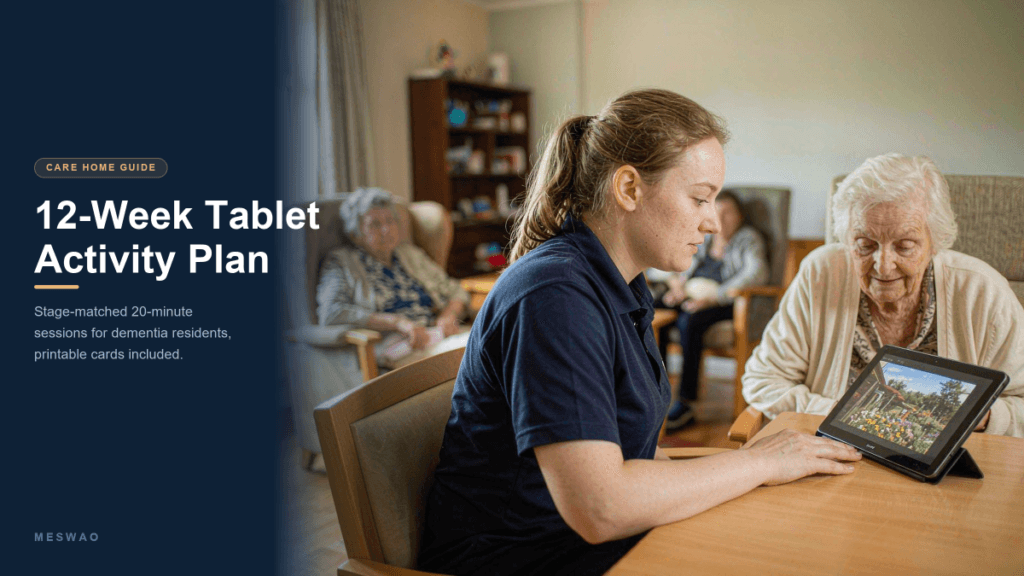
Buying tablets for a whole care home or care facility
Everything above is written for choosing one tablet for one person. If you are equipping a lounge, an activity room or several bedrooms at once, the decision changes — group visibility, multi-user profiles and cost per room start to matter more than raw performance. We cover that separately in our guide to tablets for nursing homes and care homes, including which screen sizes work for four to six residents at once and what a multi-room roll-out costs. Once the devices are in the building, our 12-week dementia activity plan covers what staff actually run on them, session by session.