




Best Tablet for Watching Sports Live in 2026: Why Screen Size Actually Matters

Best Tablet for Watching Sports Live in 2026: Why Screen Size Actually Matters
If you’re anything like me, you’ve probably tried streaming a crucial Premier League match or a Sunday Night Football game on your phone, only to squint at the screen trying to track the ball. It’s frustrating. You might have considered buying a tablet, but when you search for the “best tablet for watching sports live,” you’re bombarded with recommendations for $1,000 iPads or 11-inch Android tablets that are just slightly bigger than your phone.
Here’s the honest truth that most tech reviewers miss: when it comes to live sports, screen size is the only metric that truly matters. You don’t need an M5 processor to stream FuboTV or ESPN+. You need a massive, bright display and a battery that won’t die during overtime.
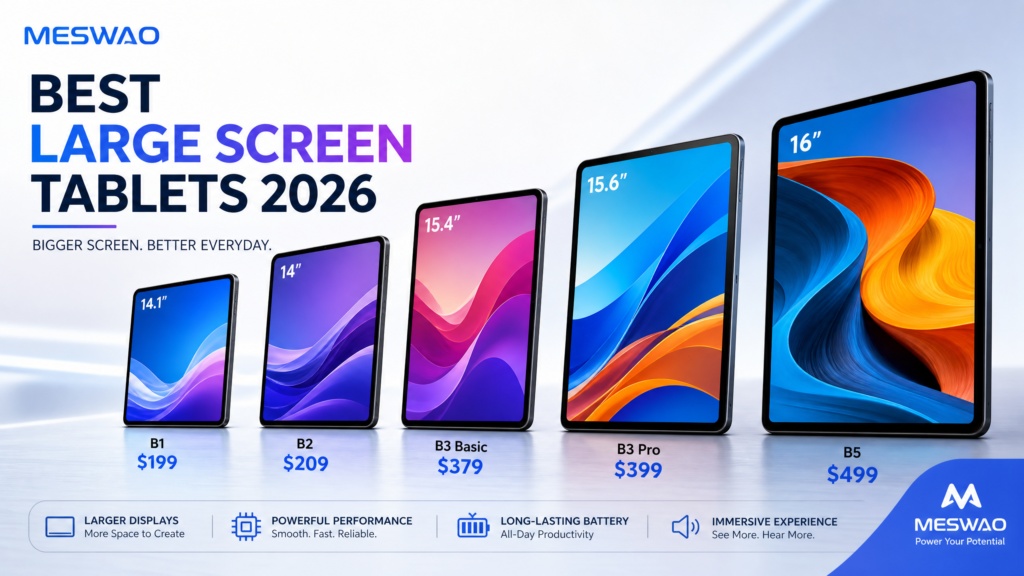
In this guide, we’ll explore why a 15-inch Android tablet is the ultimate game-changer for sports fans in 2026, and why the Meswao B3 Pro 15.6-inch tablet is the hidden gem you’ve been looking for.
The “Screen Size Tax” in 2026
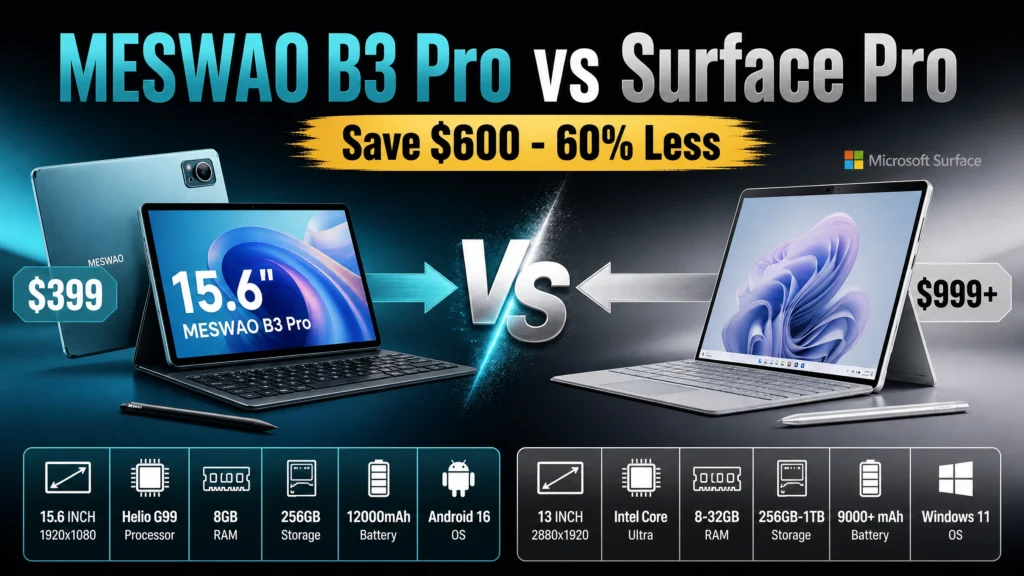
Let’s look at the current tablet market. According to ZDNET’s 2026 large tablet guide, the top recommendations are the 13-inch iPad Pro and the 14.6-inch Samsung Galaxy Tab S11 Ultra. They are incredible devices, but they come with a massive “screen size tax.” You’re paying upwards of $1,100 for a screen large enough to comfortably watch a game with a friend.
On Reddit’s r/androidtablets, a user recently asked for a cost-effective large screen tablet for watching sports, noting that 11-inch screens just don’t cut it. The responses? Mostly recommending older, refurbished models or expensive flagship devices.
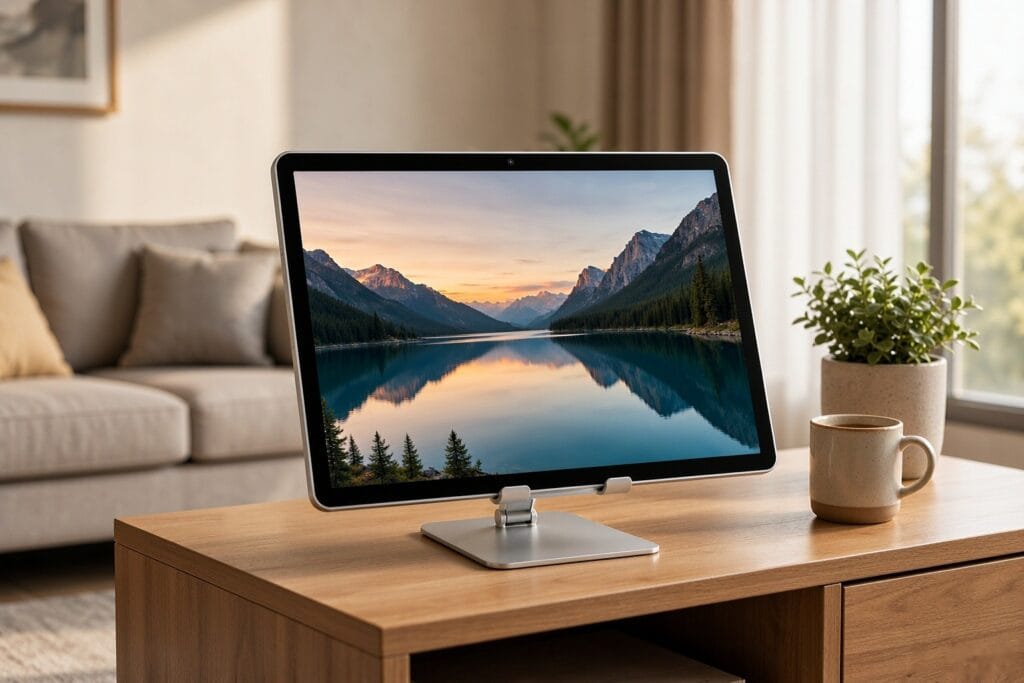
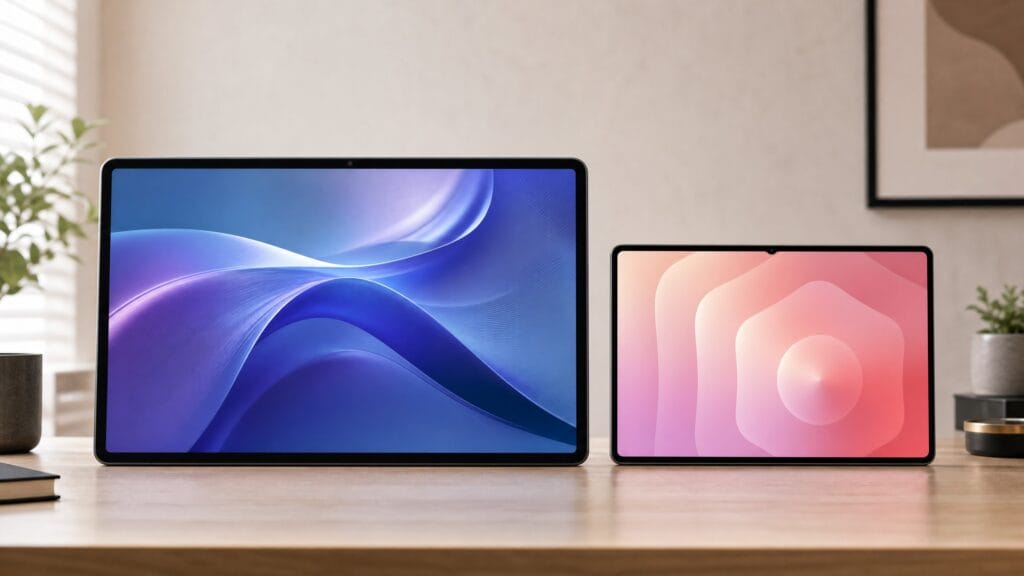
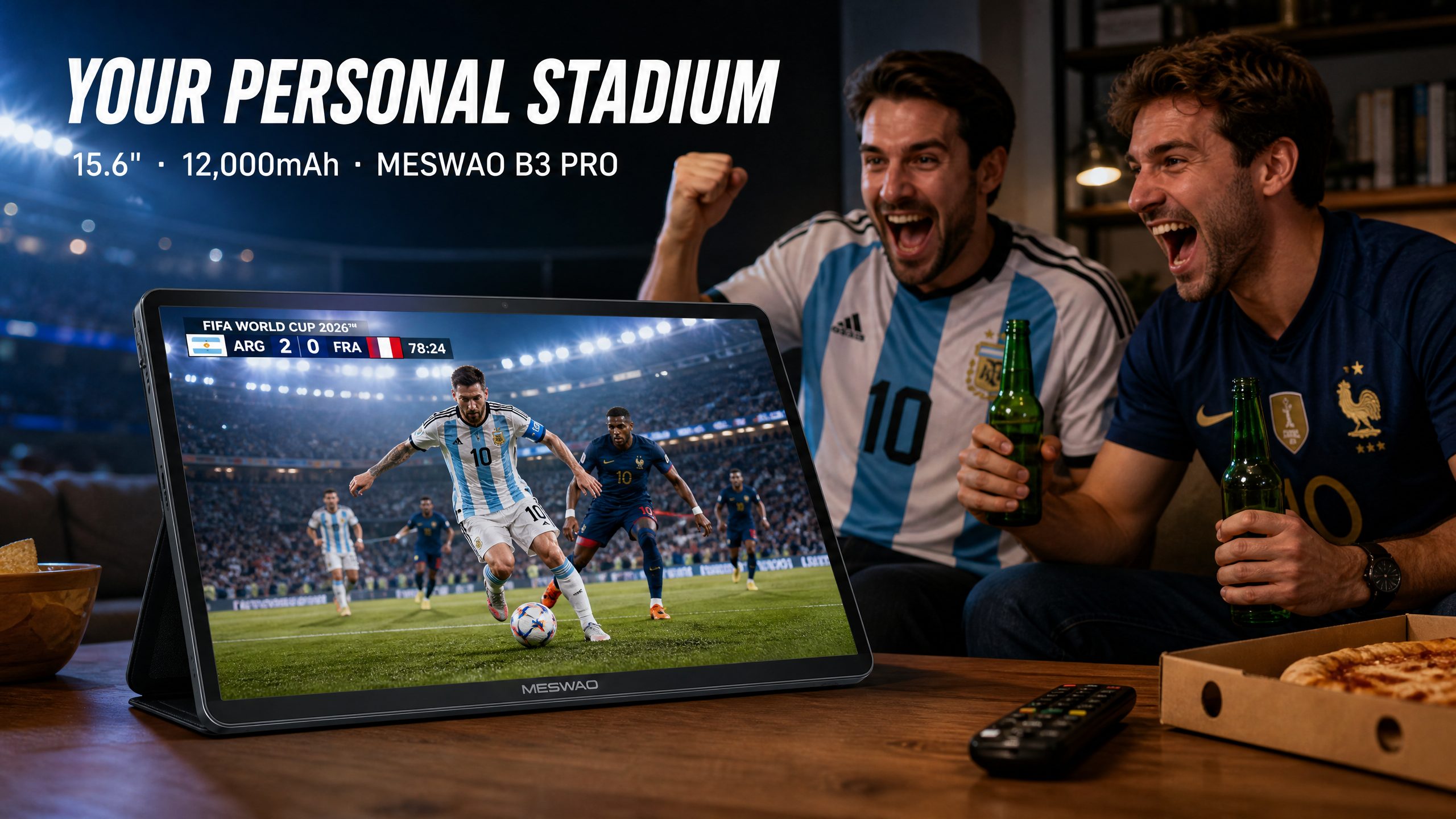
This is where the 15.6-inch form factor comes in. A 15.6-inch screen offers nearly double the viewing area of an 11-inch tablet. It’s the difference between holding a device inches from your face and propping it up on a coffee table while you grab a beer.
Why the Meswao B3 Pro is the Ultimate Sports Streaming Tablet
If your primary goal is streaming live sports—whether it’s the 2026 World Cup, NBA, or Formula 1—the Meswao B3 Pro hits the sweet spot between massive screen size and affordability.
1. A 15.6-Inch 1080P IPS Display
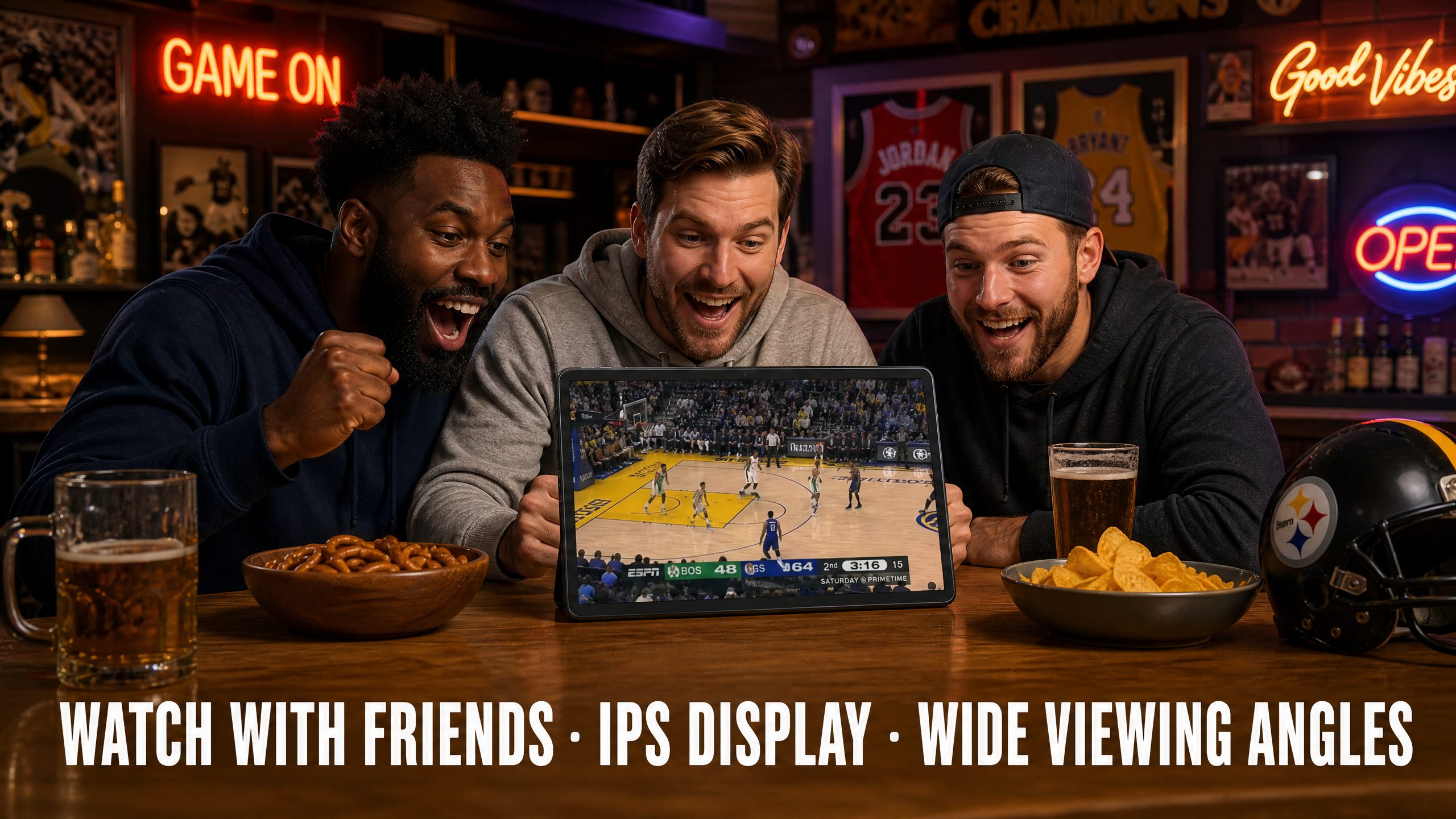
When tracking fast-moving action, you need a screen with great viewing angles. The B3 Pro’s IPS panel ensures that even if you’re watching with friends and sitting off to the side, the colors won’t wash out. At 15.6 inches, it’s practically a portable TV. (If you want an actual portable TV, check out our guide on watching the World Cup without cable).
2. 12,000mAh Battery: Overtime Guaranteed
There is nothing worse than your tablet dying during a penalty shootout. While most 11-inch tablets pack an 8,000mAh battery, the Meswao B3 Pro houses a massive 12,000mAh battery. This translates to hours of uninterrupted streaming. You can watch a double-header without ever reaching for the charger.
3. Helio G99 and 8GB RAM: No Buffering
Live sports apps like Fubo, ESPN, and Peacock can be surprisingly resource-heavy. The MediaTek Helio G99 processor paired with 8GB of RAM ensures that the apps launch quickly and run smoothly. You won’t experience the UI lag that plagues cheaper, no-name budget tablets.
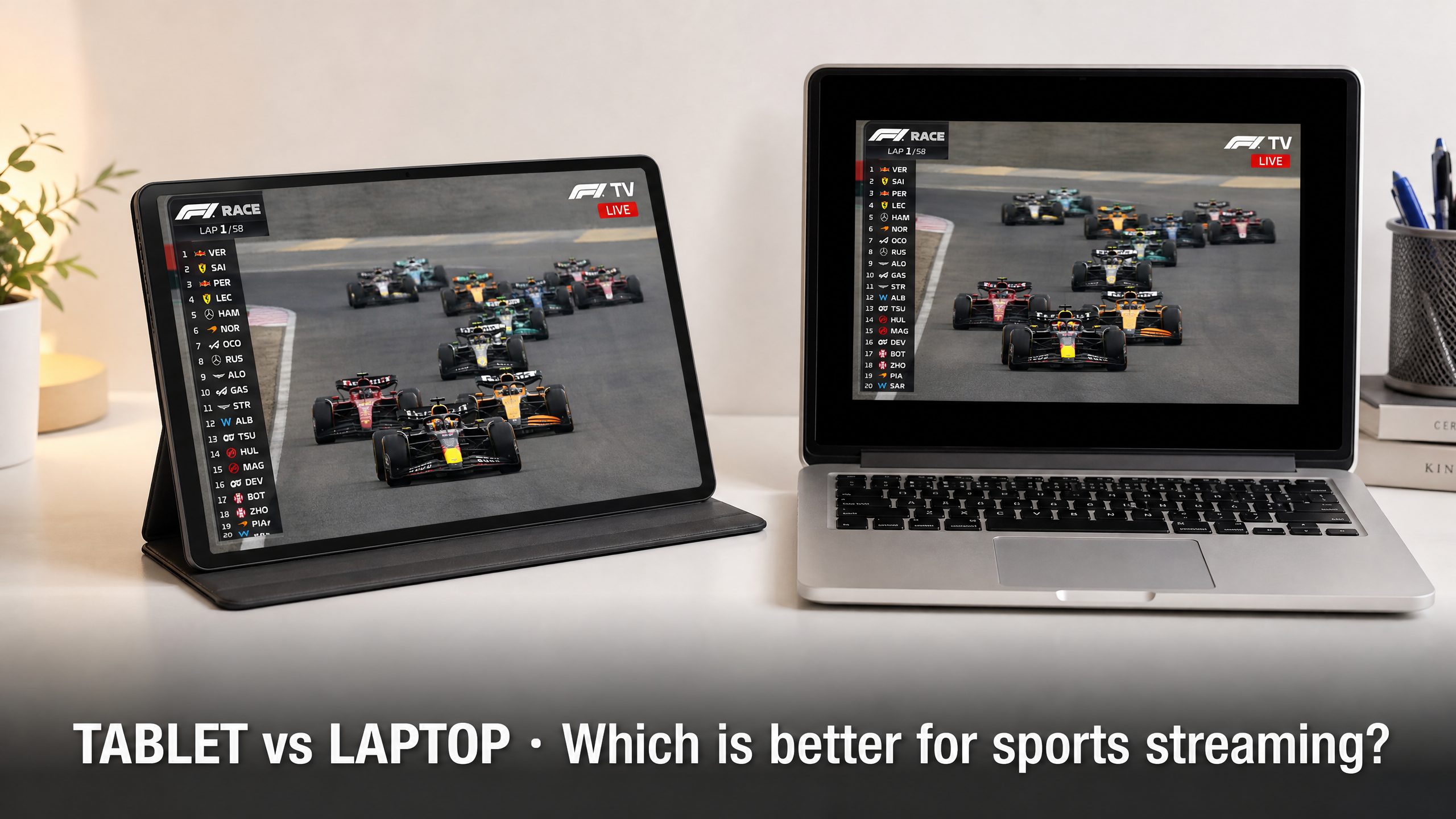
Tablet vs. Laptop for Streaming Sports
You might be wondering, “Why not just use a laptop?”
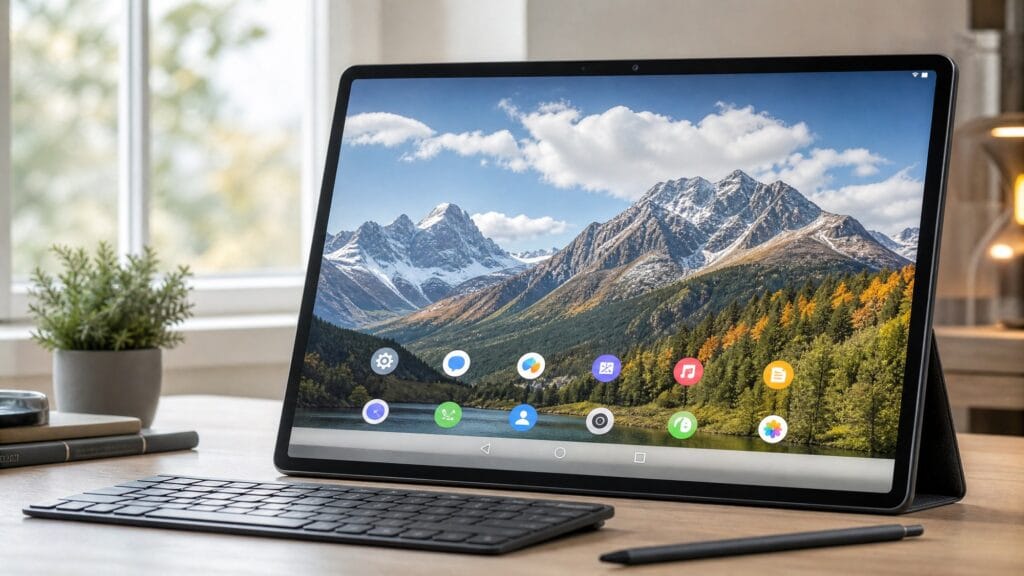
Laptops are bulky, and the keyboard gets in the way. A tablet offers a much cleaner, more immersive viewing experience. Plus, with Android 13, you have native access to all the official sports streaming apps, which often run better than their web-browser counterparts on a PC. If you ever need to use it for work, you can easily pair a Bluetooth keyboard, turning it into a productivity machine (as we discussed in our 16-inch tablet review).
FAQ: Streaming Sports on a Large Tablet
Q: Do I need a 4K tablet for watching sports?
A: No. The vast majority of live sports broadcasts max out at 1080p (or even 720p). A 1080p display like the one on the Meswao B3 Pro is perfectly matched for current broadcasting standards.
Q: Can I connect a 15.6-inch tablet to a bigger TV?
A: Yes! You can easily cast your screen using Chromecast, or if you prefer a dedicated larger screen, consider a 23.8-inch portable monitor for a dual-screen setup.
Q: Is 15.6 inches too heavy to hold?
A: At around 1kg, it’s heavier than an 11-inch tablet, but it’s designed to be propped up using a kickstand case on a table or desk, rather than held in your hands for two hours.
The Verdict
If you are looking for the best tablet for watching sports live in 2026, stop paying the premium for high-end processors you won’t use. Focus on what matters: screen real estate and battery life. The Meswao B3 Pro delivers a 15.6-inch stadium-like experience for a fraction of the cost of flagship alternatives. Grab a beer, prop it up, and enjoy the game.