




15 Inch Android Tablet in 2026: 7 Things to Check Before You Buy

The 15-Inch Android Tablet: A Complete Guide for 2026
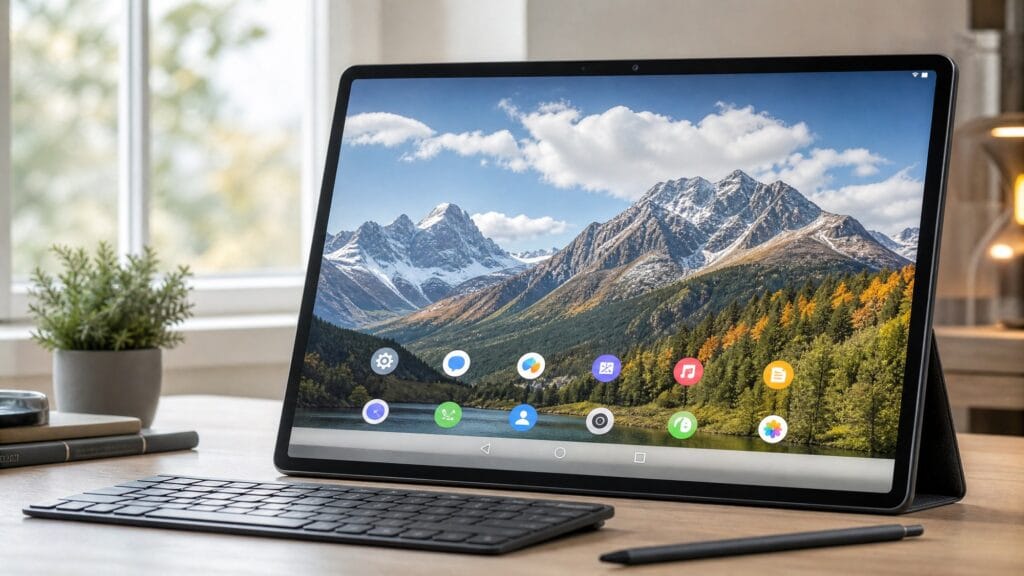
Let’s be honest: the 15-inch Android tablet is a niche product. Most mainstream tech reviewers ignore it entirely, defaulting to the usual 11 or 12-inch recommendations. But if you’ve ever watched a movie on a 10-inch screen and thought “this could be bigger,” or tried to read a PDF on a small tablet and gave up in frustration, then a 15-inch Android tablet might be exactly what you’ve been missing.
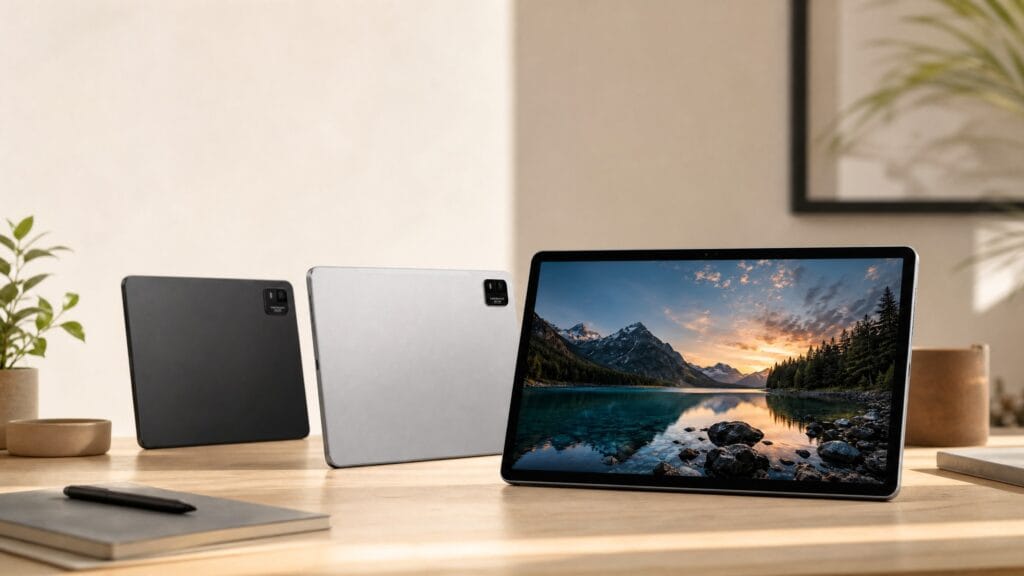
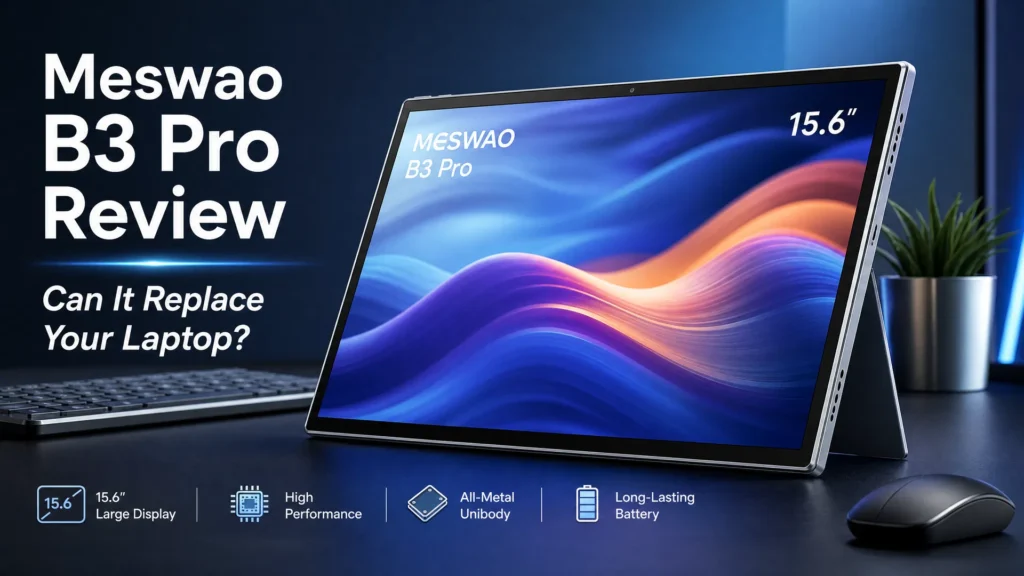
I’ve been using the Meswao B3 Pro 15.6-inch tablet for several months now, and I want to give you the complete, honest picture—the good, the great, and the few trade-offs you should know about.
What Makes a 15-Inch Android Tablet Different?
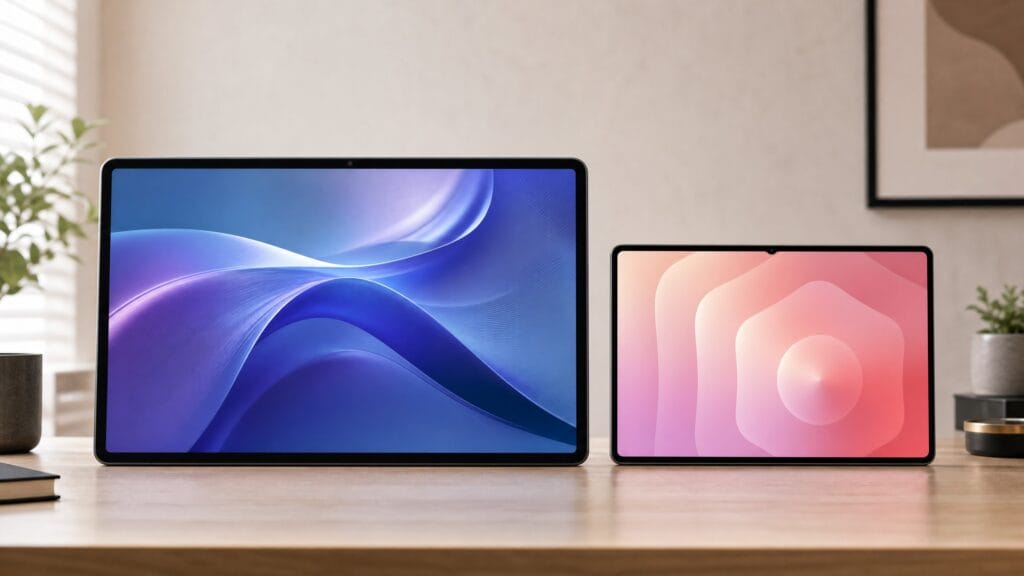
The jump from 11 inches to 15.6 inches isn’t just a number—it’s a completely different experience. Here’s a quick comparison to put it in perspective:
| Feature | Standard 11″ Tablet | 15.6″ Android Tablet (B3 Pro) |
|---|---|---|
| Screen Area | ~77 sq inches | ~135 sq inches (75% more) |
| Battery | 7,000–8,000mAh typical | 12,000mAh |
| Split-Screen | Cramped | Genuinely usable |
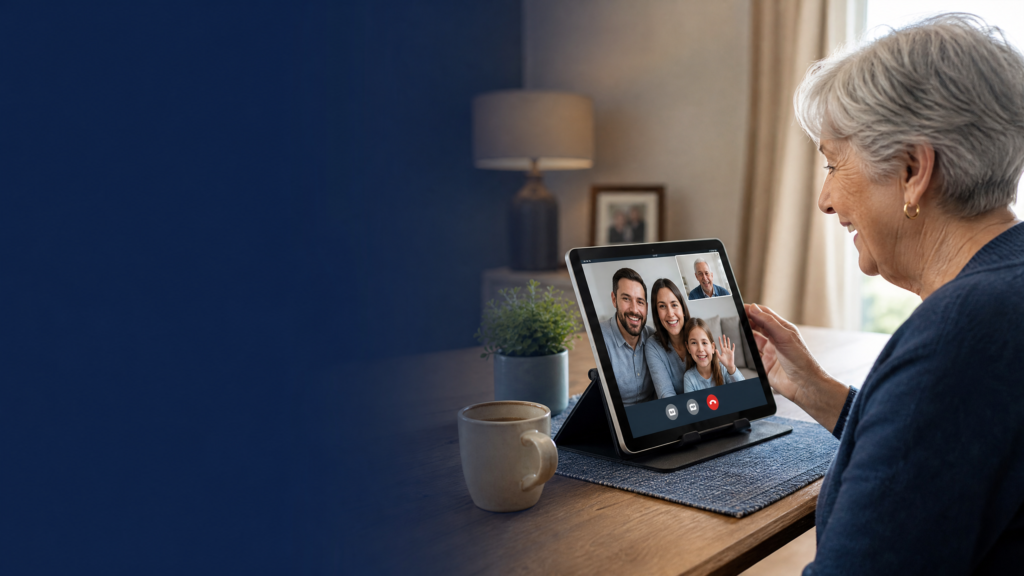
| Video Calling | Small faces | Near life-size faces |
That 75% increase in screen area is the key differentiator. Everything feels more spacious, from reading web articles to editing photos.
Performance: What Can a 15-Inch Android Tablet Actually Do?
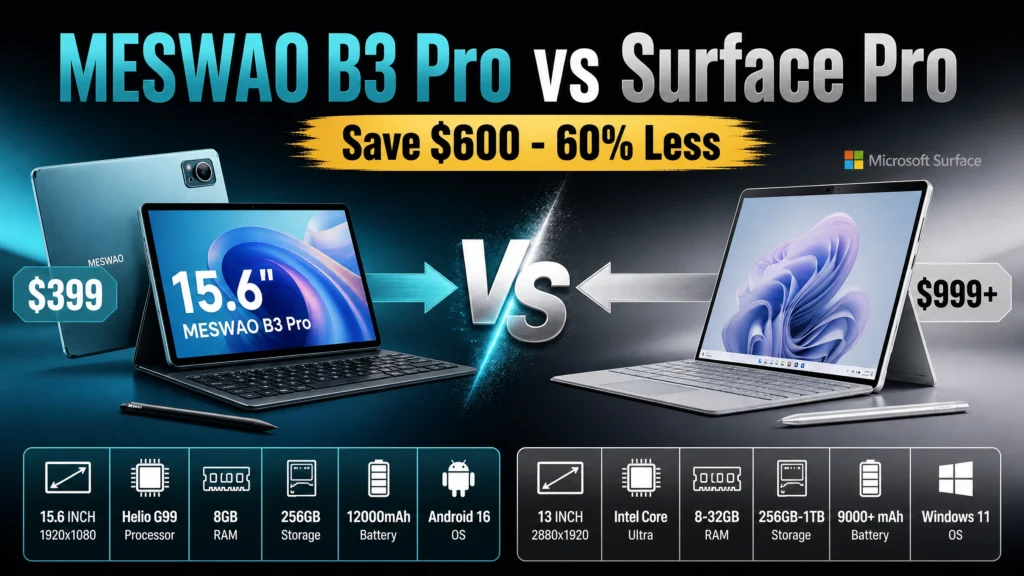
The Meswao B3 Pro runs on the MediaTek Helio G99 processor—a chip that punches well above its weight class. Paired with 8GB of RAM and 256GB of internal storage (expandable via microSD), it handles everything I’ve thrown at it without breaking a sweat.
Streaming and Media
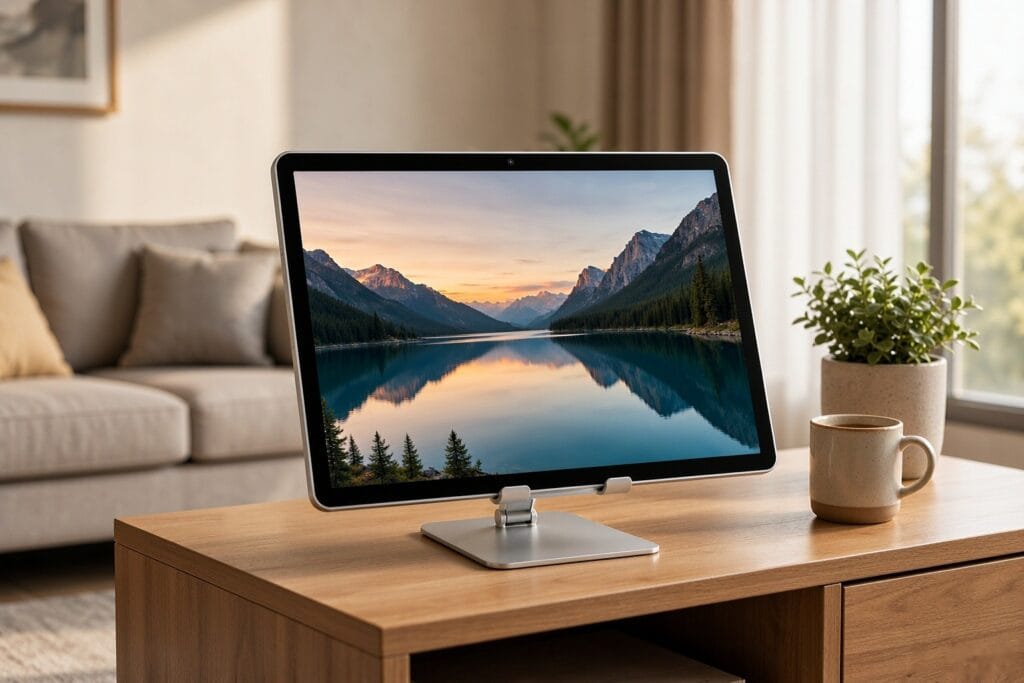
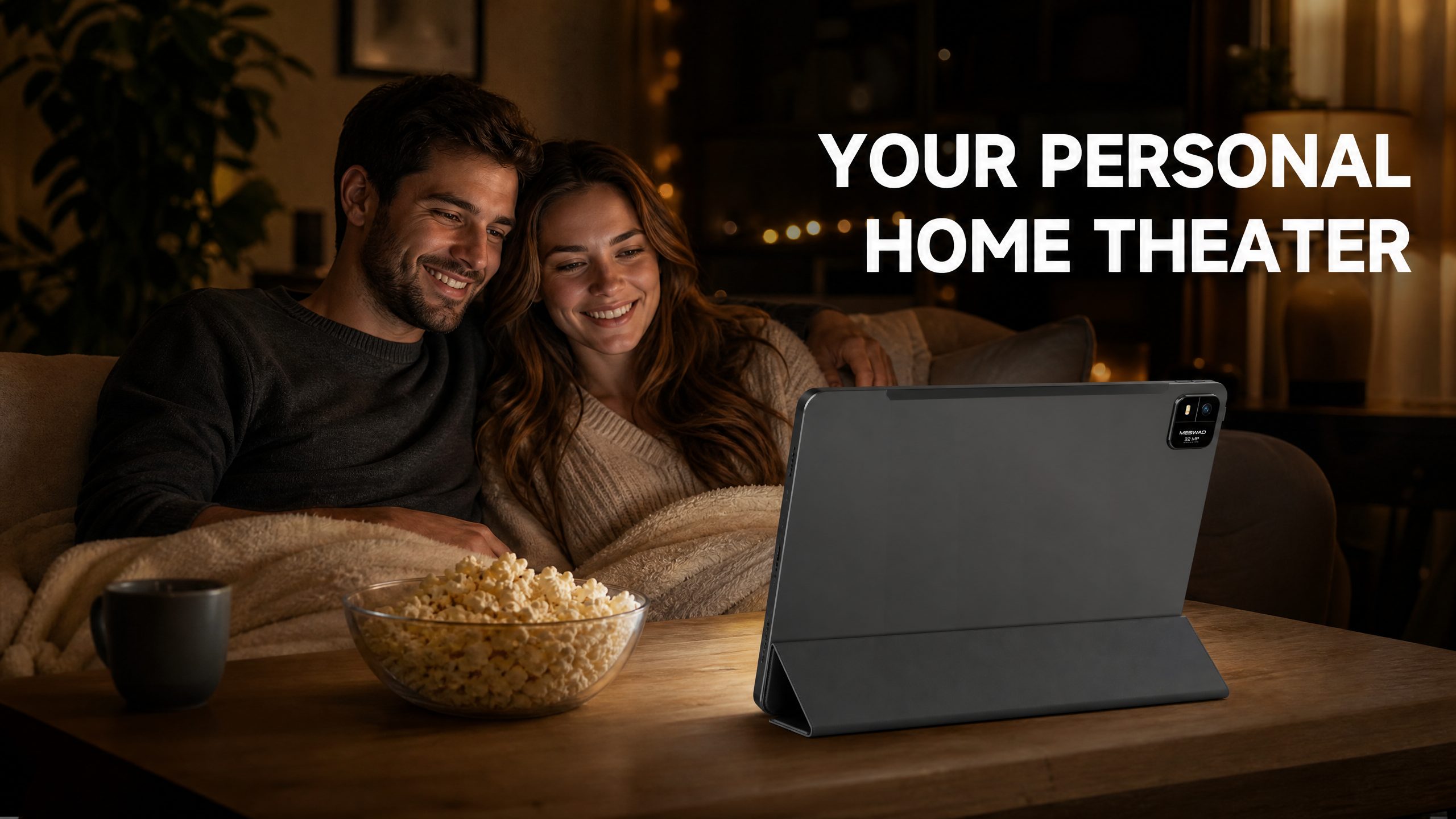
This is where the 15-inch Android tablet truly shines. The 15.6-inch FHD IPS display delivers vivid colors and wide viewing angles. Netflix, YouTube, and Prime Video all look fantastic. The large screen is also great for sharing content with someone sitting next to you—no more “lean in to see the screen” moments.
Productivity
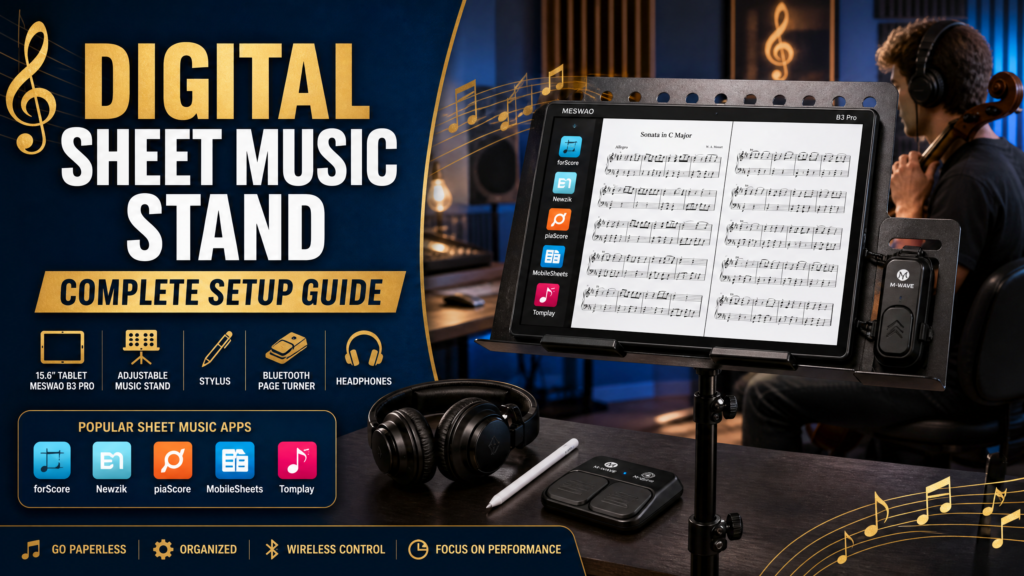
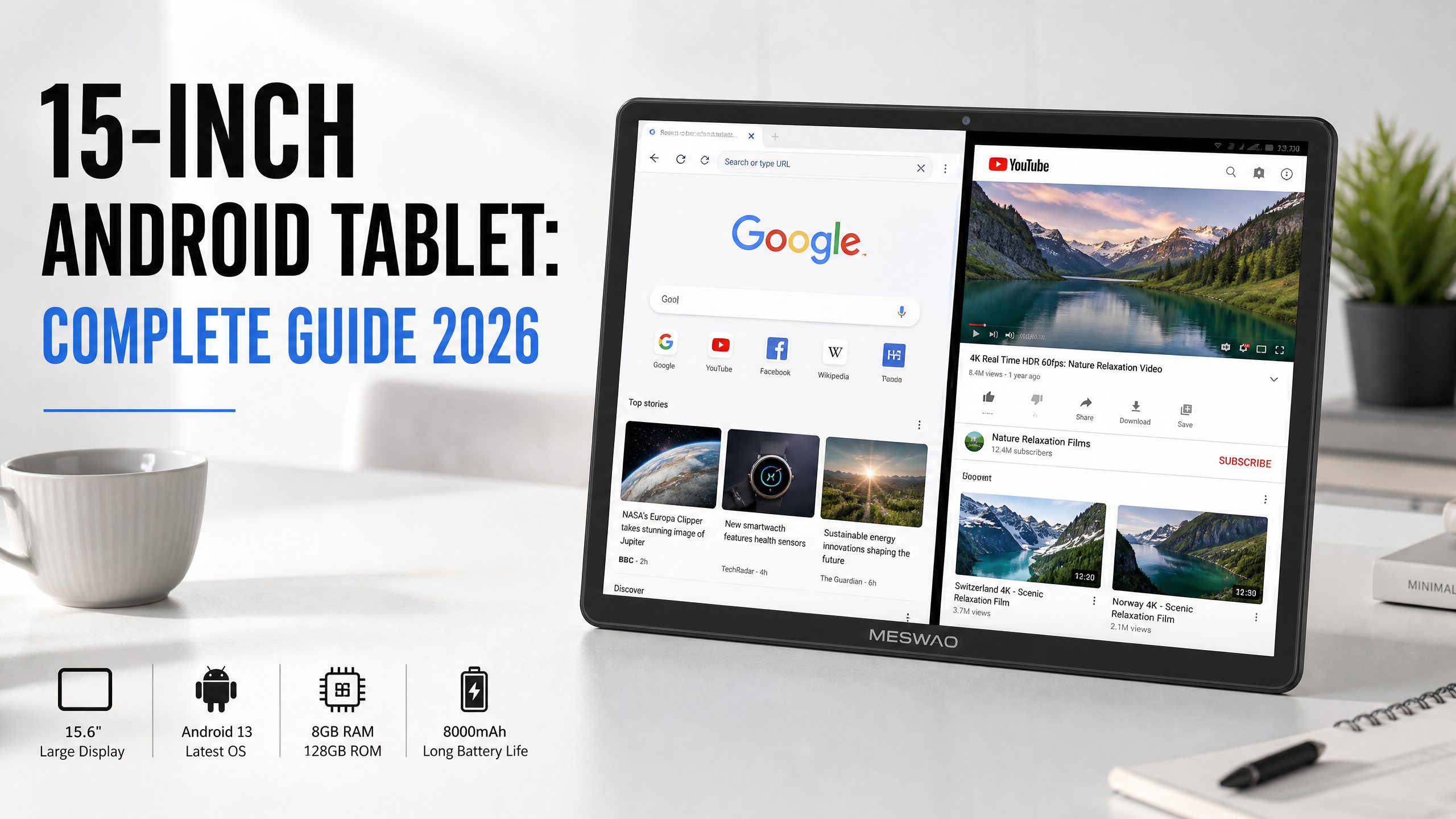
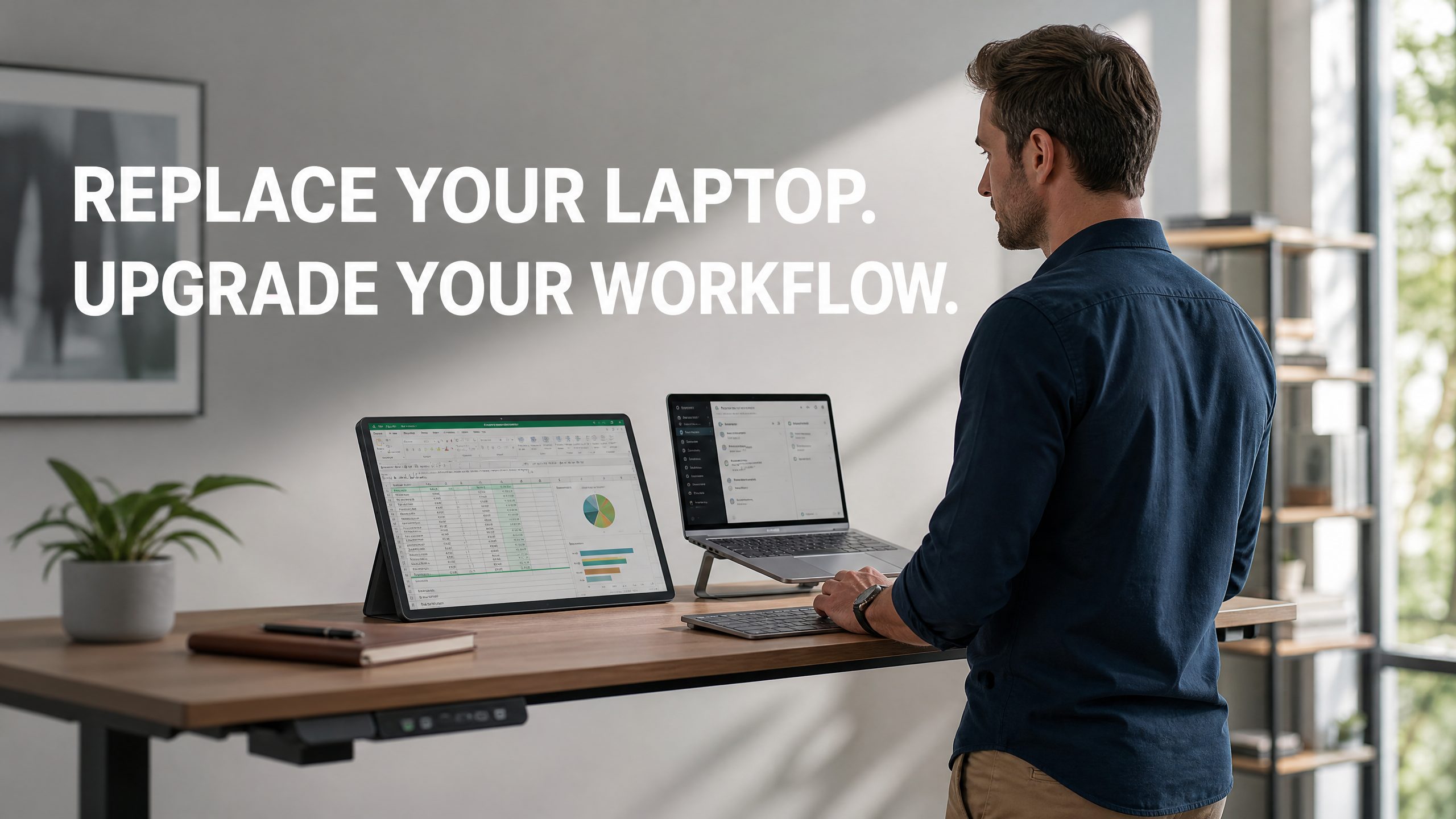
With Android 13’s split-screen mode, you can run two apps simultaneously at genuinely usable sizes. I regularly have Google Docs open on one side and a research browser on the other. With a Bluetooth keyboard, this setup rivals a basic laptop for writing and research tasks.
Battery Life
The 12,000mAh battery is a standout feature. In my testing, I consistently got 10+ hours of video playback. Even with heavier usage—browsing, video calls, and some gaming—I rarely needed to charge more than once every two days.
The Trade-Offs You Should Know
No device is perfect. Here’s what to keep in mind with a 15-inch Android tablet:
- Weight: At approximately 1kg, it’s not a one-handed device. It’s best used resting on a surface or propped up with a case stand.
- Pocket-Friendly? No. This is a bag device, not a pocket device. If you need something ultra-portable, consider the Meswao B1 14.1-inch instead.
- App Optimization: Some Android apps are still designed for smaller screens and may not scale perfectly to 15.6 inches. Most major apps work great, but you may occasionally encounter a poorly scaled UI in a niche app.
Who Should Buy a 15-Inch Android Tablet?
Based on my experience, a 15-inch Android tablet is ideal for:
- People who use their tablet primarily at home (on the couch, in bed, at a desk)
- Seniors who want a large, easy-to-read screen for video calling and watching content
- Students who need a large canvas for reading PDFs and taking notes
- Anyone who wants a portable “second screen” experience without buying a laptop
FAQ
What is the best 15-inch Android tablet in 2026?
The Meswao B3 Pro 15.6-inch is the top recommendation for value and performance. It features a Helio G99 processor, 8GB RAM, 256GB storage, and a 12,000mAh battery, all for under $400.
Does a 15-inch tablet support stylus input?
This varies by model. Check the specific product page for stylus compatibility. The large screen makes stylus use particularly enjoyable for note-taking and sketching.
Is the Meswao B3 Pro 15.6-inch good for gaming?
Yes, for casual and mid-range gaming. The Helio G99 handles popular titles like PUBG Mobile, Genshin Impact (medium settings), and most arcade games smoothly. The large screen makes gaming significantly more immersive.
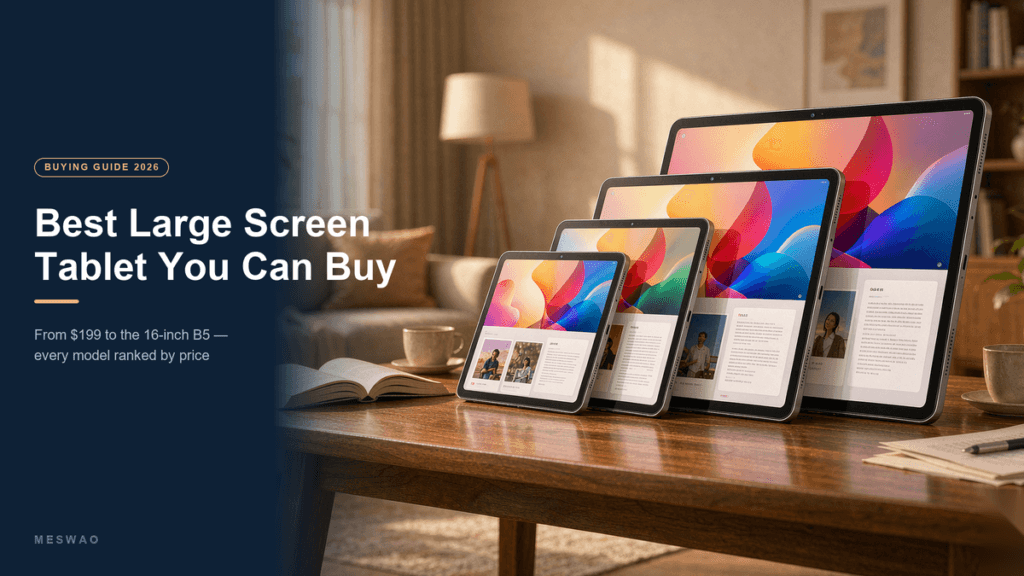
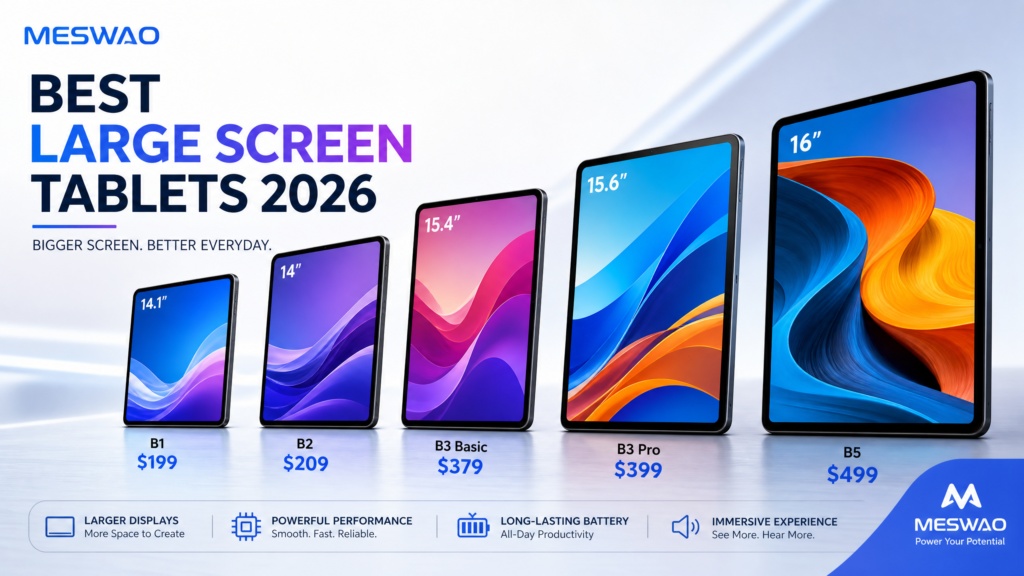
Our Complete 2026 Large-Screen Tablet Ranking
For the full, spec-by-spec 2026 ranking across every Meswao size (14.1″ to 16″), read our best large screen tablets 2026 — tested & ranked guide.