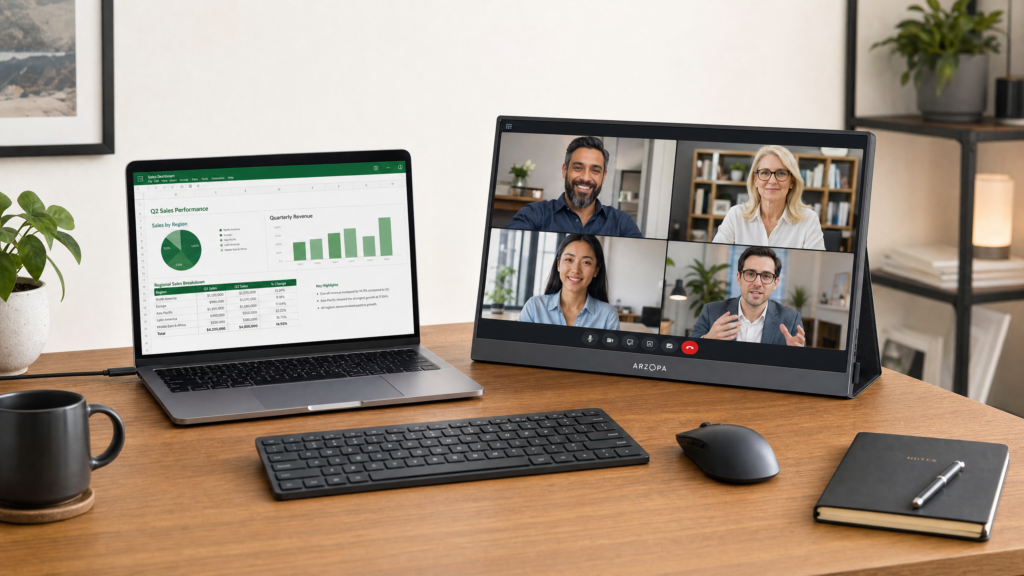





Best Portable Monitor for Mac and Windows: Boost Your Productivity Anywhere

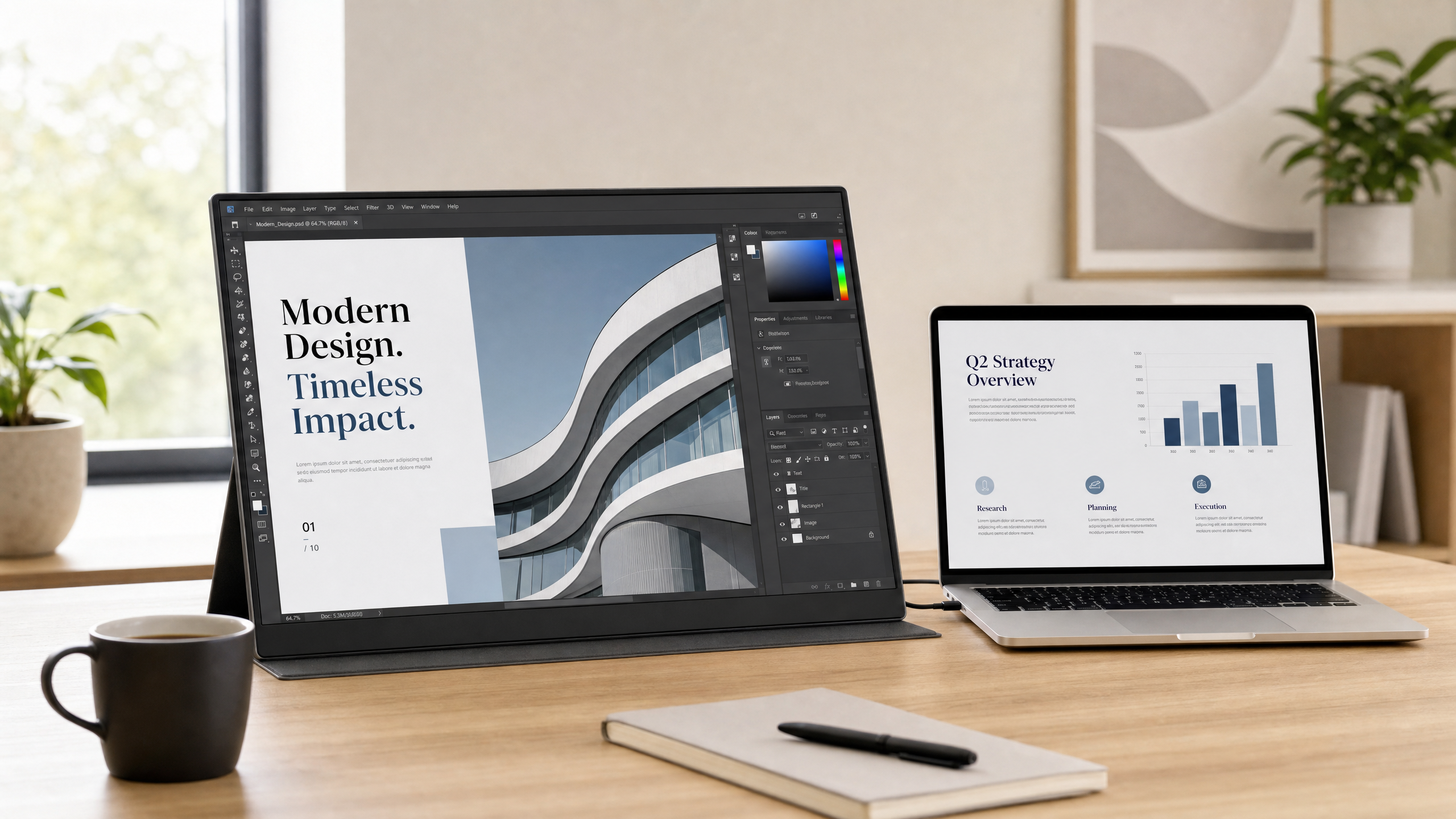
Best Portable Monitor for Mac and Windows: Boost Your Productivity Anywhere
In today’s hybrid work environment, being tied to a single desk is a thing of the past. However, trying to manage complex spreadsheets, code, or multiple design windows on a single 13-inch laptop screen can severely bottleneck your productivity. The solution? A high-quality portable monitor for Mac and Windows.
Adding a second screen to your setup can increase productivity by up to 42%. But finding a monitor that is lightweight, offers stunning resolution, and works seamlessly across different operating systems can be tricky. In this article, we will break down why you need a portable monitor and how to choose the right one for your setup.
Why You Need a Portable Monitor
If you are still on the fence about investing in a portable monitor, consider these practical benefits:
- True Plug-and-Play: Modern portable monitors use USB-C technology. This means a single cable delivers both power and the video signal from your laptop. No bulky power bricks required.
- Cross-Platform Compatibility: The best portable monitors work flawlessly whether you are using an Apple MacBook Pro (macOS) or a Dell XPS (Windows).
- Ergonomics on the Go: A portable monitor allows you to set up a dual-screen workstation at a coffee shop, in a hotel room, or on your kitchen table, helping you maintain good posture.
If you primarily work from home but want a clean, minimalist desk, you might also be interested in our guide on Everything You Need to Know About Portable Monitors for Laptops.
What Makes the Best Portable Monitor for Mac and Windows?
When evaluating options, you should prioritize the following specifications:
- Resolution and Color Accuracy: For Mac users accustomed to Retina displays, a standard 1080p monitor might look pixelated. Look for 2K (1440p) or 4K resolutions with 100% sRGB color gamut.
- Screen Size: While 15.6 inches is standard, larger screens like 23.8 inches offer a desktop-like experience while remaining surprisingly portable.
- Connectivity: Ensure the monitor has at least one full-featured USB-C port and an HDMI port for older devices or gaming consoles.
Featured Product: Meswao 23.8″ 2.5K Portable Monitor
If you want maximum screen real estate without sacrificing mobility, the Meswao 23.8-Inch 2.5K Portable Monitor is a top-tier choice.

Why it stands out:
- 2.5K High Resolution: The 2560×1440 resolution ensures crisp text and vibrant images, making it an excellent companion for MacBooks.
- 100Hz Refresh Rate: Experience buttery-smooth scrolling and video playback, a noticeable upgrade from standard 60Hz monitors.
- Versatile Connectivity: Equipped with Type-C and HDMI ports, it connects instantly to Windows PCs, Macs, smartphones, and even gaming consoles like the PS5 or Switch.
- Built-in Speakers: Dual speakers provide convenient audio for video calls or casual media consumption without needing external speakers.
Frequently Asked Questions (FAQ)
Do I need to install drivers to use a portable monitor with my Mac?
No. If your portable monitor supports USB-C DisplayPort Alternate Mode (like the Meswao 23.8″), it is entirely plug-and-play on macOS. No driver installation is required.
Can a portable monitor drain my laptop battery?
Yes, if the monitor is drawing power solely from your laptop via USB-C, it will decrease your laptop’s battery life faster. For extended use, it is recommended to plug the monitor into an external power source.
Is 2.5K resolution better than 1080p for a 24-inch screen?
Absolutely. At 23.8 inches, 1080p can appear slightly blurry, especially with text. A 2.5K (1440p) resolution provides a much sharper, clearer image, reducing eye strain during long work sessions.
Conclusion
Investing in the best portable monitor for Mac and Windows is one of the easiest ways to instantly upgrade your workflow. Whether you are crunching numbers on a Windows machine or editing photos on a Mac, the extra screen space is invaluable. With its brilliant 2.5K display and versatile connectivity, the Meswao 23.8″ Portable Monitor offers desktop-level performance in a highly flexible package.