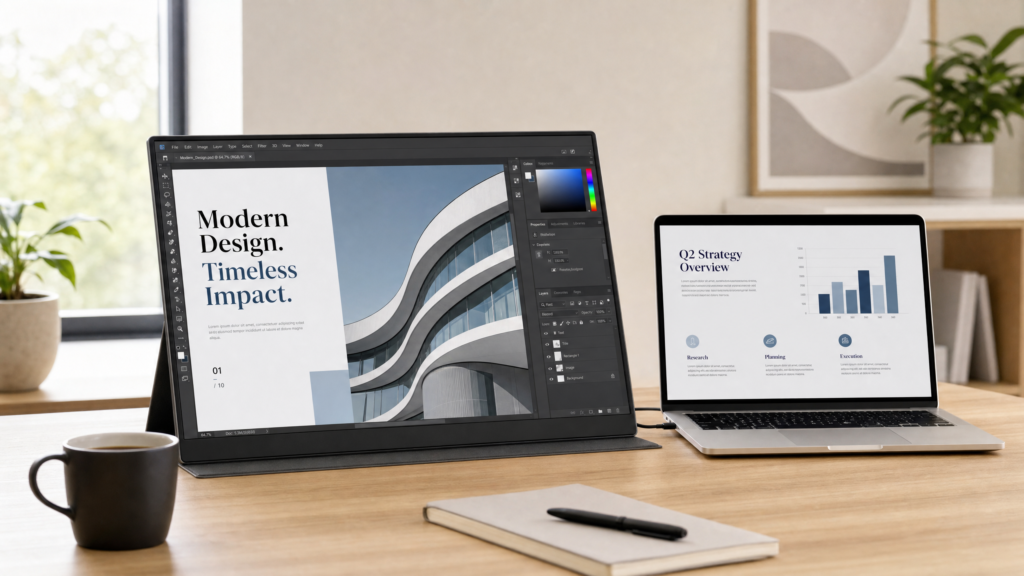





Portable Monitor for Laptop: Everything You Need to Know

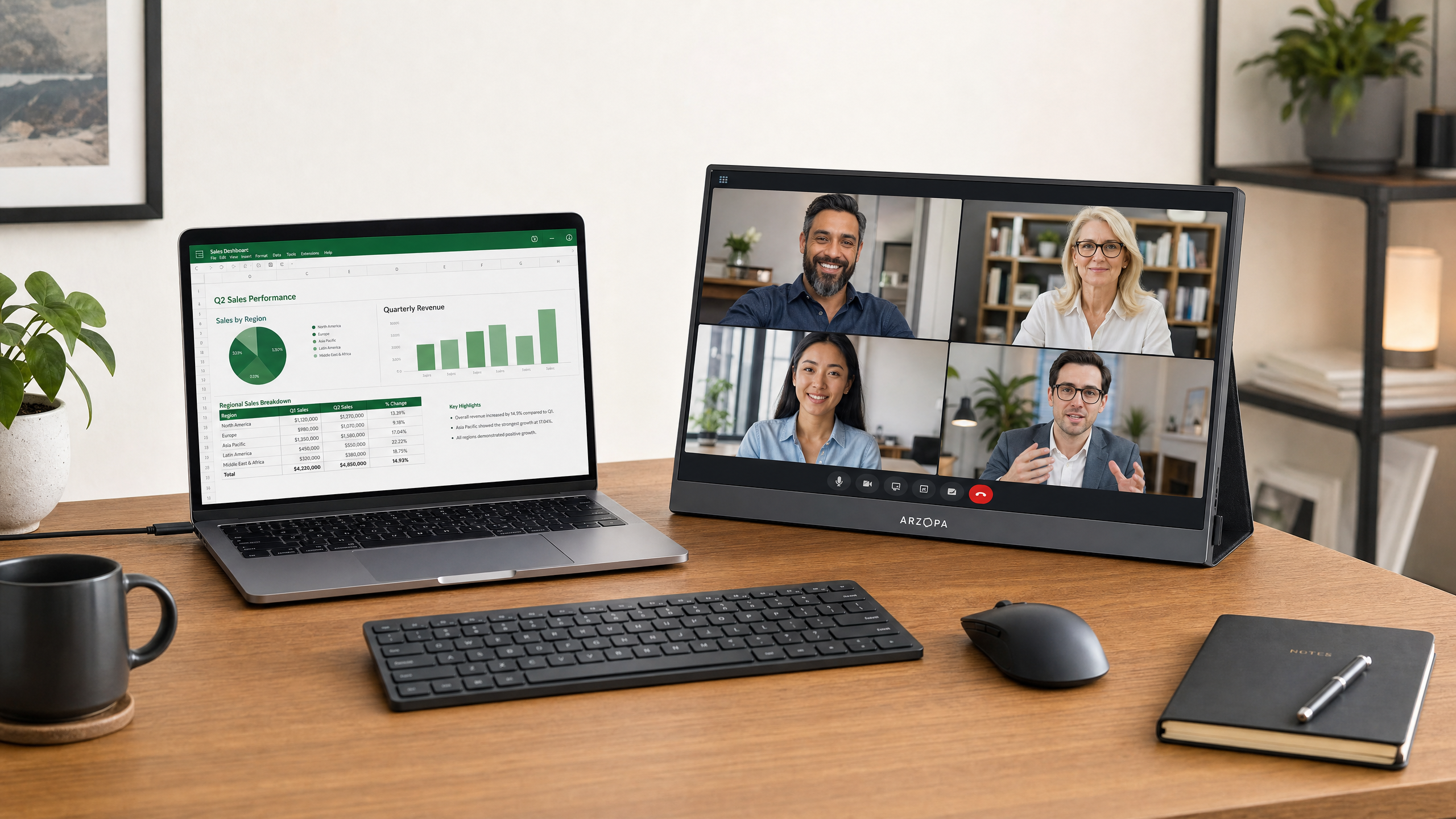
Are you struggling with a single small screen while working remotely or traveling? Learn how a portable monitor can double your productivity and upgrade your workspace anywhere.
The shift towards remote work and digital nomadism has changed how we view our workspaces. While laptops offer incredible portability, they come with a significant drawback: limited screen real estate. Trying to juggle spreadsheets, video calls, and research documents on a single 13-inch screen is a recipe for frustration and decreased productivity.
The solution? A portable monitor for laptop use. These slim, lightweight secondary screens have become an essential tool for modern professionals. In this guide, we will explore the benefits, use cases, and what makes the best portable monitor 2025 has to offer.
Why You Need a USB-C Portable Monitor for Work From Home
If you are accustomed to a dual-monitor setup at the office, transitioning to a single laptop screen at home or in a coffee shop can feel incredibly restrictive. A portable monitor bridges this gap.
1. Instant Productivity Boost
Studies have consistently shown that using two monitors increases productivity by up to 20–30%. A portable monitor allows you to keep your email or Slack open on one screen while dedicating your main laptop screen to deep work. It eliminates the constant tab-switching that breaks concentration.
2. Plug-and-Play Simplicity
The modern USB-C portable monitor work from home setup is incredibly simple. With a single USB-C cable, you can transmit both power and video from your laptop to the monitor. There is no need for bulky power bricks or complicated driver installations. It is true plug-and-play convenience.
3. Ergonomic Flexibility
Staring down at a small laptop screen is terrible for your posture. By adding a portable monitor, you can elevate your screens using stands, creating a more ergonomic eye-level setup that reduces neck and back strain during long work sessions.
Beyond Work: Other Uses for a Portable Monitor
While they are fantastic for productivity, portable monitors are highly versatile devices. Gamers can connect one to a Nintendo Switch or Steam Deck for a larger, more immersive experience while traveling. For client presentations, mirroring your screen to a portable monitor facing your client makes everything far more professional. Photographers and video editors also benefit enormously from a high-resolution secondary screen for previewing edits in full resolution.
Choosing the Best Portable Monitor in 2025
When shopping for a portable monitor, you should consider size, resolution, and connectivity. While 15.6-inch monitors are common, those needing serious screen real estate are turning to larger options.
The Meswao 23.8 INCH Portable Monitor is a prime example of a desktop-class experience in a portable format. Unlike small, flimsy screens, this monitor offers a stunning 2.5K display, providing incredibly sharp text and vibrant colors. It features an all-in-one stand that allows for flexible and free viewing anywhere, and delivers zero-lag performance for both demanding professional work and high-end entertainment.
How to Set Up Your Dual Screen Workspace
Setting up your new portable monitor is straightforward. First, connect the monitor to your laptop’s Thunderbolt or full-function USB-C port using the included cable. Next, go to your laptop’s display settings and select “Extend these displays” to drag windows seamlessly between the two screens. Finally, position the portable monitor next to your laptop—if you use it frequently, consider a laptop stand to bring your main screen up to the same height for the best ergonomic setup.
Conclusion
A portable monitor for laptop use is no longer a luxury; it is a necessity for anyone who wants to maintain high productivity while retaining the freedom to work from anywhere. By investing in a high-quality display like the Meswao 23.8″ 2.5K monitor, you can carry a professional, dual-screen workstation in your bag.
FAQ: Portable Monitors
Q: Will a portable monitor drain my laptop battery?
A: Yes, if the monitor is drawing power from your laptop via USB-C, it will reduce your laptop’s battery life. For extended sessions away from an outlet, it is recommended to plug the monitor into an external power bank or use your laptop’s charger.
Q: Do portable monitors work with MacBooks?
A: Yes, most modern portable monitors are fully compatible with MacBooks via USB-C. They are plug-and-play with macOS.
Q: Can I connect a portable monitor to my smartphone?
A: Yes, if your smartphone supports video output over USB-C (like many Samsung Galaxy or high-end Android phones), you can connect it directly to the monitor to use your phone in a desktop-like mode.
Meswao 23.8 INCH Portable Monitor
Experience desktop productivity anywhere. Featuring a stunning 2.5K display, zero-lag performance, and an all-in-one stand. The ultimate portable monitor for laptops and desktops.