




Meswao vs Skylight Calendar: Which No-Subscription Calendar Wins?

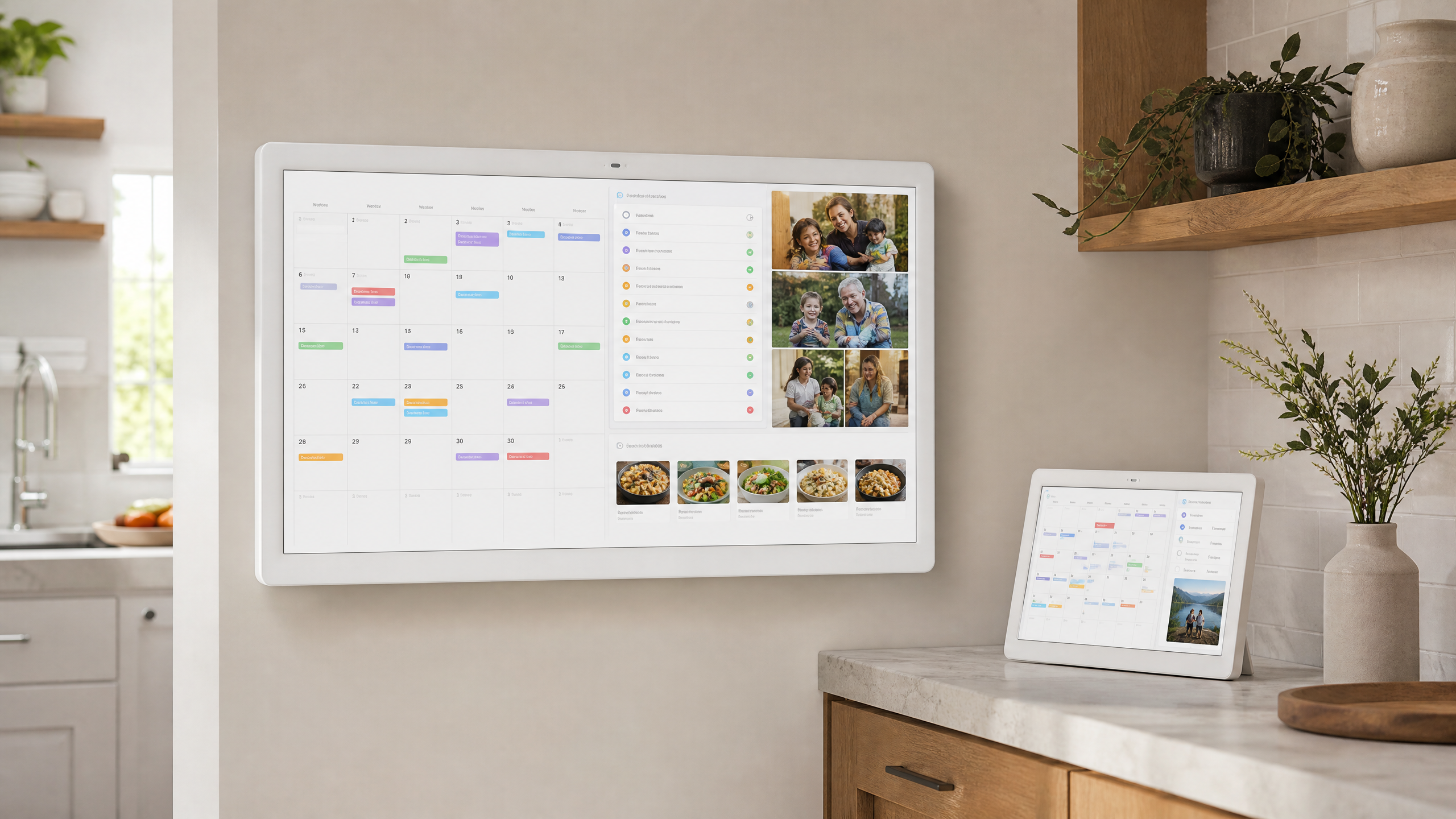
Choosing a family wall calendar is less about buying the biggest screen and more about deciding how your household wants to plan, share, and review the day. In this Meswao vs Skylight Calendar comparison, we look at two different approaches to the dedicated touchscreen family calendar: Meswao’s 15.6-inch and 21.5-inch displays, and Skylight’s 15-inch Calendar 2 ecosystem.
Both products are designed for shared household visibility rather than private phone-based planning. The important differences are screen size, how the product handles premium features, and whether your family prefers a flexible no-monthly-fee setup or a tightly integrated subscription ecosystem.
Quick verdict: Meswao vs Skylight Calendar
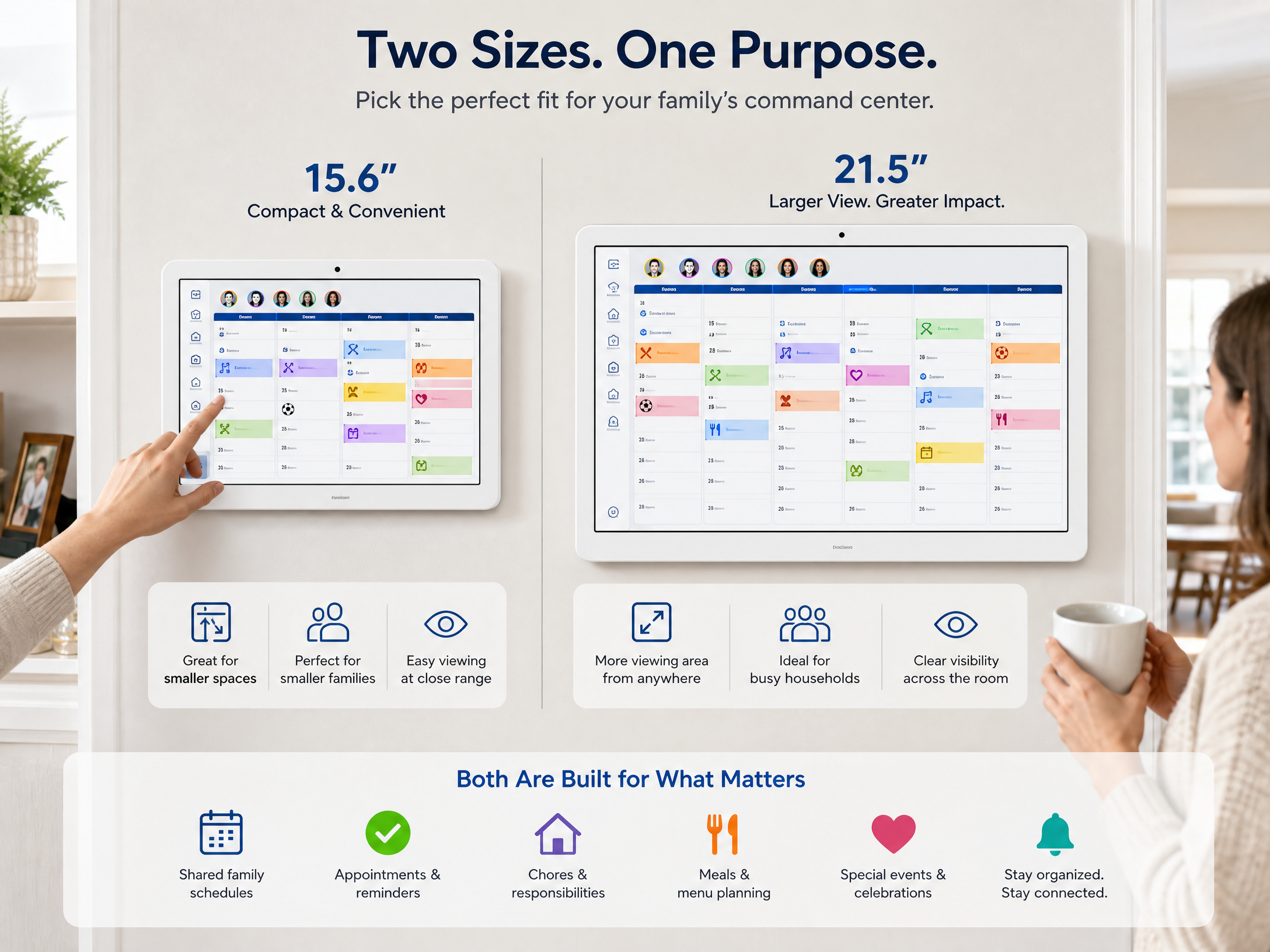
Choose Meswao if your priority is a dedicated touchscreen family calendar available in a practical 15.6-inch size or a much larger 21.5-inch format, without building your daily planning around a recurring Calendar Plus payment. The 15.6-inch model suits kitchens, entryways, and smaller walls; the 21.5-inch model is the better choice when several people need to read the schedule from across a room.
Choose Skylight Calendar if you want a mature, tightly integrated family-planning ecosystem with a free basic tier, a mobile app, calendar connections, and optional premium tools such as meal planning, Magic Import, photo screensaver, and Rewards. Skylight’s official product page lists a 15-inch Full HD Calendar 2, with Plus priced at $79 per year after the first free month at the time of review [1] [2].
Meswao vs Skylight Calendar: side-by-side comparison
| Feature | Meswao Digital Family Calendar | Skylight Calendar 2 |
|---|---|---|
| Product type | Dedicated touchscreen family calendar display | Dedicated touchscreen family calendar display |
| Available display sizes | 15.6 inches and 21.5 inches | 15 inches for Calendar 2 |
| Subscription model | Designed for use without a monthly or annual device subscription | Basic features are available without Plus; optional Plus unlocks additional tools |
| Calendar and schedule visibility | Large shared display for household events, reminders, and planning | Day, week, month, and schedule views with color coding |
| Family organization | Designed around a visible home planning hub | Tasks, lists, weather, parental lock, mobile access, and share access |
| Best fit | Households that want more physical screen area and no recurring device fee | Households that prefer Skylight’s integrated app and optional Plus features |
For more context, see our best digital calendar without subscription guide and browse the current Meswao digital calendar collection. Those pages provide useful background before you decide which display size belongs in your home.
15.6 inches vs 21.5 inches: which Meswao size is better?
Screen size is one of the clearest differences in this comparison. A 15.6-inch family calendar is easier to place on a smaller wall, near a kitchen worktop, or in an apartment entryway. It gives a household a shared schedule without dominating the room. It is the sensible choice when one or two people usually check the calendar at close range.
The 21.5-inch Meswao display is more appropriate for a larger kitchen, hallway, or open-plan family room. More physical screen area allows schedules, reminders, chores, and meal planning information to remain legible when several people are standing nearby. It also reduces the need to crowd too many events into a small interface.
Skylight’s current Calendar 2 is listed as a 15-inch device with a Full HD 1920×1080 display, 16GB of on-device storage, an adjustable stand, and wall-mount hardware [1]. That is a useful middle ground for families that want a compact dedicated planner. Meswao’s 21.5-inch option is the stronger fit when visibility across a shared room matters more than a smaller footprint.
No subscription versus optional Skylight Plus
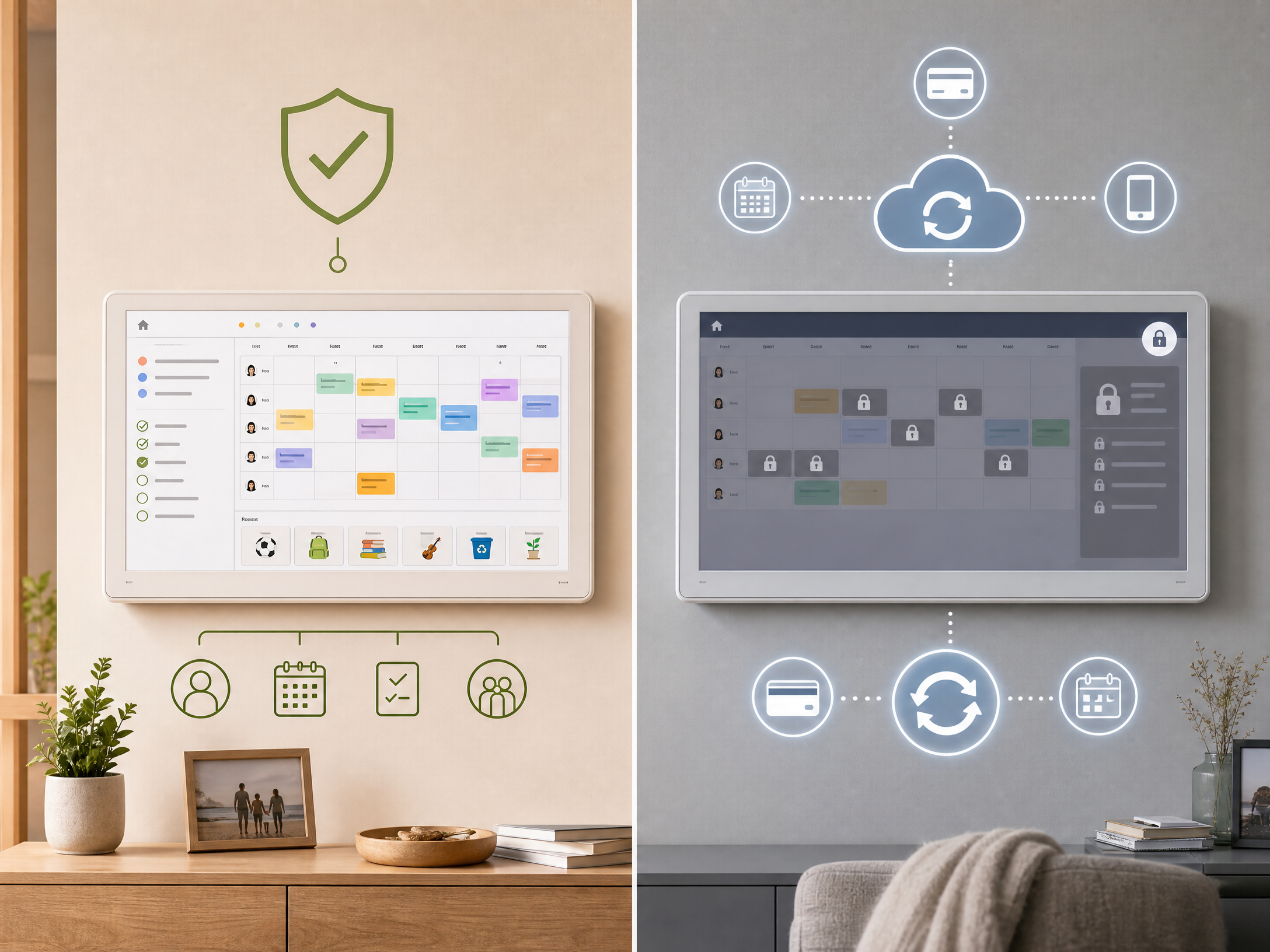
The subscription question deserves a careful explanation. Skylight Calendar is usable on a free basic tier. According to Skylight’s official feature breakdown, standard features include the task manager, color coding, mobile app, custom lists, calendar views, weather, sleep mode, parental lock, device linking, and share access [1].
Skylight Plus is an optional paid upgrade rather than a requirement for the basic calendar view. The official Plus page lists additional features such as Meal Planning, Magic Import, Photo and Video Screensaver, Rewards, and Disney Mode; the current listed price is $79 per year [2]. That model may be worthwhile for families that specifically want those tools, but it is important to include the recurring cost in a long-term comparison.
Meswao’s appeal is different. The product range is positioned around dedicated touchscreen family calendar displays in 15.6-inch and 21.5-inch sizes that do not require a monthly or annual device subscription for the core calendar experience. This makes the ownership model easier to understand for households that want a permanent shared schedule without a recurring premium plan.
Features and ecosystem: where Skylight is strongest
Skylight has a well-defined software ecosystem. Its official product information lists support for Google, Outlook, Apple, Cozi, Yahoo, and Readdle calendars, along with a free mobile app and multiple household views [1]. It also supports household lists, chores, weather, and calendar sharing. Families already using those services may appreciate the clear onboarding path.
The paid layer is also easy to understand. Meal planning, recipe tools, Magic Import, photo screensaver, Rewards, and Disney Mode are grouped under Calendar Plus. The advantage is feature depth within one branded system. The trade-off is that families should decide whether those extras justify the annual subscription.
Where Meswao fits better
Meswao is the more straightforward choice for buyers who want a large, dedicated household display without treating the calendar as a subscription service. The 15.6-inch model is a compact option for everyday planning, while the 21.5-inch model provides a larger canvas for family schedules, reminders, chores, and meal planning.
That distinction matters in real homes. A shared wall calendar must be readable from the doorway, easy for children and adults to understand, and always visible in a high-traffic location. A larger 21.5-inch display can reduce the friction of checking schedules, especially when more than one family member is standing in front of it.
Setup and placement tips
Whichever brand you choose, the installation location will influence whether the family actually uses the device. Place the calendar near the kitchen, main entrance, or family room rather than in a private office. Keep the display at a comfortable viewing height, route the power cable safely, and use one color for each family member.
Skylight states that its Calendar requires Wi-Fi and mains power to operate [1]. The same practical considerations apply to any connected touchscreen calendar: choose a reliable Wi-Fi location, avoid direct glare, and leave enough clearance to interact with the screen comfortably.
Which one should you buy?
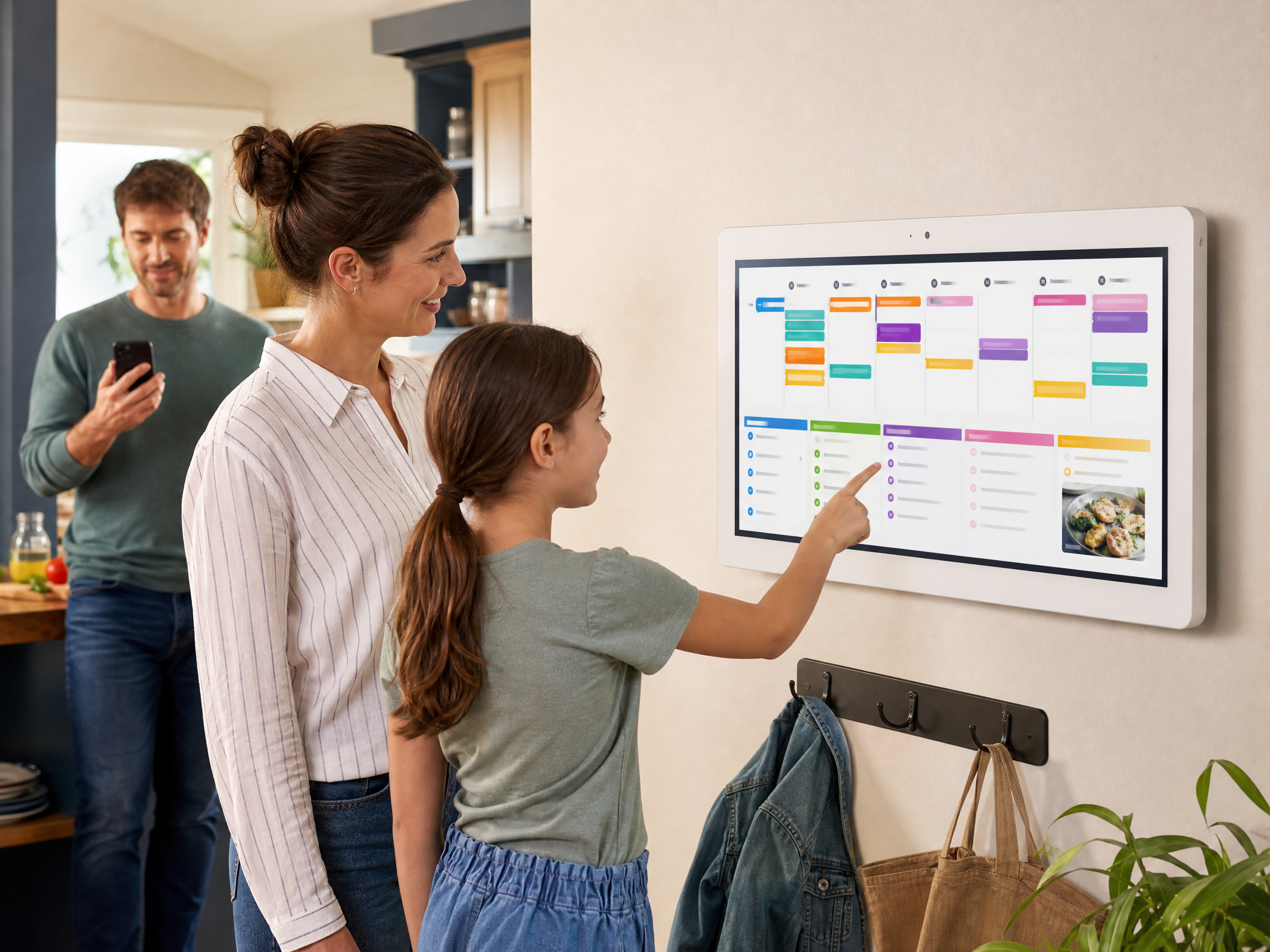
Choose the 15.6-inch Meswao digital family calendar if you need a dedicated household planner for a smaller kitchen, apartment, entryway, or compact family wall. Choose the 21.5-inch Meswao digital family calendar if the display must be readable across a larger room or if several people will review schedules together.
Choose Skylight Calendar 2 if you prefer its established mobile and calendar-sync ecosystem, need its supported services, and are comfortable treating Calendar Plus as an optional recurring upgrade for meal planning, Magic Import, photo screensaver, Rewards, or Disney Mode.
In short, Skylight offers a polished, feature-layered ecosystem, while Meswao gives size-conscious households a simpler no-monthly-fee route to a dedicated family calendar display. There is no universal winner; the better choice depends on whether your priority is ecosystem depth or straightforward ownership with more display area.
Frequently Asked Questions
Does Skylight Calendar require a subscription?
No. Skylight’s basic calendar features are available without Plus, but the company lists additional features such as Meal Planning, Magic Import, Photo and Video Screensaver, Rewards, and Disney Mode under the optional Calendar Plus plan. Skylight’s support page currently lists Plus at $79 per year [2] [3].
What are the available Meswao digital calendar sizes?
The current Meswao electronic family calendar range includes two in-stock sizes: 15.6 inches and 21.5 inches. The 15.6-inch version is suited to compact spaces, while the 21.5-inch version is designed for wider household visibility.
Is the 21.5-inch Meswao larger than Skylight Calendar 2?
Yes. Skylight Calendar 2 is listed as a 15-inch model, while the larger Meswao option is 21.5 inches. That extra display area can be helpful when several family members need to read the schedule from across a kitchen or family room [1].
Which is better for family chores and meal planning?
Both product ecosystems target household organization. Skylight clearly lists chores and meal planning, with some advanced features included in Calendar Plus. Meswao is best considered when you want a large shared touchscreen planning surface without a recurring device subscription; verify the exact app features for the model you select before purchase.
Can Skylight Calendar sync with Google and Outlook?
Yes. Skylight’s official product information lists Google, Outlook, Apple, Cozi, Yahoo, and Readdle calendar support. It also provides a mobile app and share-access features for household members [1].
Should I choose a 15.6-inch or 21.5-inch family calendar?
Choose 15.6 inches when wall space is limited or the main user checks the calendar nearby. Choose 21.5 inches when the display must remain readable across a shared room, when multiple people use it at once, or when you want more room for events, chores, reminders, and meal planning.
References
[1] Skylight, “The Skylight Calendar 2,” official product page. https://myskylight.com/products/the-skylight-calendar-2-classic-white-with-plus-plan/
[2] Skylight, “Calendar Plus,” official feature and pricing page. https://myskylight.com/products/calendar-skylight-plus/
[3] Skylight Support, “What does a Skylight Calendar cost?” https://skylight.zendesk.com/hc/en-us/articles/35984779668379-What-does-a-Skylight-Calendar-cost