







Best Sheet Music Apps for Android Tablets: Top Alternatives to forScore

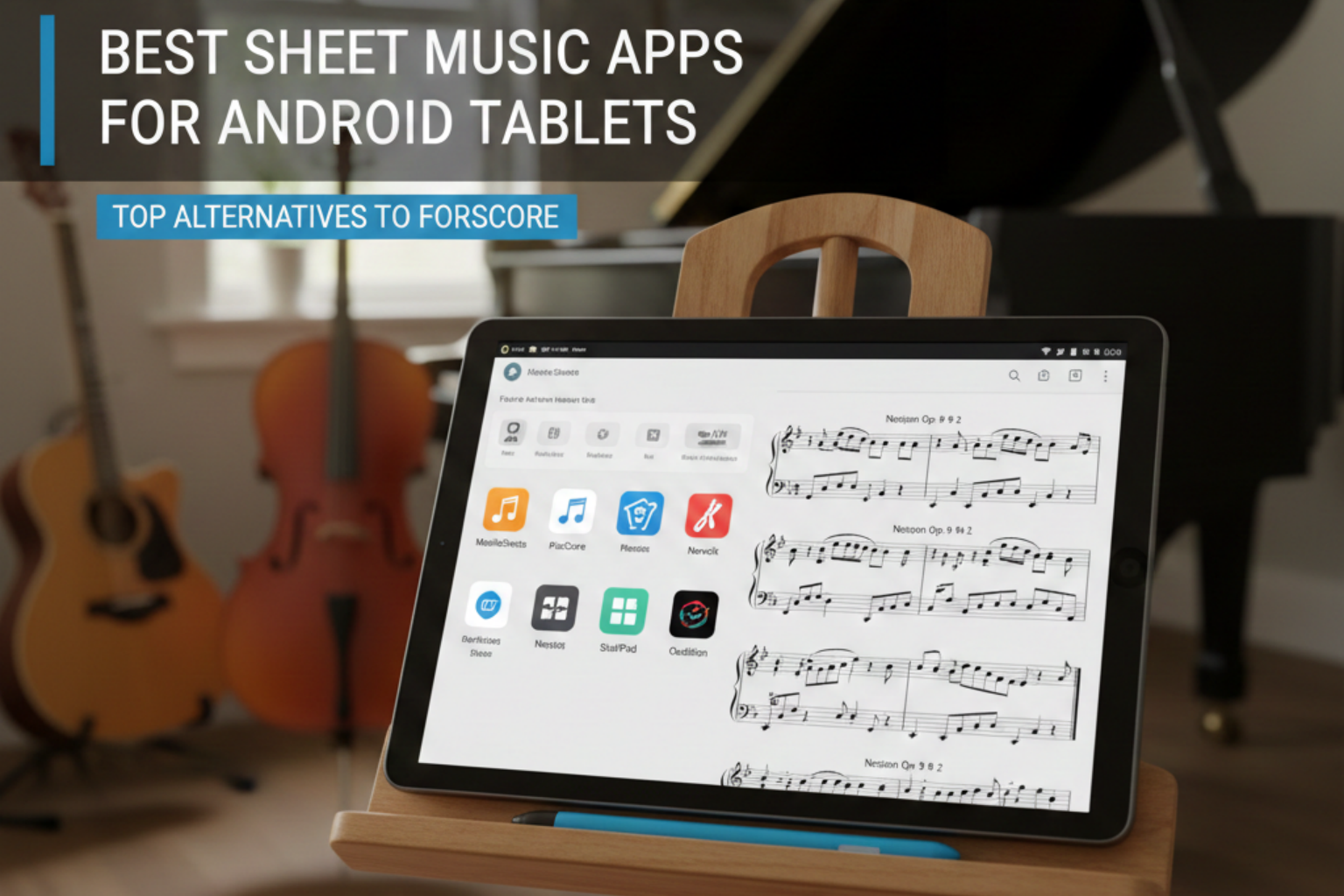
For many musicians, forScore has long been the go-to sheet music app—unfortunately, it’s only available on iOS.
If you’re using an Android tablet and looking for a powerful, reliable way to view, manage, and annotate sheet music, the good news is: there are several excellent alternatives.
Below are the best sheet music apps for Android tablets worth trying, whether you’re a pianist, violinist, guitarist, or a music teacher.
All of the apps below run on any Android tablet. For the hardware side, our MESWAO tablet for sheet music model guide compares the full MESWAO range, from 14.1 to 16 inches, including which models have the RAM to run them smoothly.
Is forScore Available on Android?
No. forScore is an iOS-only app: it runs on iPad and iPhone, and there is no Android version on Google Play. That is exactly why Android users keep searching for a “forScore alternative” — to read, annotate and turn pages of sheet music on an Android tablet, you need a different app.
The good news is that Android has several apps that cover the same core jobs as forScore: PDF and MusicXML importing, pen and highlighter annotation, setlists and bookmarks, and hands-free page turns with a Bluetooth pedal. Here is how the five apps below compare.
Android Sheet Music Apps Compared
| App | Android support | Best for | Pricing | Page-turn pedal | Cloud / sync |
|---|---|---|---|---|---|
| MobileSheets | Native app | Professional performers | One-time purchase | Bluetooth + USB pedals | Google Drive, OneDrive, Dropbox |
| MuseScore | Native app | Free score library & playback | Free (Pro plan) | Auto-scroll (no pedal) | MuseScore.com library |
| MusicReader | Native app (also Windows, macOS, iOS) | Rehearsal & stage across devices | Subscription | Bluetooth / USB pedals | Cloud library sync |
| Orpheus | Native app (also iOS, web) | Students & hobbyists | Free (Pro plan) | Bluetooth pedals | Dropbox, Google Drive |
| Piascore | No native app (iOS only) | iPad / iPhone pianists | Free + in-app purchases | AirTurn pedal (iOS only) | Cloud + free IMSLP scores |
Pricing and features change over time, and store prices vary by region — always check the current listing on Google Play before you buy. The sections below look at each app in detail.
1. MobileSheets
MobileSheets is widely considered the closest equivalent to forScore on Android.
Key Features
Clean and customizable sheet music viewer
Powerful annotation tools (pen, highlighter, shapes, text)
Bluetooth pedal support (AirTurn, PageFlip, etc.)
Setlists and library organization
PDF import, image import, and built-in scanner
Cloud sync (Google Drive, OneDrive, Dropbox)
Why It’s Great
It offers a professional workflow similar to forScore and is trusted by many performing musicians.
2. MuseScore (App + Web Integration)
MuseScore is well known for its huge online score library, and its Android app lets you view and play back sheet music easily.
Key Features
Access to thousands of community-created scores
Playback with adjustable tempo
Transposition and part selection (great for ensemble players)
Offline score saving (Pro version)
Why It’s Great
Perfect for musicians who need access to lots of sheet music and playback features.
3. MusicReader PDF
A more traditional PDF-based sheet music viewer designed for stage use.
Key Features
Simple interface optimized for tablets
Page-turning support via pedals
Marking and annotation tools
Half-page automatic scroll mode
Why It’s Great
Ideal for musicians who just want a straightforward, performance-focused PDF reader.
4. Orpheus Sheet Music Reader
A lightweight and affordable app suitable for students and hobbyists.
Key Features
Clean layout and easy navigation
PDF import with bookmarking
Basic annotation tools
Auto-scroll functionality
Why It’s Great
Orpheus is budget-friendly and user-friendly—great for quick practice sessions.
5. Piascore (Android Web Version)
While the Piascore app is iOS-only, its web viewer can be used through an Android browser.
Features (Web)
Upload and organize scores in the cloud
Smooth viewing experience
Works across devices
Why It’s Great
Not a full app, but still useful for musicians wanting cross-platform access.
Which App Should You Choose?
Professional performers: MobileSheets Once you have picked an app, the next step is the device itself — see our guide on how to set up a tablet for sheet music.
Students or musicians needing playback: MuseScore
Simple PDF readers: MusicReader or Orpheus
Cross-platform cloud users: Piascore web version
If you’re coming from forScore, MobileSheets will feel the most familiar due to its rich annotations, library organization, and performance tools.
Final Thoughts
While forScore isn’t available on Android, today’s Android ecosystem offers powerful sheet music apps suitable for every level of musician. Whether you need advanced annotation tools, a large online music library, or just a clean viewer for practice, these apps will help you get the most out of your Android tablet.
These apps shine on a big Android screen. Run them on the 16″ Meswao B5, 15.6″ B3 Pro, or 15.4″ B4 for the best sheet-music experience. Check the large-screen Android tablet lineup.